How to Generate Professional Images with AI in Minutes
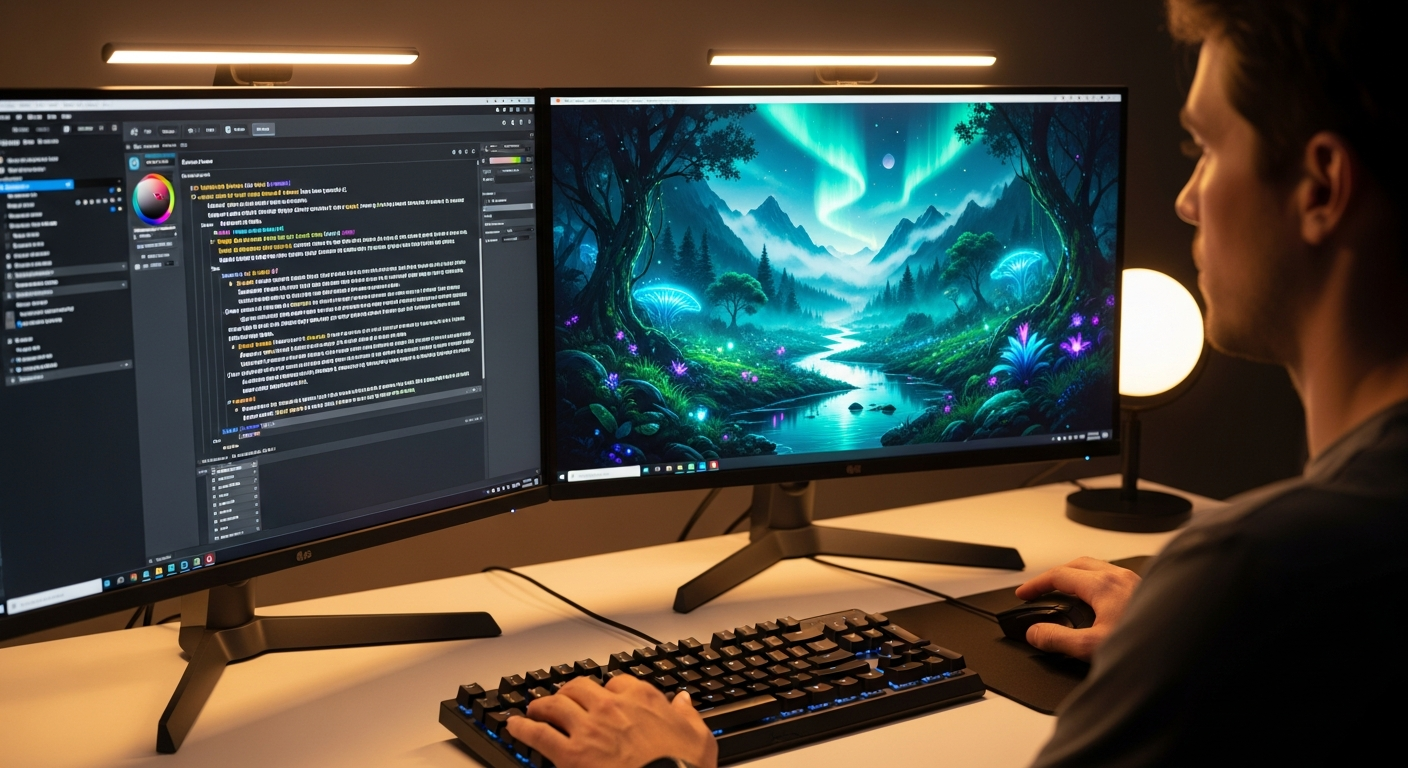
Stock photography is expensive, generic, and increasingly indistinguishable from every competitor's website. AI image generation solves all three problems at once: you describe the image you want in plain English and receive a unique, high-resolution result in seconds. Here is how to get professional-grade output every time.
Why AI Image Generation Has Reached Production Quality
The gap between AI-generated images and professional photography has narrowed dramatically. Models released in 2025 and 2026 — including those powering Gen AI Last's image creator — produce outputs at resolutions and fidelity levels that routinely pass as photographs in digital marketing contexts. The main remaining limitations are edge cases: complex multi-person compositions, hands with unusual angles, and highly specific product photography requiring physical accuracy.
For the vast majority of content marketing needs — hero banners, social posts, blog illustrations, email headers, ad creatives — AI image generation is now the faster and cheaper default, with quality that meets or exceeds what most teams produce with stock photography.
The Anatomy of a Strong Image Prompt
A great AI image prompt has four distinct layers:
- Subject: The main element of the image. Be specific — "a startup founder" is weaker than "a woman in her early thirties at a laptop, relaxed and focused, in a modern co-working space".
- Context: The environment, setting, or situation. "Background: floor-to-ceiling windows with a city skyline, golden afternoon light, plants visible in the mid-ground."
- Style: The aesthetic treatment. "Photorealistic, natural light, shallow depth of field" produces something very different from "flat illustration, minimal colour palette, geometric shapes".
- Technical specs: Aspect ratio, resolution orientation, and any compositional constraints. "16:9 landscape, subject positioned left-of-centre with space for headline text on the right."
The more specific you are about each layer, the less the model has to guess — and the closer the output will be to your brief. As a practical rule: if you would not be able to brief a photographer with your prompt, you cannot expect an AI to understand it either.
Maintaining Brand Consistency Across Multiple Images
Consistency across a campaign requires repeatable prompt templates, because the AI does not remember previous generations. Define your brand's visual language as a reusable prompt suffix that you append to every request:
- Colour palette or dominant colours
- Lighting style (natural, studio, dramatic, flat)
- Mood (professional, warm, energetic, minimal)
- Photographic treatment (depth of field, grain level, colour grading)
- Any recurring visual elements (a specific colour of accent, type of environment)
Save this as a snippet and append it to every image request. The result is a cohesive visual identity that looks like it was shot by the same photographer on the same day, across dozens of individually generated images.
When to Use AI Images vs Professional Photography
AI images excel at: hero banners, social thumbnails, blog illustrations, email headers, and concept mockups. They save days of briefing, shooting, and editing for visual content that changes frequently or requires many variants for testing.
Professional photography still wins for: people-heavy campaigns where authentic human faces and genuine emotions are the point, product close-ups requiring precise physical accuracy (jewellery, food, medical devices), and editorial contexts where the provenance and authenticity of the image is part of the story. Use AI for volume and speed; use photographers for precision and authenticity.
Iterating Quickly to the Perfect Output
Unlike a photoshoot, AI generation is instantaneous and effectively free to iterate. Generate five or ten variations of a concept in the time it takes to brief a photographer. Use the strongest outputs as references for the next generation, progressively refining composition, colour, and mood. Most experienced AI image users settle on their final asset within three or four rounds of iteration.
The iteration workflow: generate four variations with one prompt, identify the aspects that work and the aspects that do not, refine the prompt to push toward what works, generate again. This rarely takes more than ten to fifteen minutes from initial brief to a usable asset.
Practical Applications: What Marketers Are Actually Creating
The most common production uses for AI image generation in marketing teams today:
- Blog post header images: One unique, topically relevant image per article, generated from the article title. Replaces stock photography and avoids the generic-image problem.
- Social media visuals: Platform-specific images (1:1 for Instagram, 1.91:1 for LinkedIn, 16:9 for Twitter) generated in multiple variants for A/B testing without additional cost.
- Ad creative variations: Thirty image variants for a single campaign in the time it previously took to brief one concept. Winning variants emerge from data, not intuition.
- Email header images: Campaign-specific visuals that match the email content exactly, without searching stock libraries for something "close enough".
- Presentation illustrations: Custom visuals for every slide, consistent in style, generated from the slide headline.
Ready to Create with Generative AI?
Join thousands of creators using Gen AI Last to generate text, images, audio, and video — all from one platform.
Generate Your First AI ImageQuick Links
Start generating AI content today
Get Started Free