AI Ambient Sound Generator for Video Backgrounds (Guide)
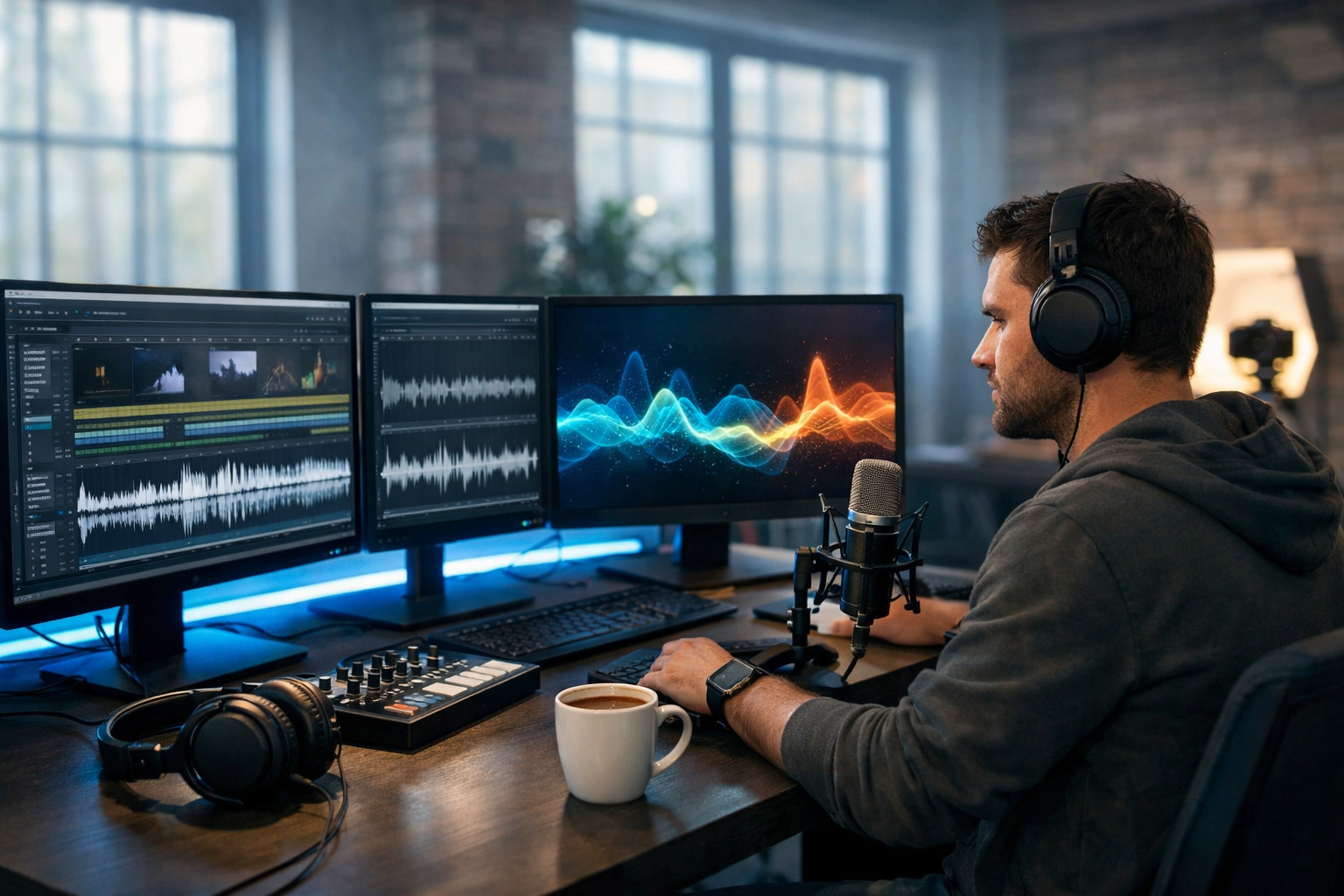
An AI ambient sound generator for video backgrounds helps you create the “room tone” and atmosphere that makes footage feel real—whether you’re cutting a product demo, a YouTube explainer, a TikTok reel or an app promo. Instead of trawling stock libraries for the perfect café murmur or rain-on-window hiss, you can generate tailor-made ambience that fits your brand, your scene and your edit length.
What is an AI ambient sound generator for video backgrounds?
An AI ambient sound generator produces continuous background audio (also called ambience, atmos, room tone or soundscape) from a text prompt and optional settings such as duration, intensity and style. Unlike a single sound effect (a door slam or a swoosh), ambient audio is designed to sit under dialogue, music or narration and subtly establish place and mood.
Common examples of ambient backgrounds include:
- A quiet office with distant keyboard taps and soft air conditioning
- City night ambience with far traffic and occasional sirens (subtle)
- Forest morning with birdsong and gentle wind
- Café room tone with low chatter and clinking cups
- Futuristic “tech lab” hum for SaaS or product launches
With Gen AI Last, you can generate this kind of audio alongside the rest of your production assets—script, visuals and even video—within one platform. Explore our AI content tools to create an end-to-end workflow without juggling multiple subscriptions.
Why ambient sound matters more than you think
Many creators spend hours on visuals and then drop in a random track underneath. The result often feels flat because the viewer’s brain expects an environment. Well-chosen ambience solves that problem quietly.
- It makes edits feel seamless: ambient beds hide cuts and mask small audio gaps.
- It adds realism: even stylised footage benefits from believable “air”.
- It supports brand tone: calm minimal ambience works for wellness; bright city atmos suits lifestyle.
- It improves retention: better sound design makes content feel more professional, which often leads to longer watch time.
- It reduces reliance on music: sometimes you want focus and clarity, not a track that competes with narration.
Use cases: where AI ambience shines
An AI ambient sound generator for video backgrounds is useful across marketing, education and entertainment content. Here are practical scenarios where it makes an immediate difference.
1) Product demos and app walkthroughs
Screen recordings can feel sterile. A subtle “office” bed at very low volume adds warmth without distracting from the UI. For SaaS brands, a gentle tech hum can reinforce a modern, premium feel.
2) YouTube explainers and talking-head videos
If your recording space is treated and quiet, you might still want a consistent ambience under the voice to avoid awkward silence between phrases. The key is consistency: the ambience should remain steady across cuts.
3) Social reels and short-form ads
Short videos benefit from fast mood-setting. A “street fashion” reel instantly lands better with distant city ambience than with silence or an overly loud effect.
4) E-commerce lifestyle visuals
Footage of a product on a kitchen counter feels more “lived in” with faint room tone, a fridge hum and far-off birds. It’s subtle, but it increases perceived quality.
5) Meditation, ambience and focus channels
If the ambience is the product, AI generation helps you create longer variations (rain, firelight, ocean at night) without obvious looping artefacts—especially when you build layers (more on that below).
What to look for in an AI ambient sound generator
Not all generators are equally useful for video production. When choosing a tool (or building your workflow), prioritise the features that reduce editing time and increase control.
- Duration control: can you generate 15 seconds, 60 seconds, or several minutes to match your edit?
- Consistency: does the ambience remain stable, or does it “wander” unpredictably?
- Layer-friendly output: can you generate multiple beds (room tone + distant traffic + occasional bird) and mix them?
- Clean frequency balance: ambience shouldn’t fight the voice; you want controllable low end and gentle highs.
- Promptability: can you specify scene, distance, intensity, time of day and vibe?
- Commercial usability: ensure the platform’s terms suit marketing and business content.
Gen AI Last is designed for creators and small teams who need a practical production toolkit in one place—text, images, video and audio—starting from affordable plans. You can view pricing from $10/month to see how it compares to stacking separate subscriptions.
A simple workflow: generate ambience that fits your video
The fastest way to get high-quality ambient backgrounds is to work backwards from the edit. Here’s a repeatable process you can use for ads, explainers and social clips.
- Lock your picture (or at least your timing): know the video length and where you cut between scenes.
- Decide the environment per scene: office, café, street, home, studio, outdoors.
- Choose the role of ambience: realism (quiet), energy (busier), or brand mood (stylised).
- Generate 20–30% longer than needed: extra tail gives you room to fade and avoid hard stops.
- Layer rather than over-specify: create a stable base bed first, then add a second layer with occasional details.
- Mix under voice: ambience should be felt more than heard; reduce low end if it muddies narration.
- Export a reusable “brand bed”: for recurring series, keep a consistent ambience signature.
Prompt formula: how to get better ambient sound results
Most people prompt ambience like “coffee shop background sound” and then wonder why it doesn’t fit. You’ll get better results with a structured prompt that defines place, distance, density and mood.
Use this formula: [location] + [time/weather] + [mic perspective] + [density] + [key elements] + [avoid list]
- Location: small modern café, open-plan office, suburban kitchen, seaside promenade
- Time/weather: early morning, rainy evening, summer afternoon
- Mic perspective: close indoor room tone, distant street outside window, wide stereo ambience
- Density: very subtle, moderate, busy but not overwhelming
- Key elements: soft chatter, occasional cup clink, distant espresso machine
- Avoid list: no clear speech, no sudden loud bangs, no sirens
10 ready-to-use ambient prompts for video backgrounds
Adapt these to your brand and scene length. Each is written to produce usable ambience under voice-over or music.
- Minimal office bed: “Quiet modern office room tone, soft air conditioning, faint keyboard clicks in the distance, very subtle, wide stereo, no voices, no sudden sounds.”
- Café lifestyle: “Small café ambience mid-morning, gentle background chatter with no intelligible words, occasional cup and plate clinks, subtle espresso machine hiss far back, warm relaxed mood.”
- Home kitchen product scene: “Calm suburban kitchen room tone, faint fridge hum, distant birds outside window, occasional soft footstep, clean and minimal, no music.”
- City night premium vibe: “Urban night ambience from a high-rise balcony, distant traffic wash, occasional far horn, light wind, cool cinematic tone, avoid sirens and harsh peaks.”
- Tech lab / SaaS launch: “Futuristic tech lab ambience, smooth low electronic hum, subtle servo movement, clean sterile space, modern and minimal, no alarms, no aggressive glitches.”
- Gym / sports brand: “Fitness studio background, distant treadmill rhythm, soft ventilation, occasional weight rack clink far away, energetic but controlled, no shouting.”
- Forest calm: “Early morning forest ambience, gentle breeze through leaves, light birdsong, natural wide stereo, peaceful, no loud insects close to mic.”
- Rain focus background: “Steady rain against window, soft room tone indoors, gentle distant thunder very occasional, soothing, no heavy wind gusts.”
- Retail store ambience: “Boutique shop atmosphere, soft footsteps on wood floor, faint clothing rack movement, distant checkout beep very subtle, no clear conversations.”
- Workshop / maker scene: “Light workshop ambience, subtle room tone, distant tool handling, occasional soft metal tap, calm and not industrial, avoid loud drills.”
Layering: the pro trick for believable soundscapes
If you want ambience that feels “real” rather than like a single loop, build it in layers—just like colour grading. A simple three-layer stack is often enough:
- Base bed (constant): room tone, wind, distant city wash
- Detail layer (occasional): cup clinks, page turns, distant footsteps
- Signature layer (brand mood): a very subtle tonal texture (e.g., soft “tech” hum) that becomes your recognisable audio fingerprint
When generating with AI, it’s often easier to create each layer separately (shorter, more controlled prompts) than to demand everything in one prompt. You then mix the layers at low volumes so nothing feels over-produced.
How to mix ambient sound under voice-over (quick checklist)
Ambient backgrounds should support the message. Use this checklist when placing ambience under dialogue, narration or a talking head.
- Start low: drop ambience far below the voice and raise it until you just notice it, then back off slightly.
- High-pass if needed: if the voice sounds muddy, reduce low frequencies on the ambience so it doesn’t compete.
- Keep it consistent across cuts: sudden ambience changes feel like a mistake unless motivated by a scene change.
- Use gentle fades: avoid abrupt starts/stops; fade in/out over 0.5–2 seconds depending on pacing.
- Watch for “attention spikes”: if an occasional sound pulls focus (a loud clink), regenerate or reduce the detail layer.
Building an end-to-end video asset pipeline with Gen AI Last
Ambient sound is most effective when it’s planned alongside the script and visuals. Gen AI Last is built for exactly this kind of multi-asset workflow:
- AI Text Generation: draft your video script, hooks, captions and CTAs so the sound and pacing match the message.
- AI Image Generation: create supporting visuals—thumbnails, overlays, product mockups and social graphics.
- AI Video Generation: produce short promos, explainers and marketing clips from prompts.
- AI Audio Generation: generate voice-overs and the ambient sound generator backgrounds discussed in this guide.
If you’re a startup or small team, the biggest win is speed: you can iterate creative concepts rapidly (different ambience styles for different audiences) without reopening the entire edit. When you’re ready, you can start creating for free and test a few ambience directions before committing to a final cut.
Three mini examples: matching ambience to video type
Below are practical “recipes” you can copy for common marketing outputs.
Example A: SaaS landing page hero video (15–25 seconds)
Goal: clean, premium, modern.
- Base ambience prompt: “Minimal tech studio room tone, smooth low hum, subtle ventilation, wide stereo, clean and modern, no glitches.”
- Mix tip: keep it extremely low; it should feel like “air” around the UI motion graphics.
Example B: Skincare product lifestyle reel (7–12 seconds)
Goal: warm, intimate, real home setting.
- Base ambience prompt: “Sunlit bathroom room tone, very subtle ventilation, faint distant city through window, calm and clean, no voices.”
- Detail layer prompt: “Occasional soft water movement, very gentle, not splashy, no sudden peaks.”
- Mix tip: if there’s music, keep detail layer barely audible to avoid clutter.
Example C: YouTube educational explainer (6–10 minutes)
Goal: consistent bed that masks silence between edits.
- Base ambience prompt: “Quiet home office room tone, subtle air conditioning, faint computer fan, minimal, no keyboard, no voices, stable and consistent.”
- Mix tip: loop the base bed gently with long crossfades, or generate a longer file than the episode length.
Common mistakes (and how to fix them)
- Too loud: if you notice the ambience during speech, it’s probably too high. Lower it, then add a touch more only during pauses.
- Too busy: busy cafés and streets can overwhelm narration. Generate a “distant” or “subtle” version, or remove intelligible speech.
- Mismatch with visuals: indoor footage with outdoor wind feels wrong. Align the environment and perspective (inside/outside, near/far).
- Harsh high frequencies: hissy ambience can fatigue viewers. Use gentler prompts (soft, warm, smooth) and reduce high end in mixing if needed.
- Unmotivated changes: changing ambience mid-scene screams “stock audio”. Keep continuity unless the scene changes.
FAQ: AI ambient sound for video backgrounds
Is ambient sound the same as background music?
No. Background music is rhythmic and emotionally directive. Ambient sound is environmental and usually non-musical (or only lightly tonal). Many videos use both: ambience for realism plus music for energy.
Should I generate one long ambience file or multiple sections?
For single-scene videos, one long file is simplest. For videos with location changes, generate separate ambience per scene so the environment transitions feel intentional.
How do I avoid ambience that sounds like a loop?
Generate slightly longer than you need, use layers, and avoid prompts with repetitive “ticks”. In editing, use long crossfades if you must loop.
Can small teams realistically do sound design well?
Yes—if you keep it simple and consistent. A good base bed at the right level is 80% of the result. AI generation makes it faster to get “good enough” sound without specialist libraries.
Next steps: create your first AI ambience pack
If you publish regularly, build a small “ambience pack” tailored to your brand: one office bed, one warm home bed, one city bed, and one stylised signature texture. Keep them consistent, and your videos will instantly feel more cohesive across platforms.
Gen AI Last makes this practical because you can generate the script, visuals, video clips and the ambient background audio in one place. When you’re ready to produce your next video, explore our AI content tools and view pricing from $10/month to build a workflow that stays affordable as you scale.
Ready to Create with Generative AI?
Join thousands of creators using Gen AI Last to generate text, images, audio, and video — all from one platform. Start your 7-day free trial today.
Start Free — Try 7 DaysQuick Links
Create AI content from $10/month
View Plans