AI Audiobook Narrator: Generate Hours of Spoken Content
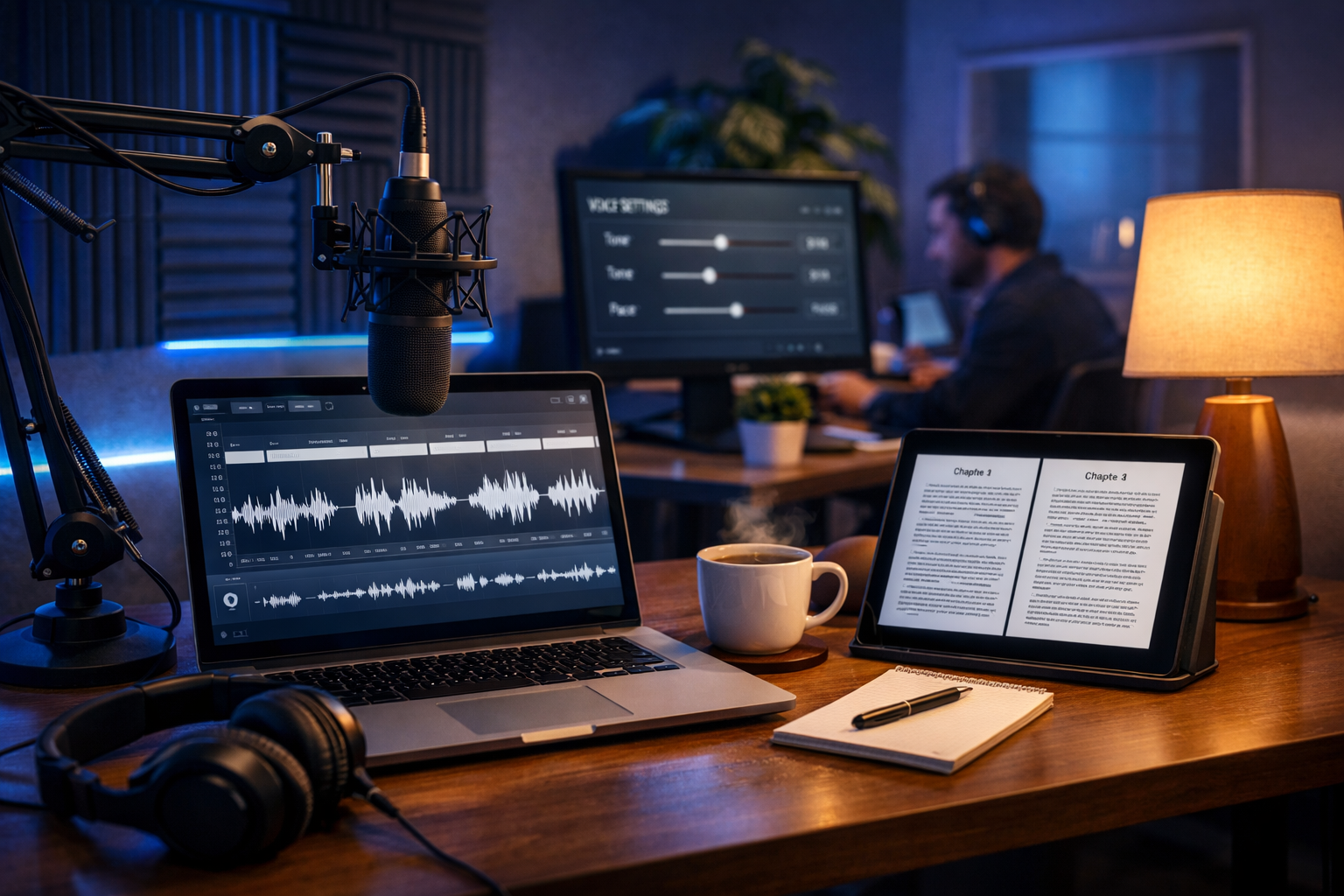
If you’re searching for an ai audiobook narrator generate hours of spoken content, you likely want one thing: long-form narration that sounds consistent from Chapter 1 to the final credits—without the cost, scheduling, and re-takes of traditional production. The good news is that modern AI audio tools can produce audiobook-length narration quickly and reliably, as long as you use the right workflow and quality controls.
What “AI audiobook narrator” really means (and what it doesn’t)
An AI audiobook narrator is a text-to-speech voice system that converts your manuscript into spoken audio. In practice, the difference between “basic TTS” and “audiobook-ready narration” comes down to consistency (same voice throughout), natural pacing (breathing space, pauses, emphasis), clean audio (no glitches), and repeatability (easy re-renders when you update a line).
AI narration won’t automatically replace good editing. You’ll still want to prepare the manuscript, set pronunciation rules, structure chapters, and run a quality check. But with the right process, you can generate hours of spoken content quickly for audiobooks, training libraries, course lessons, or long podcast-style episodes.
Why creators and small teams use AI to generate hours of spoken content
Long-form audio is powerful, but traditional audiobook production can be slow and expensive. AI narration is popular because it offers predictable turnaround, scalable output, and easier localisation. It can also be a lifeline for teams who need to publish regularly (weekly releases, multi-book series, or content repurposing).
- Faster production: turn finished text into multi-hour audio without booking studio time.
- Consistent voice: no changes due to narrator availability, illness, or differing takes.
- Simple iteration: fix a line, re-generate that section, and keep the rest.
- Cost control: predictable pricing helps startups and small teams publish more.
- Repurposing: reuse your book content for promos, reels, video explainers, or podcasts.
With Gen AI Last, you can keep this entire pipeline in one place—draft the manuscript with AI text tools, generate the narration with AI audio, and then produce promotional assets using AI images and video. Explore our AI content tools to see how the pieces fit together.
A practical workflow: AI audiobook narrator generate hours of spoken content
To generate hours of spoken content successfully, treat your project like a production pipeline. The following workflow prevents the most common issues: mispronunciations, inconsistent pacing, chapter-to-chapter tonal drift, and rework chaos.
Step 1: Prepare the manuscript for audio (not just reading)
Audiobooks aren’t read like novels on a page. They’re listened to, often while walking, driving, or cooking. Adjust your text so it sounds natural when spoken:
- Expand abbreviations (e.g., write “for example” instead of “e.g.”).
- Spell out tricky items (product names, acronyms, character names) or add a pronunciation guide.
- Break long sentences to reduce robotic cadence.
- Add listener cues (chapter transitions, section breaks, “pause moments”).
If you’re still drafting, Gen AI Last’s AI Text Generation can help you rewrite passages for a more conversational, listenable flow (without changing meaning).
Step 2: Decide the narration style and “voice bible”
Hours of spoken content only works if it feels like one coherent performance. Create a simple “voice bible” before you generate any audio:
- Narrator identity: warm and reassuring, energetic and instructional, calm and authoritative, etc.
- Pace target: steady, slightly slower for non-fiction; faster for light fiction and dialogue.
- Emotion rules: where to sound excited, serious, curious, or reflective.
- Pronunciation list: names, brands, places, technical terms.
- Chapter intros/outros: consistent phrasing and pause lengths.
This document becomes your reference when you split the book into chapters and generate audio in batches—critical for consistency.
Step 3: Split into chapters and “audio-safe” sections
Generating a whole book in one go is rarely ideal. A better approach is to split your content into:
- Chapters (your primary files)
- Sections within chapters (for long chapters, split into 5–12 minute chunks)
- Reusable blocks (disclaimers, credits, call-to-action, series intro)
This structure lets you re-generate only the chunk that needs fixing, rather than redoing an entire hour.
Step 4: Generate narration in Gen AI Last (batch production)
With Gen AI Last’s AI Audio Generation, you can create voice-over/narration from your prepared text prompts. For audiobook-length projects, work chapter by chapter and keep settings consistent. A useful practice is to start each chapter with a short “calibration” paragraph (the same style each time) to confirm pace and tone before rendering the full section.
Because Gen AI Last includes text, image, audio, and video generation in one platform, you can keep your scripts, character notes, and promo asset prompts aligned—without hopping between multiple subscriptions. If you’re budgeting for a long-form series, you can view pricing from $10/month and still access every toolset.
Step 5: Quality control checklist (the difference between “OK” and “audiobook-ready”)
Before you call it finished, run a repeatable QC pass on every chapter. This is where you prevent listener complaints and platform rejections (if you distribute commercially).
- Pronunciation: names, acronyms, numbers, foreign words. Listen for inconsistent repeats.
- Pacing: too fast for technical sections? Too slow for dialogue?
- Pauses: natural breaks after headings, scene changes, and emotional beats.
- Continuity: the voice shouldn’t “drift” between chapters.
- Audio artefacts: clicks, odd breaths, robotic spikes on specific words.
- Numbers and symbols: “£10” spoken as “ten pounds”, dates read correctly, URLs handled sensibly.
Tip: keep a running “fix list” with timestamps and the exact sentence to re-generate. When you can re-render small sections quickly, long-form production becomes manageable.
Prompting examples for long-form audiobook narration
When people struggle to generate hours of spoken content, it’s often because their prompts are too vague. Long-form narration benefits from clear direction: tone, pacing, and how to treat headings, quotes, and lists.
Example 1: Non-fiction business audiobook chapter
Prompt: “Narrate the following chapter in a calm, confident British English voice. Pace: medium-slow. Add a brief pause after headings and at the end of each paragraph. For bullet lists, slightly slow down and clearly separate each item. Pronounce ‘SaaS’ as ‘sass’ and ‘CRM’ as ‘C-R-M’. Here is Chapter 3 text: …”
Example 2: Fiction scene with dialogue clarity
Prompt: “Narrate this scene with a warm, story-telling tone. Keep narration neutral and make dialogue slightly more expressive, but not theatrical. Add a short pause when the speaker changes. Name pronunciation: ‘Aoife’ = ‘Ee-fa’. Scene text: …”
Example 3: Course-style audiobook (instructional)
Prompt: “Create clear instructional narration. Pace: medium. Emphasise key terms by slightly slowing down. After each ‘Action step:’ line, add a longer pause to let the listener think. Lesson text: …”
How to keep the voice consistent across many hours
Consistency is the core challenge when an ai audiobook narrator generate hours of spoken content. Use these safeguards:
- Lock your settings: don’t tweak pace or style mid-book unless you re-render earlier chapters to match.
- Use a standard chapter opening: even one repeated sentence can help you confirm tone and speed.
- Create a pronunciation ledger: update it every time you find a new tricky word.
- Batch similar chapters: render in groups (e.g., Chapters 1–3), then review, then proceed.
- Track revisions: if you edit the manuscript, note exactly which audio chunks need re-generation.
For series authors, this approach scales: you keep one voice bible and pronunciation list, then reuse it book after book.
Turning your audiobook into a full content engine (text, images, video, and audio)
Once you’ve generated hours of spoken content, don’t stop at “publish the audiobook”. You can multiply distribution and discoverability by repurposing:
- Blog posts: extract key chapters into SEO articles or summaries using AI text tools.
- Quote cards and covers: generate on-brand visuals for social promotion with AI image creation.
- Short promo videos: pair audio highlights with captions and visuals using AI video generation.
- Podcast drops: release chapter previews or bonus Q&A narration.
Gen AI Last is designed for exactly this: one subscription for writing the script, narrating it, and producing the marketing assets. If you want to test a full workflow end-to-end, start creating for free.
Common pitfalls (and how to avoid them)
Most “AI audiobook” disappointments come from predictable issues. Fix them upfront and your output improves dramatically.
Pitfall 1: Feeding page-style text with lots of punctuation quirks
AI narration can stumble on heavy em dashes, nested parentheses, excessive italics markers, and footnote-style citations. Rewrite for speech: convert citations into “according to…” lines, move footnotes to a short end-of-chapter addendum, and simplify punctuation.
Pitfall 2: Not handling numbers, units, and currencies
Write numbers the way you want them spoken. “10–12%” may need to become “ten to twelve per cent”. For currencies, prefer “ten pounds” over “£10” if the tool misreads symbols.
Pitfall 3: No plan for re-takes
Even with excellent tools, you’ll have small fixes. That’s why sectioning (5–12 minute chunks) matters. It turns re-takes from a disaster into a quick patch.
Pitfall 4: Ignoring listening context
Listeners may be in noisy environments. Overly fast narration, dense paragraphs, and long lists without spacing are harder to follow. Build in pauses and simplify phrasing where clarity matters.
Use cases beyond audiobooks: where “hours of spoken content” pays off
An AI audiobook narrator isn’t only for novels. If you can generate hours of spoken content reliably, you can build libraries that support marketing, training, and product adoption:
- Employee training: onboarding modules, compliance explainers, SOP walkthroughs.
- Customer education: product guides, feature releases, “getting started” series.
- Thought leadership: long-form essays converted into audio for busy professionals.
- Accessible publishing: provide an audio alternative for audiences who prefer listening.
A simple production checklist you can copy
If you want a quick, repeatable system, use this checklist for each project:
- Finalise manuscript and rewrite for speech.
- Create voice bible (tone, pace, rules) + pronunciation ledger.
- Split into chapters and 5–12 minute sections.
- Generate audio section-by-section with consistent settings.
- QC listen: pronunciation, pacing, pauses, artefacts, continuity.
- Re-generate only the sections that fail QC.
- Publish and repurpose: clips, promos, summaries, and video snippets.
Conclusion: scalable narration without the traditional bottlenecks
The fastest way to succeed with an ai audiobook narrator generate hours of spoken content is to stop thinking in single renders and start thinking in a pipeline: audio-friendly text, a voice bible, chapter batching, and consistent QC. When you do, AI narration becomes a reliable production method—not a gamble.
Gen AI Last makes this easier by keeping your writing, narration, and promotional assets in one platform. If you want to build an audiobook and the marketing materials around it without juggling multiple tools, explore our AI content tools and view pricing from $10/month.
Ready to Create with Generative AI?
Join thousands of creators using Gen AI Last to generate text, images, audio, and video — all from one platform. Start your 7-day free trial today.
Start Free — Try 7 DaysQuick Links
Create AI content from $10/month
View Plans