AI Audiobook Narrator: Generate Hours of Spoken Content
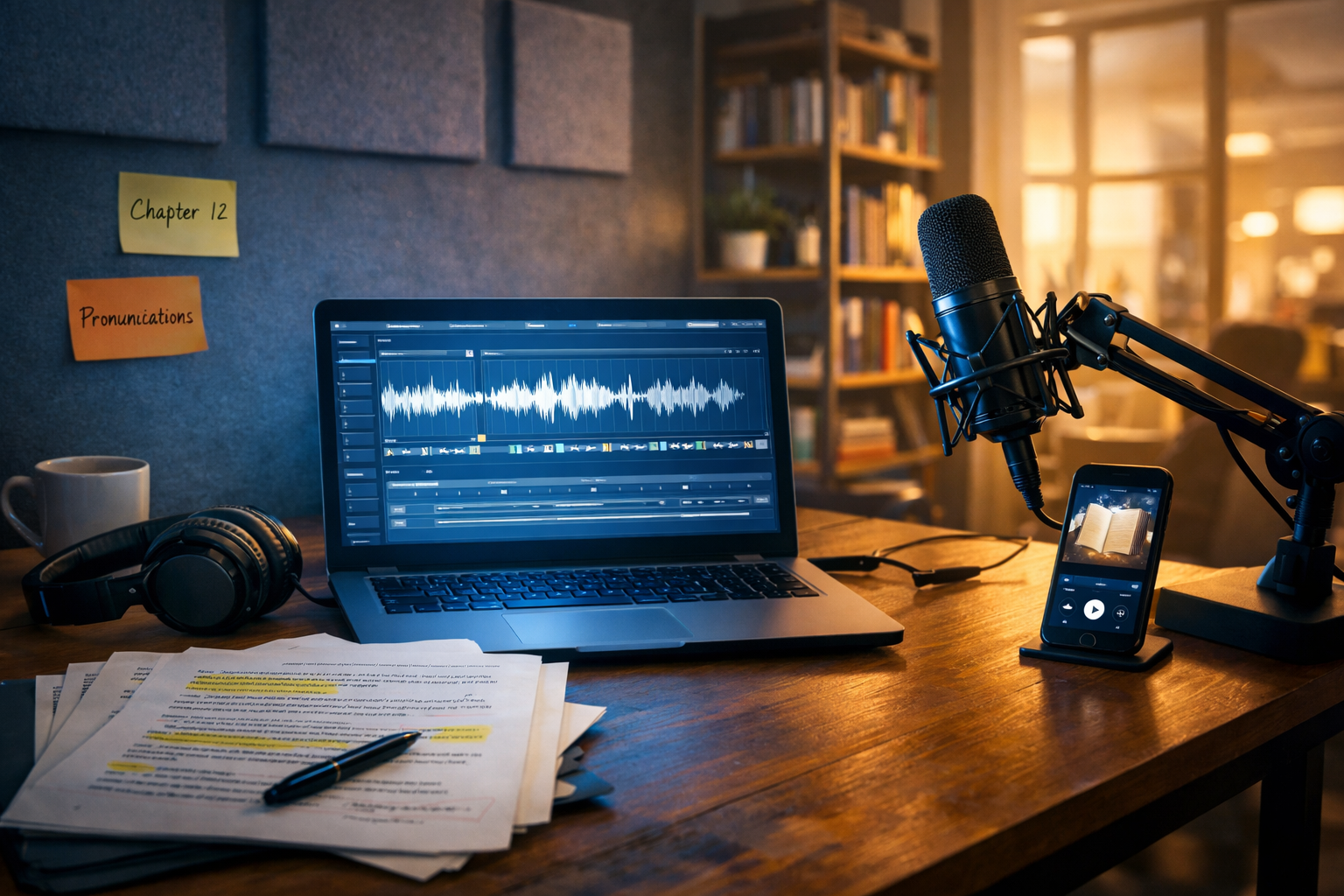
If you’re searching for an ai audiobook narrator to generate hours of spoken content, you’re likely balancing two pressures: publishing faster and keeping audio quality high. The good news is that modern AI narration can deliver consistent, scalable voice production—without booking studio time for every revision. This guide walks you through a practical, quality-first workflow using Gen AI Last to turn long-form text into audiobook-ready narration.
What an AI audiobook narrator really does (and where it fits)
An AI audiobook narrator converts text into speech using advanced voice models. In audiobook production terms, it replaces (or supports) a human narrator by generating spoken audio for chapters, sections, or entire books. Where it shines is scale: once your script is clean and your voice settings are consistent, you can generate multiple hours of audio in a repeatable pipeline.
However, the best results come when you treat AI narration as a production process—not a one-click magic trick. You still need editorial discipline: consistent character naming, stable pacing, and a pronunciation plan. Gen AI Last is designed for that end-to-end workflow, combining text generation and editing with audio narration so you can iterate quickly using our AI content tools.
Why creators choose AI to generate hours of spoken content
Traditional audiobook recording is excellent, but it can be slow and costly—especially when you’re producing frequent releases, updating editions, or localising content. An AI audiobook narrator helps when you need:
- Speed at scale: generate multiple chapters in one sitting, then revise only what changes.
- Consistency: steady tone, volume and pacing across long projects.
- Lower production costs: ideal for startups, indie authors and small teams.
- Agile updates: fix a factual error, change a CTA, or update a chapter without rebooking a studio.
- Multi-format content: reuse your book to create podcast episodes, short promos, and explainer audio.
With Gen AI Last, you get text, audio, image and video generation under one subscription—starting at view pricing from $10/month—which makes it practical to produce the full audiobook launch kit (cover visuals, trailers, social clips) alongside narration.
Before you narrate: prepare a manuscript that sounds good aloud
Most “AI narration problems” are actually manuscript problems. Writing that reads well on a page can sound awkward when spoken. Before you generate hours of spoken content, take 30–60 minutes to do an “audio edit”. Focus on clarity, rhythm, and pronunciation.
1) Convert visual writing into spoken writing
Scan for sentences that are too long, packed with clauses, or heavy with jargon. Audiobooks need breathing room. Break long sentences and add natural pauses.
- On-page: “This framework, while robust, may under certain circumstances create non-linear outcomes.”
- Audio-friendly: “This framework is robust. But in some situations, it can create non-linear outcomes.”
2) Create a pronunciation and names sheet
If your book includes brand names, places, technical terms, or character names, decide pronunciations up front. Keep a simple list (term → phonetic hint). This avoids inconsistent output across chapters.
Tip: If you have acronyms, write how you want them spoken (e.g., “API” as “A-P-I” or “appy”).
3) Standardise chapter structure
AI narration is easier to manage when chapters follow a consistent pattern: chapter title, a short lead-in, then the main text. Consistency reduces editing and makes your audio exports easier to organise.
Step-by-step workflow: generate hours of narration with Gen AI Last
Below is a reliable workflow used by indie publishers and content teams. The aim is to produce long-form audio efficiently without sacrificing quality.
Step 1: Finalise (or refine) the script with AI Text Generation
If you’re adapting from an ebook, blog series, or course notes, start by consolidating and smoothing the manuscript. Gen AI Last’s AI text generation can help you:
- rewrite sections for a more conversational, spoken style
- create consistent chapter summaries and intros
- remove repetition and tighten transitions
- generate a short “About the author” or end-of-book CTA
Keep your changes controlled: lock the manuscript before you generate all chapters, otherwise you’ll be chasing revisions across hours of audio.
Step 2: Break the book into production-friendly chunks
For long projects, generate audio chapter-by-chapter (or in 10–20 minute segments). This makes quality checks and re-dos manageable.
- Create clean chapter files: one document per chapter, with consistent headings.
- Add speaker notes: where you need emphasis, pauses, or a different tone.
- Mark “risky” words: unusual names, foreign terms, or numbers.
Step 3: Generate narration using AI Audio Generation
In Gen AI Last, use AI audio generation to turn each chapter into narration. For consistency across hours of spoken content, keep a stable voice choice and define a baseline style:
- Pacing: choose a comfortable speed for long listening sessions (avoid “too fast to follow”).
- Energy: audiobooks often need calm confidence, not salesy enthusiasm.
- Pauses: add line breaks and punctuation where listeners need processing time.
Practical example prompt for your narration style notes: “Narrate in a clear, warm British tone, medium pace, with slight pauses after headings and before key takeaways. Pronounce ‘SaaS’ as ‘sass’.”
Step 4: Quality control (QC) chapter by chapter
When you generate hours of audio, small issues compound. Do a structured QC pass for every chapter:
- Pronunciation: names, acronyms, numbers, URLs.
- Continuity: consistent character names and tone across chapters.
- Audio feel: is the pacing fatiguing? Are pauses too long or too short?
- Clarity: any robotic artefacts, clipped words, or odd emphasis?
Time-saving tip: listen at 1.25x for QC, then spot-check critical passages at normal speed (chapter openings, emotional scenes, technical explanations).
Step 5: Fix issues using targeted re-generation
Avoid regenerating entire chapters for a single mispronounced word. Instead, adjust the source text (phonetic hints, punctuation, rephrasing) and regenerate the small segment where possible. Keep a change log: “Chapter 7 – fixed ‘Euler’ pronunciation – regenerated paragraph 3.”
How to make AI narration sound more human (without over-editing)
AI voices can sound impressively natural, but audiobooks demand long-session comfort. These tactics usually deliver the biggest improvements:
Use punctuation as performance direction
Commas, dashes, and line breaks control rhythm. If a sentence sounds rushed, it often needs punctuation rather than a different voice.
- Add a dash to create a thoughtful pause.
- Split lists into separate sentences for clarity.
- Use short paragraphs to prevent breathless delivery.
Write numbers the way you want them spoken
“2026” could be “two thousand and twenty-six” or “twenty twenty-six”. Decide and write it out. Same for dates, currencies, and measurements.
Avoid tongue-twisters and dense noun stacks
Phrases like “enterprise content governance implementation framework” are hard for anyone to narrate. Simplify: “a framework for implementing content governance in enterprises”.
Keep character voices subtle and consistent
If your audiobook is fiction, resist the urge to force dramatic accents in every line. Consistency matters more than theatrical range for listener immersion—especially across hours of spoken content.
Common pitfalls when generating hours of spoken content (and how to avoid them)
Here are the issues that most often cause creators to restart or abandon AI audiobook narration—and the fixes that keep production moving.
Pitfall 1: Generating everything before doing a pilot
Always run a pilot first: generate 5–10 minutes from three different parts of the book (start, middle, end). This reveals pacing problems and pronunciation issues early.
Pitfall 2: Inconsistent voice settings across chapters
Lock in one voice and one style profile. If you change settings mid-book, listeners will notice. Keep a simple “voice spec” note: voice name, pacing, tone, and any pronunciation rules.
Pitfall 3: Overprocessing the audio
It’s tempting to apply heavy noise reduction, compression, or EQ to “make it sound studio”. AI narration is often already clean. Too much processing can introduce distortion and listener fatigue. Make minimal, consistent adjustments if needed.
Pitfall 4: Forgetting compliance and rights
If you’re publishing to major platforms, check their current requirements on AI-narrated content and metadata disclosure. Also ensure you have rights to narrate the underlying text (especially if adapting from licensed materials).
Turn your audiobook into a full launch package (text, images, video)
One advantage of using an all-in-one platform is that your audiobook doesn’t have to launch alone. With Gen AI Last, you can build supporting assets quickly:
- Cover and promo images: generate marketing visuals, social graphics, and banners.
- Short video trailers: create reels or explainer-style snippets for TikTok, Instagram, YouTube Shorts.
- Email and social copy: write launch sequences, blurbs, and chapter teasers.
- Podcast-style episodes: repurpose chapters into a limited series with an intro/outro.
If you’re building a repeatable content engine (book → audiobook → promo kit), starting with our AI content tools keeps everything in one place and reduces handoffs.
A simple production checklist you can reuse
Use this checklist before you hit “generate” on long projects:
- Manuscript locked: no structural edits pending.
- Pronunciation sheet ready: names, acronyms, tricky terms.
- Pilot approved: 5–10 minutes from multiple sections.
- Chunking plan: chapters or 10–20 minute segments.
- QC routine: listen, log issues, apply targeted fixes.
- Asset plan: cover, trailer, social posts, email sequence.
Frequently asked questions
Can an AI audiobook narrator really generate hours of spoken content?
Yes—provided you manage it like a production pipeline. The key is consistency (voice settings, pacing) and disciplined QC. Generate in chapters or segments, then fix issues with targeted re-generation rather than starting over.
Will listeners accept AI narration?
Acceptance depends on genre and expectations. Non-fiction, training, and business titles often perform well with clean, clear AI narration. For character-driven fiction, you may need more careful scripting and voice selection to maintain emotional nuance.
What’s the fastest way to improve narration quality?
Do an audio edit: shorten long sentences, write numbers the way you want them spoken, add punctuation for pacing, and maintain a pronunciation list. These small text changes typically create the biggest leap in naturalness.
Create your first AI-narrated chapter today
If your goal is to use an ai audiobook narrator to generate hours of spoken content, start small and prove your workflow: pick one chapter, run a pilot, and lock your voice spec. From there, scaling to full-book narration becomes a repeatable process rather than a gamble.
Gen AI Last makes that scale-up easier by combining AI text, audio, image, and video generation in one platform—ideal for indie authors and small teams on tight budgets. You can start creating for free and upgrade when you’re ready to publish, with plans that include full access from view pricing from $10/month.
Ready to Create with Generative AI?
Join thousands of creators using Gen AI Last to generate text, images, audio, and video — all from one platform. Start your 7-day free trial today.
Start Free — Try 7 DaysQuick Links
Create AI content from $10/month
View Plans