AI audiobook narrator: generate hours of spoken content
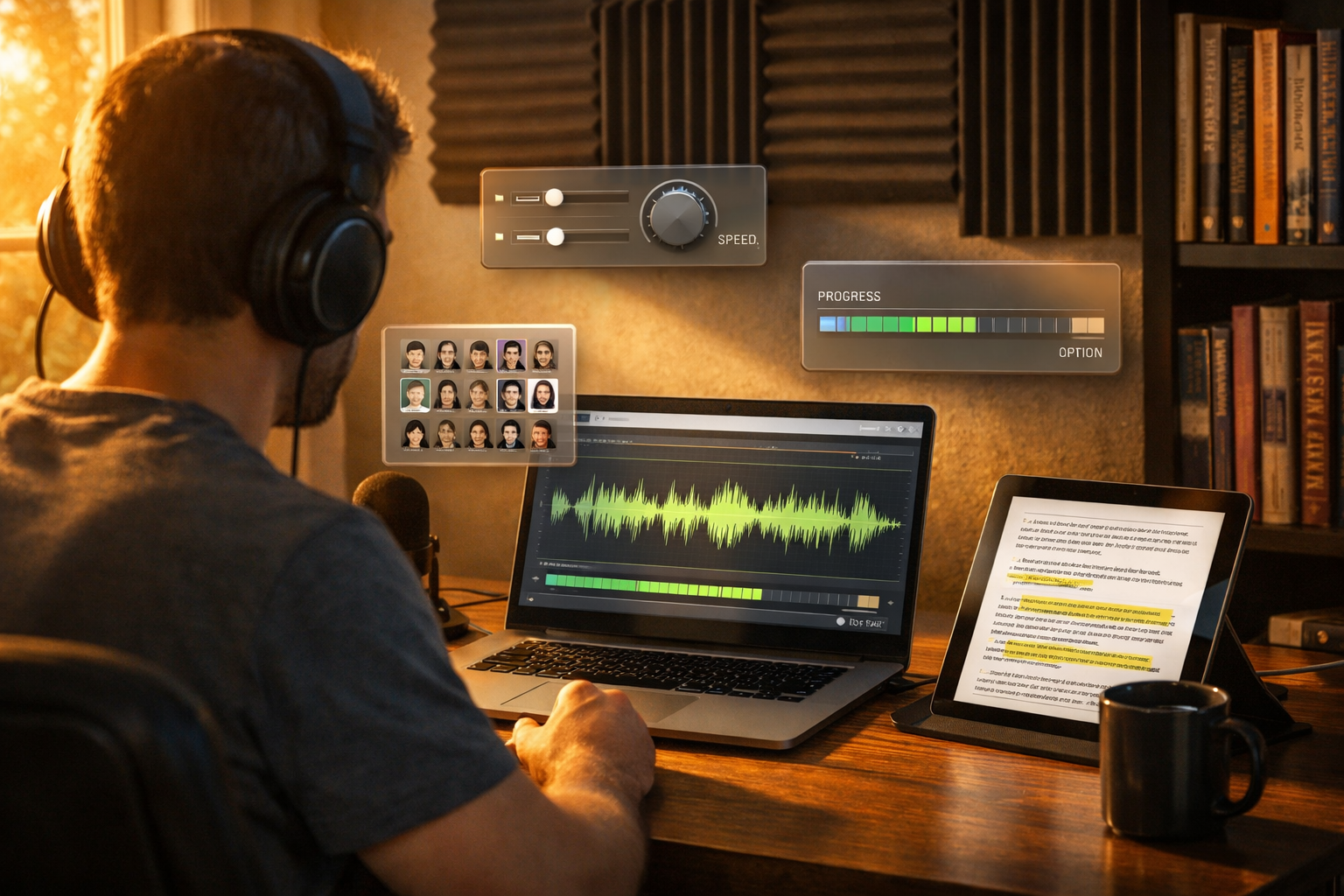
If you’ve searched for an ai audiobook narrator that can generate hours of spoken content, you’re likely trying to scale audiobook production without hiring a studio, booking voice talent, or spending weeks editing. The good news is that modern AI narration can deliver long-form audio fast—if you follow a production workflow built for consistency, quality control, and platform requirements.
What “AI audiobook narrator generate hours of spoken content” actually means
Creating an audiobook is not just converting text to speech. To truly generate hours of spoken content that listeners will tolerate (and enjoy), you need consistent pacing, stable pronunciation, clean audio, and chapter-by-chapter continuity.
An effective AI audiobook workflow typically covers:
- Script preparation (front matter, chapter titles, end matter, legal notices)
- Voice selection and performance settings (tone, pace, emphasis)
- Batch rendering (hours of audio across multiple chapters)
- Quality assurance (mispronunciations, repeated lines, missing sentences)
- Post-production (volume normalisation, breath/noise management, spacing)
- Packaging (chapters as separate files, consistent naming, metadata)
With our AI content tools, you can create the manuscript (AI text), generate the narration (AI audio), and even produce promo assets like cover concepts (AI images) and launch videos (AI video) in one place.
Why creators use AI narration for long-form audiobooks
Hiring a professional narrator can be brilliant—but it’s not always viable for indie authors, educators, or startups. An AI audiobook narrator can help you move faster and experiment more.
- Speed: Render chapters in batches and iterate quickly when you change text.
- Cost control: Avoid hourly studio fees and repeated pickup sessions.
- Consistency: Maintain the same voice across revisions and series.
- Accessibility: Convert course notes, documentation, or articles into audio listeners can consume anywhere.
- Rapid localisation: Produce alternate language versions (where supported) without re-booking talent.
The key is treating AI narration like a production pipeline, not a one-click export. The next sections show a workflow you can copy.
Step-by-step: generate hours of spoken content with an AI audiobook narrator
1) Prepare your manuscript for audio (not just reading)
Audiobooks need text that reads cleanly aloud. Before you generate any audio, create a narration-ready script. If you already have an ebook manuscript, do an “audio pass” to remove or rewrite elements that don’t translate well.
- Spell out abbreviations (e.g., “fig.” → “figure”, “e.g.” → “for example”).
- Remove visual-only references (“see the chart below”) or replace with descriptive wording.
- Standardise names (character names, brands, places) to prevent inconsistent pronunciation.
- Decide how to read numbers (dates, currencies, measurements) and apply consistently.
- Add pronunciation notes for unusual terms (you can keep a separate “pronunciation sheet”).
If you need help drafting or refining chapters, use AI text generation to rewrite for clarity, tighten pacing, or create consistent intros/outros. Then lock the script before you render hours of narration—otherwise you’ll re-generate audio repeatedly.
2) Structure the book into render-friendly chunks
To reliably generate hours of spoken content, break your manuscript into predictable units. Most platforms expect chapter-based files, and it’s easier to QA audio one chapter at a time.
A practical structure is:
- Front matter (title, author, copyright, dedication)
- Chapters (one file per chapter)
- Back matter (acknowledgements, references, call-to-action)
Tip: If chapters are extremely long, split into “Part 1 / Part 2” to keep render times manageable and reduce the impact of an error.
3) Choose a voice and lock narration settings early
Listeners will notice if the voice shifts between chapters. Once you pick a narrator voice, keep the same voice, pace, and tone for the entire book (and ideally the whole series).
Before you generate hours of audio, run a short “voice audition”:
- A paragraph of exposition
- A section with character dialogue (if fiction)
- A section with numbers, acronyms, or technical terms (if non-fiction)
Record which settings you used so you can reproduce them. Consistency is what turns “text-to-speech” into something that feels like an audiobook.
4) Render in batches to produce hours quickly (with checkpoints)
Batch rendering is how an AI audiobook narrator can generate hours of spoken content efficiently. But don’t render the entire book blindly. Use checkpoints:
- Batch 1: Render front matter + first 1–2 chapters. QA thoroughly.
- Batch 2: Render 3–5 more chapters. QA for the same issues.
- Full run: Render the remainder once you trust the pipeline.
This approach reduces rework. If you find a systematic pronunciation problem in chapter one, you can fix it before you’ve generated ten hours of audio that all contain the same issue.
5) Quality assurance: the checklist that saves your ratings
Long-form AI narration succeeds or fails on QA. Even small errors feel huge when repeated across a book.
Use this QA checklist for every chapter:
- Missing/duplicated sentences: Compare script to audio.
- Pronunciation: Names, places, brands, and uncommon words.
- Pacing: Too fast can sound robotic; too slow drags.
- Pauses: Natural breaks after headings, scene changes, or list items.
- Numbers: Consistent reading of dates, currencies, units, ranges.
- Tone consistency: No sudden shifts between chapters.
- Audio consistency: Similar loudness and clarity across files.
Practical tip: QA at 1.25× speed while reading along with the script. It helps you spot glitches faster, then you can replay suspicious lines at normal speed.
6) Post-production essentials (keep it simple, keep it clean)
AI narration often sounds “clean” by default, but you may still need light post-production for a professional finish. Aim for consistency rather than heavy effects.
- Normalise loudness across chapters so the listener doesn’t adjust volume.
- Trim leading/trailing silence while keeping natural spacing.
- Fix obvious artefacts (odd clicks, cut-off words) by re-rendering that section.
- Keep background music optional: If you add music, use it sparingly (intro/outro), not under narration.
If you want a branded audiobook experience, you can create short intro/outro music using AI audio tools, then reuse it consistently across releases.
7) Package files for publishing and distribution
Different platforms have different requirements, so always check the latest specs. In general, you’ll want:
- One audio file per chapter/section
- Clear, ordered naming (e.g., 01-Title, 02-Copyright, 03-Chapter-1)
- Consistent format and bitrate (match platform guidance)
- Accurate metadata (title, author, narrator, publisher)
Once your audiobook is ready, you can also create launch collateral using the same platform: teaser clips (AI video), social captions (AI text), and campaign images (AI image generation) from a single prompt-driven workflow.
Practical examples: where hours of AI narration make sense
Example 1: Indie non-fiction author
You have a 55,000-word non-fiction book and want an audiobook quickly. You generate a chapter-by-chapter narration, then use AI text tools to create:
- A short audiobook description and keywords
- Email launch sequence (3–5 emails)
- Social posts with quotes pulled from chapters
Result: a complete audiobook and marketing kit without hiring multiple freelancers.
Example 2: Course creator turning lessons into an audio programme
You repurpose your course scripts into an audio-only learning series. AI narration helps you create hours of lessons in a consistent voice. Then you generate:
- Lesson summaries and worksheets (AI text)
- Cover-style lesson thumbnails (AI images)
- Promo reels (AI video) for Instagram/TikTok
Example 3: Startup documentation as an “audio handbook”
Internal documentation is rarely read, but it can be listened to. Convert onboarding docs into narrated modules: company values, product overview, security training. You can generate hours of spoken content and update it quickly as policies change.
Common pitfalls (and how to avoid them)
- Rendering before editing: Lock your script first, or you’ll keep regenerating audio.
- Inconsistent pronunciation: Maintain a glossary for names and specialist terms.
- Overusing “perfect” pacing: Slightly slower with natural pauses often sounds more human and less rushed.
- Ignoring chapter transitions: Add a short beat after chapter headings; it helps listeners orient themselves.
- No QA process: The longer the content, the more small issues compound.
A simple production workflow you can copy today
If you want a repeatable system for generating hours of audiobook narration, use this workflow:
- Write/clean the script (audio-first formatting).
- Split into chapters and label them clearly.
- Pick voice + settings and run audition samples.
- Render Batch 1 and perform deep QA.
- Render remaining chapters with the same settings.
- Normalise + package files for upload.
- Create marketing assets (cover concepts, promos, captions).
Gen AI Last is built for exactly this kind of end-to-end content production—text, audio, images, and video in one platform. If you’re a startup, small team, or solo creator, keeping everything in one workspace reduces cost and complexity.
Why Gen AI Last is a practical choice for AI audiobook production
Many tools only do one job. Audiobooks, however, need a full ecosystem: writing, narration, cover concepts, and launch content. Gen AI Last gives you an all-in-one way to produce and promote your audiobook.
- AI Audio Generation: Create voice-overs, narration, podcast-style audio, and background music.
- AI Text Generation: Draft chapters, rewrite for audio, generate blurbs, emails, and ad copy.
- AI Image Generation: Create marketing visuals, banner images, and cover concept art.
- AI Video Generation: Produce promo videos, explainers, and social reels to sell the audiobook.
And because all plans include full access, it’s straightforward to budget: view pricing from $10/month.
FAQ: AI audiobook narration for long-form content
Can AI narration really sound professional for an entire book?
Yes—provided you lock the voice/settings, format the manuscript for audio, and do systematic QA. Most “AI-sounding” audiobooks fail due to rushed production, not the core technology.
How do I prevent mispronunciations across multiple chapters?
Create a glossary of tricky words and standardise spelling in the manuscript (including phonetic hints where needed). Then test those words in a short sample before you render hours of content.
Should I generate one giant audio file or per chapter?
Per chapter is usually best for QA, corrections, and platform uploads. It also improves listener navigation.
What else should I generate alongside the audiobook?
At minimum: a strong audiobook description, a set of social promos, and a short teaser clip. With our AI content tools, you can generate the narration and then create the supporting text, images, and videos from the same source material.
Next step: build your audiobook pipeline
If your goal is to use an ai audiobook narrator to generate hours of spoken content, focus on a repeatable workflow: audio-ready scripts, consistent settings, batch rendering with checkpoints, and a strict QA checklist. Once that system is in place, you can produce audiobooks (and the marketing around them) far faster than traditional production.
Ready to try it? start creating for free and build your first narrated chapter, then scale to a full audiobook when you’re happy with the voice and quality.
Ready to Create with Generative AI?
Join thousands of creators using Gen AI Last to generate text, images, audio, and video — all from one platform. Start your 7-day free trial today.
Start Free — Try 7 DaysQuick Links
Create AI content from $10/month
View Plans