AI audiobook narrator: generate hours of spoken content fast
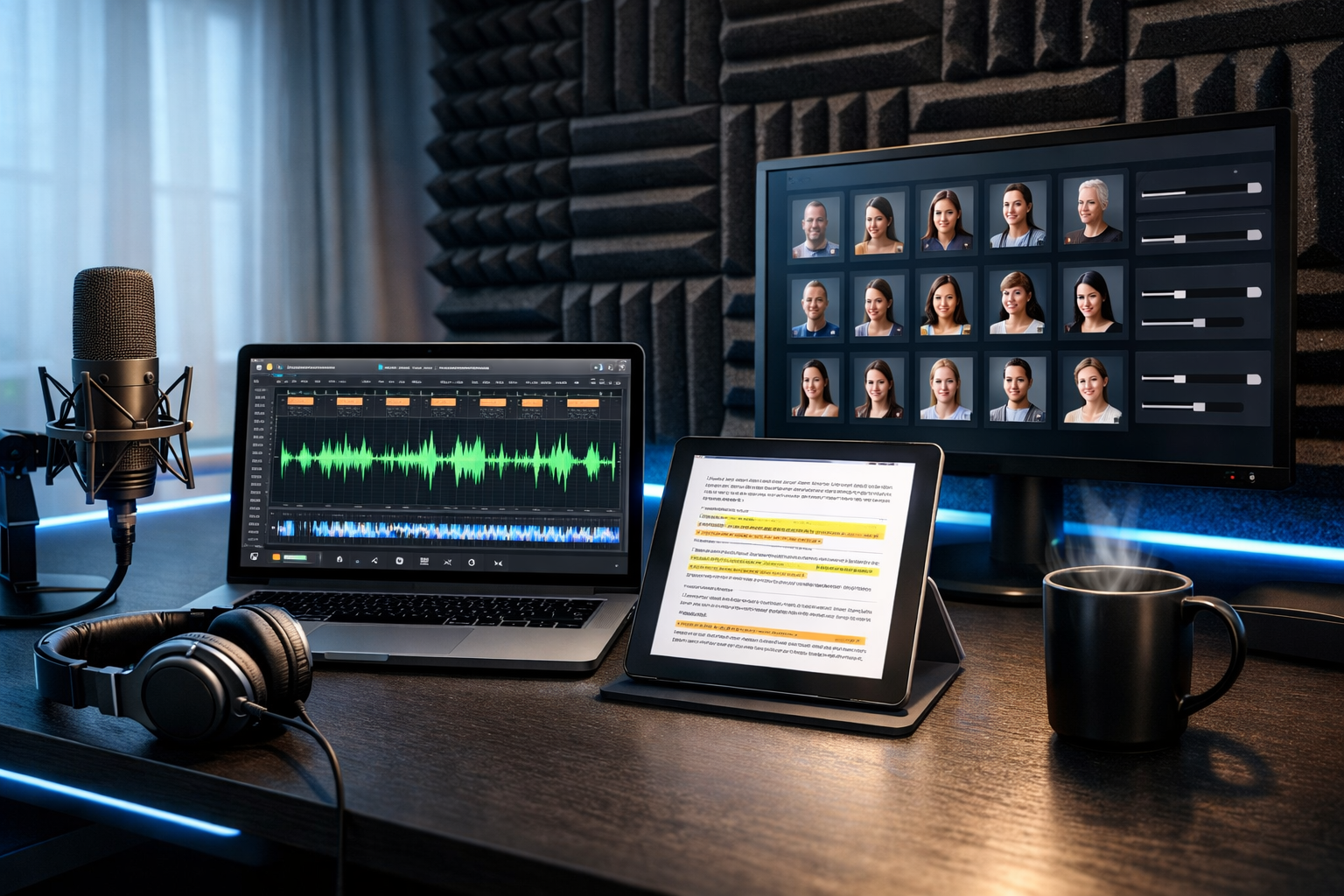
If you’re searching for an ai audiobook narrator to generate hours of spoken content, you’re likely juggling three priorities: natural-sounding audio, consistent voice across chapters, and a workflow that doesn’t collapse once your manuscript hits 50,000+ words. The good news is that long-form AI narration is now practical for authors, educators, marketers and small teams—as long as you approach it like a production pipeline rather than a single “convert text to audio” click.
What “generate hours of spoken content” really means
Audiobooks are deceptively large. A typical narration pace is 150–170 words per minute. That means:
- 10,000 words ≈ 60–70 minutes
- 50,000 words ≈ 5–6 hours
- 80,000 words ≈ 8–9 hours
To generate hours of spoken content reliably, you need more than a pleasant voice. You need chapter-based batching, pronunciation control, consistent character/style choices, audio QC, and a way to fix small errors without redoing everything.
Why creators are switching to an AI audiobook narrator
Hiring a human narrator can be a great choice, but it’s not always feasible—especially for first-time authors, internal training teams, or fast-moving content studios. An AI audiobook narrator is compelling when you need:
- Speed: produce drafts and revisions quickly, even for long manuscripts.
- Cost control: avoid hourly studio fees, retakes and scheduling delays.
- Consistency: keep the same voice and tone across new editions, series, and spin-offs.
- Repurposing: turn the same source text into audiobooks, podcast episodes, social audio clips, and explainer video narration.
With our AI content tools, Gen AI Last brings text, audio, image and video creation into one platform—useful when your audiobook is only one part of a broader launch.
The long-form narration workflow (step-by-step)
Below is a proven production workflow that scales from a 30-minute lead magnet to a 10-hour audiobook.
1) Prepare the manuscript for speech
Text that reads well doesn’t always sound good. Before you generate audio, do a “spoken pass” to remove friction.
- Expand abbreviations: write “for example” instead of “e.g.” if it will be spoken.
- Standardise numbers: choose “twenty-five” vs “25” consistently, especially for dates and money.
- Fix punctuation for pacing: add commas and em dashes where you want breathing room.
- Mark non-spoken elements: tables, code blocks, footnotes—either rewrite them for audio or remove.
Practical tip: create a separate “audio script” version so your print/ebook formatting stays intact.
2) Split your audiobook into production chunks
To generate hours of spoken content efficiently, avoid feeding an entire book in one go. Instead, batch by:
- Chapters (best for navigation and fixes)
- Scenes (best for fiction with frequent dialogue)
- Sections (best for non-fiction with headings and subheadings)
This makes edits surgical: if chapter 7 mispronounces a brand name, you regenerate chapter 7 only—not the full book.
3) Choose a narration style and lock it in
Consistency is what separates “AI voiceover” from “audiobook-grade narration”. Decide early:
- Voice: gender, age impression, warmth, authority.
- Pace: faster for business/education, slower for reflective non-fiction.
- Energy: calm and intimate vs bright and presentational.
- Pronunciation rules: names, places, acronyms, and specialist terms.
Create a simple “narration bible” (one page) listing these choices. Every time you generate more chapters, you follow the same settings and rules.
4) Generate audio and run a quality-control listen
For long-form projects, QC is not optional. Schedule a fast listen-through at 1.25×–1.5× speed to catch common issues:
- Mispronounced names or acronyms
- Odd emphasis on the wrong word
- Unnatural pauses caused by punctuation
- Inconsistent reading of numbers (e.g., “two thousand and twenty-four” vs “twenty twenty-four”)
Keep a simple tracking sheet: chapter, timestamp, issue, fix. This prevents endless back-and-forth and helps you finish.
5) Patch fixes without redoing entire chapters
The most efficient audiobook teams work like editors: they patch small segments, then stitch them cleanly. When you find a problem, regenerate only the sentence or paragraph, then replace that part in your editor.
If your platform supports it, keep settings identical (voice, pace, tone) so the patched audio matches seamlessly.
6) Master the audio for a consistent listening experience
Even great narration can feel “off” if volume and silence vary across files. For audiobook readiness, aim for consistent loudness, clean starts/ends, and sensible gaps between chapters.
- Normalise loudness: keep perceived volume consistent across chapters.
- Trim long silences: especially at the beginning and end of files.
- Room tone consistency: if you add ambience, keep it subtle and uniform.
Gen AI Last also supports background music generation for intros/outros or companion assets, which can be handy for podcast-style audiobooks or course modules—just avoid overpowering speech.
Practical examples: 3 ways to use AI narration at scale
Example 1: Non-fiction audiobook + marketing pack
You have a 60,000-word business book. You want an audiobook, plus promotional content for launch week.
- Use AI text tools to generate a chapter-by-chapter synopsis and 10 teaser quotes.
- Generate audiobook narration per chapter; QC and patch.
- Create 15–30 second audio snippets for social promotion.
- Use AI image generation to produce consistent launch visuals (cover mock-ups, quote cards).
- Turn key sections into short AI videos with narration for reels and ads.
This is where an all-in-one platform matters: you’re not just producing audio—you’re producing a launch.
Example 2: Training library that becomes “hours of spoken content”
A small SaaS team has 40 help articles and onboarding docs. Reading them is slow; listening is easier for busy users.
- Convert each article into a 3–8 minute narrated lesson.
- Bundle lessons into themed “audio courses” (security, integrations, getting started).
- Update audio quickly when product features change—no narrator booking required.
Over time, you naturally generate hours of spoken content from material you already maintain.
Example 3: Fiction serialisation with consistent character voices
Serial fiction lives or dies on consistency. Use one primary narrator voice, then handle character differentiation through style:
- Slight pace changes for tense scenes
- Clear dialogue tags (“he said”, “she replied”) if voices are similar
- A controlled set of pronunciation rules for names, places, invented terms
When you publish episodes weekly, AI narration helps you hit deadlines without compromising continuity.
How to make AI narration sound more human (without gimmicks)
Naturalness comes from writing and direction as much as voice quality. Use these techniques to improve listening comfort:
Write for the ear
- Shorten long sentences: if you need three commas, consider two sentences.
- Use signposting: “First… Next… Finally…” helps listeners follow structure.
- Avoid dense parentheticals: rewrite them into plain statements.
Control pacing with punctuation (carefully)
A comma is a micro-pause; a full stop is a stronger pause. If your narration feels rushed, add punctuation in strategic places. If it feels choppy, merge fragments and remove unnecessary line breaks.
Create a pronunciation glossary
For names, acronyms and jargon, build a glossary before you generate all chapters. At minimum include:
- Correct spelling
- Desired spoken form (e.g., “SQL” as “sequel”)
- A sentence example for context
This single habit prevents the most common “AI audiobook” giveaway: inconsistent term reading across chapters.
Compliance and ethics: what to check before you publish
If you plan to distribute your audiobook publicly, ensure you can comply with platform rules and listener expectations.
- Rights: only narrate text you own or have permission to use.
- Disclosure: some platforms require you to disclose AI narration.
- Voice likeness: don’t imitate real people or use voices without appropriate rights.
- Sensitive content: be cautious with medical, legal or financial claims—ensure accuracy in the source text.
For non-fiction, the best quality improvement is often editorial: fact-check and simplify before narration. If you use Gen AI Last to help draft or refine chapters, treat it as an assistant—then apply human review for accuracy and tone.
A scalable content system: audiobook + clips + video from one script
An audiobook is a rich source asset. Once you have long-form narration, you can repurpose it into multiple formats:
- Podcast feed: publish chapters as episodes.
- Short-form audio: cut highlights into 30–60 second clips.
- Narrated explainer videos: pair key lessons with simple visuals.
- Social creatives: audiograms, quote cards, carousel summaries.
Because Gen AI Last includes text, image, audio and video generation in one subscription, you can build this system without stitching together multiple tools. Explore our AI content tools to plan a workflow that fits your output goals.
Cost planning: what “affordable” looks like for long-form narration
Long-form audio production can get expensive when you add narration, retakes, editing and marketing. If you’re a startup or small team, predictable pricing matters. Gen AI Last keeps it straightforward: all plans include full access to text, image, audio and video generation—starting at $10/month. You can view pricing from $10/month and choose the term that matches your publishing schedule.
Checklist: generate hours of spoken content without losing quality
Use this checklist to keep your audiobook project moving.
- Create an “audio script” version and clean up abbreviations, numbers and punctuation.
- Split the manuscript by chapter/scene and name files consistently.
- Lock voice, pace and tone settings; write a one-page narration bible.
- Build a pronunciation glossary for names, acronyms and jargon.
- Generate audio in batches; run a fast QC listen and log issues.
- Patch small fixes instead of regenerating entire books.
- Normalise loudness, trim silences and ensure consistent chapter transitions.
- Repurpose: create clips, narrated videos, and launch assets from the same source.
Get started: your first hour of AI audiobook narration
If you’re new to AI narration, start small: choose one chapter (or a 3,000–8,000 word section), generate it, and test it with real listeners using headphones. Apply the feedback, refine your “narration bible”, and then scale to the full book. That approach is how an ai audiobook narrator can reliably generate hours of spoken content while still sounding intentional and professional.
When you’re ready, start creating for free and build your audiobook workflow inside one platform—text to polish the manuscript, audio to narrate it, plus images and video to market it.
Ready to Create with Generative AI?
Join thousands of creators using Gen AI Last to generate text, images, audio, and video — all from one platform. Start your 7-day free trial today.
Start Free — Try 7 DaysQuick Links
Create AI content from $10/month
View Plans