AI Banner Ad Creator: Professional Display Ads Fast
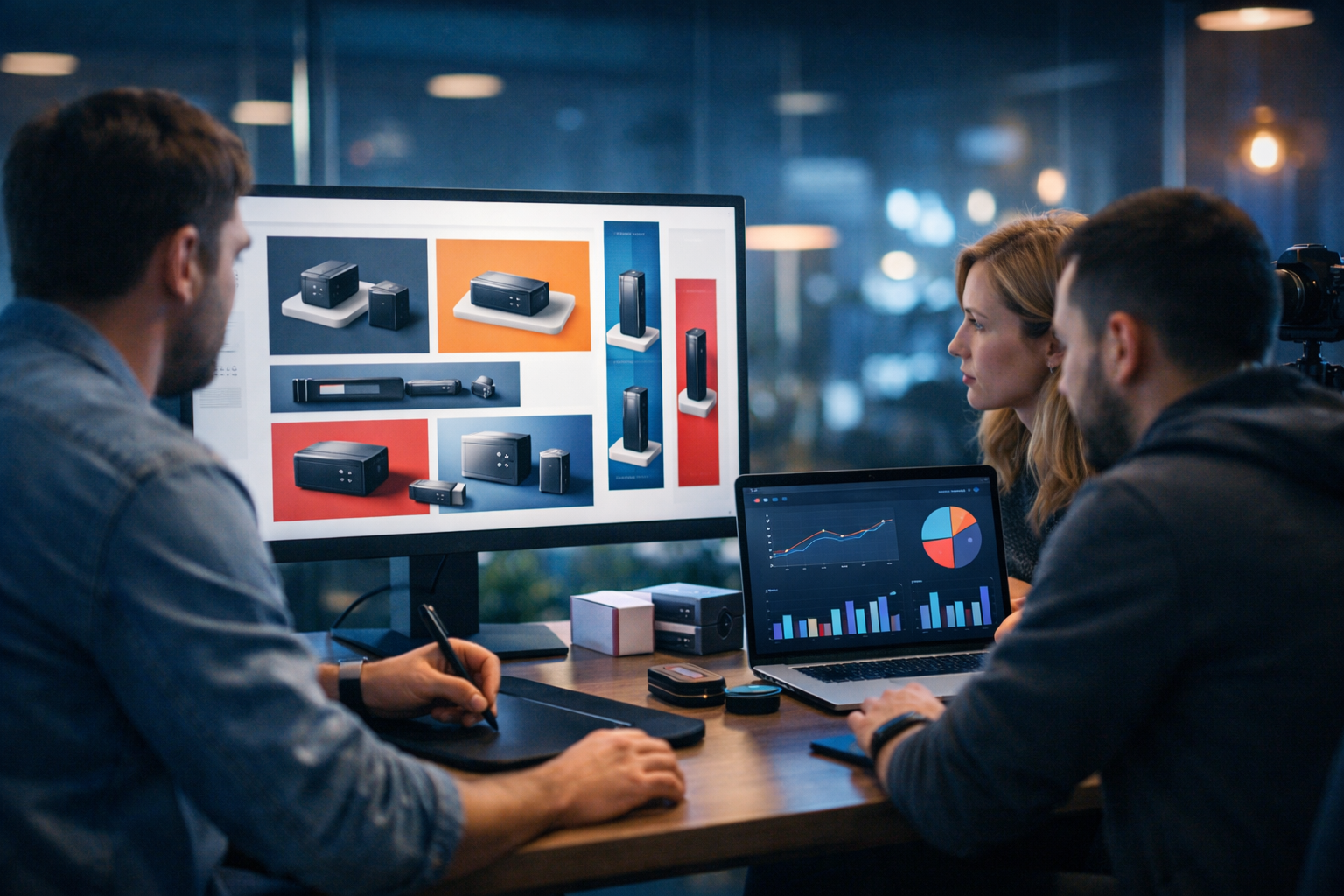
If you’re searching for an ai banner ad creator to make professional display ads fast, you’re likely juggling two problems at once: you need more creative variations for performance, and you need them yesterday. The good news is that AI can compress days of banner production into an afternoon—without sacrificing brand consistency—when you follow a structured workflow for sizes, messaging, assets, and iteration.
Why display ads still matter (and why speed wins)
Display advertising is often the first scalable step after you’ve validated a landing page and a clear offer. Whether you’re running retargeting, prospecting, or placements on niche sites, banners work best when you can test quickly. The challenge is volume: platforms reward frequent creative refreshes, and audiences become blind to repetitive visuals.
A practical rule: the teams that ship more relevant variations usually beat teams that polish a single “perfect” ad. An AI workflow helps you produce multiple versions by changing one variable at a time—headline, image concept, CTA, colour palette—then selecting winners with data.
What “professional display ads fast” actually requires
Speed alone isn’t the goal. Fast banners only help if they meet baseline standards that ad platforms and audiences expect. Professional banners typically share four traits:
- Message clarity: one primary benefit, one action, minimal cognitive load.
- Brand coherence: consistent fonts, colours, imagery style, and tone.
- Format compliance: correct sizes, file weight, safe margins, and readable contrast.
- Variation strategy: multiple concepts to prevent fatigue and find what converts.
This is where an all-in-one platform is valuable: you can generate copy, imagery, and even supporting video/audio assets for campaigns without hopping between tools. Gen AI Last combines AI text, image, video, and audio generation in one place—useful when your “banner” is just one part of a broader funnel. Explore our AI content tools to see what’s available in a single workspace.
Start with the banner fundamentals: sizes, placements, and safe zones
Before you generate anything, decide which sizes you’ll actually deploy. If you’re using Google Display Network or similar networks, you can cover a large share of inventory with a core set:
- 300×250 (Medium Rectangle)
- 336×280 (Large Rectangle)
- 728×90 (Leaderboard)
- 300×600 (Half Page)
- 160×600 (Wide Skyscraper)
- 320×50 (Mobile Leaderboard)
Design for legibility at the smallest size first. Use generous padding. Avoid tiny body text. Treat your banner like a sign you must read in two seconds.
Pro tip: Keep key elements inside a “safe zone” (roughly 8–12% from edges) to prevent cropping on different placements and responsive containers.
The fastest workflow: copy first, then image, then layout
Most teams do the opposite—design first—then struggle to make the message fit. If you want to use an ai banner ad creator effectively, start with a copy framework that can scale across sizes.
1) Build a “banner copy kit” (headline, subhead, CTA)
For display banners, you’re rarely writing full sentences. You’re writing micro-copy. Create 6–10 options for each element:
- Headline (3–6 words): the main benefit or outcome.
- Support line (optional): proof, qualifier, or audience fit.
- CTA (1–3 words): “Get demo”, “Try free”, “Shop now”.
Use Gen AI Last’s AI text generation to produce variations quickly for different personas (e.g., “busy founders”, “marketing managers”, “e-commerce teams”) and different funnel stages (cold vs retargeting). The key is to keep the promise consistent while changing the angle.
Example copy kit for a SaaS tool:
- Headlines: “Launch campaigns faster”, “Ads that convert”, “Design in minutes”, “More clicks, less work”
- Support: “Ready-to-run creatives”, “Built for small teams”, “New variants weekly”
- CTA: “Start free”, “See examples”, “Get started”
2) Generate image concepts that match the promise
Professional banners don’t just look nice; they visually reinforce the message. If the headline is “Launch campaigns faster”, show speed cues: motion blur, streamlined workflows, a marketer shipping assets, a clean dashboard vibe. If the headline is “Premium skincare”, show texture, ingredients, and close-up product lighting.
With AI image generation, you can explore multiple concepts without booking a shoot. For product-driven brands, try generating:
- Hero product on gradient (classic e-commerce look)
- Lifestyle scene (product in use, real context)
- Ingredient/feature montage (benefit-focused visual proof)
- Before/after concept (where compliant and ethical)
When prompting, specify camera style, lighting, composition, and negative constraints (e.g., “no text, no watermark, no brand logos”). This reduces unusable outputs and accelerates iteration.
3) Assemble layouts that scale across sizes
Speed comes from reusing a layout system. Start with 2–3 “master templates” you can adapt:
- Split layout: image on left, text/CTA on right (works well for 728×90 and 300×250).
- Hero background: full-bleed image with high-contrast text overlay and a CTA button.
- Product + badge: product shot, short headline, small proof badge (“Free delivery”, “New”).
If you’re building banners in a design tool, keep the same spacing rules and font hierarchy; simply swap the AI-generated background/image and the copy kit variants.
Prompt examples for an AI banner ad creator workflow
Below are prompt patterns you can reuse. They’re designed to produce banner-ready imagery: clear subject, empty space for copy, consistent lighting, and a strong focal point.
Prompt pattern: product hero with copy space
Prompt: “Photorealistic studio product photo of [PRODUCT], centred on a clean gradient background from [COLOUR A] to [COLOUR B], softbox lighting, subtle shadow, minimal props, high-end e-commerce style, plenty of negative space on the right for headline and CTA, sharp focus, 16:9 composition, no text, no logos, no watermark.”
Prompt pattern: lifestyle scene for retargeting
Prompt: “Lifestyle photo of [PERSONA] using [PRODUCT] in a [SETTING], natural light, candid composition, brand-colour accent objects, shallow depth of field, subject on left third with empty space on the right for banner copy, 16:9, no text, no logos, no watermark.”
Prompt pattern: SaaS ‘clean tech’ banner background
Prompt: “Modern office scene with a marketer reviewing campaign creatives on a laptop, abstract UI shapes and soft gradients in the background, cool blue tech lighting, minimal and premium, lots of negative space for text, cinematic depth of field, 16:9, no text, no brand marks, no watermark.”
Once you have several image directions, pair them with your copy kit and test systematically. Keep only one major change between variants so you can attribute performance.
How to make banners look “professional” (even when generated fast)
AI can generate the raw ingredients, but professionalism comes from constraints and consistency. Use this checklist before launching:
- Contrast: text must be readable on mobile. If needed, add a soft dark overlay behind text.
- One message: avoid stacking three benefits. Pick the strongest.
- CTA visibility: button-style CTA with clear padding and a distinct colour.
- Brand cues: consistent palette and imagery style; use your logo subtly (where allowed) without dominating.
- File discipline: export correctly for each platform (format, compression, and max file size).
If your team is small, the biggest win is reducing decisions. Decide your banner system once (fonts, button style, colours, spacing), then let AI help you produce variations within that system.
A repeatable 60-minute production sprint (practical step-by-step)
Here’s a realistic sprint you can repeat weekly to keep creative fresh.
- 10 mins — Define the test: choose one variable (new offer angle, new persona, new image style).
- 10 mins — Generate copy variants: 6 headlines, 4 support lines, 4 CTAs. Keep them short.
- 15 mins — Generate image variants: 6–12 images across 2–3 concepts with consistent lighting/style.
- 15 mins — Assemble sizes: produce 300×250, 728×90, 160×600, 300×600 first; then mobile.
- 10 mins — QA: legibility, safe zones, cropping, export sizes, destination URLs and tracking.
With Gen AI Last, you can create the copy and image assets in one place, then move into your preferred design/export tool (or your in-house workflow) for final assembly. If you want everything unlocked from the start, view pricing from $10/month—useful when you need both text and image generation without paying for separate subscriptions.
Beyond static: when to use AI video and audio alongside banners
Display campaigns rarely live alone. If you’re serious about performance, match your banners to supporting creatives:
- Short video cutdowns for social retargeting (6–15 seconds) using the same offer and visuals.
- Simple product demos to reduce friction on landing pages.
- Voice-over variants for explainer snippets or UGC-style ads.
Gen AI Last includes AI video and AI audio generation in the same plan as images and text, which helps you keep creative consistent across channels. For example, you can turn your best-performing banner headline into a short video script, generate a voice-over, and deploy it as a retargeting asset—without rebuilding the message from scratch.
Common mistakes that slow teams down (and how to avoid them)
If you’re trying to create professional display ads fast, avoid these traps:
- Generating without a brief: AI output quality depends on your constraints. Define audience, offer, and tone first.
- Too much text: banners aren’t landing pages. Keep it punchy.
- No variation plan: random variants produce random results. Test one variable at a time.
- Ignoring mobile readability: what looks fine at 300×250 can fail at 320×50.
- Inconsistent imagery style: mixed lighting and composition makes a brand look untrustworthy.
What to track: measuring banner success the right way
CTR matters, but it’s not the only metric. A “clicky” banner can still fail if it attracts the wrong audience. Track:
- View-through and assisted conversions (especially for retargeting).
- Landing page engagement (bounce rate, time on page, scroll depth).
- Cost per qualified action (trial start, lead, add-to-cart), not just clicks.
- Creative fatigue: frequency vs performance over time.
Use the insights to guide your next AI generation sprint. If a specific image concept wins, keep the concept and test headlines. If a headline wins, keep the headline and test imagery style.
A simple creative testing matrix you can copy
To stay organised, plan a small matrix instead of endless random combinations. Example:
- Concept A (Product hero) × 3 headlines
- Concept B (Lifestyle) × 3 headlines
- Concept C (Abstract/graphic) × 3 headlines
That’s nine core banners per size—enough to learn quickly without overwhelming your ad account. AI makes it feasible to produce this volume weekly, especially for startups that need momentum more than perfection.
Getting started quickly with Gen AI Last
If your goal is an ai banner ad creator approach that delivers professional display ads fast, focus on building a repeatable system, then use AI to generate high-quality inputs on demand. Gen AI Last is designed for exactly this kind of production: create your banner copy variations with AI text generation, generate banner-ready visuals with AI image generation, and expand into video/audio creatives when you’re ready—all in one platform.
To begin, start creating for free, generate a copy kit for your offer, and produce 2–3 image concepts. By tomorrow, you can have a full set of banners across core sizes, ready to test and iterate.
FAQ: AI banner ad creation for display campaigns
How many banner variations should I launch?
Start with 6–12 variations per ad group across 2–3 concepts. Keep the testing structured: change one main variable per set (headline or image concept), then refine based on results.
Can AI-generated visuals look brand-safe?
Yes—if you control style. Use consistent prompts (lighting, composition, palette), keep a small library of approved visual directions, and QA outputs for odd artefacts before publishing.
What’s the biggest lever for faster banner production?
A reusable system: a copy kit and 2–3 layout templates. AI then becomes a multiplier—generating new images and copy angles inside a framework that already works.
Do I need video if I’m running display ads?
Not to start. But once you find a winning message, adapting it into short video and voice-over variants often improves retargeting performance and keeps your creative ecosystem consistent.
Conclusion: the modern way to create professional display ads fast
An ai banner ad creator isn’t just a shortcut—it’s a new production model. When you start with a clear brief, generate a structured copy kit, produce a few strong image concepts, and iterate with disciplined testing, you can ship professional display ads fast and keep refreshing creatives without burning out your team. Gen AI Last helps you run that workflow end-to-end, from copy to visuals (and beyond), at a price point that makes sense for startups and small teams.
Ready to Create with Generative AI?
Join thousands of creators using Gen AI Last to generate text, images, audio, and video — all from one platform. Start your 7-day free trial today.
Start Free — Try 7 DaysQuick Links
Create AI content from $10/month
View Plans