AI Banner Ad Creator: Professional Display Ads Fast
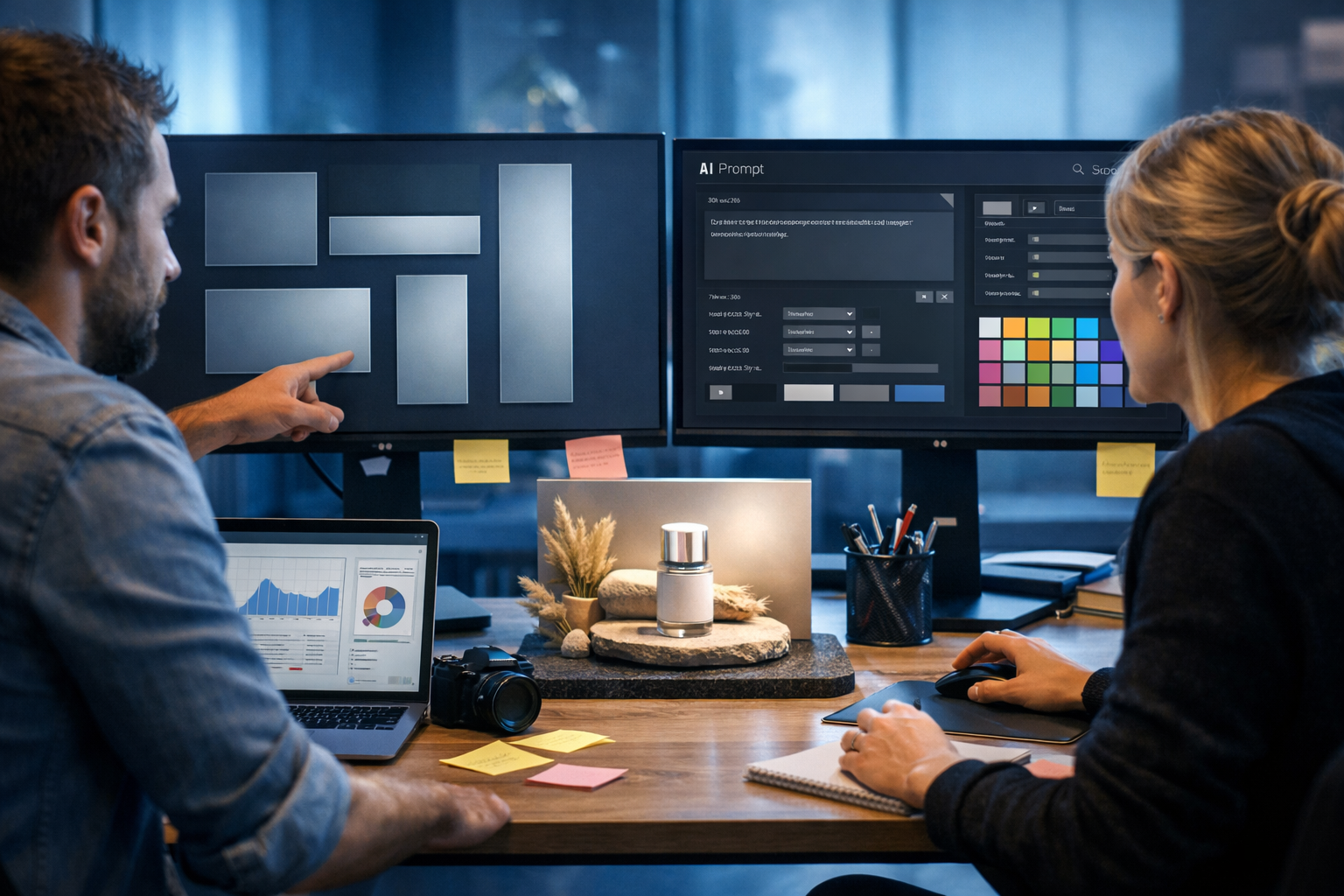
If you need an ai banner ad creator that produces professional display ads fast, the real challenge isn’t just “making something pretty” — it’s shipping the right sizes, matching brand rules, writing click-worthy copy, and testing variations without burning time or budget. This guide shows a practical, repeatable workflow for building high-converting banner ads using Gen AI Last, from concept to creative sets ready for launch.
What “professional display ads fast” actually requires
Display ads are judged in seconds. To look professional and perform, your banners must be consistent, legible, and aligned with the landing page experience. Speed matters because performance marketing relies on iteration: the first set is rarely the best set.
- A clean visual hierarchy (one focal point, one message, one action)
- Correct sizes and safe areas (so nothing important gets cropped)
- Copy that fits the format (short, scannable, benefit-led)
- Brand consistency (colours, product style, tone of voice)
- Variation for testing (imagery, offer, CTA, layout)
A strong AI workflow helps you generate these variations quickly while maintaining quality. Gen AI Last combines AI text, AI images, and optional AI video/audio so you can create complete campaign assets in one place. Explore our AI content tools to see everything included.
Best-performing banner sizes (and when to use them)
You can waste hours designing obscure sizes that barely get impressions. Start with the formats most commonly supported by Google Display Network and major programmatic placements, then expand if needed.
- 300×250 (Medium Rectangle): versatile; works on desktop and mobile placements
- 728×90 (Leaderboard): strong for top-of-page desktop inventory
- 160×600 (Wide Skyscraper): good for sidebars; needs very simple copy
- 300×600 (Half Page): premium feel; room for product + benefit + CTA
- 970×250 (Billboard): big impact; best for brand + hero product shot
Professional display ads fast means selecting 3–5 sizes that cover most inventory, then building a system to adapt layouts across them.
A repeatable 45-minute workflow with an AI banner ad creator
Below is a simple production sequence you can run weekly. The goal is not one “perfect” banner — it’s a coherent creative set with clear hypotheses to test.
Step 1: Define the offer and one conversion goal
Pick one outcome per ad set: free trial sign-up, demo booking, first purchase, newsletter subscription, or app install. Then write the offer in one sentence.
- Bad: “All-in-one marketing platform for everyone.”
- Good: “Generate ad images, copy, and videos in minutes — from $10/month.”
If you’re promoting Gen AI Last, keep it specific: all tools (text, image, audio, video) are included in every plan. If you want prospects to check cost immediately, link to view pricing from $10/month.
Step 2: Generate banner copy that fits the format (Gen AI Last text)
Banners have limited space. Use AI text generation to produce short options for: headline, supporting line, CTA. Aim for readability at small sizes.
Prompt template (copy): “Write 12 banner ad headline options (max 30 characters), 12 supporting lines (max 45 characters), and 8 CTA buttons (max 16 characters). Audience: [who]. Offer: [what]. Tone: [e.g., confident, friendly, direct]. Avoid hype and exclamation marks.”
Example outputs you can test:
- Headlines: “Create ads in minutes”, “Display ads, done fast”, “Creative that converts”
- Supporting: “Text + images + video in one place”, “Full access from $10/month”, “Generate pro banners from prompts”
- CTAs: “Start free”, “See pricing”, “Generate now”, “Get templates”
Tip: write two distinct messaging angles, then keep imagery constant for the first test. That isolates whether the copy is the lever.
Step 3: Generate your hero visual (Gen AI Last image)
In display ads, imagery is the first hook. Your hero image should show one clear concept: a product, a result, a before/after, or a recognisable workflow. Use photorealistic or clean 3D renders depending on your brand.
Prompt template (image): “Photorealistic product hero shot of [subject], studio lighting, clean background, shallow depth of field, premium feel, space for overlay text, 16:9. Colour palette: [brand colours]. No text, no logos, no watermark.”
Practical guidance: build 3 hero image directions, not 30 random ones. For example:
- Product focus: laptop screen showing creative generation workflow (no readable text)
- Outcome focus: marketer exporting multiple ad sizes and variants
- Brand mood: clean, minimalist scene with strong lighting and a single accent colour
Step 4: Convert one hero concept into multiple banner layouts
To create professional display ads fast, standardise a layout system you can reuse:
- Layout A (product-left): hero image left, copy + CTA right
- Layout B (product-centre): hero centred, headline above, CTA below
- Layout C (text-first): bold headline + supporting line, small product thumbnail
Generate or adapt images per size so the focal point stays visible. Tall formats (160×600, 300×600) need vertical composition; wide formats (728×90, 970×250) need a horizontal sweep with extra negative space.
Step 5: Produce variation sets for testing (without chaos)
A good starting test matrix is 2×2×2:
- Image: product vs outcome
- Message: speed vs affordability
- CTA: “Start free” vs “See pricing”
That’s 8 concepts. Apply them across your top 3–5 sizes and you have a structured creative library without infinite permutations.
What makes banner ads look “professional” (quick checklist)
If your ads look amateurish, performance usually follows. Use this checklist before you export anything.
- One idea per banner: headline should communicate the value in one glance
- High contrast: text must stand out from imagery (use overlays or solid panels)
- Legible type sizes: avoid thin fonts; prioritise readability over style
- Consistent spacing: align elements; keep safe margins from edges
- Clear CTA: button shape or strong contrast; avoid vague actions
- Brand cues: consistent palette and imagery style across the set
With Gen AI Last, you can quickly regenerate images to correct composition (more negative space, different camera angle, simpler background), then reuse the same copy blocks.
High-performing copy frameworks for display banners
Because space is limited, banners reward simple frameworks. Generate options with AI text, then choose the cleanest, least “marketing-sounding” versions.
1) Benefit + proof + CTA
Example: “Create ads in minutes” → “Text, images, video included” → “Start free”
2) Problem → solution
Example: “Creative taking too long?” → “Generate banners from prompts” → “Generate now”
3) Offer-led
Example: “Full access from $10/month” → “Text + image + video tools” → “See pricing”
4) Feature-to-outcome
Example: “AI image + copy generator” → “Launch more tests per week” → “Start free”
How Gen AI Last speeds up the entire banner ad pipeline
Many teams stitch together separate tools for copy, images, and landing-page assets. That slows iteration and breaks consistency. Gen AI Last keeps the workflow in one platform:
- AI Text Generation: write headlines, supporting lines, CTA variants, and follow-up email copy for retargeting
- AI Image Generation: generate banner-ready visuals, product scenes, social graphics, and campaign concepts
- AI Video Generation: extend winners into short motion creatives and reels for broader reach
- AI Audio Generation: create voice-overs or background music if you repurpose into video
Best of all, every plan includes full access to text, image, audio, and video generation, which matters if you’re a startup or small team trying to keep CAC under control. You can view pricing from $10/month or start creating for free to test your first banner set.
Practical example: building a 5-size banner set in one session
Let’s say you want a prospecting campaign for an all-in-one AI content platform (like Gen AI Last). Your goal is free registrations.
Creative direction
- Visual: marketer at laptop generating multiple ad creatives; clean, modern, “fast output” vibe
- Angle A: speed (“professional ads in minutes”)
- Angle B: affordability (“full access from $10/month”)
- CTA options: “Start free” and “See pricing”
Banner sizes to produce
- 300×250, 728×90, 160×600, 300×600, 970×250
Execution notes (what to adjust per size)
- 728×90: use a short headline + compact CTA; keep the product/scene as a strip on one side
- 160×600: stack headline → supporting line → CTA vertically; use a simplified image crop
- 300×600: include larger product area; add one supporting benefit line
- 300×250: keep just headline + CTA; avoid clutter
- 970×250: use a wide hero scene with generous negative space for copy
The key is consistency: same visual style, same palette, similar typography, and only one variable changed at a time when you test.
Common mistakes when using an AI banner ad creator (and how to avoid them)
AI can generate a lot of output quickly — but volume without direction can lower quality. Avoid these frequent pitfalls:
- Too much text: banners aren’t landing pages. Cut supporting lines ruthlessly.
- Busy backgrounds: if text readability suffers, regenerate with simpler scenes and more negative space.
- Random variation: decide your test hypothesis first (image vs offer vs CTA), then generate targeted variants.
- Inconsistent product depiction: keep the same product angle/style across sizes to strengthen recognition.
- Mismatch with landing page: align language and imagery with the destination to reduce bounce and improve Quality signals.
How to measure success: banner KPIs that matter
Click-through rate is useful, but it’s not the final goal. Judge creative using metrics that reflect real outcomes:
- CTR (by placement and size): helps identify clear message/visual fit
- CVR (post-click conversion rate): validates message-to-landing alignment
- CPA or CAC: the real decision-maker for scaling
- View-through conversions (carefully): useful for brand/retargeting, but validate with incrementality where possible
- Frequency and fatigue: watch performance decay; rotate new variants regularly
A practical cadence for small teams: ship a new creative set weekly, pause losers quickly, and iterate on the top 20% of concepts.
From static banners to motion: when to add AI video
Once you find a winning static concept, repurpose it into short motion assets. Motion often improves attention and can expand inventory across YouTube, social, and in-app placements.
- Turn the headline into a 2-step reveal (benefit first, offer second)
- Animate product/UI elements subtly (avoid distracting movement)
- Use AI audio for a clean voice-over when repurposing into short explainers
Because Gen AI Last includes video and audio generation alongside images and copy, you can keep the same campaign concept and extend it into new formats without rebuilding from scratch.
Quick-start checklist: create professional display ads fast
Use this checklist as your standard operating procedure:
- Choose one goal and one offer per ad set
- Generate 10–12 short headlines, 10–12 supporting lines, and 6–8 CTAs
- Generate 3 hero image directions aligned to your brand style
- Pick 3–5 key sizes (start with 300×250, 728×90, 160×600, 300×600)
- Build 2–3 layout templates and adapt them per size
- Create a structured 2×2×2 variation plan and launch tests
- Review CTR + CVR + CPA; iterate weekly on the winners
Create your first banner set with Gen AI Last
If you’re ready to use an ai banner ad creator to ship professional display ads fast, Gen AI Last is built for exactly that: generate banner copy, create high-quality visuals, and expand into video when you have winners — all with full access from $10/month. Try it now: start creating for free, then explore our AI content tools for a complete campaign workflow.
Ready to Create with Generative AI?
Join thousands of creators using Gen AI Last to generate text, images, audio, and video — all from one platform. Start your 7-day free trial today.
Start Free — Try 7 DaysQuick Links
Create AI content from $10/month
View Plans