AI Banner Ad Creator: Professional Display Ads Fast
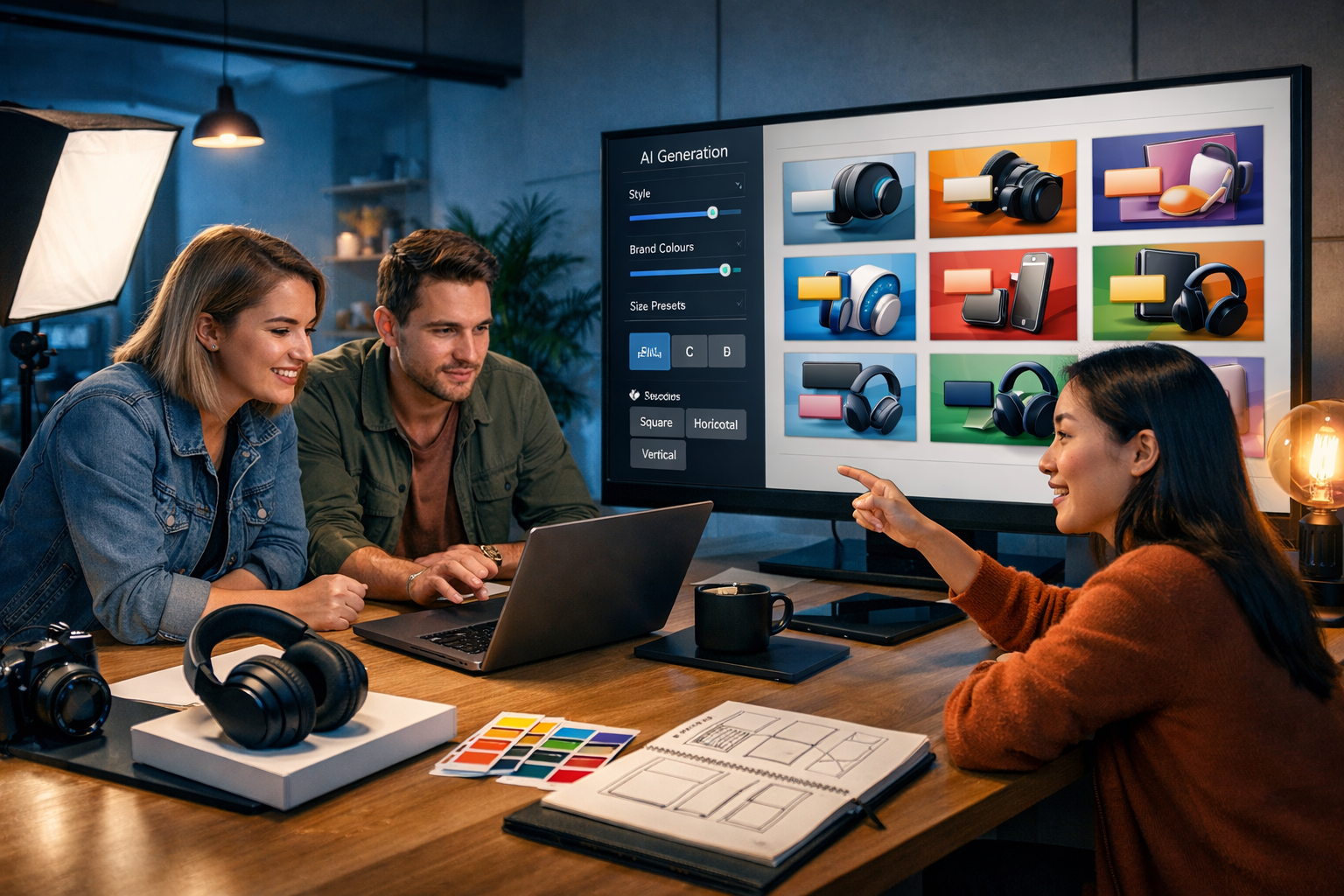
If you need an ai banner ad creator that delivers professional display ads fast, the real challenge isn’t “making a banner” — it’s producing enough high-quality variants to win placements, hit brand consistency, and keep pace with campaigns. This guide shows a practical, repeatable workflow to generate banner concepts, images, copy, and even supporting video/audio assets using Gen AI Last, so you can launch quicker and optimise continuously.
What “professional display ads fast” really means in 2026
Display advertising has become a volume game. Most teams don’t fail because they can’t design one nice banner; they fail because they can’t produce enough variations to learn what works. A professional outcome typically requires:
- Correct sizing for your placements (and file-weight constraints).
- Clear hierarchy: product/offer, benefit, call-to-action (CTA).
- Consistent brand cues: colours, typography style, imagery style.
- Multiple variants: different hooks, visuals, CTAs, and layouts.
- A fast feedback loop: launch, measure, iterate, repeat.
An AI banner ad creator helps because it compresses the time spent on ideation, drafting copy, creating visuals, and preparing variant sets — the very tasks that usually slow teams down.
Why teams choose an AI banner ad creator instead of “one-off design”
Designers are invaluable, but many startups and small teams can’t support a constant creative treadmill. AI lets you scale output without scaling headcount, especially when you need:
- Rapid concept exploration: test different visual styles (studio product shot, lifestyle, minimal abstract, bold colour-blocking).
- Message-market fit in ads: generate multiple angles (price, quality, speed, trust, novelty).
- Placement-specific resizing: create compositions designed for different aspect ratios rather than stretching one design.
- Always-on experimentation: create new variants weekly so performance doesn’t decay.
With Gen AI Last you can handle the core creative pipeline in one place — text, images, video, and audio — starting from view pricing from $10/month. That’s especially useful when banners need companion assets (short video cut-downs, voice-over hooks for social, or product explainer snippets).
The essential banner sizes for professional display ads
Before generating anything, decide which placements you’re targeting. These are common IAB-style sizes many campaigns need:
- 300×250 (Medium Rectangle) — versatile, high inventory.
- 336×280 (Large Rectangle) — strong for content sites.
- 728×90 (Leaderboard) — top-of-page placements.
- 970×250 (Billboard) — premium, attention-grabbing.
- 160×600 (Wide Skyscraper) — sidebar.
- 300×600 (Half Page) — high impact.
- 320×50 (Mobile Leaderboard) — mobile basics.
Professional teams rarely stop at one size. They build a “creative kit” (core visuals + copy system) then adapt it across sizes. AI makes that adaptation significantly faster because you can recompose imagery and regenerate layout-friendly variations rather than manually forcing one design into every format.
A repeatable workflow: create professional display ads fast with Gen AI Last
Below is a practical, end-to-end workflow you can run for each campaign. It’s designed for speed and quality.
Step 1: Write a one-page creative brief (10 minutes)
Even with AI, you need a clear input. Your brief should include:
- Goal: sign-ups, purchases, demo bookings, app installs.
- Audience: role, pain points, objections.
- Offer: discount, free trial, bundle, guarantee.
- Brand cues: colour palette, tone, imagery style.
- Landing page promise: what must be consistent to avoid mismatch.
You can draft and refine this quickly using our AI content tools (AI Text Generation) to turn rough notes into a crisp brief your whole team can follow.
Step 2: Generate message angles and headline sets (15 minutes)
Professional display ads fast means you don’t write one headline; you write a structured set. Aim for 12–20 variations across 3–5 angles. Use these proven frameworks:
- Benefit-led: “Cut reporting time by 30%.”
- Outcome-led: “Get client-ready dashboards in minutes.”
- Objection-handling: “No code. No setup headaches.”
- Social proof: “Trusted by 2,000+ teams.”
- Offer-led: “Start free. Upgrade anytime.”
In Gen AI Last, generate headline/CTA combinations tailored to each size (shorter for 320×50, roomier for 300×600). Keep language specific and avoid fluffy claims; policies and user trust matter.
Step 3: Produce image concepts designed for banner layouts (20–30 minutes)
Most “fast banners” look amateur because the image isn’t composed for ad space. Use AI Image Generation to create visuals with:
- Clear focal subject: product, person, or hero object.
- Negative space: leave clean areas for text/CTA placement.
- Consistent lighting: helps variants feel like one campaign family.
- On-brand palette: match backgrounds and accents to your colours.
If you sell physical products, generate both:
- Studio packshots: crisp, minimal backgrounds for price/offer banners.
- Lifestyle scenes: product in-use to communicate context and desirability.
If you sell software/services, focus on:
- Metaphor visuals: speed, clarity, organisation, security.
- Human moments: relatable work scenarios (team collaboration, home office, on-the-go).
Step 4: Build a variant matrix (so testing is systematic)
To create professional display ads fast, you need structured experimentation. Use a simple 3×3 matrix:
- 3 visuals: studio, lifestyle, abstract/graphic.
- 3 angles: benefit, offer, social proof.
That gives 9 “concept units”. Then create 2 CTA variants for each (e.g., “Start free” vs “Get a demo”), resulting in 18 ads per size. AI makes this feasible in hours rather than days.
Step 5: Extend winners into motion and audio (optional, high impact)
Many display networks and social placements reward motion. When you find a strong static banner, quickly build supporting assets:
- AI Video Generation: turn the hero visual into a 6–10 second motion ad (subtle zoom, product rotation, benefit callout).
- AI Audio Generation: create a short voice-over hook for a matching reel or explainer.
This is where an all-in-one platform matters: you’re not juggling four tools and four billing plans. If you want to explore the full stack, start creating for free and build a cohesive campaign from one prompt.
Prompt examples for an AI banner ad creator (copy + visual direction)
Below are practical prompt patterns you can adapt in Gen AI Last. Replace the bracketed parts with your product details.
Example 1: E-commerce product (studio look)
Text prompt (copy set): “Generate 15 display-ad headline + subhead + CTA options for [wireless earbuds] targeting [commuters]. Angle mix: sound quality, comfort, battery life, limited-time offer. Keep headlines under 28 characters for small placements. Use British English.”
Image prompt (visual): “Photorealistic studio product shot of [wireless earbuds] on a clean matte background in [brand colour], softbox lighting, subtle shadow, plenty of negative space on the right for a CTA button, high-end commercial photography, 16:9.”
Example 2: SaaS (human + UI hint, no readable text)
Text prompt (copy set): “Write 12 banner-ad concepts for [invoicing software] aimed at [freelancers]. Provide headline, one-line benefit, CTA. Include two objection-handlers: ‘no contract’ and ‘set up in minutes’. Keep claims realistic.”
Image prompt (visual): “Modern home office scene, freelancer smiling while looking at a laptop showing a generic dashboard interface with charts and cards (no legible text), bright natural light, tidy desk, neutral colours with [brand accent colour], negative space top-left for copy, photorealistic, 16:9.”
Example 3: Local service (trust + clarity)
Text prompt (copy set): “Create 10 display ad headlines and CTAs for [emergency plumber in Manchester]. Emphasise fast response, transparent pricing, and verified reviews. Avoid exaggerated promises.”
Image prompt (visual): “Professional plumber in clean uniform at a residential doorway holding a toolbox, warm indoor lighting, friendly expression, shallow depth of field, space on the left for offer text, photorealistic, 16:9.”
Design rules that make AI banners look genuinely professional
AI can generate a lot quickly; professionalism comes from constraints. Use these rules to keep output ad-ready.
1) One message per banner
Choose a single primary promise. If you try to communicate price, features, reviews, and a guarantee in one small rectangle, you’ll lose clarity. Instead, create variants where each banner focuses on one idea.
2) Strong visual hierarchy
A reliable hierarchy is: hero image → headline → supporting line → CTA. For tiny units, drop the supporting line and keep headline + CTA.
3) Build for mobile readability
Many impressions are on small screens. Keep copy short, avoid thin fonts, and ensure contrast. If it isn’t readable at a glance, it won’t convert.
4) Consistency across variants
Your testing should change one or two variables at a time. Keep background style and brand colour consistent, then test copy angle or product framing. This helps you learn what drives performance, not just what looks different.
5) Match the landing page
If the banner promises “Save 20% today”, the landing page must immediately show that offer. Consistency reduces bounce rate and improves conversion rate — which improves your effective cost per acquisition.
Speed without waste: a simple production plan for small teams
Here’s a pragmatic weekly cadence that keeps you moving fast without generating endless unused creatives.
- Monday: review last week’s performance (top 20% vs bottom 20%).
- Tuesday: generate 9–18 new variants focusing on one hypothesis (e.g., “offer-led will beat benefit-led”).
- Wednesday: launch and ensure tracking/UTMs are correct.
- Thursday: quick QA: check policy compliance, readability, landing page match.
- Friday: document learnings and update your prompt templates.
Gen AI Last helps because you can keep your prompts, outputs, and campaign assets in a single creation workflow, using our AI content tools to generate copy and visuals together instead of jumping between copywriting software, design software, and separate AI subscriptions.
Common mistakes when using an AI banner ad creator (and how to fix them)
- Mistake: “Random” creative generation.
Fix: use a variant matrix and change one variable at a time. - Mistake: Busy backgrounds.
Fix: prompt for negative space and simple shapes; keep the focal subject clear. - Mistake: Copy that’s too long.
Fix: create size-specific copy limits (e.g., 3–5 words headline for mobile units). - Mistake: Inconsistent brand look.
Fix: lock a palette and lighting style; reuse the same prompt descriptors for each batch. - Mistake: Overpromising.
Fix: keep claims factual, add qualifiers when needed, and align with what the landing page proves.
How to measure whether your banners are actually “professional”
Professional doesn’t just mean “pretty”; it means it performs and scales. Track:
- CTR (click-through rate): indicates relevance and clarity.
- CVR (conversion rate): indicates message/landing match.
- CPA (cost per acquisition): the bottom-line efficiency.
- Frequency and fatigue: performance drop as users see the same creative too often.
- Placement breakdown: some sizes or placements may need bespoke layouts.
Use the results to inform your next AI prompts. For example, if lifestyle scenes outperform packshots, generate more lifestyle variations but keep the same headline system so you isolate what changed.
Putting it all together: a fast-start checklist
- Pick 3–5 banner sizes you actually need this week.
- Define 3 message angles and 2 CTAs.
- Generate 3 core visuals with negative space for copy.
- Create 18 variants per size (3 visuals × 3 angles × 2 CTAs).
- Launch, measure, and replace the bottom performers every 7 days.
If you want a single tool to create the copy, visuals, and supporting motion assets without enterprise pricing, Gen AI Last is built for exactly that. You can view pricing from $10/month for full access to text, image, audio, and video generation — ideal for startups and small teams that need professional display ads fast.
Frequently asked questions
Can AI-generated banners be used for real advertising campaigns?
Yes, provided you follow platform policies, avoid misleading claims, and ensure any product representation is accurate. Treat AI output like any other creative: review it, QA it, and make sure the landing page matches the promise.
How many banner variations should I launch?
Start with 9–18 per size if budget allows, then narrow down quickly. A smaller budget can still work with fewer variants, but keep the testing structured so you learn what drives results.
What’s the fastest way to keep brand consistency with AI?
Create a reusable “brand prompt block” containing your palette, lighting style, mood, and composition rules (e.g., negative space for copy). Reuse it across all generations and only change the variable you’re testing.
Do I need separate tools for copy and design?
Not necessarily. With Gen AI Last, you can generate ad copy (AI Text Generation) and banner visuals (AI Image Generation) in the same platform, then extend winners into short motion assets (AI Video Generation) and voice-overs (AI Audio Generation) when needed.
Next step: pick one product or offer, run the 3×3 variant matrix, and generate a complete first batch today. If you’re ready to build, start creating for free and turn a simple prompt into professional display ads fast.
Ready to Create with Generative AI?
Join thousands of creators using Gen AI Last to generate text, images, audio, and video — all from one platform. Start your 7-day free trial today.
Start Free — Try 7 DaysQuick Links
Create AI content from $10/month
View Plans