AI Banner Ad Creator: Professional Display Ads Fast
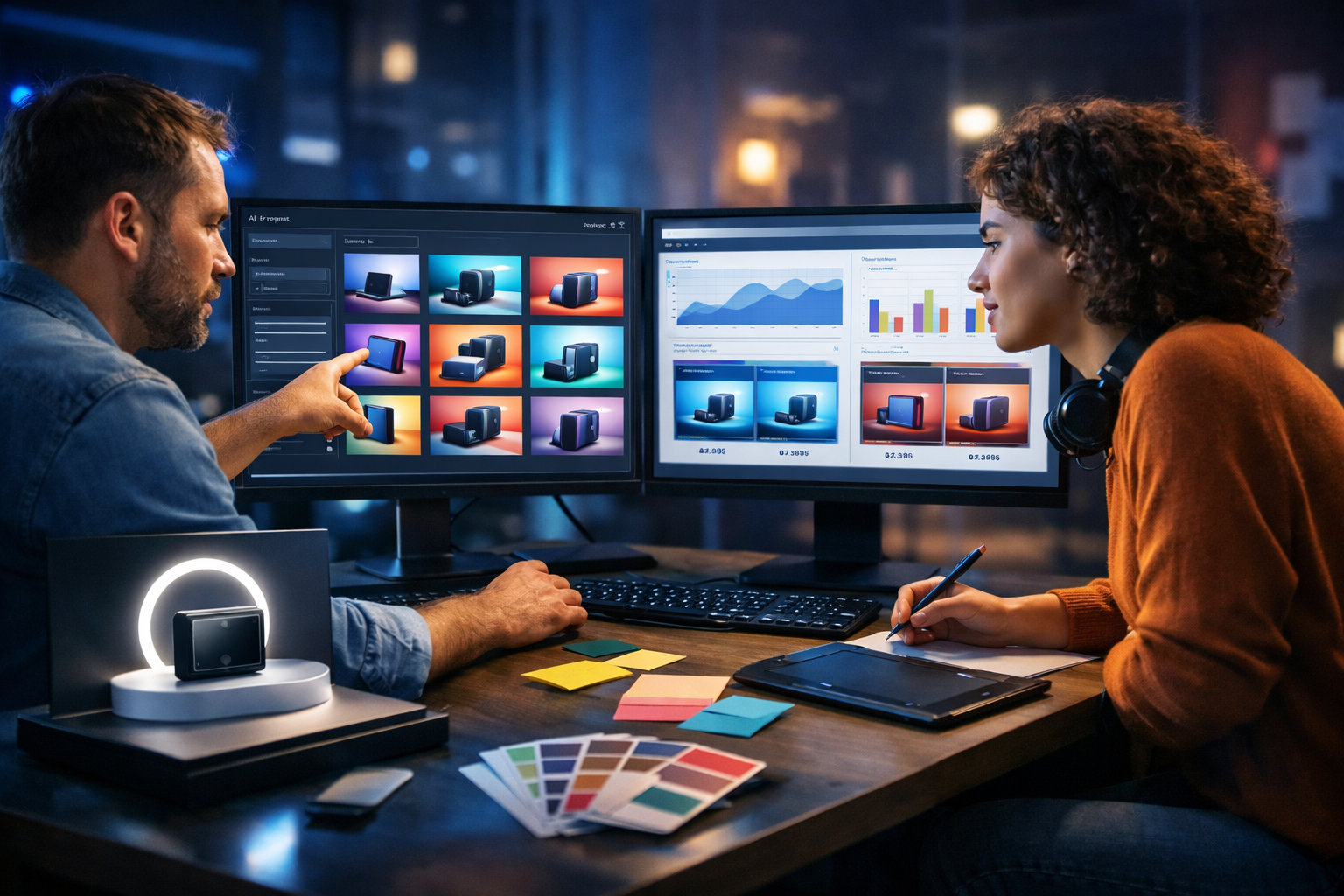
If you need professional display ads fast, an AI banner ad creator can turn a simple brief into multiple on-brand variants in minutes. The key is combining strong copy, clean layout, correct sizes, and rapid iteration—without burning hours in design tools. This guide shows a practical, repeatable workflow using Gen AI Last to generate banner visuals, write conversion-ready ad copy, and produce a full set of display ads quickly and consistently.
What “professional display ads” actually require
“Professional” isn’t about fancy effects. It’s about clarity, consistency, and performance. Display banners must be instantly readable, visually coherent with your brand, and aligned to a single action you want the viewer to take. AI helps most when you know the non-negotiables.
- A single, specific offer or message (not three competing ideas).
- Clear visual hierarchy: image/benefit → brand cue → call-to-action.
- Correct ad sizes and safe margins so nothing gets cropped.
- High-contrast, readable typography (especially on mobile).
- Fast loading and simple composition (avoid clutter).
- Variant testing: multiple hooks, images, and CTAs.
Gen AI Last supports this end-to-end: write your ad copy with AI text generation, generate banner-ready visuals with AI image generation, and even produce short video variants and voice-overs for richer placements—all within our AI content tools.
Why an AI banner ad creator is the fastest path to more winning variants
Most banner campaigns fail because teams ship too few variations. You may have one great concept, but performance marketing needs volume: different angles for different audiences, refreshed creative to avoid fatigue, and multiple sizes across placements. AI speeds up the parts that usually block you—ideation, visual production, and rewriting.
- Speed: generate 10 concepts in the time it takes to brief one designer.
- Consistency: reuse the same prompt structure to keep brand style stable.
- Iteration: quickly adjust colour, mood, composition, product angle, or background style.
- Testing: spin up “message x image x CTA” combinations for A/B tests.
And because Gen AI Last includes text, image, video, and audio in every plan, you can build full-funnel assets without juggling subscriptions—view pricing from $10/month.
Start with the right banner sizes (and why it matters)
“Fast” doesn’t help if your ads don’t fit. Standard sizes vary by network, but these are commonly used across Google Display and many programmatic placements. Create a base design system that adapts cleanly.
- 300×250 (Medium Rectangle) – one of the highest-volume sizes.
- 336×280 (Large Rectangle) – similar layout, larger canvas.
- 728×90 (Leaderboard) – wide and short; keep copy minimal.
- 970×250 (Billboard) – strong for brand + product hero.
- 160×600 (Wide Skyscraper) – vertical composition; single focal point.
- 320×50 (Mobile Leaderboard) – extremely concise messaging.
Tip: design one “master concept” in three aspect styles—square-ish, wide, and vertical—then adapt each size from the closest match. AI-generated visuals can be prompted in compositions that suit these shapes, reducing awkward cropping later.
A fast, professional workflow using Gen AI Last
Below is a practical system you can reuse for every campaign. It’s built to produce professional display ads fast, while still protecting brand quality.
Step 1: Write a one-page banner brief (10 minutes)
AI performs best with constraints. Capture the essentials:
- Audience: who is this for (role, intent, pain point)?
- Offer: trial, discount, demo, free guide, new collection, etc.
- One key benefit: the promise you want remembered.
- Brand cues: colours, tone, imagery style (clean, bold, minimal, premium).
- CTA: “Get a demo”, “Shop now”, “Download”, “Start free”.
If you don’t have these locked in, use Gen AI Last’s AI text generation to turn a messy idea into a tight brief you can actually build from.
Step 2: Generate banner copy that fits real space
Banner copy fails when it reads like a headline from a blog post. You need short, scannable, high-contrast phrasing. Aim for:
- Headline: 3–6 words
- Support line: 6–12 words (optional)
- CTA: 1–3 words
Prompt example (copy): “Write 12 banner headline options (max 6 words) and 8 CTA options (max 3 words) for [product] targeting [audience]. Focus on [benefit]. Tone: [brand tone]. Avoid jargon.”
Then pick 3–4 angles to test. For example:
- Outcome: “Launch campaigns in minutes”
- Pain relief: “Stop wasting time on resizing”
- Proof: “Trusted by fast-moving teams”
- Offer-led: “Full access from $10/month”
Because Gen AI Last combines copy and image generation, you can iterate message and visuals together instead of treating them as separate tasks.
Step 3: Create on-brand visual directions (3 styles)
Professional banners usually fall into a few reliable visual types. Pick three and generate variations.
- Product hero: one strong product image, simple background, bold CTA.
- People + outcome: a person using the product or experiencing the benefit.
- Abstract brand: gradient shapes, patterns, icons—strong for SaaS.
Prompt example (visual): “Create a clean, modern display banner background for a SaaS product, minimal composition, ample negative space for headline and CTA, cool blue palette with subtle neon accents, professional studio lighting, photorealistic, 16:9.”
Generate 6–12 backgrounds per style, then shortlist the best 2 per style. This gives you a starting pool of 6 strong directions, which is usually enough to find early winners.
Step 4: Build a “layout system” that adapts to every size
A professional look is often a layout problem, not an image problem. Define a reusable structure:
- Zone A: product/visual focus (left or centre)
- Zone B: headline/support text (high-contrast block)
- Zone C: CTA button (bottom-right works often, but not always)
When generating images, prompt for negative space where Zone B will sit. That single detail prevents the common “where do we put the text?” problem that makes banners look amateur.
Step 5: Produce variants deliberately (not randomly)
To move fast and learn faster, vary only one major element at a time. Here’s a simple test matrix:
- Round 1: Same visual, 3 headlines, 2 CTAs (6 variants)
- Round 2: Winning copy, 3 visuals (3 variants)
- Round 3: Winning combo, 2 colour treatments (2 variants)
Gen AI Last makes this quick because you can regenerate copy and imagery in the same workspace, keeping your variations consistent.
Prompt templates you can reuse (copy + visuals)
Steal these formats and swap the bracketed fields. They’re designed to yield banner-friendly outputs.
Copy prompt: short headlines that convert
Template: “Create 15 display ad headlines (max 6 words) for [product] aimed at [audience]. Focus on [single benefit]. Provide 10 sublines (max 12 words). Provide 12 CTAs (max 3 words). Tone: [tone]. No exclamation marks. Avoid vague claims.”
Visual prompt: banner background with negative space
Template: “Photorealistic marketing banner background for [industry], clean minimal composition, [colour palette], soft gradient and subtle texture, large negative space on the [left/right] for headline and CTA, modern studio lighting, sharp focus, high detail, no text, no logos, 16:9.”
Visual prompt: product hero shot
Template: “Photorealistic product hero image of [product], on a simple premium surface, [lighting style], shallow depth of field, background with space for overlay text, ecommerce-ready, no text, no branding, 16:9.”
How to keep AI banners on-brand (without slowing down)
Brand consistency is what separates “fast” from “fast and usable”. Put these guardrails in place:
- Define a palette: 2 main colours, 1 accent, 1 neutral background.
- Use one typography style: even if you’re not generating fonts via AI, commit to a type pairing in your final layout tool.
- Stick to 1–2 image moods: e.g., “clean studio” and “cool tech” for SaaS; “warm lifestyle” for DTC.
- Repeat UI/shape elements: consistent button shape, corner radius, icon style.
- Create a prompt library: save your best-performing prompt structures so every campaign starts stronger.
If you’re a small team, Gen AI Last’s all-in-one setup is useful because the same brand tone you use for ad copy can be reused for landing page sections, follow-up emails, and social posts—without context switching.
Common mistakes that make AI banners look cheap
AI can generate impressive images, but display advertising has strict practical limits. Avoid these pitfalls:
- Too much text: banners are not flyers. Keep it sharp.
- Low contrast: if the headline blends into the background, performance drops.
- Busy backgrounds: texture is fine; clutter is not.
- Unclear CTA: don’t hide the button or make it look like decoration.
- Inconsistent style across sizes: a mismatched set looks unprofessional and harms recall.
- No testing plan: generating 50 variants without a structure wastes time and budget.
From static banners to motion: when to add video
If you already have a winning static concept, motion can improve attention—especially for retargeting or premium placements. Keep motion subtle: a background shift, product reveal, or CTA emphasis. Because Gen AI Last also includes AI video generation, you can repurpose the same concept into short loops without rebuilding from scratch.
- Best for: new product launches, brand awareness, retargeting sequences.
- Keep it simple: 3–6 seconds, one message, one CTA.
- Maintain readability: text must be legible on mobile.
For richer creative, you can also generate short voice-over lines or background music with AI audio tools—useful when adapting display assets into social placements.
A practical “make professional display ads fast” checklist
Use this checklist to keep quality high while moving quickly.
- Pick one audience and one offer per ad set.
- Write 10–15 short headlines; choose 3 to test.
- Generate 3 visual styles; shortlist 2 per style.
- Design a layout system with clear zones and negative space.
- Build a structured test matrix (copy first, then visuals).
- Export the top 6–12 variants across key sizes.
- Refresh creative regularly (weekly/fortnightly for high spend).
Example: one prompt-to-banner workflow (end-to-end)
Here’s what a realistic workflow can look like for a SaaS tool promoting a free trial.
- Brief: Busy marketers who need faster creative production; offer is a free trial; benefit is “launch more variations quickly”.
- Copy options generated: “More ads, less time”, “Create banners in minutes”, “Professional ads, faster”. CTAs: “Start free”, “Try it now”, “Get access”.
- Visual styles generated: (1) abstract gradient tech background with negative space; (2) marketer at laptop with ad previews; (3) clean product hero with UI cards.
- Test plan: Use one background style and test three headlines first; then expand the winning headline across the other two styles.
You can run the copy generation and image generation back-to-back inside Gen AI Last, then adapt the outputs into your preferred banner layout tool for final resizing and export.
Why Gen AI Last is a practical choice for startups and small teams
Startups often need display ads, landing pages, emails, and social creative at the same time—without a full creative department. Gen AI Last is designed for that reality: one platform for text, images, video, and audio, available on every plan.
- Generate ad copy: headlines, CTAs, value props, retargeting angles.
- Generate banner visuals: backgrounds, product scenes, lifestyle concepts.
- Generate video: short motion assets for social and display extensions.
- Generate audio: voice-overs or background music when repurposing to video.
If you want to move quickly, you can start creating for free and build your first banner set, then scale confidently once you’ve found your winning message.
FAQ: AI banner ad creator for professional display ads fast
How many banner variants should I launch with?
For a new campaign, aim for 6–12 solid variants (3 headlines × 2 visuals × 2 CTAs, for example). That’s enough volume to learn without creating noise.
Will AI-generated banners get disapproved?
Most disapprovals come from policy issues (misleading claims, prohibited content) or formatting problems (illegible text, bad sizing). Keep claims specific, avoid sensational language, and export correct dimensions and file sizes.
What’s the fastest way to improve CTR?
Test a stronger, clearer promise and a more explicit CTA before redesigning everything. Often, a single headline change lifts performance more than visual tweaks.
Can I repurpose banners into other assets?
Yes. Use the same concept to generate matching social images, short videos, email hero sections, and landing page copy. With our AI content tools, you can keep message consistency across channels while producing everything faster.
Next steps: build your first fast, professional banner set
To create professional display ads fast, don’t chase perfection—chase a repeatable system: a tight brief, banner-ready copy, image directions with negative space, and a simple testing plan. Once you’ve got that foundation, an AI banner ad creator becomes a reliable production engine rather than a gimmick.
Ready to generate your first set of banners and variants? Start creating for free, and when you’re ready to scale output across text, images, video, and audio, view pricing from $10/month.
Ready to Create with Generative AI?
Join thousands of creators using Gen AI Last to generate text, images, audio, and video — all from one platform. Start your 7-day free trial today.
Start Free — Try 7 DaysQuick Links
Create AI content from $10/month
View Plans