AI commercial production: create professional video ads without a crew
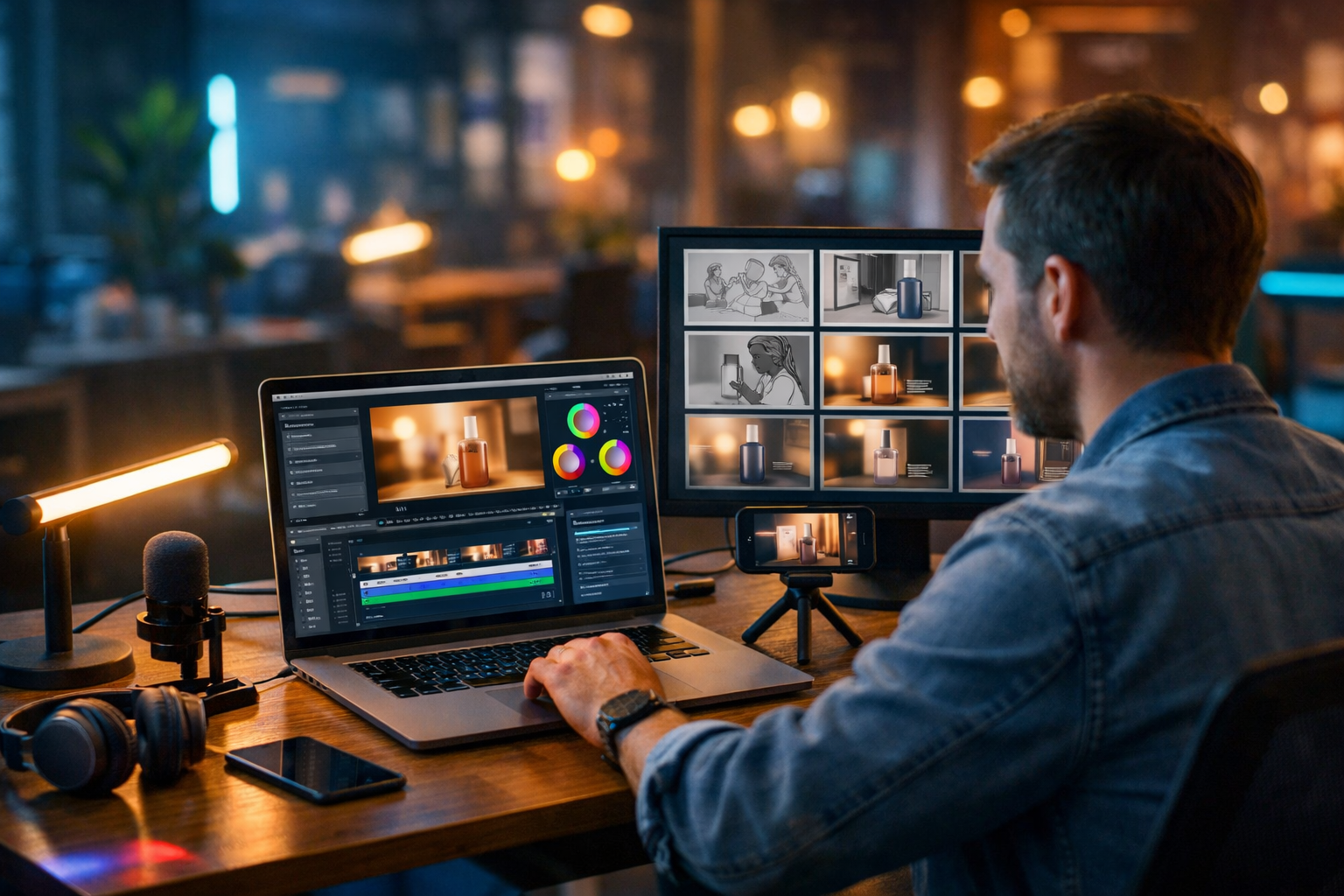
AI commercial production has changed the rules: you can now create professional video ads without a crew, without hiring a studio, and without waiting weeks for edits. With the right workflow, a single marketer can plan, generate, and assemble high-quality creatives that are consistent, on-brand, and ready for paid social, YouTube, and landing pages.
What “AI commercial production” actually means (and what it doesn’t)
Traditional commercial production is crew-led: a producer, director, camera operator, lighting, sound, talent, and post-production. AI commercial production replaces much of that pipeline with prompt-led creation and rapid iteration, letting you generate scripts, visuals, voice-overs, and finished video drafts in hours rather than days.
It doesn’t mean you can ignore fundamentals. The ads that win still follow the same rules: a clear offer, a strong hook, believable proof, and a single call to action. AI helps you execute these elements faster, not magically avoid them.
Why you can create professional video ads without a crew in 2026
Three shifts have made solo production realistic:
- Generative scripting speeds up the hardest part: deciding what to say and how to say it.
- AI image and video generation replaces many “B-roll” and product lifestyle shots when filming isn’t possible or cost-effective.
- AI audio gives you polished voice-overs and music beds without booking talent.
Gen AI Last brings these pieces together in one place—text, image, video, and audio—so you don’t have to juggle multiple subscriptions or complicated hand-offs. You can explore our AI content tools to see the full range.
A proven AI ad workflow: from idea to export in one day
Below is a practical end-to-end process for AI commercial production. It’s designed for startups, small teams, and solo marketers who need creatives fast—without sacrificing professionalism.
Step 1: Define the brief (the “one-page producer doc”)
Before you generate anything, lock in five inputs. This prevents “pretty but pointless” outputs.
- Audience: who is this for, and what do they already believe?
- Objective: click, install, purchase, lead form, or awareness?
- Offer: discount, free trial, bundle, guarantee, or demo?
- Proof: reviews, numbers, before/after, comparisons, founder credibility.
- Format: 9:16 for Reels/TikTok, 1:1 for feeds, 16:9 for YouTube/CTV.
Tip: write your brief as a single paragraph. You’ll reuse it as the “system prompt” for consistent outputs across script, visuals, and voice.
Step 2: Generate multiple hooks and angles (don’t start with the script)
Most ads fail in the first two seconds. Start by creating 10–20 hook options, then pick the best three. In Gen AI Last’s AI Text Generation, prompt for hooks in different styles: problem-first, curiosity, contrarian, testimonial, and “result in 7 days” type claims (only if true).
Example prompt (hooks): “Create 15 scroll-stopping hooks for a 20-second paid social video ad for [product]. Audience: [audience]. Offer: [offer]. Avoid hype; keep claims compliant. Provide hooks as short on-screen lines and matching voice-over lines.”
Professional trick: pick hooks that can be shown, not just said. If your hook is “Stop losing time”, decide what the viewer will see—messy spreadsheets, missed deliveries, overflowing inboxes, etc.
Step 3: Write a 15–30 second script built for retention
A reliable structure for short ads is:
- Hook (0–2s)
- Problem (2–6s)
- Solution + how it works (6–18s)
- Proof (18–24s)
- Offer + CTA (24–30s)
Example (sketch script): “Still editing ads at midnight? Here’s a faster way. Generate your script, visuals, voice-over and video draft from one prompt. Get three versions, test them, then scale the winner. Try it today.”
Keep sentences short. Use natural language. If you wouldn’t say it aloud, don’t put it in a voice-over.
Step 4: Build a storyboard and shot list (your “virtual crew”)
This is where your AI commercial production becomes professional. Convert the script into 6–10 scenes with clear visuals, on-screen text suggestions, and what the camera is “doing” (even if it’s generated footage).
- Scene: what we see
- Purpose: hook/proof/demo/CTA
- Asset type: AI video, AI image, screen recording, UGC clip
- On-screen text: 3–6 words max per beat
If you have a product UI, combine AI with real screen captures. A hybrid ad (real UI + AI lifestyle + AI voice) often looks more credible than fully synthetic video.
Step 5: Generate consistent visuals (images first, then motion)
When you don’t have a crew, consistency is your production value. Pick a visual direction and stick to it: lighting, lens feel, wardrobe colours, locations, and subject style.
In Gen AI Last’s AI Image Generation, create:
- Keyframes for your storyboard (hero shots, close-ups, lifestyle context)
- Background plates you can animate or cut against
- Product-style imagery for overlays (clean, high contrast)
Example prompt (lifestyle keyframe): “Photorealistic shot of a small business owner in a home office reviewing marketing results on a laptop, warm natural window light, shallow depth of field, modern desk setup, no logos, 16:9, cinematic colour grade.”
Then move to AI Video Generation for the scenes that benefit from motion (hands using a device, a product in use, dynamic background movement). Use your best image prompts as a base and specify camera movement: slow push-in, gentle pan, handheld realism, etc.
Step 6: Add voice-over and sound design that doesn’t scream “AI”
Audio is where “professional” is often won or lost. A decent visual with excellent audio feels premium; the reverse feels cheap.
In Gen AI Last’s AI Audio Generation, create:
- Voice-over in a tone that matches your brand (friendly, confident, calm, energetic)
- Background music (subtle and supportive, not competing with speech)
- Optional SFX (whooshes, clicks) used sparingly
Practical tips:
- Use a slightly slower pace than you think; viewers need time to read on-screen text.
- Avoid overly “radio” delivery for UGC-style ads—aim for conversational.
- Leave micro-pauses before the offer and the CTA.
Step 7: Assemble the edit with clear pacing and hierarchy
Even if you’re using a standard editor, your AI-generated assets should follow an ad-first edit style:
- Front-load the value: show the outcome early, then explain.
- Text hierarchy: one primary line per beat; keep it large and readable on mobile.
- Pattern breaks every 2–3 seconds: new shot, zoom, overlay, or UI cutaway.
- Brand cues: consistent colours, fonts, and end card layout.
If you’re producing multiple variants, keep the middle (demo/proof) consistent and swap only hooks and CTAs. That makes performance testing cleaner.
Three ad formats you can produce with AI (and when to use each)
1) UGC-style explainer (best for paid social)
Structure: creator-style hook → pain point → quick demo → proof → CTA. Use AI visuals as cutaways and overlays while maintaining a human feel. If you can film a simple selfie clip on your phone, combine it with AI B-roll for a “no crew” hybrid that converts well.
2) Product demo with clean motion graphics (best for SaaS)
Structure: outcome first → 3-step walkthrough → results/proof → CTA. Use real screen recordings for credibility and AI-generated contextual scenes (teams collaborating, dashboards, remote work). Voice-over should be calm and instructional.
3) Cinematic brand spot (best for retargeting and YouTube)
Structure: emotional hook → brand promise → proof → offer. AI video generation is useful for atmospheric shots you can’t film—locations, lighting moods, seasonal scenes—while keeping the message grounded in real customer benefits.
Quality control: how to keep AI ads credible and compliant
Professional video ads without a crew still need the same safeguards a producer would insist on:
- Truthful claims: avoid “guaranteed” results unless you can substantiate them.
- Clear disclaimers: if results vary, say so (platform policies differ).
- Consistent branding: mismatch between visuals and brand identity lowers trust.
- Human review: check pronunciations, awkward phrasing, and any unintended imagery.
If you’re in a regulated space (finance, health, legal), treat AI like a junior assistant: useful, fast, and always supervised.
A ready-to-use prompt pack for “AI commercial production”
You can copy these into Gen AI Last and swap the bracketed parts.
Prompt 1: Creative brief into three concepts
Prompt: “You are a performance creative strategist. Create 3 distinct video ad concepts for [product] for [platform]. Audience: [audience]. Core benefit: [benefit]. Proof available: [proof]. Offer: [offer]. Each concept must include hook, key scenes, on-screen text, and CTA. Keep it compliant and realistic.”
Prompt 2: 20-second script with timestamps
Prompt: “Write a 20-second script with timestamps (0–20s) for concept #2. Include voice-over, on-screen text, and notes for visuals per scene. British English. Short sentences. One clear CTA.”
Prompt 3: Image prompts for each scene
Prompt: “Create 8 photorealistic image prompts (16:9 and 9:16 variants) matching this storyboard: [paste storyboard]. Ensure consistent subject, wardrobe, and lighting across images. No text, no logos.”
Prompt 4: Voice-over direction
Prompt: “Provide voice-over direction for this script: [paste script]. Include tone, pacing notes, emphasis words, and where to pause for on-screen text.”
How to test and iterate: the solo production advantage
A crew-based commercial often ships one “hero” edit. AI commercial production lets you ship variations, which is how you find winners.
A simple testing plan:
- Make 3 hooks for the same body.
- Make 2 proof variants: testimonial vs. numbers vs. comparison.
- Make 2 CTAs: “Start free trial” vs. “Get a demo”.
That’s 12 combinations from one concept. You don’t need to launch all 12—start with 4–6, then iterate based on retention (3-second view), CTR, and CPA.
Cost and time: what to expect without a crew
A small commercial shoot can cost thousands once you include pre-production, talent, equipment, location, and edits. With Gen AI Last, you can generate scripts, images, voice, and video from one platform, with full access starting at an affordable subscription. You can view pricing from $10/month and scale your creative output without scaling headcount.
Time-wise, a realistic solo schedule for a first round:
- Brief + angles: 45–60 minutes
- Script + storyboard: 60–90 minutes
- Generate assets (with revisions): 2–3 hours
- Assembly + export variants: 1–2 hours
Common mistakes that make AI ads look amateur (and fixes)
- Too much text on screen → Use one primary line; move detail to voice-over.
- Inconsistent characters/lighting → Reuse a consistent prompt template and reference the same look each time.
- Generic music → Choose a simple bed and keep levels low under speech.
- No proof → Add a review snippet, metric, or quick comparison (truthfully).
- Weak CTA → Make the next step specific: “Create your first ad today” beats “Learn more”.
Create your next video ad in Gen AI Last
If your goal is exactly this—ai commercial production to create professional video ads without a crew—an all-in-one workflow matters. With Gen AI Last you can generate the script, storyboard, visuals, voice-over, and video drafts from simple prompts, then iterate quickly for performance.
Explore our AI content tools to see what you can create, and if you want to try the workflow immediately you can start creating for free.
FAQ: AI commercial production without a crew
Can AI-generated ads be used for paid advertising?
Yes, provided your claims are truthful and the creative complies with the platform’s advertising policies. Always review for misleading implications and add disclaimers where needed.
What’s the best length for a social video ad?
For most paid social placements, 15–30 seconds is a strong starting range. Prioritise a fast hook and clear proof over longer explanations.
How do I stop AI visuals looking inconsistent?
Lock a “style recipe” (lighting, lens, environment, subject description) and reuse it across prompts. Generate keyframes first, then produce motion shots that match those keyframes.
Is Gen AI Last affordable for small teams?
Yes—plans start at $10/month with access to text, image, audio, and video generation. You can check details on the pricing page.
Ready to Create with Generative AI?
Join thousands of creators using Gen AI Last to generate text, images, audio, and video — all from one platform. Start your 7-day free trial today.
Start Free — Try 7 DaysQuick Links
Create AI content from $10/month
View Plans