AI commercial production: create professional video ads without a crew
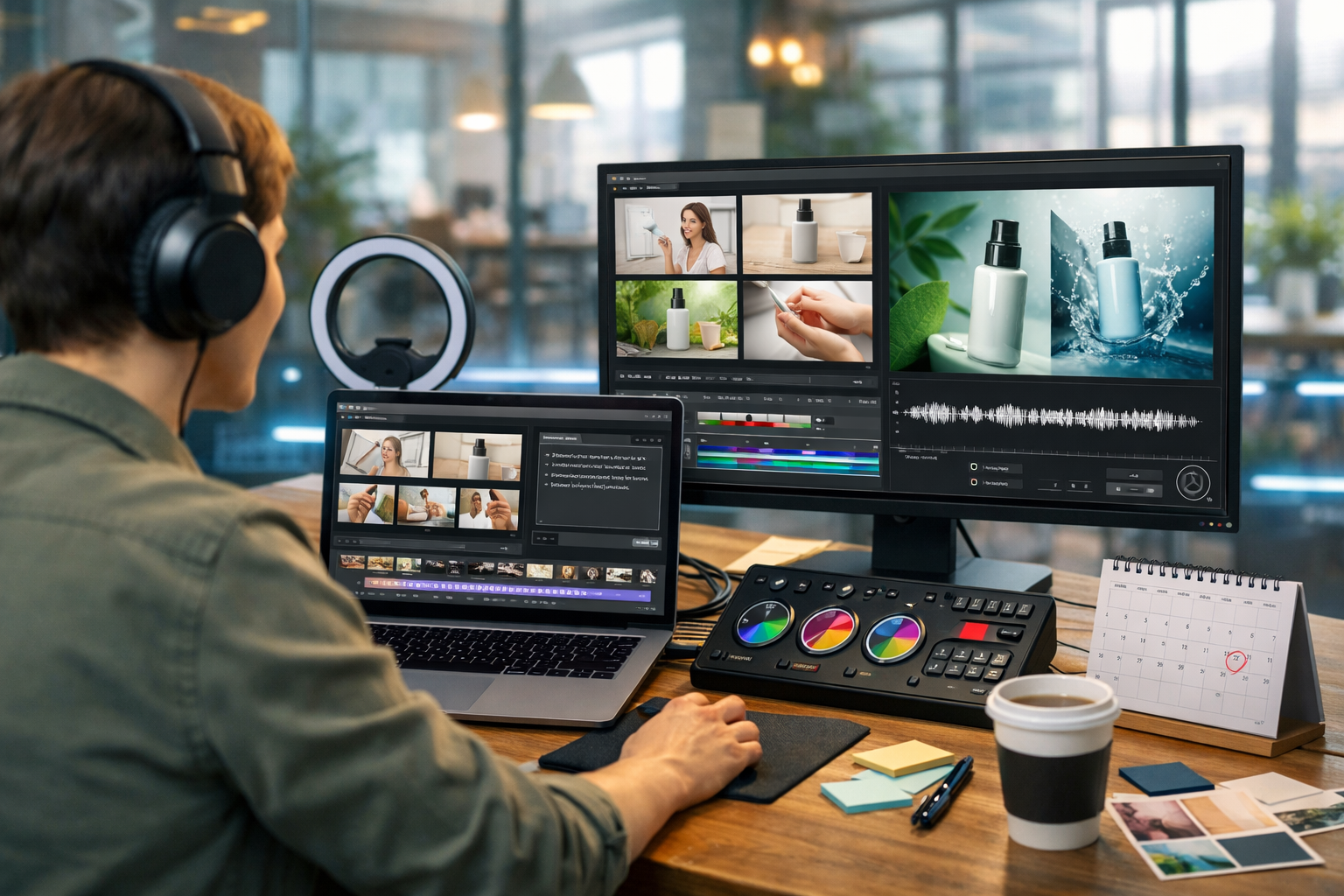
AI commercial production has changed the rules: you can create professional video ads without a crew, studio hire, or complex post-production—if you follow a clear workflow. This guide shows how startups and small teams can plan, generate and polish ad-ready videos using Gen AI Last’s text, image, audio and video tools on one affordable plan.
What “AI commercial production” really means (and what it doesn’t)
Traditional commercial production involves a scriptwriter, director, camera operator, lighting, talent, sound, editing, motion graphics, and approvals—often spread across weeks and multiple suppliers. AI commercial production compresses most of that work into a repeatable process where you generate and assemble the key building blocks—script, visuals, voice-over, music, and final video—using AI.
It doesn’t mean you can ignore strategy, brand compliance, or platform requirements. The winning approach is: use AI to accelerate execution, while you keep human judgement for messaging, brand tone, and final QA.
Why creating professional video ads without a crew is now realistic
A “crew-less” ad used to look like a slideshow or a shaky phone clip. Today, AI can generate clean visuals, coherent voice-overs, music beds, and edit-ready video sequences that look consistent enough for paid social, e-commerce product pages, and even some broadcast-style placements (depending on compliance and category).
- You can test more concepts quickly: hooks, offers, angles, and CTAs.
- You can refresh creatives weekly (or daily) without booking anyone.
- You can localise: new languages, new regions, new seasonal messaging.
- You keep control: one platform can generate text, images, audio and video assets.
Gen AI Last is designed for exactly this: an all-in-one AI content creation platform where you can generate the ad script, visuals, voice-over and the final video from simple prompts. Explore our AI content tools to see the full workflow in one place.
Before you generate anything: the 10-minute ad brief
The most common reason AI ads fail is not “bad AI”; it’s a vague brief. Use this short framework to keep outputs focused and brand-safe.
- Audience: who exactly is this for (role, problem, level of awareness)?
- Offer: what are you selling and what’s the incentive (trial, discount, free shipping)?
- One core promise: the primary benefit in plain language.
- Proof: review count, demo result, guarantee, comparison, certification.
- CTA: what you want them to do now.
- Platform: TikTok/Reels/YouTube Shorts/Meta feed—each has different pacing.
- Brand constraints: banned phrases, regulated claims, tone, colours, visual style.
Keep this brief beside you while prompting. It’s the difference between an “AI-looking” video and an ad that feels intentional.
A practical workflow: produce a video ad in 60–90 minutes
Below is a realistic end-to-end process you can repeat every week. The goal is not perfection on version one—the goal is to generate testable creatives quickly, then iterate based on performance.
Step 1: Generate 3 hook options (AI text)
The first 1–2 seconds decide whether the ad lives or dies. Generate multiple hooks that fit different intent levels:
- Problem hook: “Still spending hours editing ads?”
- Result hook: “Launch 5 new creatives before lunch.”
- Curiosity hook: “We replaced our video crew with this workflow…”
Prompt example (copy/paste):
“Write 10 punchy hooks for a 15-second paid social video ad. Audience: startup founders and marketers. Product: all-in-one AI content platform. Tone: confident, practical, no hype. Avoid: ‘revolutionary’, ‘game-changer’. Include a clear benefit in under 12 words.”
Pick three hooks and build three variants. Testing multiple openings is one of the highest-leverage tactics in performance marketing.
Step 2: Turn the best hook into a tight script (AI text)
For 15–30 seconds, aim for a simple structure:
- Hook (0–2s)
- Pain + promise (2–7s)
- How it works (7–18s)
- Proof (optional) (18–24s)
- CTA (final 2–4s)
Prompt example:
“Write a 20-second script for a vertical video ad. Include timecodes and on-screen text suggestions. Mention that text, image, audio and video generation are included from $10/month. CTA: ‘Start creating for free’. Keep sentences short for voice-over.”
You can also generate supporting assets in the same pass: headlines for thumbnails, primary text for Meta, and a short landing page section for message match.
Step 3: Create a storyboard and shot list (AI text)
This is where “without a crew” becomes manageable. Instead of filming 12 shots, you design 6–10 AI-generated scenes that communicate the idea clearly.
What to include per scene: scene purpose, visual description, on-screen text, and whether it needs motion (pans/zooms) or can be static.
- Scene 1: Busy marketer juggling tools (pain)
- Scene 2: All-in-one dashboard concept (solution)
- Scene 3: Script → image → voice → video sequence (how it works)
- Scene 4: Pricing card or “from $10/month” callout (offer)
- Scene 5: CTA screen (start free)
A storyboard keeps your visuals consistent and prevents the common AI trap: random pretty clips that don’t sell anything.
Step 4: Generate ad visuals (AI images)
Use AI images for: product-style renders, lifestyle scenes, mockups, backgrounds, and cutaway visuals. If you have a physical product, you can create clean “product hero” visuals and contextual scenes without booking a photographer.
Actionable tips for consistent results:
- Lock a style: “photorealistic, soft natural light, shallow depth of field” (or “cool tech vibe, neon accents”).
- Repeat key details: same device type, same environment, same colour palette.
- Leave space for text: ask for “clean negative space on the right”.
- Think in frames: generate 6–10 images that match your storyboard scenes.
Prompt example:
“Photorealistic vertical scene of a startup marketer in a home office at golden hour, laptop open with a video editor timeline (generic UI), sticky notes, coffee mug, calm confident mood, clean negative space at top for caption, no logos, no text.”
Step 5: Create the voice-over (AI audio)
Voice quality is a major “professionalism” signal. A good AI voice-over should sound natural, paced, and aligned with the brand tone (friendly, premium, energetic, etc.).
Practical voice-over checklist:
- Keep sentences under ~12 words.
- Avoid jargon; speak like a human, not a brochure.
- Add pauses for emphasis (commas and line breaks help).
- Match pacing to platform: faster for Shorts/Reels, calmer for YouTube pre-roll.
If your ad needs background music, generate a simple bed that doesn’t fight the voice. Then keep levels consistent: voice clear, music subtle.
Step 6: Assemble and generate the video (AI video)
Now combine your scenes, transitions, voice-over and music into a final cut. For most performance ads, you’re optimising for clarity and speed rather than cinematic complexity.
Editing rules that make AI ads feel “real”:
- Cut ruthlessly: remove anything that doesn’t move the message forward.
- Use pattern interrupts: change scene every 1–2 seconds in short-form formats.
- On-screen text: mirror key phrases from the voice-over for retention.
- End card clarity: one CTA, one destination (site or app).
Gen AI Last makes this workflow easier because the same platform supports text, image, audio and video generation—reducing the time lost exporting, converting formats, and juggling subscriptions. If you want to see how affordable this is for small teams, view pricing from $10/month.
Three ready-to-use AI ad concepts (with scripts you can adapt)
Use these as starting points and tailor them to your product, audience and offer.
Concept 1: “Too many tools” (all-in-one simplification)
Best for: founders and marketers overwhelmed by tooling.
Voice-over (approx. 20s):
“If your marketing needs five tools and three freelancers, it’s costing you time. With Gen AI Last, generate your script, visuals, voice-over, and video in one place. Create product demos, social reels, and explainer ads fast. Full access starts from ten pounds a month. Start creating for free today.”
- Visuals: messy browser tabs → clean dashboard-like montage → finished ad preview
- On-screen text: “Text → Image → Audio → Video” and “From $10/month”
Concept 2: “Speed challenge” (time-boxed creation)
Best for: performance marketers who value iteration and volume.
Voice-over (approx. 15–18s):
“Give me twenty minutes. I’ll make a video ad without a crew. Script. Visuals. Voice-over. Final cut. That’s Gen AI Last—an all-in-one AI content platform for startups. Launch more creatives, test more angles, and move faster. Start creating for free.”
- Visuals: timer overlay style (no real text needed in visuals), quick scene swaps, timeline edits
- On-screen text: “20-minute ad build” “Test 5 hooks”
Concept 3: “Founder-led, but polished” (human trust + AI production)
Best for: B2B SaaS and services where trust is critical.
Voice-over (approx. 20–25s):
“I’m not a video team. I’m a founder. But I still need ads that look professional. With Gen AI Last I can write the script, generate visuals, add a natural voice-over, and publish a clean video fast. No crew. No studio. Just consistent creatives I can test every week. Start creating for free.”
- Visuals: founder at desk, simple product visuals, testimonial-style scenes
- On-screen text: “No crew required” “Weekly creative refresh”
Quality control: how to make AI ads look genuinely professional
AI can generate a lot of “nearly right” assets. Professional results come from a short QA routine.
- Brand consistency: check colours, tone, and repeated visual motifs across scenes.
- Legibility: ensure on-screen text is readable on a mobile screen.
- Claim safety: remove absolute promises (“guaranteed”, “cures”) unless you can substantiate them.
- Audio mix: voice should be clear; music should not mask consonants.
- Pacing: trim pauses; cut repetitive lines; front-load the benefit.
- Platform specs: export the right aspect ratio and duration for each placement.
If you want your ads to scale, keep a simple “creative checklist” in your team docs and apply it to every variant before publishing.
Deployment: create multiple versions for each platform
Don’t rely on one master video. Create a small set of variations:
- 3 hooks × 2 CTAs = 6 variants
- 9:16 for Reels/TikTok/Shorts, 1:1 for feeds, 16:9 for YouTube
- Caption-first version for silent autoplay
Then run a simple test: same budget, same audience, different hooks. Keep the winner and iterate on the next variable (offer, proof, pacing).
Cost and time: what you can expect as a small team
A conventional “small” commercial can easily run into thousands once you add crew, location, editing, motion graphics, and rounds of revisions. With AI commercial production, your main cost becomes the platform subscription plus your time.
- Time: first ad variant typically 60–90 minutes; later variants 20–40 minutes.
- Creative volume: realistic to produce 5–15 variants per month for testing.
- Budget predictability: fixed monthly pricing helps startups plan spend.
Gen AI Last includes text, image, audio and video generation in every plan, starting at $10/month—built for teams that want results without enterprise tooling. If you haven’t tried it yet, start creating for free.
Common mistakes (and how to avoid them)
- Mistake: Starting with visuals. Fix: start with the offer and hook, then storyboard.
- Mistake: Overloading features. Fix: pick one core promise and one proof point.
- Mistake: Long, complex voice-over. Fix: short sentences; one idea per line.
- Mistake: Generic scenes that don’t relate to the product. Fix: every scene must support the message.
- Mistake: No testing plan. Fix: launch 3 hooks, then iterate systematically.
FAQ: AI commercial production for video ads
Can AI-generated ads be used for paid campaigns?
In many cases, yes—especially for social platforms—provided you follow the platform’s ad policies and avoid misleading claims. Always check category-specific rules (finance, health, regulated products) and ensure your messaging is accurate.
Will it look “AI-made”?
It can, if you mix inconsistent styles, use unnatural voice pacing, or skip a storyboard. Consistent art direction, tight scripts, and clean audio mixing make the biggest difference.
What if I have no design or editing experience?
Use templates: pick one structure (hook → benefit → how → CTA), generate 6–10 scenes, and keep edits simple. With an all-in-one toolset, you avoid the steep learning curve of switching between multiple apps.
Next steps: your first crew-less ad this week
If you want to act on this today, do the minimum effective version: write one brief, generate three hooks, pick one script, create a five-scene storyboard, produce the voice-over, then assemble a 15–20 second cut. Publish, test, and let performance data tell you what to improve.
When you’re ready to streamline the entire process—text, images, audio and video in one place—explore our AI content tools and build your next campaign faster.
Ready to Create with Generative AI?
Join thousands of creators using Gen AI Last to generate text, images, audio, and video — all from one platform. Start your 7-day free trial today.
Start Free — Try 7 DaysQuick Links
Create AI content from $10/month
View Plans