AI content features on Instagram TikTok YouTube and Facebook 2026
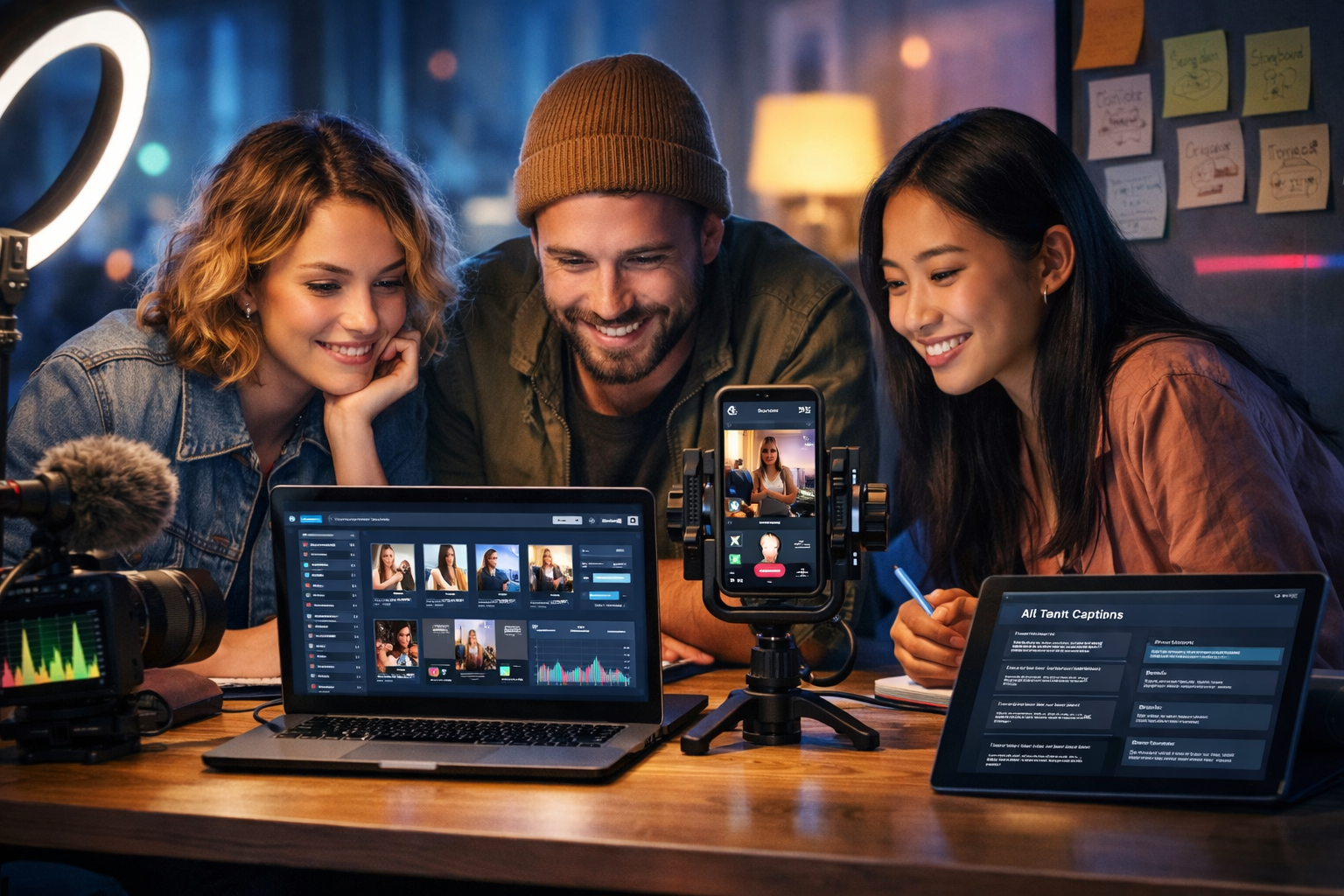
In 2026, AI is no longer a “nice-to-have” for social teams—it’s baked into how Instagram, TikTok, YouTube and Facebook help you script, edit, translate, caption, remix and distribute content. The catch: each platform’s AI content features behave differently, and creators who understand those differences publish faster, stay consistent, and convert more viewers into customers.
Why AI content features matter in 2026 (and what’s changed)
The biggest shift from earlier years is that platform AI features now sit inside the creation flow, not as separate tools. Instead of exporting to multiple apps, creators can draft hooks, generate captions, style thumbnails, clean audio, translate voice, and cut clips with AI assist—often without leaving the editor.
However, “native AI” can also lock you into platform-specific formats, prompt limitations, and inconsistent brand voice. That’s why many startups and small teams use an all-in-one platform such as Gen AI Last to create reusable assets—scripts, visuals, voice-overs, and short/long edits—then adapt them to each network using the platform’s AI features as finishing touches. You can build those core assets using our AI content tools and stay flexible across channels.
AI content features on Instagram in 2026
Instagram’s AI features in 2026 focus on speed and polish: smarter Reels editing, improved text overlays, automatic captioning, and discovery-friendly recommendations that favour watch time and saves. The platform increasingly rewards creators who publish consistently and keep retention high in the first 1–3 seconds.
1) AI-assisted Reels editing and highlight selection
Instagram’s editor is better at identifying “hook moments” (a strong opening line, a visual reveal, a reaction shot) and suggesting cuts. Use this to shorten slow intros and move the payoff earlier.
- Start with a one-sentence hook (problem or promise), then show the result before the process.
- Let Instagram’s suggestions propose trims, but manually check pacing around product names and calls-to-action.
- Keep Reels versions under 30–45 seconds if your goal is discovery; use longer formats for nurture.
2) Auto-captions, multilingual subtitles, and accessibility
Auto-captions are table stakes, but 2026 workflows prioritise readability. The best-performing captions use short lines, consistent casing, and high contrast. Multilingual subtitle options help you reuse a single video across regions.
- Aim for 6–10 words per line and avoid covering faces or key objects.
- Use AI translation, then do a quick human pass for brand terms and slang.
- Add a “caption CTA” (e.g., “Comment ‘LIST’ and I’ll DM the checklist”).
3) AI-generated sticker and overlay suggestions (use sparingly)
Instagram recommends stickers, text styles, and overlays to increase interaction. Use these to support a message, not distract from it. A single well-placed poll or question sticker can outperform a cluttered frame.
Practical Instagram workflow (reusable in Gen AI Last)
Create the core assets once, then adapt them inside Instagram:
- Generate a 20–30 second Reel script with a hook, three beats, and a CTA.
- Create 3–5 caption variations (educational, witty, direct-response) and choose based on the post objective.
- Produce a clean voice-over and optional background music bed to keep volume consistent.
- Export a master video, then use Instagram’s AI editor for final trims and auto-captions.
AI content features on TikTok in 2026
TikTok remains the fastest iteration environment. In 2026, AI is deeply tied to trend detection, rapid editing, and creator monetisation features. The platform rewards novelty, retention, and “rewatchable” formats—short, information-dense videos people replay.
1) AI trend surfacing and creative prompts
TikTok’s discovery system increasingly suggests content angles based on what audiences are currently completing and sharing. Use AI prompts as starting points, then inject a clear point of view to avoid sounding like everyone else.
- Turn one topic into five angles: myth-busting, “do this not that”, behind-the-scenes, quick tutorial, and reaction.
- Focus on one idea per video; stacking too many tips reduces completion rate.
- Use a repeating series title to build returning viewers (even if you avoid on-screen text).
2) Smart cut, beat sync, and “remove filler” editing
TikTok’s editor is strong at detecting pauses and filler words and proposing tighter cuts. This is especially useful for talking-head clips, product demos, and UGC-style ads.
Tip: keep at least one natural breath between key points—over-editing can feel unnatural and reduce trust.
3) AI voice options, dubbing, and translation
Voice options and dubbing can speed up localisation, but consistency matters. If your brand relies on a founder voice, consider generating the voice-over externally for consistent tone, then use TikTok’s tools for subtitles and format-specific effects.
Practical TikTok workflow (fast testing loop)
- Generate 10 hooks for one offer (e.g., “Stop doing X”, “3 mistakes”, “Before you buy”).
- Batch-produce 5 videos in one sitting with the same setup and lighting.
- Use TikTok’s AI cuts to tighten pacing; keep the first 2 seconds visually active.
- Post, then recycle winners into Instagram Reels and YouTube Shorts with minor edits.
AI content features on YouTube in 2026
YouTube’s AI features in 2026 strongly support long-form production quality: better auto-chapters, improved multi-language dubbing, smarter thumbnail and title testing signals (even if not fully automated), and more robust content understanding for search and recommendations.
1) AI chapters, summaries, and search-friendly structure
AI-generated chapters help viewers jump to what they need, which can improve satisfaction and session time. To get better chapters, script with clear section breaks and verbal signposts (“Next, we’ll cover…”).
- Use a predictable structure: intro (0–30s), problem, solution steps, demo, pitfalls, recap, CTA.
- Repeat key phrases that align with search intent (naturally, not spammy).
- Make the first 30 seconds outcome-led; avoid long scene-setting.
2) Enhanced dubbing and multi-language reach
YouTube’s dubbing options make localisation realistic for small teams. The best approach is to prioritise 1–2 additional languages that match your customer base and keep on-screen visuals simple so they don’t rely on English text.
3) Shorts + long-form synergy (AI helps you repurpose)
In 2026, YouTube continues to reward creators who connect Shorts to long-form. AI-assisted clipping helps you turn a 10-minute video into multiple Shorts without manually scrubbing footage for highlights.
Practical YouTube workflow (one recording, many assets)
A reliable production system for startups:
- Use Gen AI Last to generate a long-form outline, then expand into a script with talking points and b-roll notes.
- Record once (camera + screen + mic). Keep audio clean; viewers tolerate average video, not poor sound.
- Generate voice-over lines for pick-ups (missing steps, clarifications) and insert them smoothly.
- Export 3–5 Shorts from key moments, then link each Short to the full video.
AI content features on Facebook in 2026
Facebook’s strengths in 2026 are distribution, groups, and paid performance. AI features are most useful for ad creative variation, automatic placement optimisation, and improving creative quality at scale (different aspect ratios, captions, and versions for different audiences).
1) AI-driven creative variations for ads
Facebook’s ad system increasingly benefits from multiple creative options. Instead of one “perfect” ad, you win by feeding the system variations: different hooks, images, and first 3 seconds.
- Create 5 headline variants and 5 primary text variants per offer.
- Test 2–3 opening visuals (face-to-camera, product close-up, problem scenario).
- Maintain one consistent CTA and landing page message to avoid muddy attribution.
2) Auto-resizing and format adaptation
AI-assisted resizing helps you cover placements (Feed, Reels, Stories). Still, important elements can be cropped. Keep safe margins and avoid small text in the bottom third.
3) Groups and community content (AI helps moderation and summaries)
Community-led marketing remains strong. Use AI to summarise long threads, suggest FAQs, and draft weekly recap posts that convert discussion into evergreen value.
The 2026 cross-platform playbook: create once, customise everywhere
If you want to win across Instagram, TikTok, YouTube and Facebook without burning out, treat AI content features as “platform polish”—and keep your core creative assets centralised. Gen AI Last is designed for exactly that: generating professional text, images, audio, and video from simple prompts, on one affordable plan.
Core assets to create first (then adapt)
- Message map: 3 audience pains, 3 outcomes, 3 proof points, 1 offer.
- Hook bank: 30 hooks per month for your niche.
- Script templates: 15-second, 30-second, 60-second, and 8–12 minute formats.
- Visual kit: brand colours, background styles, recurring b-roll list.
- Audio kit: consistent voice-over style, intro sting, background music options.
A practical example: one product, four platforms
Scenario: You’re launching a new productivity app feature.
- Instagram: 25-second Reel—show the “before/after” workflow, add auto-captions, CTA to save the post.
- TikTok: 18-second punchy demo—fast cuts, bold first frame, one clear takeaway, CTA to comment for a template.
- YouTube: 9-minute tutorial—problem, walkthrough, pitfalls, best practices; then clip 3 Shorts that drive to the full video.
- Facebook: 20-second ad variant—benefit-led hook, social proof line, and a clean CTA; run 3 versions with different openings.
Prompting tips for better results (text, images, video, audio)
AI outputs improve dramatically when you specify audience, objective, constraints, and tone. Use these prompt patterns to generate assets you can refine with native platform AI features.
Text prompt template (hooks + captions)
Template: “Write 10 hooks for [platform] targeting [audience] about [topic]. Tone: [tone]. Constraint: max [X] words. Avoid: [buzzwords]. Include: [proof/benefit].”
Example: “Write 10 TikTok hooks targeting first-time Shopify store owners about reducing returns. Tone: blunt but helpful. Max 12 words. Avoid: ‘game-changer’. Include a number or time-saving angle.”
Image prompt template (thumbnails + social graphics)
Create consistent visual themes: the same lighting style and composition across a series. Generate multiple options, then pick the strongest concept for each platform.
Video prompt template (short-form scripts)
Template: “Write a 30-second vertical video script about [topic] with: 1-second hook, 3 steps, one objection handler, CTA. Include on-screen text suggestions and b-roll notes.”
Audio prompt template (voice-over + pronunciation)
Specify pacing, mood, and pronunciation for product names. That keeps voice-overs consistent across campaigns, especially when you’re producing at speed.
Common mistakes with AI content features in 2026 (and how to avoid them)
- Relying on native AI alone: you lose consistency. Fix: build core assets centrally, then adapt per platform.
- Over-automation: content feels generic. Fix: add one personal detail, data point, or opinion per post.
- Ignoring retention: AI can polish, but it can’t save a weak hook. Fix: test hook variations weekly.
- Publishing without a distribution plan: great videos flop. Fix: repurpose into Shorts/Reels, pin best comments, repost into groups, and use paid boosts for proven creatives.
- Inconsistent audio: viewers bounce quickly. Fix: standardise voice-over loudness and background music levels.
How Gen AI Last fits into a 2026 social stack
Gen AI Last is built for small teams that need professional results without juggling multiple subscriptions. You can generate:
- Text: scripts, captions, blog posts, product descriptions, email campaigns, and social copy.
- Images: marketing visuals, product photos, banners, and social graphics.
- Video: marketing videos, product demos, social reels, and explainer videos.
- Audio: voice-overs, narration, podcast audio, and background music.
Because all features are included from $10/month, it’s a practical way to build a consistent “create once, customise everywhere” workflow. Explore view pricing from $10/month or start creating for free to test your first batch of platform-ready assets.
Checklist: what to publish weekly across all four platforms
Use this as a baseline schedule (adjust to your capacity). Consistency beats occasional bursts.
- 2–3 short videos: one educational, one behind-the-scenes, one offer-led.
- 1 long-form YouTube video (optional but powerful): a deep tutorial or case study.
- 1 community post: Facebook group prompt or Q&A recap.
- 1 paid test: boost the best organic clip on Facebook/Instagram with 2–3 creative variants.
- Repurpose: turn the long-form video into 3 Shorts and 1 carousel/post.
Final thoughts: win in 2026 by combining platform AI with your own system
AI content features on Instagram, TikTok, YouTube and Facebook in 2026 can dramatically reduce production time—but the creators who grow fastest are the ones who pair those native tools with a repeatable content system: a clear message map, a hook bank, reusable scripts, and consistent audio/visual branding. Build your core assets in one place, then let each platform’s AI handle captions, cuts, chapters, and placement-specific tweaks.
If you want an affordable all-in-one way to generate text, images, audio, and video from simple prompts, explore our AI content tools and publish across all four platforms without rebuilding everything from scratch.
Ready to Create with Generative AI?
Join thousands of creators using Gen AI Last to generate text, images, audio, and video — all from one platform. Start your 7-day free trial today.
Start Free — Try 7 DaysQuick Links
Create AI content from $10/month
View Plans