AI Image Generation Trends and Best Tools for Marketing in 2026
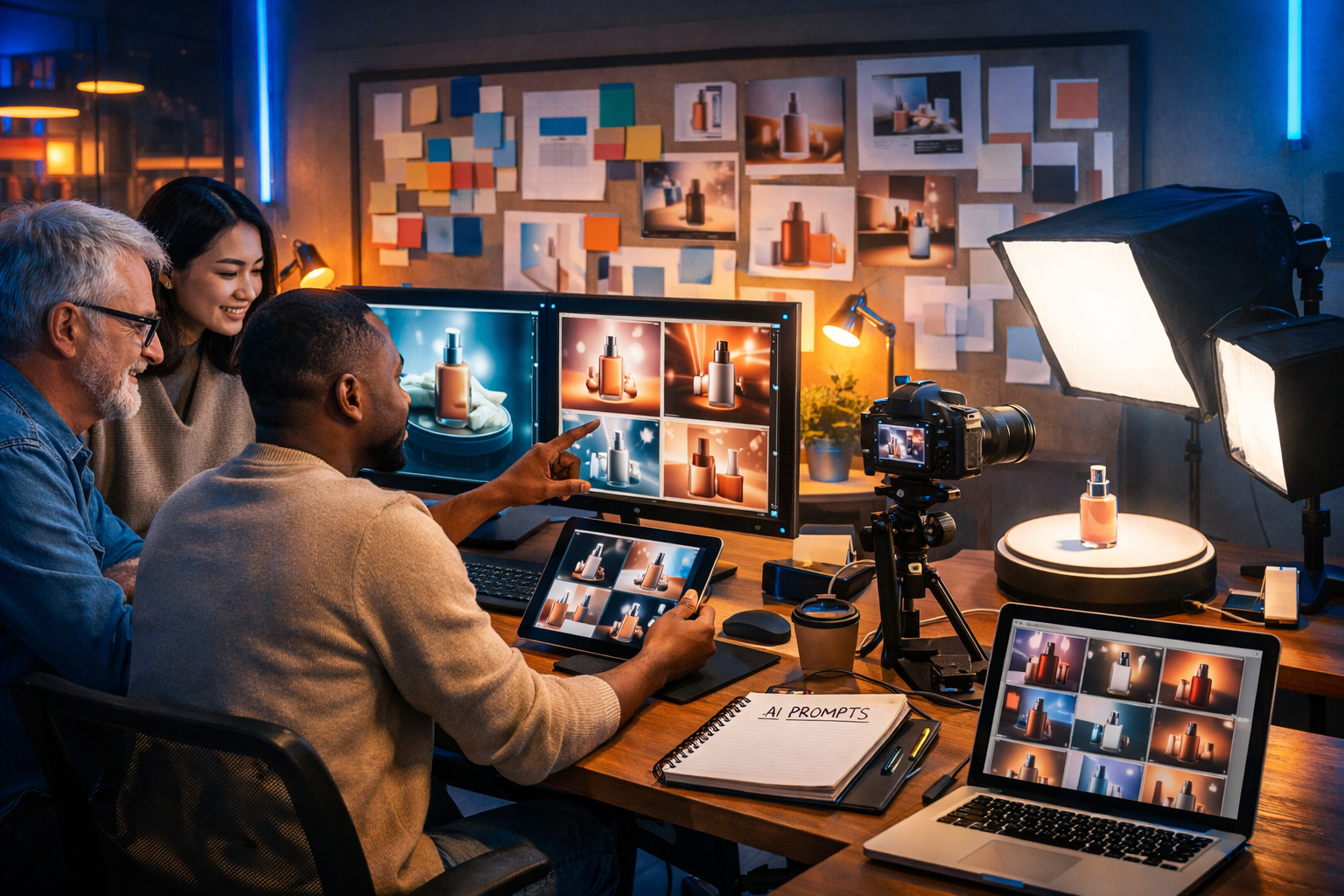
AI image generation is no longer a novelty add-on for marketing teams—it is becoming the default way to ideate, produce, localise and test visual campaigns at speed. In 2026, the advantage will go to brands that can create consistent, compliant, conversion-focused visuals across every channel without bottlenecks or runaway production costs.
Why AI image generation matters more for marketing in 2026
Marketing in 2026 is defined by two forces pulling in opposite directions: audiences expect higher-quality creative, while budgets and attention spans remain tight. AI image generation helps reconcile this by reducing time-to-asset and enabling faster experimentation. You can produce campaign concepts, social variations, background replacements, product-in-scene images, seasonal edits, and even style-consistent series—without waiting for a full design queue.
The most successful teams are pairing AI image generation with AI text, video and audio to build complete multi-format campaigns. With an all-in-one platform like our AI content tools, you can generate the social copy, images, short promo videos and voice-overs from the same campaign brief—keeping tone, style and messaging aligned.
AI image generation trends shaping marketing in 2026
Below are the most important AI image generation trends and what they mean in practice for marketers. Each trend includes a straightforward way to apply it to real campaigns.
1) Brand-consistent image systems (not one-off “pretty pictures”)
In 2026, “on-brand” is a measurable requirement. Marketing teams are building repeatable prompt frameworks that lock in key elements—palette, lighting, lens style, composition rules, and product proportions—so every asset looks like it came from the same creative studio.
- Create a brand style prompt template: colours, mood, camera/lens, lighting, background constraints and negative prompts.
- Save channel-specific variants: e.g., Instagram lifestyle vs. ecommerce clean packshot.
- Run a “consistency check”: generate 12–20 images; reject anything that changes product shape, label geometry or signature colours.
Practical example prompt framework (adapt it to your brand): “Photorealistic studio product shot, soft diffused key light at 45 degrees, neutral warm grey background, subtle shadow, 85mm lens, high detail, accurate label proportions, brand palette accents only, no extra text, no distorted packaging, no watermark.”
2) Prompt-to-campaign workflows (creative direction becomes a system)
Rather than starting with a blank canvas for every asset, teams are building campaign workflows that begin with a single creative brief and output a full set of variations: hero banner, 5–10 social images, story assets, thumbnails, and retargeting creatives.
A simple workflow to copy:
- Write a one-paragraph campaign brief (target audience, offer, mood, constraints).
- Generate three visual directions (each with a defined lighting and composition style).
- Select one direction and produce platform-sized variants.
- Pair each visual with ad copy variations and CTAs.
This is where all-in-one platforms shine. You can generate matching ad copy and supporting content alongside images, then quickly move into video and voice-over for reels or short explainers.
3) Product “in-scene” imagery replaces many traditional photoshoots
In 2026, AI-generated lifestyle scenes are increasingly used to supplement (not always replace) studio photography. For ecommerce, the winning approach is often: keep a small set of high-quality true photos for proof and accuracy, then generate additional contextual scenes for ads, seasonal campaigns and localisation.
- Use AI for contextual backdrops: kitchen counter, gym bag, bathroom shelf, desk setup.
- Maintain product truth: ensure packaging, colours and proportions remain accurate.
- Generate seasonal updates: winter lighting, summer outdoor scenes, holiday styling.
Actionable tip: build a “product accuracy checklist” (label placement, cap shape, reflections, shadows, ingredients list visibility rules) and apply it before anything goes live.
4) Faster A/B testing with creative variation at scale
AI image generation trends in 2026 point to a shift: creative volume is becoming a core performance lever. Instead of debating one design for a week, marketers generate 30 variations in an afternoon, test them in-market, and let performance data decide.
What to vary (and what not to):
- Vary: composition (close-up vs. wide), background context, lighting mood, colour accent, model presence, focal point.
- Keep consistent: brand palette, product truth, offer, legal constraints, CTA placement rules.
For best results, name and track variations systematically (e.g., “C1_LifestyleWarm_ModelYes_Angle45”). That makes it easier to identify what actually drives clicks and conversions.
5) Localisation and cultural tailoring without re-shooting
Global marketing doesn’t scale if every region needs a bespoke production cycle. In 2026, teams are using AI to tailor scenes to local contexts—locations, props, seasonality, and inclusive representation—while keeping the core product and branding consistent.
- Create region-specific scene prompts: urban London commute, Sydney beach morning, Singapore hawker centre vibe (without stereotypes).
- Respect cultural cues: avoid insensitive symbols; review with local stakeholders.
- Keep consistent packshot and brand style elements across regions.
6) “Authenticity” aesthetics: imperfect, documentary-style visuals
Audiences increasingly ignore over-polished ads. A major trend for 2026 is AI-generated imagery that looks candid: phone-camera framing, natural shadows, slight motion blur, real-life clutter—while still highlighting the product clearly.
Try prompts that specify realistic capture details: “smartphone photo, 35mm equivalent, natural window light, mild grain, imperfect composition, shallow depth of field, real home setting.” Combine this with brand-safe constraints (no confusing background items, no competitor logos).
7) Integrated multi-modal campaigns (image → video → audio)
Images are often the first creative asset produced—but 2026 marketing requires multi-format delivery. Winning teams start with an image concept, then expand it into a short video sequence and voice-over for reels, stories and product demos.
Example flow:
- Generate 3 hero image concepts for the campaign.
- Choose one and create a 10–15 second video variant with the same style.
- Generate a voice-over and background music for the video.
- Generate platform-specific captions and ad copy.
Gen AI Last supports text, image, video and audio generation in one place, which makes it easier to keep creative consistent while staying fast and cost-effective. If you’re building a lean marketing stack, view pricing from $10/month to see how an all-in-one tool can replace several single-purpose subscriptions.
Best tools for marketing teams in 2026 (what to look for)
There are many AI image generators available, but marketing teams in 2026 should evaluate tools by workflow fit, brand control and output usability—not just image quality. Here are the capabilities that matter most when choosing the best tools for marketing.
Quality and realism (without breaking product truth)
High-detail images are useful only if they are accurate. For product marketing, prioritise tools and settings that reduce artefacts (warped packaging, odd hands, inconsistent reflections). Establish a review step before publishing.
Brand control and repeatability
The best marketing tools let you reuse prompt structures, save styles, and generate consistent series. Repeatability is what turns AI from a toy into a production process.
Speed, iteration, and versioning
Look for fast generation, easy variation controls, and a workflow that encourages multiple drafts. In performance marketing, the “best” creative is often discovered through testing, not debate.
Multi-format output (image plus supporting assets)
Your image is rarely the final deliverable. You need captions, headlines, email banners, landing page hero sections, and video cut-downs. Using a toolset that generates all formats together reduces context switching and keeps campaigns consistent.
With Gen AI Last, you can generate supporting blog content, product descriptions and email campaigns alongside your visuals using our AI content tools, then extend the campaign into short videos and voice-overs when you’re ready to scale.
Commercial usability and team accessibility
Marketing teams need predictable pricing and easy access. If a tool is too expensive per seat or per output, teams will revert to a patchwork of free trials and inconsistent processes. An affordable all-in-one platform can be a genuine competitive advantage for startups and small teams.
A practical 2026 workflow: from prompt to performance
Use the workflow below to turn AI image generation into a reliable marketing pipeline. It is designed for small teams that need results quickly without sacrificing brand consistency.
Step 1: Define your creative brief in 6 lines
- Audience: who is this for and what do they care about?
- Offer: what is the benefit/CTA?
- Channel: where will it appear (social feed, story, display, email)?
- Brand mood: premium, playful, minimalist, energetic, etc.
- Mandatory elements: product angle, background rules, colours, props to include/avoid.
- Compliance: disclaimers, claims to avoid, sensitive topics.
Step 2: Build a “prompt skeleton” you can reuse
Create a fill-in-the-blanks template so anyone on the team can generate on-brand images consistently.
Prompt skeleton: “Photorealistic marketing image of [PRODUCT] in [SCENE]. Composition: [CLOSE-UP/WIDE], camera: [LENS/MM], lighting: [SOFT/WARM/COOL], mood: [BRAND ADJECTIVES]. Background: [COLOURS/TEXTURE]. Include props: [PROPS]. Exclude: [NEGATIVES]. High detail, realistic shadows, accurate proportions.”
Step 3: Generate three directions, then commit
Don’t attempt to perfect one prompt immediately. Generate three distinct directions (e.g., studio minimal, lifestyle candid, premium cinematic). Choose one direction based on brand fit and clarity, then produce variations.
Step 4: Create testing variations deliberately
Generate variations with a clear hypothesis:
- Hypothesis A: “Human presence increases CTR for new audiences.”
- Hypothesis B: “Cleaner background increases conversion on retargeting.”
- Hypothesis C: “Cool lighting signals ‘tech’ and improves sign-ups.”
Then create 5–10 images per hypothesis, keeping everything else stable.
Step 5: Pair visuals with matching copy, video, and audio
For each winning image, generate:
- 3 headlines (benefit-led, curiosity-led, urgency-led)
- 2 primary texts (short punchy vs. explanatory)
- 1 landing page hero section
- 1 short video cut (10–15 seconds) with a simple voice-over
An all-in-one system helps because you can keep the campaign brief and messaging consistent across formats, rather than re-briefing multiple tools.
Step 6: Governance: accuracy, rights, and disclosure
AI creativity must still be governed. In 2026, expect more scrutiny around misleading imagery and brand safety. Build a lightweight approval process:
- Product truth: no false features, no exaggerated size claims, no misleading results.
- Brand safety: avoid sensitive imagery, stereotypes, or unsafe settings.
- Usage rights: confirm your platform’s commercial usage terms and store prompts/outputs for audit trails.
- Disclosure: follow platform and local requirements if labelling AI-generated content is required.
Common mistakes marketers make with AI-generated images (and how to avoid them)
Even with the best tools, results can underperform if the process is sloppy. These are the most common pitfalls we see.
Mistake 1: Chasing novelty over clarity
If the audience can’t immediately understand the product and value, the visual fails. Fix: prioritise clean composition, strong focal point, and minimal distractions.
Mistake 2: Inconsistent brand identity across channels
Random styles reduce trust. Fix: create a brand prompt template and a set of approved “looks” for different channels.
Mistake 3: Not testing enough variations
Teams often stop at 3–5 images. In 2026, that’s rarely enough. Fix: plan testing batches with clear hypotheses and systematic naming.
Mistake 4: Ignoring compliance and reputational risk
Misleading visuals can trigger refunds, chargebacks or platform penalties. Fix: add a review checklist and keep “truth” assets (real photos, product specs) to validate outputs.
How Gen AI Last supports AI image generation for marketing teams
Gen AI Last is built for marketers who need speed without losing cohesion. Instead of stitching together multiple subscriptions, you can generate the creative assets and supporting content in one place:
- AI Image Generation: marketing visuals, product photos, social graphics and banners from a prompt.
- AI Text Generation: blog posts, product descriptions, email campaigns and social copy that matches your visuals.
- AI Video Generation: convert campaign ideas into marketing videos, product demos and social reels.
- AI Audio Generation: add voice-overs, narration, podcast audio or background music for richer creative.
For startups and small teams, cost predictability matters. All features are available from a single subscription, so you can produce more assets per campaign without inflating your tool stack. If you want to experiment before committing, start creating for free and build your first set of campaign variations.
Quick-start: 5 marketing prompts you can use in 2026
Use these as starting points, then adjust product details, brand colours and channel format needs.
- Ecommerce packshot: “Photorealistic studio product shot of [PRODUCT], seamless background, soft diffused lighting, crisp shadow, accurate label proportions, 85mm lens, high detail, no extra text, no watermark.”
- Social lifestyle: “Candid smartphone photo of [PRODUCT] in use in a real home setting, natural window light, mild grain, shallow depth of field, authentic everyday messiness but product clearly visible, no logos, no text.”
- Premium hero banner: “Cinematic product hero image of [PRODUCT], dramatic rim light, dark gradient background in brand palette, glossy reflections, centred composition with negative space for copy, high realism, no text.”
- Seasonal variation: “Photorealistic [PRODUCT] on a [SEASONAL] table scene, warm golden hour light, subtle seasonal props (minimal), brand-consistent colours, accurate packaging, no holiday text.”
- B2B SaaS illustration style (but realistic): “Modern clean 3D-style workspace scene with laptop showing abstract dashboards (no readable text), professional cool blue lighting, minimal props, brand colour accents, realistic materials, wide 16:9 composition.”
Final thoughts: what will separate winners in 2026
The key AI image generation trends for 2026 are about operational maturity: consistent brand systems, scalable localisation, deliberate testing, and multi-format campaign production. The best tools for marketing are the ones that fit into a repeatable workflow and help your team ship more creative—without sacrificing accuracy, trust or compliance.
If you want one place to generate campaign images, write matching copy, and expand into video and audio, explore our AI content tools and view pricing from $10/month to build your 2026 creative pipeline on a budget.
Ready to Create with Generative AI?
Join thousands of creators using Gen AI Last to generate text, images, audio, and video — all from one platform. Start your 7-day free trial today.
Start Free — Try 7 DaysQuick Links
Create AI content from $10/month
View Plans