AI Image Generation Trends and Best Tools for Marketing in 2026
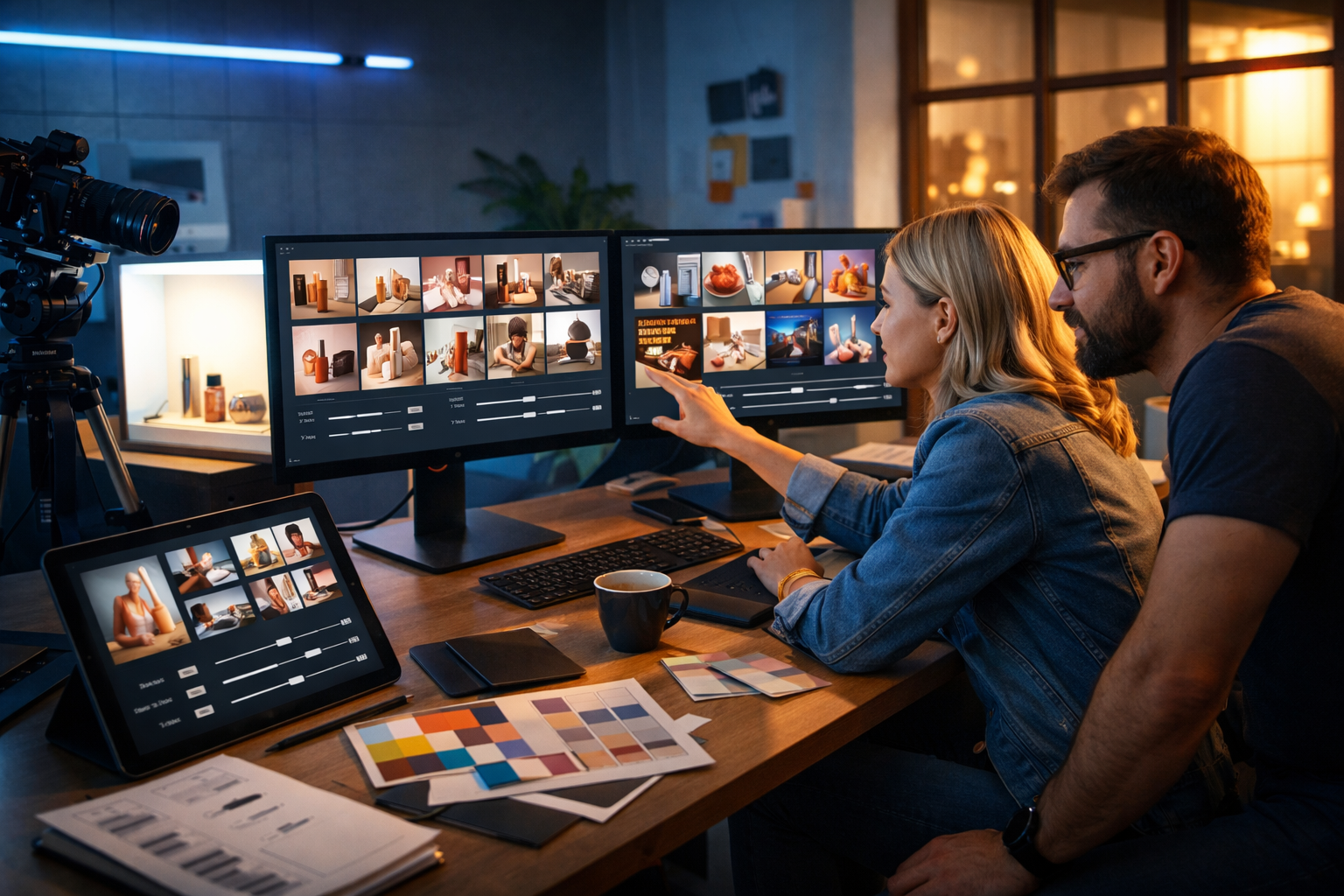
AI image generation is moving from “nice-to-have” creative experimentation to a measurable marketing advantage. In 2026, the teams winning attention are the ones producing high-quality, on-brand visuals at speed—without inflating design budgets or compromising compliance. This guide covers the most important ai image generation trends and best tools for marketing in 2026, plus practical workflows, prompt examples, and a selection checklist you can apply immediately.
Why AI image generation matters more for marketing in 2026
Marketing channels are more visual than ever: social feeds, display ads, marketplaces, landing pages, email headers, and short-form video thumbnails all compete for split-second attention. At the same time, audiences expect variety—multiple concepts, diverse models, seasonal versions, localised creative, and rapid iteration.
In 2026, AI image generation is no longer just about “making an image”. It’s about building a repeatable, brand-safe production system that can:
- Generate campaign-ready variations (sizes, layouts, styles) across channels.
- Maintain consistent brand look and feel across months, products, and teams.
- Support performance marketing with faster A/B testing cycles.
- Reduce dependency on costly reshoots for every new concept.
An all-in-one platform helps because visuals rarely live alone—successful campaigns need matching copy, landing pages, voice-overs, and short videos. With our AI content tools, you can generate the image assets and the surrounding content from the same starting brief.
AI image generation trends shaping marketing in 2026
1) Brand-consistent generation becomes the default
The biggest shift is away from one-off “pretty images” and towards brand-consistent systems. Marketers increasingly demand repeatability: a recognisable lighting style, colour palette, composition patterns, and product presentation that matches their visual identity.
What this means in practice:
- You’ll build prompt templates that encode brand rules (tone, colours, camera angles, backgrounds).
- Teams will maintain “prompt libraries” and reusable creative recipes per channel.
- Creative review will focus less on “is this cool?” and more on “is this on-brand and compliant?”
If you’re a small team, the simplest way to get consistency is to standardise: pick 2–3 signature styles for the year, then create variations within those styles for seasonal or promotional needs.
2) Product-first creative (AI product photography) grows fast
In 2026, AI-driven product visuals are increasingly used for e-commerce, marketplaces, and paid social. Instead of staging every scene physically, marketers generate multiple environments, angles, and “use cases” from a single product reference—while keeping the product details accurate.
Use cases include:
- Lifestyle backgrounds (kitchen, gym bag, bedside table) for the same SKU.
- Seasonal refreshes (summer, winter, holiday) without reshooting.
- Bundles and “what’s included” visuals for landing pages.
The key trend is realism with restraint: winning brands use AI to enhance context and variety, while keeping product proportions and details faithful.
3) Multi-variant creative for performance marketing becomes routine
Performance teams increasingly treat images like ad copy: test dozens of variations quickly. In 2026, the expectation is that you can produce:
- 3–5 concepts per campaign theme (minimal, bold, playful, premium, technical).
- 3–5 variations per concept (different hero object placement, background, props, lighting).
- Channel-specific crops (1:1, 4:5, 9:16, 16:9) and safe margins for overlays.
To avoid “randomness fatigue”, teams adopt a tighter briefing format: audience, offer, single message, single emotion, and one conversion action.
4) AI-to-video pipelines accelerate (images feed motion)
A major 2026 workflow: generate a strong hero image first, then expand it into short video assets—animated product spins, parallax scenes, or quick explainer visuals. Image generation becomes the foundation for video consistency.
This is especially useful for startups that need reels and ads without a full production crew. With Gen AI Last you can create the campaign visuals, then move into AI video generation for product demos and social reels from the same creative direction.
5) Compliance, provenance, and brand safety become buyer criteria
As regulations and platform policies evolve, marketers in 2026 care about what they can safely publish. The trend is clear: tools are judged not only on quality, but on controls—how easy it is to avoid problematic content, respect likeness rights, and keep claims accurate.
Practical brand-safety habits include:
- Avoid generating identifiable real people unless you have explicit permission.
- Be cautious with medical, financial, and before/after claims—ensure visuals don’t imply outcomes you can’t substantiate.
- Create a review checklist (accuracy, inclusivity, cultural sensitivity, platform policy fit).
Best tools for marketing in 2026: what “best” really means
The “best tools” depend on your marketing reality: channel mix, team size, turnaround time, and brand requirements. In 2026, the most valuable capabilities typically fall into these categories:
Quality and realism (or controlled stylisation)
You need images that hold up in paid placements and on high-resolution screens. Look for strong lighting, believable textures, accurate hands/objects, and coherent backgrounds. If your brand is stylised (illustration, 3D, collage), you still need consistency and clean composition.
Speed, iteration, and versioning
Marketing is iterative. The best tool is the one that helps you generate options quickly, refine them predictably, and produce channel-specific variants without starting over.
End-to-end campaign support (not just images)
A single image rarely ships alone. You typically need headlines, ad copy, product descriptions, landing page sections, voice-over, and sometimes a short video. Gen AI Last is designed for that reality: text, image, audio, and video in one platform—useful when you’re a startup or small team that can’t juggle multiple tools and subscriptions.
If you want an affordable way to cover the full creative pipeline, you can view pricing from $10/month and compare it to stacking separate point solutions.
Team usability and repeatable workflows
Marketers need a workflow they can actually repeat every week. Prioritise tools that make it easy to save prompt templates, maintain brand guidelines, and collaborate—rather than relying on one “prompt wizard” on the team.
A practical selection checklist: choose the right AI image tool for your marketing
Use this checklist to evaluate tools against how marketing work really happens in 2026:
- Brand consistency: Can you reliably recreate the same look across multiple campaigns?
- Product fidelity: If you sell products, can you keep details accurate (shape, colour, materials)?
- Variant production: How quickly can you generate 20–50 usable options for testing?
- Channel formats: Can you produce or adapt to 1:1, 4:5, 9:16, 16:9 with safe composition?
- Editing and refinement: Does the workflow support iterative improvement without losing quality?
- Compliance controls: Are there clear policies and practical safeguards for marketing use?
- All-in-one capability: Can the same platform support copy, creatives, voice, and video when needed?
Winning workflows for 2026 (with copy, image, audio, and video aligned)
Below are repeatable workflows you can run monthly or per campaign. They’re designed for small teams who need output, not theory.
Workflow 1: Paid social creative sprint (48-hour turnaround)
Goal: Launch a new offer with multiple creative directions and rapid A/B tests.
- Step 1 — Write a one-paragraph brief: audience, pain point, offer, proof, CTA.
- Step 2 — Generate concepts: create 3 visual routes (e.g., premium studio shot, lifestyle scene, bold abstract background).
- Step 3 — Produce variants: generate 5–10 variations per route (composition, props, lighting).
- Step 4 — Match the copy: use AI text generation to produce 10 headlines and 10 primary text options aligned to each visual route.
- Step 5 — Create a reel companion: turn the best route into a short video concept with consistent styling.
This is where an all-in-one platform helps: you avoid copy/creative mismatch because the same brief drives both. If you want to streamline the entire sprint, our AI content tools let you generate the image set plus the ad copy, then expand into video and voice-over.
Workflow 2: E-commerce product storytelling without reshoots
Goal: Produce fresh visuals for the same product across seasons and audiences.
- Base pack: create a clean hero image, a detail close-up, and a “scale” shot.
- Context pack: generate 6 lifestyle environments relevant to customer use cases.
- Promo pack: produce 3 sale-ready banner backgrounds with negative space for text overlays.
- Listing pack: export consistent white/neutral background images for marketplaces.
Pair these visuals with product descriptions, FAQ snippets, and email campaign headers generated from the same product brief for a cohesive customer experience.
Workflow 3: Localised campaigns at scale
Goal: Create region-specific creatives without fragmenting your brand.
- Lock the style: keep composition, lighting, and colour palette consistent.
- Swap context cues: adjust props, environments, and cultural references thoughtfully (avoid stereotypes).
- Generate matching copy: localise tone and idioms, not just direct translation.
In 2026, localisation is as much visual as it is textual—your imagery should feel native to the audience while staying recognisably “you”.
Prompt frameworks that work in 2026 (with marketing-ready examples)
The difference between random outputs and usable campaign visuals is usually the prompt structure. Use a consistent framework so anyone on the team can produce predictable results.
The “Marketing Creative Brief” prompt template
Include these ingredients, in this order:
- Asset type + aspect ratio: e.g., “Paid social ad image, 4:5”.
- Subject: product, person, or scene.
- Setting: studio, home, outdoors, office.
- Composition: close-up, flat lay, hero centre, negative space left/right.
- Lighting: soft natural, dramatic rim light, cool tech, golden hour.
- Style constraints: photorealistic, editorial, minimal, high contrast.
- Brand palette cues: mention key colours and mood.
- Negative constraints: “no text, no logos, no watermarks, no deformed hands”.
Example prompt 1: SaaS feature announcement (LinkedIn 16:9)
Prompt: “B2B SaaS campaign hero image, 16:9. A modern workspace with a laptop showing abstract analytics dashboards (no readable text), a notebook and pen, coffee mug, subtle blue and charcoal palette, clean minimal composition with generous negative space on the right for headline overlay. Soft natural window light with cool tech ambience, photorealistic, crisp depth of field, premium editorial style. No logos, no watermarks, no text.”
Example prompt 2: DTC skincare product lifestyle (Instagram 4:5)
Prompt: “DTC skincare lifestyle product photo, 4:5. A minimalist bathroom vanity with a frosted glass serum bottle as the hero object, water droplets, marble surface, soft beige and warm white palette, gentle morning light, clean reflections, premium beauty editorial look. Include a folded towel and a small green plant as secondary props, shallow depth of field. No brand labels, no text, no logos, no watermarks.”
Example prompt 3: Event banner background (Website 16:9)
Prompt: “Conference landing page banner background, 16:9. Abstract futuristic scene with soft geometric shapes and subtle gradients in navy, violet, and silver, gentle glow, modern tech vibe, high-quality 3D render style, smooth lighting, wide empty space in the centre for overlay. No text, no logos, no watermarks.”
How to keep AI visuals on-brand: a simple “style guide” marketers can run
You don’t need a 40-page brand book to get consistent AI outputs. Create a lightweight AI visual guide with:
- Three core styles: e.g., “Studio premium”, “Lifestyle natural”, “Bold graphic”.
- Lighting rules: warm vs cool, contrast level, shadows.
- Composition rules: where the hero sits, how much negative space.
- Do/Don’t examples: save 5 good and 5 bad outputs with notes.
Then operationalise it: store a prompt template per style, and require every campaign to pick a style before generating variations.
Common pitfalls in 2026 (and how to avoid them)
Pitfall 1: Overproduced, generic “AI look”
If your visuals look like everyone else’s, performance drops. Fix it by anchoring prompts in real-world details: specific props, real camera cues (lens length, depth of field), and brand-specific colour direction.
Pitfall 2: Too many variations, not enough decisions
Generating 100 options is easy; choosing 10 that align to a message is the hard part. Limit each sprint to 3 concepts, then iterate within the best-performing concept based on results.
Pitfall 3: Visual-message mismatch
A premium visual with discount copy (or vice versa) confuses customers. Use the same campaign brief to generate both the visuals and the copy so the tone stays aligned.
Pitfall 4: Compliance surprises late in the process
Bake compliance into the brief: prohibited claims, restricted categories, and what must be accurate. Add a final review step before publishing across channels.
How Gen AI Last supports marketing teams in 2026
Gen AI Last is built for marketers who need complete campaigns, not isolated assets. From a single prompt or brief, you can produce:
- AI images: marketing visuals, product photos, social graphics, banners.
- AI text: blog posts, product descriptions, email campaigns, social copy.
- AI video: marketing videos, product demos, reels, explainer videos.
- AI audio: voice-overs, narration, background music, podcast-style audio.
For startups and small teams, affordability matters. All features start from $10/month, so you don’t have to choose between writing tools and design tools. If you want to explore the platform hands-on, you can start creating for free.
Action plan: what to do this week
To apply these ai image generation trends and best tools for marketing in 2026 without getting overwhelmed, follow this short plan:
- Create three brand styles and write a prompt template for each.
- Run one creative sprint: 3 concepts × 5 variants × 2 formats (e.g., 4:5 and 9:16).
- Generate matching copy for each concept so visuals and messaging align.
- Launch small A/B tests and document what wins (visual route, composition, colours, props).
- Build your prompt library from real results, not guesses.
By treating AI image generation as a system—brief → consistent styles → variations → testing—you’ll produce better creative faster, with fewer surprises. And when your images, copy, audio, and video are generated from the same campaign direction, your brand becomes more coherent across every channel.
Ready to Create with Generative AI?
Join thousands of creators using Gen AI Last to generate text, images, audio, and video — all from one platform. Start your 7-day free trial today.
Start Free — Try 7 DaysQuick Links
Create AI content from $10/month
View Plans