AI Logo Ideas Generator: Explore Brand Identity Concepts
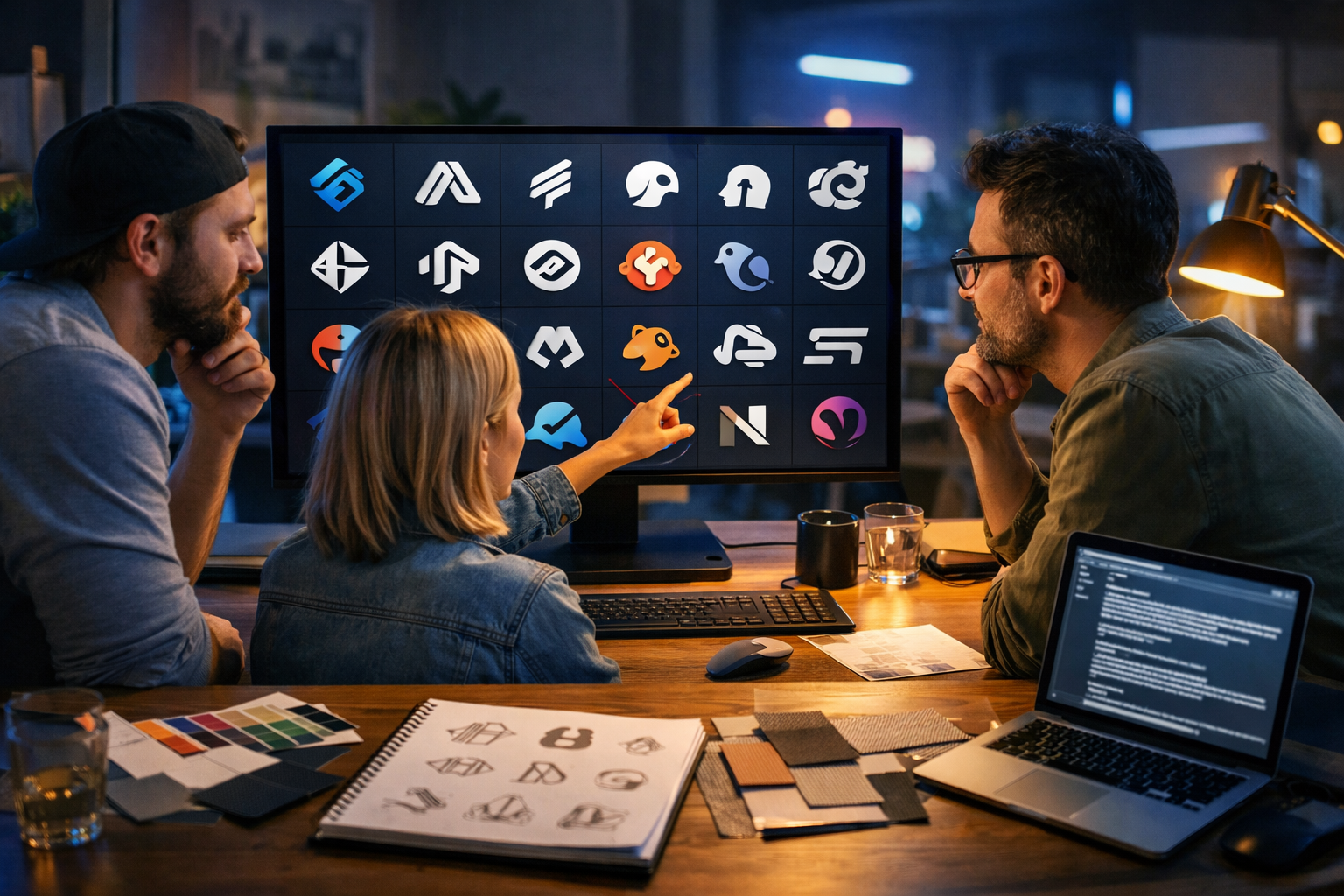
An ai logo ideas generator is one of the fastest ways to explore brand identity concepts before you spend time polishing a final mark. Instead of starting from a blank page, you can generate dozens of directions—monograms, icons, mascots, wordmarks, emblems—then narrow down what feels right for your audience, industry and tone.
What an AI logo ideas generator is (and what it is not)
An AI logo ideas generator uses text prompts to create visual logo concepts. It’s best used for ideation and exploration: discovering shapes, symbols, layout ideas, and style directions that can later be refined into a production-ready logo system.
It is not a replacement for brand strategy or legal checks. You still need to ensure the final logo is unique, works in different sizes, and can be reproduced cleanly (especially as a vector). Treat AI outputs as concept sketches at speed.
Why AI is so effective for exploring brand identity concepts
Traditional logo ideation can take days of sketching and mood-boarding. With AI, you can generate variations in minutes and make smarter decisions earlier. Here’s what that unlocks:
- Rapid exploration of multiple style families (minimal, geometric, vintage, playful, luxury).
- Easy comparison of symbol ideas tied to your product promise.
- Quick testing of colour moods and typography pairings.
- A clearer brief for designers, stakeholders, or clients.
- More confident brand direction before you invest in full identity work.
With Gen AI Last, you can generate concepts as images, then immediately create supporting brand assets—taglines, launch posts, ad creatives, voice-overs, and explainer videos—using the same identity direction. Explore our AI content tools to keep everything consistent.
Start with strategy: the 60-second brand identity brief
Before you open any ai logo ideas generator, write a micro-brief. This makes your prompts far more useful and the results easier to judge.
- Brand in 5 words: e.g., “calm, precise, modern, trustworthy, premium”.
- Audience: who you serve and what they value (speed, safety, style, savings).
- Category cues: what your sector expects (finance = stability; wellness = softness).
- One metaphor: e.g., “compass”, “bridge”, “seed”, “spark”, “shield”.
- Must-avoid list: clichés (lightbulbs, generic swooshes), overused colours, or competitor similarities.
This short brief becomes the backbone of your prompt templates below.
Logo styles to generate (and when each works best)
To truly explore brand identity concepts, generate across several logo families. Don’t commit too early; use AI to reveal what resonates.
1) Wordmark
Best when your name is distinctive and you want instant recognition. Great for SaaS, agencies, and consumer apps. Prompt for clean kerning, modern typography, and a subtle brand gesture (a customised letterform).
2) Monogram / lettermark
Best for long names, premium brands, or when you need a compact mark for app icons and social avatars. Focus prompts on geometry, balance, and legibility at small sizes.
3) Icon / symbol
Best for products needing a standalone emblem (apps, tools, consumer goods). Tie the symbol to a meaning: a benefit, process, or transformation (e.g., “organise chaos into clarity”).
4) Mascot
Best for community-driven brands, education, gaming, or playful DTC. If you choose a mascot, also generate simplified versions for small sizes to avoid detail overload.
5) Badge / emblem
Best for heritage, craft, food and beverage, outdoors, clubs, or certifications. Ask for a primary emblem plus a simplified icon for social and packaging.
Prompt framework: how to get better logo concepts from AI
Most weak AI logos come from vague prompts. Use a consistent structure so you can iterate quickly without losing the brief.
- Brand + category: what it is and who it’s for.
- Style family: wordmark, monogram, symbol, mascot, emblem.
- Attributes: 3–5 adjectives (modern, calm, bold, elegant).
- Visual constraints: simple geometry, flat, minimal lines, no gradients, high contrast.
- Concept metaphor: compass, bridge, shield, wave, seed, pixel, ribbon, etc.
- Usage context: app icon, storefront sign, packaging stamp.
- Negative prompts: no complex details, no photorealism, no mockups, no text.
Then run the same idea in three levels of abstraction: literal (easy to read), metaphorical (more distinctive), and geometric (most versatile).
Copy-and-paste prompt templates (edit the brackets)
Use these templates inside Gen AI Last’s image generation to produce fast concept grids. Swap in your niche, tone and metaphor.
Template A: Minimal icon system (best for SaaS and apps)
Prompt: “Logo concept for [brand name], a [category] for [audience]. Minimal flat vector-style icon, geometric, high contrast, simple shapes, scalable, modern and trustworthy. Visual metaphor: [metaphor]. Create 12 variations, clean lines, balanced negative space. No text, no mockups, no gradients, plain background.”
Template B: Monogram exploration (best for premium brands)
Prompt: “Monogram logo using letters [initials]. Elegant, premium, minimal, symmetrical, crisp geometry, looks good as a favicon and wax stamp. Explore 16 variations: interlocking letters, negative-space letterforms, circular and square containers. No text beyond initials, no shadows, no 3D, plain background.”
Template C: Playful mascot (best for community and education)
Prompt: “Mascot logo concept for [brand name], friendly and energetic, simple silhouette, thick outlines, limited colour palette (2–3 colours), recognisable at small sizes. Character inspired by [animal/object] representing [brand promise]. Generate 10 variations: full body and head-only. No text, no background scene, no complex shading.”
Template D: Heritage badge + simplified mark (best for craft and retail)
Prompt: “Emblem/badge logo concept for [brand name], vintage-inspired but clean, engraved line style, circular badge layout, includes a simplified standalone icon version. Themes: [place/material/heritage cue]. Generate 8 variations. No photos, no mockups, no distressed textures, plain background.”
A practical workflow: from AI logo ideas to a usable identity
The goal isn’t “pick the prettiest output”. The goal is to arrive at a coherent identity direction you can apply everywhere—website, product UI, packaging, social content, and video.
Step 1: Generate wide, then tag patterns
Run 30–60 concepts across 3–4 styles. As you review, label what you see:
- Shapes that keep repeating (circles, shields, arrows, knots).
- The emotional read (calm vs bold, playful vs serious).
- What looks unique in your category.
- What will still work at 24px (app icon size).
Step 2: Narrow to 3 directions (not 1)
Pick three distinct routes, for example:
- Direction 1: geometric symbol + clean wordmark.
- Direction 2: monogram with premium spacing.
- Direction 3: friendly mascot simplified for digital use.
This keeps stakeholders focused on choosing a strategic fit, not debating minor details.
Step 3: Build a mini brand board for each direction
For each direction, define:
- Primary mark + secondary mark (icon-only or stacked version).
- A 3-colour palette (primary, secondary, accent).
- Two type styles (headline and body).
- Icon style rules (line weight, corner radius).
With Gen AI Last, you can also generate supporting visuals—social headers, product hero images, and campaign graphics—so you can see how each identity behaves in real marketing assets.
Step 4: Test in real contexts (the “stress test”)
A logo isn’t finished until it survives real-life use. Test each direction in:
- Tiny sizes: app icon, browser tab, social avatar.
- One colour: black only and white only.
- Busy environments: on photos, on patterned backgrounds, on video frames.
- Different shapes: square, circle, horizontal lock-up.
If a concept collapses at small size, simplify. If it needs colour to make sense, the form is doing too little work.
Step 5: Refine into a production-ready logo
AI outputs often need refinement by a designer (or your own vector work). Your refinement checklist:
- Clean geometry (consistent curves, aligned endpoints).
- Balanced spacing and optical alignment.
- Distinctiveness (avoid near-duplicates of known brands).
- Vector format (SVG/PDF) for professional scaling.
- A simple brand guide: colours, type, spacing, misuse examples.
Common mistakes when using AI for logo ideation (and how to avoid them)
AI makes it easy to generate a lot, but quantity can hide poor decisions. Avoid these pitfalls:
- Chasing trends: if every competitor has the same “gradient blob”, go more timeless.
- Over-detailing: logos must work at small sizes—prefer bold shapes and strong negative space.
- Ignoring brand voice: a playful mark for a serious legal service can reduce trust.
- Skipping the system: you need secondary marks, icon rules, and consistent usage—not a single image.
- No legal or originality checks: always do a basic trademark and competitor scan before committing.
How to extend your logo into a full brand identity with Gen AI Last
Once you’ve chosen a direction, the next challenge is consistency across channels. Gen AI Last helps you move from a single logo concept to a complete, cohesive presence:
- AI text generation: create taglines, brand messaging pillars, landing page sections, product descriptions, and email campaigns that match your tone.
- AI image generation: produce campaign visuals, social graphics, banners, and product-style imagery aligned to your colour palette and mood.
- AI video generation: turn your identity into explainer videos, product demos, and social reels with consistent visuals.
- AI audio generation: add voice-overs, narration, and background music that fits your brand personality.
Because every plan includes all features, it’s practical for startups and small teams to build a brand system without stitching together multiple subscriptions. You can view pricing from $10/month and scale as you grow.
Example: turning “logo ideas” into three clear identity routes
Imagine you’re launching a subscription service called “NorthNote” that helps remote teams document decisions. Your 5-word brand might be: “clear, calm, organised, modern, trustworthy”. Here are three AI prompt directions you could generate:
Direction 1: Compass-inspired symbol (clarity and direction)
Prompt snippet: minimal geometric icon, compass/needle metaphor, strong negative space, flat, scalable, no gradients.
Best if: you want a memorable app icon and a serious, product-led feel.
Direction 2: Monogram “NN” (premium and simple)
Prompt snippet: interlocking NN monogram, symmetrical, modern serif or clean sans, works as favicon and social avatar.
Best if: the name will become the brand and you want a refined identity quickly.
Direction 3: Document “fold” icon (product-specific)
Prompt snippet: abstract paper fold forming a subtle arrow, simple lines, calm palette.
Best if: you want the symbol to map directly to the product benefit (capturing decisions).
FAQ: AI logo ideas generator and brand identity concepts
Can I use AI-generated logos as my final logo?
You can use AI for concepts, but for a final logo you should refine it into a clean, unique, reproducible mark (ideally vector). Also run basic originality checks against competitors and trademarks.
How many concepts should I generate?
Generate enough to see patterns: typically 30–60 across several styles. Then narrow to three strategic directions and test them in real contexts.
What makes a logo concept “good”?
A good concept is distinctive, readable at small sizes, works in one colour, and matches the brand’s intended personality. It should also scale into a broader identity system (icons, layouts, motion, tone of voice).
How does Gen AI Last help beyond the logo?
After you pick a direction, Gen AI Last helps you generate consistent marketing assets—copy, images, videos, and audio—so your identity shows up coherently across your website, social channels and campaigns.
Next steps: generate, choose, and systemise
To use an ai logo ideas generator effectively, focus on exploration first, then decision-making, then building a system. Start with a tight brief, generate across multiple styles, select three strong directions, and stress-test them in real contexts. When you’re ready, bring the winning concept into a consistent set of assets—copy, visuals, video, and audio—so your brand feels intentional everywhere.
If you want to move from idea to execution in one place, start creating for free and explore logo concepts alongside the content you’ll need to launch.
Ready to Create with Generative AI?
Join thousands of creators using Gen AI Last to generate text, images, audio, and video — all from one platform. Start your 7-day free trial today.
Start Free — Try 7 DaysQuick Links
Create AI content from $10/month
View Plans