AI Marketing for Local Service Businesses: A Practical Guide
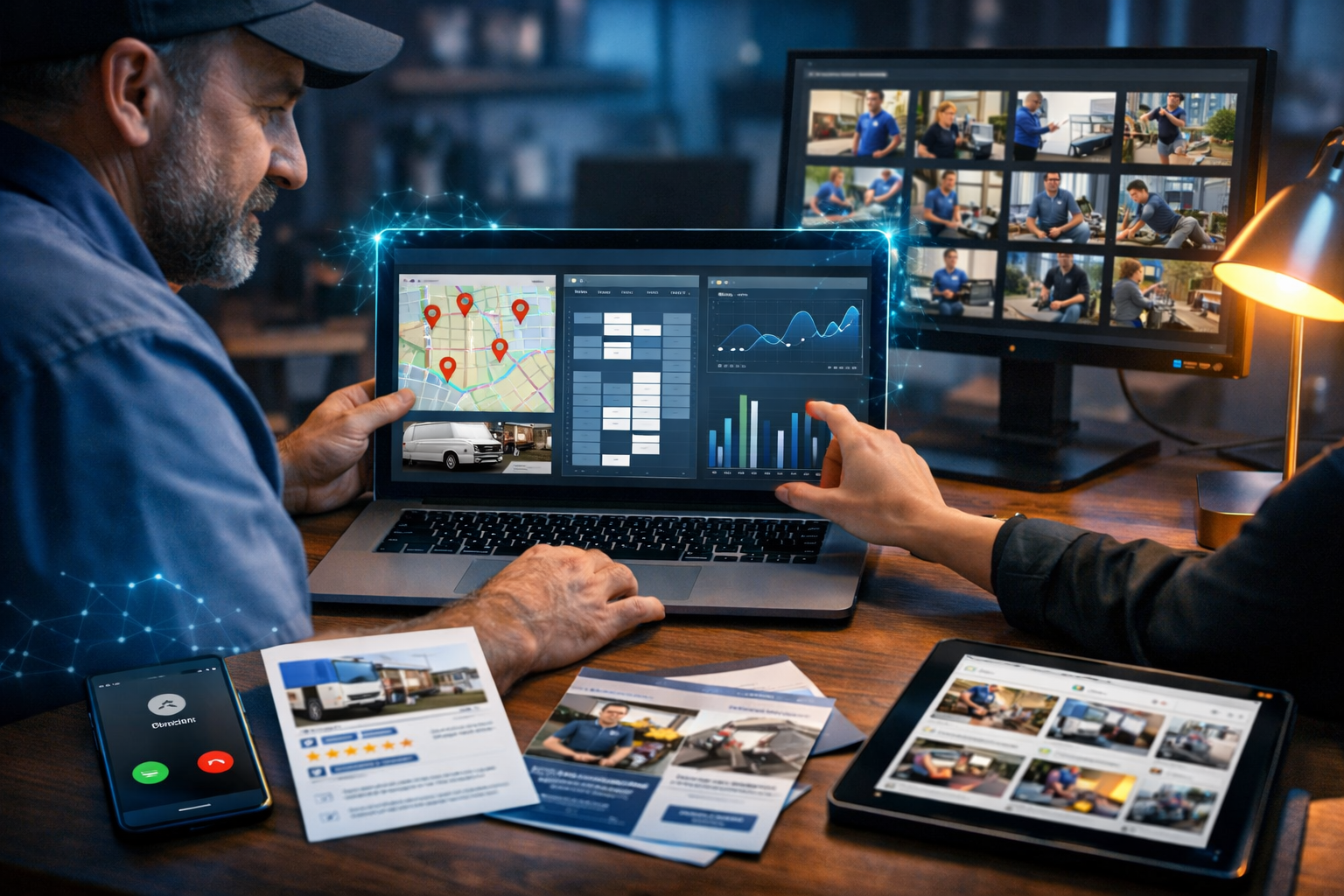
AI marketing for local service businesses is no longer about “doing more content”. It’s about getting more of the right work: more local calls, more quote requests, more booked jobs, and more five-star reviews—without spending your evenings writing posts or building adverts. This guide breaks down practical, proven ways to use AI to improve local visibility and conversion, with examples you can implement this week.
Why AI marketing matters for local service businesses
Local services (plumbers, electricians, roofers, cleaners, landscapers, physiotherapists, locksmiths, beauty services, mobile car valeters, and more) typically win customers in two moments: when someone urgently needs help, or when someone plans a project and compares options. AI helps you show up in both moments—consistently—by speeding up content production, sharpening your messaging, and automating follow-up.
The biggest advantage isn’t “more posts”. It’s faster testing. You can generate multiple ad angles, service-page variants, and follow-up sequences, then keep what converts. Platforms like our AI content tools make this practical because text, images, audio, and video sit in one place—so you’re not stitching together four different subscriptions.
Set the foundations: your local offer, area, and proof
Before you generate anything with AI, define three inputs clearly. If these are vague, your marketing will be vague too.
- Your core services: the 3–6 jobs you most want (and are best at).
- Your service area: towns, boroughs, postcodes, and realistic travel time.
- Your proof: review highlights, guarantees, accreditations, before/after photos, response time, and “what happens next”.
AI will help you package these into pages, ads, posts, and scripts—but it can’t invent credibility. Gather your raw material first: 10 customer testimonials, 20 job photos (even phone snaps), a simple price range for common jobs, and your most frequent customer questions.
Local SEO with AI: build pages that rank and convert
Local SEO is still one of the highest-ROI channels for service businesses because search intent is strong (“emergency plumber near me”, “patio cleaning in Bristol”, “boiler service quote”). AI helps you publish useful, structured pages faster—without making them generic.
1) Create a “service × location” page framework (without spam)
Many businesses either (a) have one thin homepage trying to rank for everything, or (b) create hundreds of near-identical location pages. The sweet spot is a modest set of high-quality pages that match real demand.
- Start with 5–10 priority locations you genuinely serve.
- For each location, build pages for 3–5 core services (not every possible job).
- Include local proof: recent jobs in that area, travel time, and common property types (flats, terraces, new builds).
Practical AI prompt (for text generation): “Write a 900-word landing page for [SERVICE] in [LOCATION]. Include: who it’s for, common problems, process, typical timeframe, pricing range disclaimer, FAQs, and a clear call-to-action. Use British English. Mention that we are local to [NEARBY LANDMARK/AREA] and can usually attend within [TIMEFRAME]. Avoid keyword stuffing.”
2) Write FAQs that match real calls and messages
FAQs are a quiet powerhouse for local SEO and conversions. They mirror how people search and reduce friction before a call. Use AI to transform your real conversations into clean copy.
- “How much does it cost to…?”
- “Do you offer emergency call-outs?”
- “Are you insured / certified?”
- “How soon can you come?”
- “What should I do before you arrive?”
AI can generate multiple versions: one short for a mobile-first page, one longer for a blog, and one for a quote follow-up email.
3) Use AI images to strengthen trust (not just aesthetics)
Service marketing lives and dies on trust. Use AI image generation to create consistent, professional visuals for your site and socials when you don’t have a photographer—while still using real job photos wherever possible.
- Create banner images for each service page (e.g., “boiler service”, “end of tenancy cleaning”).
- Generate icons or scene visuals for “Our process”, “Our guarantee”, and “Areas we cover”.
- Produce social graphics that match your brand colours and style.
Keep visuals realistic and aligned with your trade (correct tools, PPE, and environments). If you’re using AI visuals, avoid misleading “before/after” claims—use AI for supportive imagery, and real photos for evidence.
Google Business Profile: AI workflows that drive calls
Your Google Business Profile (GBP) is often your true homepage. People see it before they see your website, especially on mobile. AI helps you publish regular updates, answer questions quickly, and respond to reviews consistently—without sounding robotic.
1) Generate weekly GBP posts that actually help
Instead of generic “We’re here to help!” updates, post what customers care about: seasonal tips, common faults, and clear offers with boundaries.
- “Spring gutter clearing: what to check after heavy rain”
- “How to shut off your stopcock in an emergency”
- “Weekly lawn care slots now open (Mon–Thu only)”
With Gen AI Last, you can create the text post, a matching image, and even a short video version for social in the same session via our AI content tools.
2) Review responses at scale (without sounding templated)
Fast, thoughtful review responses improve conversion and send positive signals. AI can draft them, but you should personalise with one detail from the job.
- Good structure: thank you + specific detail + reassurance + invitation to return.
- For negatives: apologise + clarify + offer offline resolution + remain calm.
Example prompt: “Write a friendly, professional reply in British English to this Google review. Mention the specific job detail I provide. Keep it under 70 words. Review: [PASTE]. Job detail: [DETAIL].”
AI for paid ads: better angles, faster testing, lower wasted spend
Local ads fail for two reasons: weak relevance (generic copy) and weak follow-up (missed calls, slow replies). AI helps you improve both.
1) Build message-to-market fit with ad variations
Generate multiple ad versions aligned to specific intents, not just services.
- Urgent: “Emergency call-outs available today”
- Value: “Fixed-price servicing from £X (most homes)”
- Trust: “Fully insured, background-checked team”
- Convenience: “Online booking, evening slots”
Ask AI to output: 10 headlines, 6 descriptions, and 5 call-to-action options. Then test, keeping landing pages tightly aligned with the ad promise.
2) Create landing pages that answer objections
A strong local landing page does three jobs: confirms you cover the area, shows you’re credible, and makes booking easy. Use AI text generation to draft sections, then add your real proof: licence numbers, review screenshots, case studies, and job photos.
If you don’t have a designer, use AI image generation for clean section graphics, and keep layout simple: service promise, benefits, proof, FAQs, and a bold contact block (call + form + WhatsApp if you use it).
Social media: turn one job into a week of content
Most local service businesses don’t need to “go viral”. They need to look active, trustworthy, and nearby. AI helps you repurpose the same job into multiple formats across Facebook, Instagram, TikTok, and LinkedIn (for B2B trades).
The “1 job → 8 assets” repurposing plan
- A short captioned before/after post (use real photos where possible).
- A 20–30 second reel: problem → process → result.
- A “3 tips” carousel (AI-generated graphics, your advice).
- A story post: “Today in [AREA]…”
- A testimonial graphic (with customer permission).
- A blog post expanding on the problem and solution.
- An email to past customers (“seasonal reminder”).
- A short explainer video with voice-over.
Gen AI Last is useful here because you can generate the caption, create the supporting images, produce the short video, and add an AI voice-over in one workflow—without upgrading to an expensive agency stack. If you’re starting out, view pricing from $10/month and keep it simple: consistency beats complexity.
AI video and audio: local trust accelerators
Video is disproportionately effective for services because customers are buying reassurance: “Will they show up? Will they do a tidy job? Can I trust them in my home?” You don’t need cinema-quality footage; you need clarity and calm professionalism.
Use cases that work (even with small budgets)
- Explainer video: “How our booking works” and “What to expect on the day”.
- Service overview: a 30–45 second summary for each core service.
- Local proof reel: quick montage of real jobs in named areas.
- FAQ shorts: one question per video (great for TikTok/Reels).
If you’re camera-shy, AI audio generation can produce a clean voice-over from your script, and AI video generation can help you assemble an explainer-style video using your branding and visuals. The key is accuracy: only claim what you genuinely offer (response times, pricing, guarantees).
Lead follow-up: AI email and SMS scripts that win jobs
The fastest way to increase revenue is often follow-up. Many local leads contact 3–5 businesses; the first professional response frequently wins. AI helps you respond quickly while keeping the message human.
Copy-and-paste templates (customise with details)
1) Missed call text:
“Hi [Name], sorry we missed your call—this is [Business]. Are you looking for help with [service]? If you share your postcode and a quick description, I can suggest the next available slot and a rough estimate.”
2) Quote follow-up (next day):
“Hi [Name], just checking you received our quote for [job]. If you’d like, I can confirm a date/time and talk you through what’s included. Any questions about materials, timing, or access?”
3) Review request (after completion):
“Thanks again for choosing us for [job]. If you were happy with the service, would you mind leaving a quick Google review? It really helps local customers find us.”
Use AI text generation to create variants for different services and tones (more formal for commercial clients, more friendly for domestic). Always add a genuine job detail so it doesn’t feel automated.
What to automate vs what must stay human
AI is best used as a drafting, editing, and repurposing engine. For local services, keep these elements firmly human-led:
- Pricing and diagnostics: AI can suggest ranges, but you set real prices and exclusions.
- Promises: response times, guarantees, and availability must be accurate.
- Customer care: complaints and complex requests should be handled personally.
- Proof: use real reviews, real case studies, and real photos wherever possible.
A good rule: let AI produce the first draft, but you provide the facts and the final sign-off.
A simple 14-day AI marketing plan for local services
If you want momentum quickly, follow this two-week sprint. Keep each task small and measurable.
- Day 1–2: List your top 5 services, top 5 locations, and top 10 FAQs.
- Day 3: Generate one high-quality service page and publish it (add real photos + reviews).
- Day 4: Create 4 GBP posts (schedule weekly).
- Day 5: Generate 10 ad headlines + 6 descriptions; launch one small test campaign.
- Day 6: Create one 30-second explainer video with voice-over.
- Day 7: Set up missed-call and quote follow-up templates.
- Day 8–10: Publish 2 more service/location pages.
- Day 11: Turn one completed job into the “1 job → 8 assets” content set.
- Day 12: Ask 5 recent customers for reviews (message + link).
- Day 13–14: Review results: calls, forms, bookings. Keep winners, rewrite losers.
You can execute the majority of this using a single platform. If you want to try the workflow without a big commitment, start creating for free and build your first batch of pages and posts in one sitting.
Common mistakes to avoid with AI marketing for local service businesses
- Publishing generic copy: add local details, real processes, and actual constraints.
- Over-automating tone: customers can sense templates—personalise with job specifics.
- Ignoring compliance: don’t use misleading imagery or claims, especially in regulated trades.
- Creating content without conversion paths: every page should make it easy to call or book.
- Not tracking outcomes: measure calls, form submissions, booked jobs, and review volume—not likes.
How Gen AI Last fits into a local service marketing stack
Most small service businesses don’t need dozens of tools. They need a reliable way to produce professional marketing assets quickly. Gen AI Last combines:
- AI Text Generation: service pages, blogs, email campaigns, social captions, ad copy.
- AI Image Generation: banners, social graphics, marketing visuals for each service.
- AI Video Generation: reels, explainers, simple product/service demos.
- AI Audio Generation: voice-overs, narration, background music for videos.
For many local teams, the value is straightforward: you stop delaying marketing because it feels time-consuming or expensive, and you start shipping consistent assets every week—on a budget that makes sense for local margins.
Next steps
Pick one service, one location, and one channel. Build a high-converting page, publish a week of GBP posts, and add a simple follow-up sequence. Once you see bookings increase, scale the same system to your next service and area. If you want an affordable all-in-one setup for text, images, video, and audio, view pricing from $10/month and create your first local campaign in under an hour.
Ready to Create with Generative AI?
Join thousands of creators using Gen AI Last to generate text, images, audio, and video — all from one platform. Start your 7-day free trial today.
Start Free — Try 7 DaysQuick Links
Create AI content from $10/month
View Plans