AI Mood Board Generator for Creative Projects (2026 Guide)
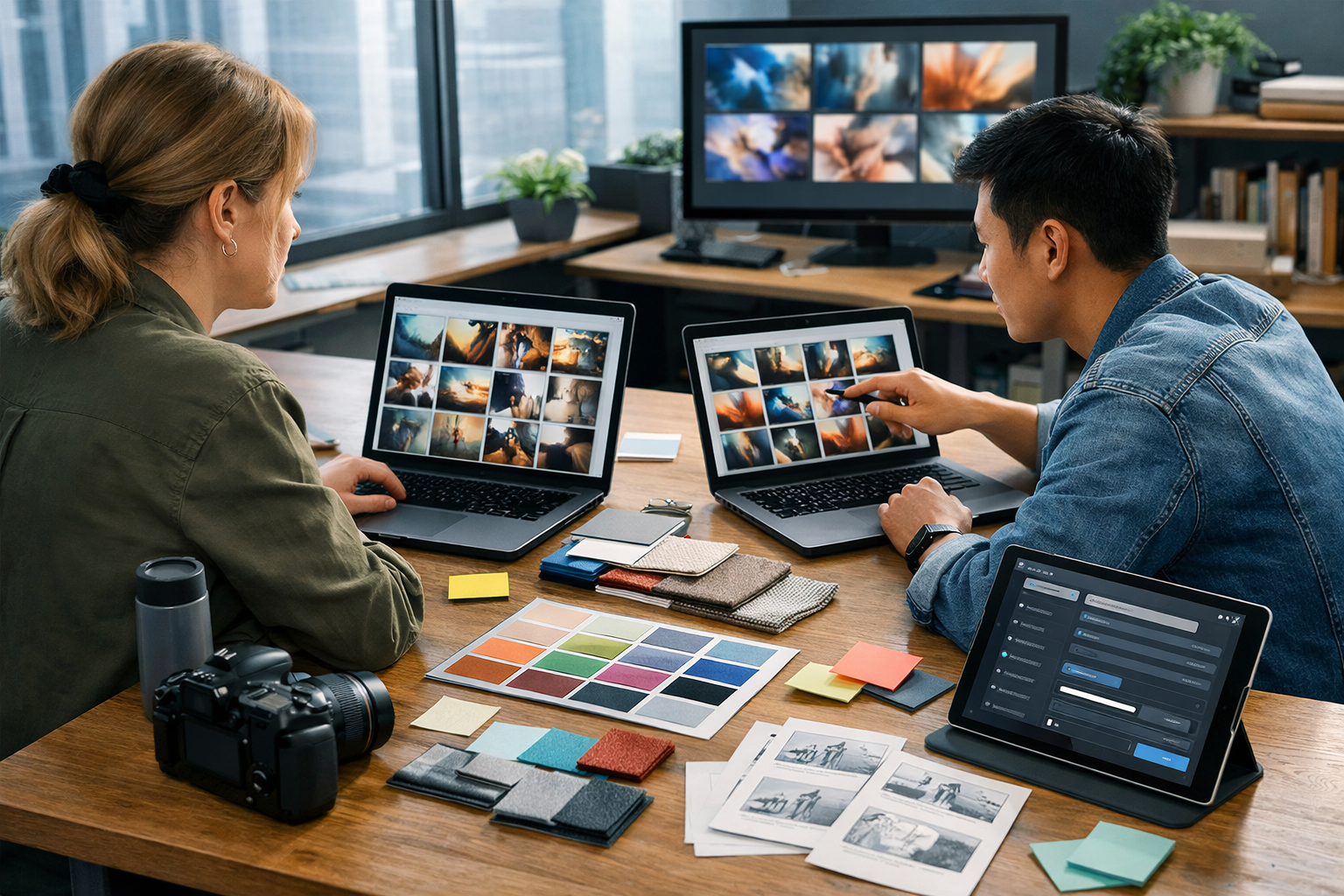
An ai mood board generator for creative projects helps you move from a vague idea (“fresh, modern, optimistic”) to a clear creative direction your whole team can execute—faster than collecting dozens of screenshots and hoping they fit together. With the right prompts and workflow, you can generate consistent visual references, refine a style in minutes, and then turn that mood board into ready-to-use copy, images, audio, and video assets.
What is an AI mood board generator (and why it matters)?
A mood board is a curated set of references that communicates the “feel” of a project—colour palettes, lighting, compositions, textures, typography influences, and sometimes tone-of-voice examples. Traditionally, you build one manually using Pinterest, screenshots, stock images, and a design tool.
An AI mood board generator speeds this up by creating new concept visuals based on your direction (brand values, target audience, product details, season, mood, location, etc.). Instead of searching for existing images that are “close enough”, you generate references tailored to your brief—then iterate until the style clicks.
For creative projects—branding, web design, packaging, content campaigns, product launches, film/short-form video concepts—this matters because alignment is everything. A good mood board reduces subjective debate (“I don’t like it”) and replaces it with specific decisions (“Let’s keep the warm golden-hour lighting, but reduce saturation and add more negative space”).
When to use an AI mood board generator in your workflow
AI mood boards are most useful at these moments:
- Discovery and direction: exploring multiple style territories before choosing one.
- Pitching and approvals: showing clients stakeholders a cohesive “world” quickly.
- Pre-production planning: setting photography/video lighting, props, framing, and art direction.
- Campaign consistency: ensuring social graphics, emails, landing pages, and videos share one visual language.
- Fast iteration: when the first concept isn’t right and you need alternatives without starting from scratch.
What makes a strong AI-generated mood board (not just pretty pictures)
A mood board becomes truly actionable when it includes more than aesthetic inspiration. Aim for a set that communicates decisions a team can execute:
- Colour story: dominant colours, secondary accents, neutrals, and contrast level.
- Lighting and atmosphere: golden hour vs cool studio, soft shadows vs hard highlights, matte vs glossy.
- Composition rules: lots of negative space, close-ups, flat lays, dynamic angles, symmetrical grids.
- Texture and materials: paper grain, brushed metal, ceramic, glass, fabric, wood.
- Subject and styling: props, wardrobe cues, environments, and the “world” the brand lives in.
- Type and graphic cues: modern sans vs editorial serif, bold blocks vs delicate lines (even if you later choose specific fonts).
AI helps you generate this range quickly. Your job is to curate and label what matters, so it can guide production, design, and copywriting.
A practical 6-step workflow to build an AI mood board for any creative project
Here’s a repeatable method you can use whether you’re a solo founder, a designer, or a small marketing team.
Step 1: Write a “one-paragraph creative brief”
Before you generate anything, capture the essentials in one paragraph. Include: product/service, audience, goal, mood words, usage channels (web, print, social, video), and any constraints (brand colours, must-include items, seasonal theme).
- Example mood words: calm, premium, playful, minimal, rebellious, cosy, futuristic.
- Example constraints: avoid neon, keep backgrounds clean, show diverse people, no clutter.
Step 2: Generate 12–24 “style tiles” (broad exploration)
Start broad: aim for variety across lighting, colour, setting, and composition. You want multiple style directions to compare—like three different “worlds” your project could live in.
With Gen AI Last, you can create these visuals rapidly using the platform’s AI image generation as part of our AI content tools. Treat the first round as exploration, not final art.
Step 3: Curate into 2–3 directions (and name them)
Pull the best images into groups and give each group a name that reflects the direction (e.g., “Modern Warm Minimal”, “Bold Pop Studio”, “Natural Handmade Editorial”). Naming helps stakeholders discuss choices clearly.
Step 4: Tighten the winning direction (controlled iteration)
Now get specific. Lock the setting, palette, and composition rules, then generate more images that match. This is where your mood board becomes consistent and production-ready.
Step 5: Translate the mood board into assets (text, visuals, audio, video)
A mood board is only valuable if it becomes real content. After you finalise a direction, build a small “starter kit” of deliverables:
- Copy: tagline options, brand voice guidelines, landing page hero copy, email subject lines.
- Images: social post templates, product shots concepts, banners, thumbnails.
- Video: a 15–30s reel concept, a storyboard, a product demo structure.
- Audio: a voice-over script, narration style, background music mood.
Gen AI Last supports text, image, video, and audio generation in one place—handy when you want every asset to feel like it belongs to the same creative world.
Step 6: Document “style rules” for consistency
Finally, write a short checklist: colour notes, lighting, camera angles, editing style, dos/don’ts. This ensures the mood board stays useful long after the kickoff call.
Prompt framework: how to get better mood boards from AI
Most weak results come from vague prompts. Use this simple structure:
- Subject: what is the image “about” (product, person, environment)?
- Setting: studio, home, street, café, workshop, nature, office.
- Mood + palette: 2–4 adjectives + colour cues.
- Lighting: golden hour, soft window light, cool blue tech, neon accents, high-key studio.
- Composition: flat lay, close-up macro, wide shot, negative space, symmetrical.
- Material/texture: paper grain, brushed steel, ceramic, fabric, glass reflections.
- Quality constraints: photorealistic, editorial, shallow depth of field, clean background.
Then add negative constraints to avoid common failures: “no text, no logos, no watermark, no distorted hands, no messy background”.
10 ready-to-use prompts for an AI mood board generator (copy and customise)
Use these as starting points in Gen AI Last’s image generation. Replace bracketed sections with your product, audience, and channel.
- Brand refresh (minimal premium): “Photorealistic mood board tile, [product] on a clean stone surface, premium minimal aesthetic, warm neutral palette (sand, cream, charcoal), soft natural window light, shallow depth of field, subtle shadows, editorial product photography, no text, no logos, 16:9.”
- Playful DTC campaign: “Colourful studio scene for [product], bold pop colours, high-key lighting, playful props, crisp edges, modern e-commerce style, top-down flat lay variation, no text, no watermark, 16:9.”
- Eco/natural handmade: “Handmade craft aesthetic for [brand], recycled paper textures, natural wood, plants, soft morning light, earthy palette (sage, clay, oat), cosy and authentic, close-up details, no text, 16:9.”
- Tech/SaaS futuristic: “Modern tech vibe mood board tile, cool blue lighting with subtle neon accents, sleek glass and metal textures, abstract UI-like shapes (no readable text), clean gradients, cinematic reflections, 16:9 photorealistic.”
- Wellness calm: “Serene wellness mood board tile, soft beige and pastel palette, diffused light, gentle fabric textures, minimal composition with lots of negative space, calming spa atmosphere, photorealistic, no text, 16:9.”
- Fashion editorial: “Editorial fashion mood board tile, [model styling notes], dramatic directional light, film grain, monochrome with one accent colour, high-contrast shadows, magazine-worthy composition, no text, 16:9.”
- Food launch: “Food photography mood board tile for [dish/drink], natural side light, appetising colour grading, textured ceramic plates, linen napkin, close-up macro details, clean background, no text, 16:9.”
- Interior concept: “Interior design mood board tile, [room type] with Scandinavian minimal styling, warm wood, off-white walls, soft shadows, tidy composition, realistic materials, no text, 16:9.”
- Event identity: “Event mood board tile for [event theme], stylish venue lighting, tasteful signage shapes without readable text, crowd ambience, cinematic bokeh, palette [colours], premium atmosphere, 16:9.”
- Seasonal holiday campaign: “Seasonal campaign mood board tile for [product], [season] styling, relevant props, warm festive lighting, consistent palette, clean composition, photorealistic, no text, no logo, 16:9.”
Turning a mood board into a full creative system with Gen AI Last
A common frustration is creating a gorgeous mood board… and then struggling to keep copy, visuals, and video consistent. The advantage of an all-in-one platform is you can keep the direction central while generating every format.
1) Generate brand voice and messaging that matches the visuals
Once you’ve chosen a direction (e.g., “Modern Warm Minimal”), convert that into a tone guide and starter copy: taglines, value props, product descriptions, ad variations, and email sequences. This reduces the gap between design and marketing.
Tip: in your text prompt, include the same mood adjectives and audience notes you used for the images—this is how you keep the system coherent.
2) Produce on-brand marketing visuals quickly
Use the mood board to define repeatable image settings: background materials, lighting type, camera angle, and prop rules. Then generate variations for different placements—website hero, Instagram square, story format, ad banners—without reinventing the style each time.
3) Extend the mood into video concepts and storyboards
Video consistency is often where brands slip. Use the mood board to define: colour grade, pacing, shot list, transitions, music vibe, and narration tone. Then generate a short storyboard and a tight script for a reel or explainer.
4) Add audio that matches the atmosphere
If the mood is “calm, premium, minimal”, your audio should be clean, spacious, and subtle—not loud and busy. With AI audio generation, you can create a voice-over and background music that complements the visuals and message, helping the final output feel intentionally designed.
Common mistakes (and how to fix them)
- Mistake: only generating one style.
Fix: generate three distinct directions first; choose later. - Mistake: prompts that are too broad (“modern, nice, clean”).
Fix: specify palette, lighting, materials, and composition rules. - Mistake: no constraints.
Fix: add “no text, no logos, no watermark” and include what to avoid (clutter, harsh shadows, etc.). - Mistake: mood board doesn’t translate to deliverables.
Fix: build a mini asset pack immediately: 3 social graphics, 1 banner, 1 short video concept, 5 ad lines. - Mistake: inconsistent revisions.
Fix: document the “style rules” and reuse them in every prompt.
A quick example: mood board to campaign in under a day
Scenario: a small skincare brand is launching a new vitamin C serum. They need a cohesive look for web, email, and social.
- Brief: “Bright, clean, optimistic. Premium but approachable. Morning routine energy.”
- Generate style tiles: warm sunlit bathroom shelf; minimal studio on stone; citrus-inspired pop colour.
- Choose direction: warm sunlit “morning glow” with soft shadows and creamy neutrals.
- Refine: repeat: white tile, glass reflections, subtle condensation, citrus peel prop, soft highlights.
- Create assets: product description + ad copy; social visuals; short reel storyboard; calm, confident voice-over.
This is exactly where Gen AI Last helps: you can move from visual direction to copy, images, video, and audio in one workflow, without stitching together five different tools.
Cost and accessibility: mood boards without the agency budget
Startups and small teams often skip proper art direction because it feels expensive or time-consuming. But consistent creative direction is a competitive advantage—especially in crowded markets where “good enough” design looks identical.
Gen AI Last includes text, image, video, and audio generation from view pricing from $10/month, which makes it realistic to explore multiple directions, test campaigns, and keep content quality high without scaling headcount immediately.
Checklist: your AI mood board is ready when…
- You can describe the style in one sentence and three mood words.
- The palette is clear (dominant, accent, neutral) and consistent across tiles.
- Lighting is consistent (and intentionally chosen).
- There are examples for key use cases (product shot, lifestyle scene, background texture, hero composition).
- You’ve written 6–10 “style rules” that anyone can follow.
Get started: build your first AI mood board today
If you want an ai mood board generator for creative projects that doesn’t stop at inspiration, use Gen AI Last to generate the board, refine the direction, and immediately produce the supporting copy, visuals, video and audio. That’s how you go from “idea” to “launch-ready” without losing creative consistency.
start creating for free and build three mood board directions in under an hour—then choose the strongest and turn it into a complete content kit using our AI content tools.
Ready to Create with Generative AI?
Join thousands of creators using Gen AI Last to generate text, images, audio, and video — all from one platform. Start your 7-day free trial today.
Start Free — Try 7 DaysQuick Links
Create AI content from $10/month
View Plans