AI Mood Board Generator for Creative Projects (Full Guide)
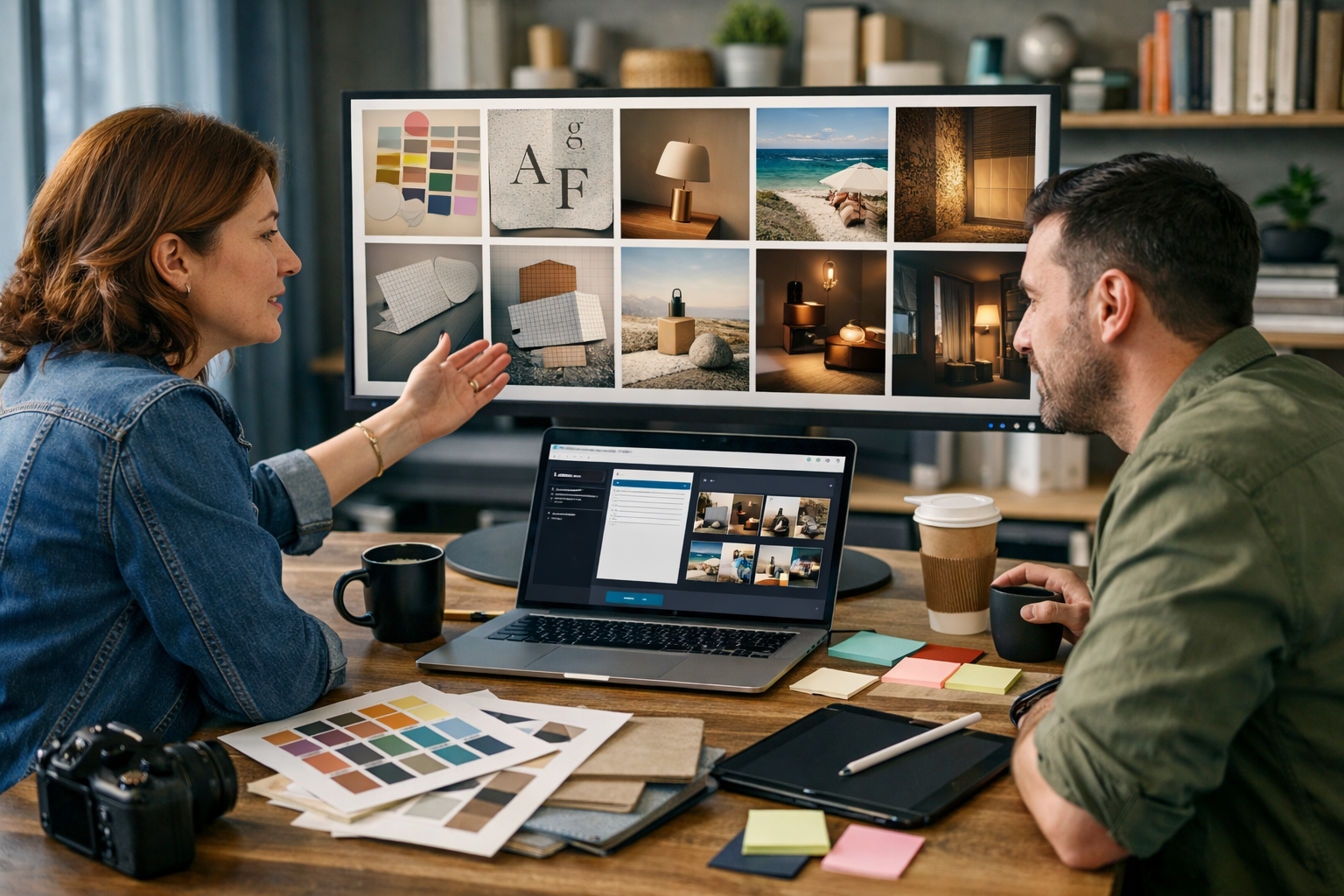
An ai mood board generator for creative projects turns scattered inspiration into a clear visual direction—fast. Instead of spending days hunting references, you can generate multiple cohesive “style worlds” from a single brief, then refine them into campaign-ready visuals, storyboards, scripts, and voice-overs. This guide shows a practical, repeatable workflow you can use for branding, marketing campaigns, product launches, video concepts, editorial shoots, and social content.
What is an AI mood board generator (and what it should actually do)
A traditional mood board is a curated collection of images, textures, colours, layout references, and visual motifs that align a team on “the feel” before production begins. An AI mood board generator accelerates that process by creating and iterating visual references from prompts—often producing multiple directions you can compare side by side.
For creative projects, the best AI-assisted mood board workflow goes beyond pretty pictures. It should help you:
- Translate a written brief into distinct visual directions (e.g., “minimal Nordic”, “neon cyber”, “warm artisan”).
- Explore variation quickly (lighting, palette, composition, styling, props, locations).
- Maintain consistency across outputs (so your board looks intentional, not random).
- Bridge into production assets: social images, product scenes, banners, video style frames, and voice-over scripts.
Gen AI Last supports this end-to-end approach because you can generate the board visuals with AI Image Generation, then expand into copy, video, and audio using the same creative direction. Explore our AI content tools to see how the pieces connect.
Why creatives use AI mood boards (and when you shouldn’t)
An ai mood board generator for creative projects is especially useful when speed and alignment matter—like when you need to pitch three campaign routes by Friday, or when a small team has to cover design, content, and production without a large studio budget.
Key benefits
- Faster exploration: Generate 20–50 viable reference images in the time it takes to collect five manually.
- Better stakeholder alignment: Concrete visuals reduce vague feedback like “make it pop” or “more premium”.
- Budget-friendly pre-production: Produce style frames before booking locations, props, or talent.
- More inclusive ideation: Non-designers can contribute with prompts and selections.
When to pause and go manual
AI references are not a replacement for brand strategy, user research, or real-world constraints. If your project relies on legally sensitive likenesses, trademarked designs, or highly specific product fidelity (e.g., regulated packaging details), use AI for broad direction, then move into controlled, approved assets.
A practical 7-step workflow to build an AI mood board that feels intentional
The difference between a strong mood board and an incoherent collage is structure. Use the workflow below for any creative project—branding, campaigns, product photography, video concepts, or editorial.
1) Start with a tight creative brief (even if it’s only 8 lines)
Before you generate images, write a micro-brief that includes: audience, message, emotional tone, and practical constraints.
- Audience: Who is this for and what do they value?
- Goal: What should they think/feel/do afterwards?
- Personality: 3–5 adjectives (e.g., “confident, quiet, modern, tactile”).
- Constraints: Platform, aspect ratios, brand colours, product must be visible, etc.
Tip: Use Gen AI Last’s AI Text Generation to turn a messy email thread into a clean brief and a checklist of must-haves, then use that language inside your image prompts.
2) Define 3 “style worlds” rather than one vague direction
Instead of trying to generate a perfect board immediately, generate three distinct routes. Each route should have its own palette, lighting, and visual motifs. Example routes for a sustainable skincare launch:
- Route A — Clinical Premium: cool whites, glass, sharp lighting, clean typography references.
- Route B — Botanical Ritual: warm natural light, herbs, ceramics, linen textures.
- Route C — Modern Play: bold colour blocks, graphic shadows, punchy compositions.
This makes reviews easier: stakeholders can choose a direction rather than nit-picking a single mixed board.
3) Use prompt “building blocks” to control consistency
Strong prompts are modular. Reuse the same blocks across multiple generations so the board has a cohesive feel.
- Subject block: product type, scene, people (if needed).
- Art direction block: palette, materials, mood adjectives.
- Photography block: lens feel, depth of field, lighting, composition.
- Negative block: “no text, no logos, no watermark, no distorted hands” etc.
Keeping these blocks stable is the simplest way to make an AI mood board look curated rather than random.
4) Generate references by category (not as a single dump)
A useful mood board answers multiple questions. Generate images in sets, then select the best from each set:
- Colour & lighting: environments and light quality (golden hour, cool studio, neon accents).
- Materials & textures: paper grain, ceramic glaze, brushed metal, fabric weave.
- Composition: hero product centred, rule-of-thirds lifestyle, flat lay, negative space for copy.
- Props & set dressing: objects that signal the vibe (books, plants, tools, tech).
- Talent (optional): hands, silhouettes, candid portraits—only if aligned with brand.
If you’re building boards for marketing, include at least a few images with “ad layout potential” (clean space where a headline could sit later).
5) Curate hard: choose 12–20 images per route
Mood boards are editorial. Too many images dilute direction. A practical target:
- 6–8 hero reference images (the main vibe).
- 3–5 detail shots (textures, close-ups, materials).
- 3–5 layout/format references (banner crops, social-friendly compositions).
Add short notes in your project doc about why each image made the cut (e.g., “shadow shape”, “ceramic texture”, “premium colour temperature”).
6) Convert the chosen board into production prompts
Once a route is approved, your board should become a reusable prompt library. Create three prompt types:
- Hero prompt: for campaign key visuals and website headers.
- Variation prompts: for social posts, product angles, seasonal updates.
- Format prompts: “square 1:1”, “vertical 9:16”, “wide 16:9” (as needed) with composition instructions.
This is where Gen AI Last shines for small teams: once your visual direction is locked, you can generate matching copy (headlines, captions, emails) and then produce short videos and voice-overs that keep the same tone. See our AI content tools for the full workflow.
7) Stress-test consistency across channels
Before finalising, test the direction on the formats you actually need:
- A website hero banner (wide, minimal copy space).
- Two social posts (square and vertical).
- A 6–10 second video concept (3–5 shots with matching lighting).
If the style breaks under format changes, adjust your prompt blocks (especially lighting and materials) and regenerate a smaller set until it holds together.
Prompt examples you can copy for mood board generation
Use these as starting points. Replace bracketed text with your project details and keep the “building blocks” consistent across a route.
Example 1: Branding mood board (modern craft café)
Prompt: “Mood board image for a modern craft café brand, warm welcoming atmosphere, soft natural window light, muted earthy palette (terracotta, oat, charcoal), tactile materials (linen, ceramic, walnut wood), candid lifestyle photography feel, shallow depth of field, calm composition, premium yet approachable, editorial food styling, photorealistic, 16:9. No text, no logos, no watermark.”
Example 2: Campaign route (tech startup rebrand, ‘cool blue’)
Prompt: “Creative direction reference image for a B2B tech rebrand, cool blue tech vibes, clean gradients, glass and brushed aluminium textures, minimal modern workspace, crisp studio lighting, high contrast shadows, sophisticated and confident, wide composition with negative space for headline, photorealistic, 16:9. No text, no logos, no watermark.”
Example 3: Video style frames (product demo look)
Prompt: “Video style frame for a product demo, hands interacting with [product type], bright softbox lighting, clean tabletop set, minimal props, clear focus on product silhouette, modern commercial look, cinematic depth of field, photorealistic, 16:9. No text, no logos, no watermark.”
How to use your mood board with Gen AI Last (text, image, video, and audio)
A mood board becomes far more valuable when it drives output across channels. With Gen AI Last, you can keep one creative direction and produce the assets a small team typically struggles to resource.
1) Turn the mood into copy that matches
Once your route is chosen, write a short “tone card” from the board: voice adjectives, taboo phrases, and examples of headlines. Then generate:
- Landing page headline options (10–20 variations).
- Product descriptions that reflect the board’s materials and mood.
- Email campaign sequences aligned to the same tone.
- Social captions with consistent rhythm and vocabulary.
This avoids a common mismatch: premium visuals paired with generic copy (or playful visuals paired with overly formal messaging).
2) Produce campaign visuals that match the approved route
Use the route’s prompt blocks to generate marketing visuals, social graphics, banners, and lifestyle scenes. Because your mood board already defined lighting, materials, and composition rules, your outputs will look like a set rather than one-offs.
3) Build short videos from the same style
A practical approach is to generate 3–5 style frames first (as if they were key shots), then use them as guidance for a simple storyboard:
- Shot 1: establishing mood (environment, lighting cue).
- Shot 2: product/talent interaction (tactile detail).
- Shot 3: benefit visualisation (before/after or feature highlight).
- Shot 4: brand moment (clean space for logo later in editing).
Gen AI Last’s AI Video Generation helps small teams produce marketing videos, product demos, social reels, and explainer videos without needing a full production crew for every iteration.
4) Add voice-over and music that fits the mood
Mood boards aren’t only visual. Translate your route into audio guidance: pace, energy, warmth, and instrumentation. With AI Audio Generation, you can create:
- Voice-overs in a tone that matches the board (calm, bright, authoritative, playful).
- Podcast-style narration for explainers.
- Background music that supports the intended energy.
Common mistakes (and how to fix them)
If your AI mood board isn’t helping, it’s usually because of one of these issues.
- Too broad prompts: Fix by adding specific materials, palette, and lighting (“warm diffused window light”, “brushed steel”, “cream and charcoal”).
- No curation: Fix by limiting to 12–20 images per route and removing “cool” images that don’t serve the brief.
- Mixing routes: Fix by keeping separate folders/boards for each direction until a decision is made.
- Ignoring format needs: Fix by generating references with negative space and testing across web/social/video early.
- Style drift over time: Fix by maintaining a prompt library and reusing your established building blocks.
A quick checklist for an effective AI mood board
Use this before presenting your board to a client or internal stakeholders:
- The board clearly communicates one emotional tone per route.
- Lighting, palette, and materials are consistent across selections.
- There are references for hero visuals and supporting details.
- At least 3 images show layouts that work for real marketing placements.
- The board can be translated into a prompt library and a short style guide.
Cost-effective creation for startups and small teams
Many teams adopt an ai mood board generator for creative projects because they need agency-level output on a startup budget. Gen AI Last includes text, image, video, and audio generation in every plan, so you can move from concept to production assets without stitching together multiple tools.
If you’re comparing options, view pricing from $10/month—all plans include full access to text, image, audio, and video generation.
Next steps: build your first AI mood board in 30 minutes
If you want to try this today, here’s a simple plan:
- Write a micro-brief with audience, goal, tone adjectives, and constraints.
- Define three style worlds and name them clearly (A/B/C).
- Create prompt building blocks for palette, materials, and lighting.
- Generate sets by category (lighting, textures, composition, props).
- Curate down to 12–20 images per route, add notes, and choose a winner.
- Turn the winning route into production prompts for visuals, copy, video, and audio.
When you’re ready, start creating for free and build a mood board that doesn’t just inspire—it ships.
Ready to Create with Generative AI?
Join thousands of creators using Gen AI Last to generate text, images, audio, and video — all from one platform. Start your 7-day free trial today.
Start Free — Try 7 DaysQuick Links
Create AI content from $10/month
View Plans