AI Music Generator Royalty Free Tracks for Videos (2026)
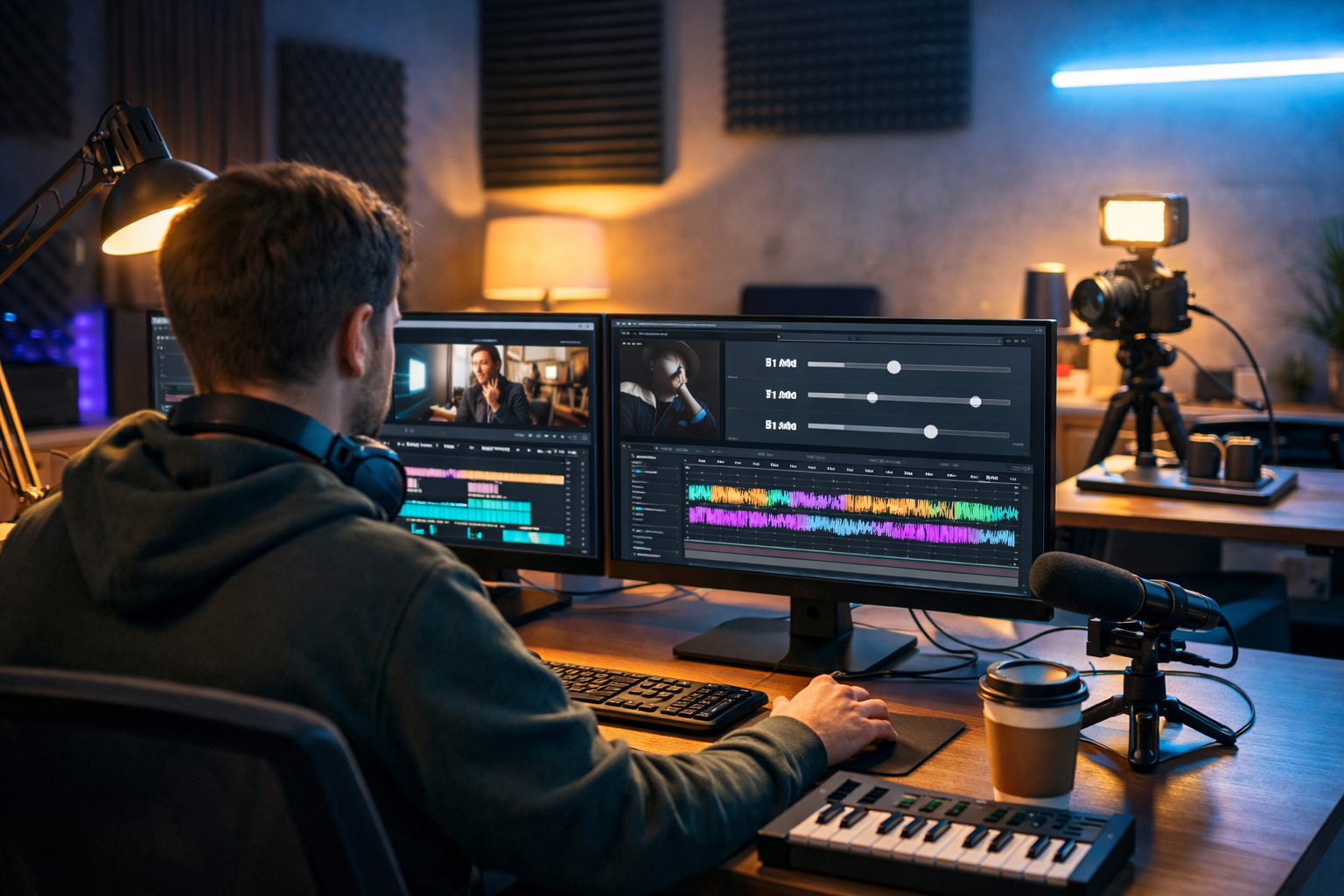
Finding music that fits your video—and won’t get you hit with copyright claims—can be harder than editing the footage itself. An ai music generator royalty free tracks for videos workflow lets creators produce tailored background music in minutes, match the pace of each scene, and publish with greater confidence across YouTube, TikTok, Instagram and client projects.
What “royalty-free” really means for video creators
“Royalty-free” is often misunderstood. It doesn’t always mean “free of charge”, and it doesn’t automatically mean “no restrictions”. In practice, royalty-free music typically means you can use a track without paying ongoing royalties each time it plays, provided you follow the licence terms.
For creators, the goal is simple: use music legally, avoid takedowns, and keep monetisation intact. That means you should still check what you’re allowed to do, especially when you’re working for clients, running paid ads, or distributing videos across multiple platforms.
- Royalty-free usually means a one-time licence (or included with your subscription) rather than ongoing fees.
- Many “royalty-free” libraries still restrict redistribution, reselling, or uploading tracks as standalone audio.
- Some licences differ for personal, commercial, broadcast, and paid advertising usage.
When you generate music with AI for your videos, the key is to ensure your usage rights are clear and that you can demonstrate compliance if a platform flags your content.
Why creators are switching to an AI music generator for videos
Traditional music sourcing (stock libraries, commissioning composers, digging through free collections) can be slow and repetitive. AI changes the process: instead of searching for “close enough”, you create music that matches your exact brief.
- Speed: generate drafts quickly, iterate, and choose the best fit.
- Fit: specify mood, tempo, instrumentation, and energy to match your edit.
- Consistency: maintain a recognisable sound across a channel or brand campaign.
- Cost control: avoid buying multiple tracks you only use once.
This is especially helpful for teams producing content at volume—short-form reels, product demos, weekly YouTube uploads, podcasts with video, training content, and paid social ads.
How Gen AI Last supports royalty-free music creation for video
Gen AI Last is an all-in-one creation platform where you can generate text, images, video, and audio from prompts. For video creators, that means you can develop the concept, write the script, generate the visuals, and produce the audio—without juggling multiple subscriptions or tools.
To explore what’s included, see our AI content tools. If you’re budget-conscious, you can view pricing from $10/month—every plan includes access to text, image, audio, and video generation.
A practical workflow: from prompt to polished background music
A reliable approach is to treat AI music like you would any other production asset: brief it clearly, test it against the cut, then refine.
- Define the role of the music: background bed, intro sting, transition hit, or outro loop.
- Match the video structure: hook (0–5s), body (5–60s), call-to-action (last 5–10s).
- Choose style and instrumentation: lo-fi hip hop, cinematic ambient, upbeat pop, corporate tech, acoustic minimal, etc.
- Set tempo and intensity: slower for explainers, higher energy for product teasers.
- Generate 3–5 variations: pick the best, then request a tighter version if needed.
- Mix for voice: keep music under narration; avoid busy mid-range frequencies.
Prompt templates: royalty-free AI music for common video types
A strong prompt is specific without being overly technical. Include mood, genre, tempo, instruments, and usage context (e.g., “under voice-over”). Below are starting points you can adapt.
1) YouTube explainer video (calm, credible)
- Prompt idea: “Warm ambient corporate bed, soft synth pads, gentle plucked notes, 90 BPM, minimal drums, designed to sit under voice-over, no sharp peaks, 60 seconds with clean loop ending.”
- Why it works: it avoids distraction and keeps consistent energy.
2) Product demo / app walkthrough (clean tech energy)
- Prompt idea: “Modern tech groove, light percussion, subtle arpeggiated synth, 110 BPM, optimistic and confident, 30 seconds, crisp intro sting and smooth fade.”
- Why it works: supports pacing and makes UI shots feel more dynamic.
3) Short-form reels (fast hook, quick drop)
- Prompt idea: “Upbeat pop-electronic, punchy kick, bright claps, 128 BPM, 15 seconds, strong first beat, simple melodic hook, no long intro.”
- Why it works: the hook arrives instantly, which matters for retention.
4) Cinematic travel montage (emotional build)
- Prompt idea: “Cinematic ambient score, airy pads and piano motifs, gentle rise over 60 seconds, emotional and expansive, light percussion enters halfway, resolved ending.”
- Why it works: it follows the arc of the montage without feeling repetitive.
5) Podcast video background (subtle, consistent loop)
- Prompt idea: “Lo-fi chill background loop, vinyl texture, soft keys, 75 BPM, very low intensity, 10-minute seamless loop feel, no sudden fills.”
- Why it works: it won’t compete with dialogue and can be reused across episodes.
How to avoid copyright claims and monetisation problems
Even when you intend to use royalty-free tracks, claims can happen—often due to automated matching systems, unclear rights, or re-uploads by third parties. You can reduce risk with a few practical habits.
1) Keep your licensing proof organised
Save the track details, generation date, and any relevant platform documentation in a folder per project. If a platform disputes ownership, having a clear trail helps you respond quickly.
2) Don’t upload the music as “standalone” content
Many royalty-free licences allow usage in videos but restrict redistributing the audio by itself (for example, as a separate “music track” upload). Use it as part of your video deliverable.
3) Avoid cloning famous styles too closely
If your prompt tries to mimic a recognisable artist or track, you risk creating something that sounds too similar. Aim for a mood and instrumentation reference rather than an imitation.
4) Create distinct versions for each campaign
If you’re running ads or publishing across multiple channels, generate a few variations (same vibe, slightly different arrangement). It helps your brand sound consistent while keeping each asset unique.
Mixing tips: make AI background music sit perfectly under video
The best background music is almost invisible—felt more than heard. These quick adjustments can make a generated track sound professional in your edit.
- Lower the music first: start around -20 to -30 LUFS for background beds, then adjust by ear.
- Use a high-pass filter: reduce low-end rumble so it doesn’t fight voice or sound effects.
- Dip the mid-range: a small cut around 1–3 kHz can make narration clearer.
- Sidechain/ducking: if your editor supports it, gently duck music when speech is present.
- Short fades: add 200–500ms fades to avoid clicks and to smooth transitions.
If your video has frequent cuts, consider using a simpler track or editing music in sections (intro / body / outro) rather than forcing a single continuous arrangement to do everything.
Building a complete video pipeline with Gen AI Last (music included)
Background music is only one piece of a high-performing video. The advantage of Gen AI Last is that you can produce the full set of assets in one place:
- AI Text Generation: write YouTube scripts, hooks, titles, descriptions, and email promos.
- AI Image Generation: create thumbnails, product shots, social banners, and on-screen graphics.
- AI Video Generation: generate short marketing videos, reels, product demos, and explainer sequences.
- AI Audio Generation: produce voice-overs, narration, podcast audio, and background music.
This all-in-one approach is ideal for startups and small teams who need consistent output without enterprise budgets. You can start creating for free and scale when you’re ready.
Example: creating a 30-second product ad with royalty-free AI music
Here’s a simple, repeatable example you can adapt for almost any product or service.
Step 1: Generate the script (text)
Prompt: “Write a 30-second product ad script for a new productivity app. Style: confident, friendly, clear call-to-action. Include a 3-second hook, 2 benefits, and a closing line.”
Step 2: Generate supporting visuals (image/video)
Create a clean set of visuals: a hero shot, 2–3 feature screens, and a final CTA card. If you’re producing a reel, generate short video clips that match each line of the script.
Step 3: Generate voice-over (audio)
Use a neutral accent and pacing suitable for short-form ads. Keep delivery crisp; leave micro-pauses for on-screen text.
Step 4: Generate the background music (audio)
Prompt: “Modern upbeat tech track, 120 BPM, bright percussion and subtle synth bass, 30 seconds, strong first beat, minimal melody under voice-over, clean ending suitable for looping.”
Step 5: Mix and export
- Set voice-over as your reference level.
- Bring music up until it’s felt but not competing.
- Add a small fade-in at the start and fade-out at the end.
In under an hour, you can have a complete ad with coherent tone, consistent branding, and music tailored to the pacing of your edit—without hunting through libraries.
Checklist: choosing the right royalty-free AI track for your video
Before you publish, run through this quick checklist:
- Does the track match the first 3–5 seconds? The intro should support the hook, not delay it.
- Is it voice-friendly? Avoid busy melodies if you have narration.
- Are transitions smooth? No abrupt changes that clash with scene cuts.
- Is the ending usable? Clean resolve or loop-ready ending for short-form.
- Do you have documentation? Save the generation details and project notes.
FAQs: AI music generator royalty free tracks for videos
Can I use AI-generated royalty-free music on YouTube monetised channels?
In many cases, yes—provided you have the rights to use the generated track and you follow the platform’s terms. Keep proof of your licence or subscription and avoid prompts that imitate recognisable copyrighted works.
Will AI music still trigger Content ID claims?
It can happen, often due to automated matching or third-party re-uploads. Reduce risk by generating unique variations, keeping records, and disputing incorrect claims with supporting information.
What’s the best length for background music in videos?
Match your edit. For reels, 10–20 seconds can be enough. For explainers, aim for 60–120 seconds with a loop-friendly structure. For longer videos, use sections (intro/body/outro) rather than forcing one loop to carry the whole runtime.
How do I make the music feel “on brand”?
Define 2–3 brand moods (e.g., “calm and expert”, “optimistic tech”, “premium cinematic”) and reuse similar instrumentation and tempo ranges. Generate several variations per mood so your library stays consistent without being repetitive.
Create royalty-free video music faster—without extra subscriptions
An ai music generator royalty free tracks for videos approach removes the bottleneck of music sourcing and gives you creative control over mood, pacing, and consistency. With Gen AI Last, you can generate the soundtrack and the rest of your campaign assets in one place—scripts, thumbnails, visuals, voice-overs, and video—starting from view pricing from $10/month.
If you want to test a full workflow—prompt, generate, refine, publish—you can start creating for free and build your own royalty-free music library for upcoming videos.
Ready to Create with Generative AI?
Join thousands of creators using Gen AI Last to generate text, images, audio, and video — all from one platform. Start your 7-day free trial today.
Start Free — Try 7 DaysQuick Links
Create AI content from $10/month
View Plans