AI music generator: royalty free tracks for videos (2026)
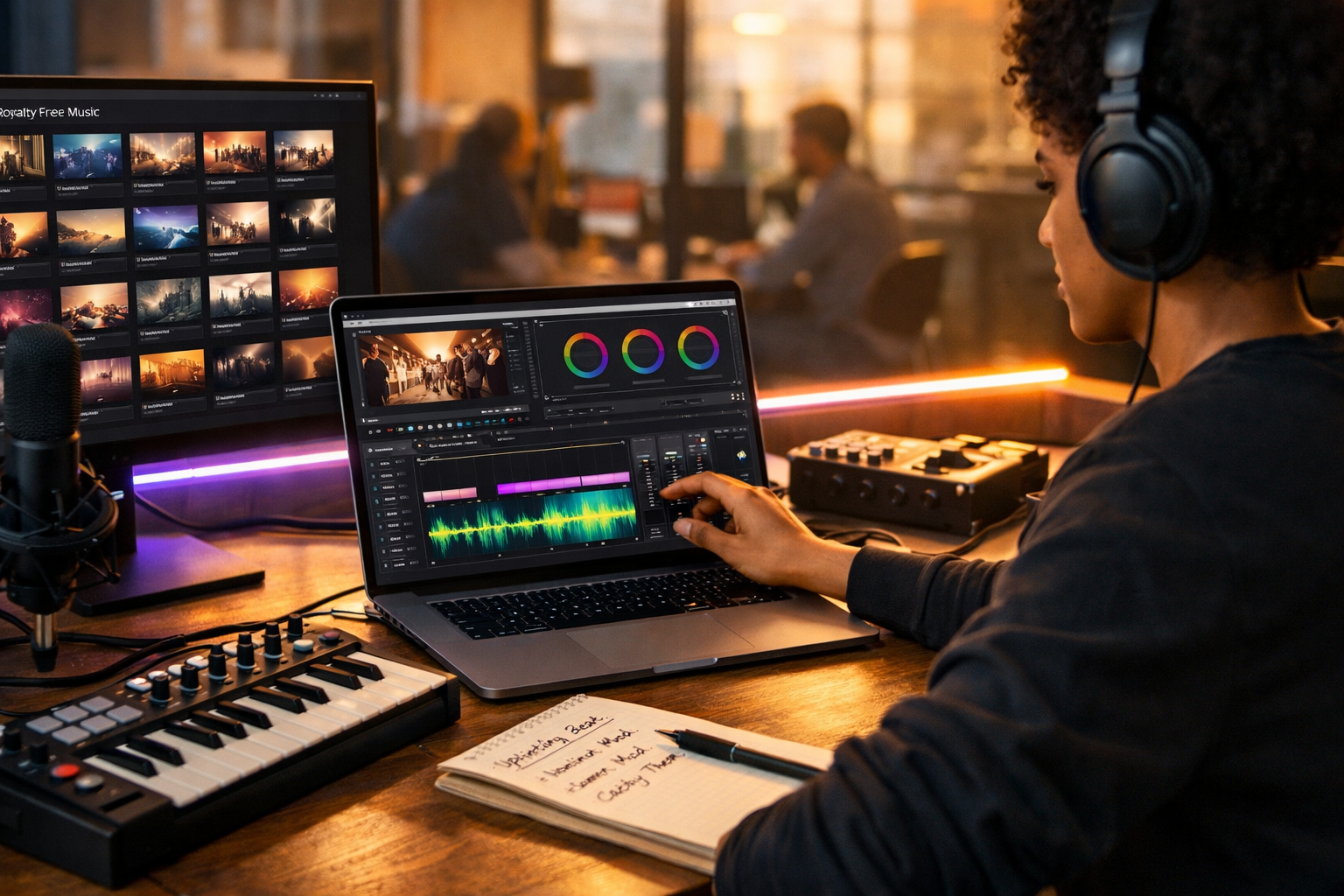
Finding music that fits your edit and won’t trigger copyright claims is one of the biggest pain points in video production. An AI music generator can solve this by creating royalty free tracks for videos from a simple prompt—tailored to your mood, timing, and platform requirements. This guide explains what “royalty-free” really means, how to write prompts that produce usable music, and a practical workflow using Gen AI Last.
What “royalty free tracks for videos” actually means
The term royalty-free is often misunderstood. It doesn’t always mean “free of charge”—it typically means you can use the track without paying ongoing royalties per view, per broadcast, or per performance. However, the exact rights depend on the licence terms of the provider.
When creators search for “ai music generator royalty free tracks for videos”, they usually want three things:
- Music that is safe to monetise on platforms like YouTube, TikTok, Instagram, and Facebook.
- No Content ID matches, takedowns, or surprise claims later.
- Simple permission to use the track in client work, ads, courses, and product videos.
Before you publish any video, always confirm what usage is allowed (commercial use, client work, paid ads, redistribution, etc.). If you’re producing content at scale, build a repeatable licensing checklist (we’ll share one below).
Why creators are switching to an AI music generator
Traditional royalty-free libraries are useful, but they have limitations: tracks become overused, edits feel generic, and finding a perfect match can take longer than the video edit itself. An AI music generator flips the process—you describe what you need, then iterate until it fits.
Key advantages for video creators:
- Speed: generate multiple options in minutes instead of scrolling libraries for hours.
- Fit-to-edit: specify duration, energy curve, and instrumentation that matches your cut points.
- Consistency: keep a recognisable sound across a channel or brand without repeating stock tracks.
- Iteration: tweak mood, tempo, and arrangement based on client feedback.
With Gen AI Last you can create more than just music: you can generate scripts, thumbnails, product visuals, voice-overs, and even complete short videos from text prompts—see our AI content tools. That means one platform can support the whole production pipeline.
Use cases: where royalty-free AI music makes the biggest difference
AI-generated royalty-free music is especially helpful when your videos need a specific mood but you don’t want the audio to distract. Common high-impact scenarios include:
- YouTube intros and outros: consistent brand sound without reusing popular tracks.
- Product demos: subtle, modern backgrounds that don’t fight voice-over.
- Social reels: short, punchy cues that align with fast cuts.
- Explainers: simple, steady tracks that support information-heavy narration.
- Client ads: clean licensing and easy revisions when stakeholders change direction.
- Podcasts with video: consistent stings, transitions, and ambient beds.
How to choose the right AI music for your video (a creator’s checklist)
When evaluating a track—AI-generated or not—don’t start with genre. Start with what the video needs the audience to feel and do. Use this checklist to make decisions quickly.
1) Match the energy curve to your edit
Most videos aren’t a single emotion. A good track follows an arc: intro → build → peak → resolution. When generating music, specify when the energy should increase (for example, at 0:12 when the product appears).
2) Leave space for voice-over
If your video includes narration, the music should stay out of the vocal frequency range. In prompt terms, ask for “minimal lead melody”, “soft pads”, “light percussion”, or “no vocals”. If the music competes with speech, you’ll spend time EQ’ing and ducking.
3) Keep the arrangement simple for short-form
For reels and shorts, a track that changes too often can feel chaotic. Ask for a “tight loop”, “clean 4/4 groove”, and “one main motif”. You can also request a strong downbeat to sync with transitions.
4) Ensure the licence fits commercial use
Even if a track is described as royalty-free, check whether it permits:
- Monetised channels
- Paid ads and sponsored posts
- Client work (work-for-hire)
- Use across multiple platforms
Prompt formulas: generate better royalty-free tracks fast
The biggest difference between “okay” AI music and genuinely useful video music is prompt specificity. Treat prompts like a mini creative brief. Include timing, emotion, and instrumentation rather than vague genre labels.
A simple prompt template
Use case + mood + tempo + instrumentation + structure + constraints
- Use case: “background for product demo”, “cinematic intro”, “calm tutorial bed”
- Mood: uplifting, minimalist, suspenseful, playful, premium
- Tempo: slow (70–90 BPM), mid (90–120), fast (120–150)
- Instrumentation: piano, pads, plucks, acoustic guitar, synth bass, light drums
- Structure: “0–10s intro, 10–35s build, 35–45s peak, 45–60s resolve”
- Constraints: “no vocals”, “loopable”, “no harsh cymbals”, “subtle”
Prompt examples you can copy
Example 1: YouTube tutorial background (60s)
“Royalty-free background music for a YouTube tutorial on productivity. Calm, modern, unobtrusive. 95 BPM. Soft synth pads, light percussion, gentle pluck melody. 0–10s minimal intro, 10–45s steady groove, 45–60s slightly brighter lift then fade. No vocals, loopable, avoid strong lead melodies.”
Example 2: Product launch teaser (30s)
“Royalty-free music for a 30-second product launch teaser. Premium, futuristic, confident. 120 BPM. Pulsing synth bass, tight kick, crisp claps, airy risers. 0–8s tension build, 8–20s energetic groove, 20–26s peak impact, 26–30s clean outro hit. No vocals, clean mix for voice-over option.”
Example 3: Cinematic brand intro (15s)
“Royalty-free cinematic intro for brand ident, 15 seconds. Inspiring, warm, cinematic. 80 BPM. Piano chords, strings swell, subtle percussion. Start intimate then grow to a single strong final chord at 0:14. No choir, no vocals, no heavy drums.”
Example 4: Food reel (12s loop)
“Royalty-free upbeat groove for a 12-second Instagram food reel. Fun, bright, bouncy. 128 BPM. Funky guitar chops, light disco drums, simple bassline, claps. Keep it loopable with a clean downbeat. No vocals, no long intro.”
A practical workflow: create music that fits your video (step-by-step)
Here’s a straightforward workflow that keeps you fast while reducing copyright risk and rework.
- Lock your rough cut first: even a rough timeline helps you define duration and energy changes.
- Write a 1–2 sentence music brief: use case, mood, and what to avoid (for example, “no vocals”).
- Generate 3–5 variations: don’t search for “the one” immediately—compare options against your cut.
- Choose the best fit and iterate: adjust BPM, instrument choices, and structure based on the edit.
- Mix for voice-over: lower music by default, then add sidechain ducking or keyframe volume.
- Create alternates: export a full mix plus a lighter mix (less melody) for dense dialogue.
- Archive licensing notes: save the generation date, project name, and usage intent for future proofing.
If you’re producing content for a small team, Gen AI Last can cover the entire package: generate the script with AI text, create the thumbnail or product imagery with AI image generation, build a short promo with AI video generation, then add AI audio for voice-over and background music—explore our AI content tools.
Avoid copyright headaches: what to check before uploading
Even with royalty-free tracks, creators can run into issues if the rights aren’t clear or if a platform’s automated systems misidentify audio. Use this pre-upload checklist.
- Licence scope: confirm commercial use, monetisation, and client work are permitted.
- Attribution requirements: some licences require credit in the description.
- Content ID policy: check whether the track (or similar versions) are enrolled in Content ID systems.
- Stems vs full mix: if you can, keep versions without prominent melodies for safer voice-over mixing.
- Keep proof: save receipts, licence pages, or platform confirmations for each project.
If you work with clients, add a line to your deliverables explaining the music source and permitted use. It’s a small step that prevents future disputes when campaigns get reused.
How Gen AI Last helps you produce videos end-to-end (not just music)
Many creators use separate tools for scripting, visuals, voice-over, and background music—then lose time exporting and reformatting assets. Gen AI Last is designed as an all-in-one platform, so you can go from concept to publishable media faster.
- AI Text Generation: write video scripts, hooks, calls-to-action, descriptions, and ad variations.
- AI Image Generation: create thumbnails, product visuals, storyboard frames, and social graphics.
- AI Video Generation: produce short marketing videos, product demos, reels, and explainers from prompts.
- AI Audio Generation: generate voice-overs, narration, podcast audio, and background music cues.
The practical benefit is consistency: your script, visuals, voice, and music can follow the same creative brief. And because all plans include full access to text, image, audio, and video generation, it’s easier to standardise your workflow—view pricing from $10/month.
Best practices for making AI music feel “made for the edit”
AI music can sound polished quickly, but it truly shines when you treat it like a custom score. These techniques help it feel intentional rather than “generic background”.
Use hit points for transitions
Ask for a noticeable accent (a hit, swell, or drum fill) at the exact moment you reveal the product, switch scenes, or display the offer. If your tool supports durations precisely, specify timestamps.
Request loopable endings for short-form
For reels, loopability matters. Include “loopable” and “clean tail” in prompts so the end doesn’t feel abruptly cut. You’ll get better results for continuous playback.
Create a mini “brand sound” kit
Instead of generating random tracks each time, build a small set:
- 1 x 15s intro sting
- 2 x 60s tutorial beds (calm and energetic)
- 3 x 10–12s reel loops (playful, premium, tech)
- 1 x outro sting with a clear final chord
This keeps your channel recognisable while still giving you variety across content types.
Common mistakes (and how to fix them)
Most problems come from vague prompts or forgetting the video context. Here are the issues we see most often.
Mistake 1: Asking for a genre instead of a function
Fix: specify what the music needs to do: “support voice-over”, “build anticipation”, “keep attention in a 9:16 reel”.
Mistake 2: Too much melody under dialogue
Fix: ask for “minimal lead”, “ambient pads”, and “subtle percussion”, or generate an alternate lighter mix for VO sections.
Mistake 3: Ignoring platform norms
Fix: create platform-specific variants. A YouTube long-form track can evolve slowly; a TikTok loop usually needs impact in the first second.
Mistake 4: No documentation for client deliverables
Fix: keep a simple record: project name, date generated, intended usage, and where it’s published. This saves you later if a claim appears or a campaign expands.
Quick start: generate royalty-free music for your next video in 10 minutes
If you want a fast win, follow this mini-plan:
- Pick your video type (tutorial, demo, reel, ad) and final duration.
- Write one prompt using the template: use case + mood + tempo + instruments + structure + “no vocals”.
- Generate three variations and drop them into your timeline.
- Choose the one that matches your cut points, then iterate with one change at a time (tempo, brightness, drums).
- Export a full mix plus a “lighter” version for heavy narration.
To streamline everything—from writing the script to producing visuals and audio in one place—try Gen AI Last. You can start creating for free, and when you’re ready to scale, every plan includes full access to text, image, video, and audio generation.
FAQ: AI music generator royalty free tracks for videos
Is “royalty-free” the same as “copyright-free”?
Not necessarily. “Royalty-free” usually means you don’t pay ongoing royalties for usage, but the music can still be copyrighted and licensed. Always check the specific licence terms.
Can I use AI-generated music in monetised YouTube videos?
Often yes, provided the licence allows monetisation and the track isn’t restricted by platform policies. Save proof of your rights and keep project notes in case of automated claims.
What should I include in a prompt to make music fit my edit?
Duration, tempo (BPM), energy curve (intro/build/peak/outro), instrumentation, and constraints (no vocals, loopable, subtle). The more you describe the function of the music, the better it fits video.
How do I keep background music from clashing with voice-over?
Generate tracks with minimal lead melody, avoid dense mid-range instruments, and mix with gentle ducking under speech. Also create a lighter alternate mix for narration-heavy sections.
Final thoughts
An AI music generator is one of the fastest ways to create royalty free tracks for videos that actually match your pacing and brand. The key is treating prompts like a creative brief, generating a few variations, and keeping a simple licensing record. When you combine that with an all-in-one platform like Gen AI Last—covering text, images, video, and audio—you can move from idea to publish-ready content with far less friction.
Ready to Create with Generative AI?
Join thousands of creators using Gen AI Last to generate text, images, audio, and video — all from one platform. Start your 7-day free trial today.
Start Free — Try 7 DaysQuick Links
Create AI content from $10/month
View Plans