AI Music Generator: Royalty Free Tracks for Videos
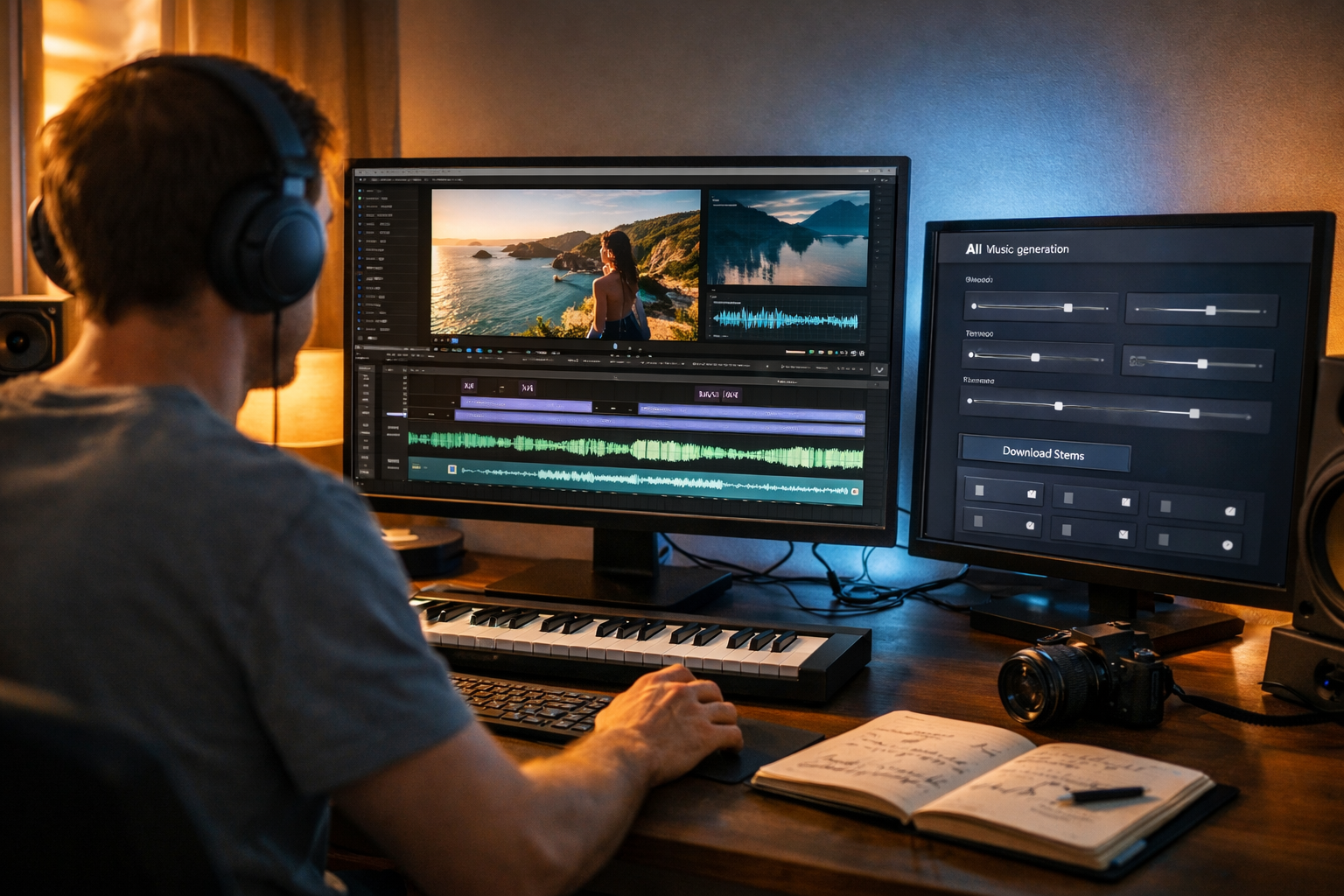
Finding the right soundtrack can make or break your video—but traditional music libraries can be expensive, repetitive, and confusing when it comes to licences. An AI music generator royalty free tracks for videos workflow lets creators produce fresh, on-brand background music in minutes, while reducing the risk of copyright claims when used properly. In this guide, you’ll learn what “royalty free” really means, how AI-generated music fits into licensing, and a practical step-by-step process for creating tracks that match your edits.
What “royalty free” actually means (and what it doesn’t)
“Royalty free” is one of the most misunderstood phrases in content creation. It doesn’t automatically mean “free”, and it doesn’t guarantee you’ll never see a claim. In most cases, royalty free means you can use a track without paying ongoing royalties each time your video is viewed or monetised—provided you follow the licence terms.
Typical royalty-free licences may still include limits, such as:
- Platform restrictions (e.g., allowed on YouTube but not in paid TV ads).
- Distribution caps (e.g., limited to a certain number of impressions or clients).
- Attribution requirements (credit must appear in the description or end slate).
- Prohibited uses (e.g., political advertising, sensitive topics).
With AI-generated tracks, the key is ensuring you have the right to use and monetise the output, and that the tool’s terms cover commercial use for videos. Always keep records of what you generated, when, and under which account/plan.
Why creators are switching to AI music generators for video
If you produce content regularly—YouTube videos, TikToks, Reels, product demos, podcast clips—music becomes a recurring bottleneck. AI changes that by generating tracks to spec, rather than forcing you to search through thousands of library options.
The most common reasons creators adopt AI music generation include:
- Speed: create multiple variations in minutes for A/B testing intros, outros, and ad cuts.
- Uniqueness: reduce the “same track everyone uses” problem in short-form content.
- Brand consistency: generate music that matches your tone (calm, cinematic, playful, premium).
- Cost control: avoid per-track fees and subscription stacks across different tools.
- Iteration: tweak tempo, instrumentation, and mood to fit your edit rather than changing your edit to fit a track.
Gen AI Last brings this under one roof: you can generate background music via our AI content tools, then create the matching video assets (scripts, thumbnails, social captions, and even video variants) without jumping between platforms.
How AI-generated “royalty free” music works for videos
An AI music generator typically creates audio based on prompts describing style, mood, tempo, instrumentation, and structure. Instead of choosing a pre-existing song, you generate a new piece that aligns to your brief.
For video use, there are three practical considerations:
- Usage rights: the tool should permit commercial use and monetisation for your plan.
- Proof and documentation: keep export receipts, project names, prompts, and timestamps.
- Claim handling: understand the platform dispute process (especially on YouTube) and what evidence you can provide.
Even when a track is generated, automated systems can occasionally misidentify music due to similarity in patterns, or because a third party has registered something aggressively. This is why documentation and a consistent workflow matter.
A step-by-step workflow: generate royalty free tracks for videos
Use the following process to reliably produce background music that fits your cut, supports your pacing, and stays usable across platforms.
Step 1: Define the role of music in your edit
Before prompting, decide what the track must do. Music for an explainer video behaves differently from music for a cinematic travel montage.
- Background support: minimal, unobtrusive, leaves space for voice-over.
- Energy driver: rhythmic, punchy, supports fast cuts and transitions.
- Emotional anchor: melodic, evolving, supports storytelling moments.
Also note where you need changes: intro (0–10s), main section (10–80s), CTA/outro (last 10–15s). That structure guides the prompt.
Step 2: Turn your creative brief into a strong music prompt
A useful prompt includes genre, mood, tempo (BPM or “slow/medium/fast”), instruments, structure, and mix guidance (e.g., “no vocals”, “soft drums”, “low dynamic range”).
Prompt example (YouTube tutorial with voice-over):
“Create a royalty-free background track for a tech tutorial. Minimal electronic, warm and optimistic mood, medium tempo ~95 BPM, soft plucks, gentle pads, light percussion, no vocals, no aggressive bass. Keep consistent energy, avoid sudden drops, leave space for narration.”
Prompt example (cinematic travel b-roll):
“Cinematic ambient track for mountain sunrise b-roll. Slow build, emotional and expansive, 70 BPM feel, evolving strings and airy synths, subtle taiko hits, no vocals. Structure: calm intro 0–15s, rising middle 15–60s, big but clean climax 60–80s, soft resolve 80–90s.”
Step 3: Generate 3–5 variations and pick the best fit
Treat music like thumbnails: your first output is rarely the best. Generate several versions with minor differences (tempo, instrument emphasis, intensity). Then select the one that needs the least editing.
- Version A: slightly slower, calmer percussion.
- Version B: brighter melody, less bass.
- Version C: more rhythmic drive for transitions.
In Gen AI Last, you can create the audio and then immediately generate the supporting assets—like the intro script, video description, and social captions—within the same workspace using our AI content tools.
Step 4: Match music to the edit (not the other way round)
Once you have a solid track, make it feel “purpose-built” by aligning it with your pacing.
- Cut on beats: align scene changes with kick/snare hits or downbeats.
- Use micro-fades: 3–8 frame fades avoid clicks and abrupt loop points.
- Duck under speech: reduce music by ~10–18 dB during dialogue/voice-over.
- Intro/outro branding: keep a consistent motif for recognisable identity.
If your editor supports it, consider sidechain compression so the music naturally “breathes” under narration.
Step 5: Export and organise files like a pro
Good organisation reduces future headaches—especially if you need to dispute a claim or reuse a theme.
- Name the track with context: “Brand_Tutorial_95BPM_MinimalElectro_v3”.
- Save the prompt and date used in a simple spreadsheet.
- Export two versions: full mix and “voice-over safe” (lower mids, less busy).
- Keep a project folder per video with the final audio file and proof of generation.
Best practices to avoid copyright claims and monetisation issues
No system can promise “zero claims” across every platform, but you can greatly reduce the likelihood and handle issues quickly if they arise.
1) Use tools and plans that explicitly allow commercial video use
Ensure the AI audio feature you use includes rights for commercial projects, monetised channels, and client work if you’re an agency or freelancer. If you’re building a content pipeline for a business, having clear usage rights is non-negotiable.
Gen AI Last keeps things simple: every plan includes full access to text, image, audio, and video generation—handy when your budget is tight and you don’t want separate subscriptions. You can view pricing from $10/month and scale as your output grows.
2) Avoid prompts that mimic famous artists or recognisable songs
Even if you can technically prompt “in the style of…”, it’s a poor risk trade-off. Instead, describe musical characteristics: “lo-fi hip-hop with vinyl crackle and jazzy chords” rather than referencing a specific musician.
3) Keep a licensing and generation trail
If a platform flags your music, you’ll want evidence. Keep:
- The exported audio file and project name.
- The prompt used (copy/paste into your notes).
- A screenshot or receipt page if the tool provides it.
- The date/time of generation and the account email.
4) Mix for voice and keep it “background safe”
Busy melodies can clash with speech, and heavy compression can cause the track to feel harsh on mobile speakers. For most talking-head and explainer content:
- Prefer minimal arrangements, fewer lead instruments, and controlled dynamics.
- High-pass gently to remove rumble; keep bass tidy for phones.
- Dip 1–3 kHz slightly if it competes with vocal clarity.
Practical use cases: royalty free AI tracks for different video types
Here are prompt frameworks you can adapt instantly depending on what you’re publishing.
YouTube tutorials and online courses
Goal: supportive, non-distracting bed under voice-over.
Prompt idea: “Minimal corporate ambient, 90–105 BPM, soft keys and light percussion, no vocals, loop-friendly, calm confidence.”
Short-form Reels/TikToks (fast cuts)
Goal: strong rhythm and an identifiable hook in the first 1–2 seconds.
Prompt idea: “Upbeat electronic pop, 120–128 BPM, punchy kick, snappy claps, bright synth hook, no vocals, 15 seconds with clean ending hit.”
Product demos and app walkthroughs
Goal: premium, modern, confident; doesn’t steal attention from UI.
Prompt idea: “Modern tech corporate, sleek and upbeat, 100 BPM, muted bass, soft arps, subtle risers for transitions, no vocals, consistent energy.”
Cinematic brand storytelling
Goal: emotional arc and build.
Prompt idea: “Cinematic orchestral hybrid, inspiring and heartfelt, slow build, 70 BPM, piano + strings + subtle percussion, no vocals, 90 seconds with three-act structure.”
Build a complete video pipeline with Gen AI Last (music included)
Music is only one piece of a high-performing video. The advantage of Gen AI Last is that you can generate the entire set of assets from a single brief:
- AI Text: write your hook, script, CTA, video description, chapters, and pinned comment.
- AI Images: create thumbnail concepts, product visuals, banners, and social creatives.
- AI Video: produce marketing videos, demos, reels, and explainer variants.
- AI Audio: generate voice-overs, narration, podcast-style audio, and background music.
For startups and small teams, this matters because you can keep your brand tone consistent while reducing production time. And because all features are included from $10/month, it’s easier to standardise on one tool rather than juggling multiple subscriptions. If you want to test the workflow, start creating for free.
FAQ: AI music generator royalty free tracks for videos
Can I monetise videos with AI-generated royalty free music?
In many cases, yes—provided the tool’s terms grant commercial usage and monetisation rights for generated audio. Always read the plan terms and keep documentation of generation in case you need to dispute a claim.
Will AI-generated music definitely avoid Content ID claims?
No platform can guarantee “never”. Automated systems can misidentify audio, and bad-faith registrations exist. Your best defence is choosing a reputable generator, avoiding prompts that imitate well-known tracks, and keeping a clear record of your generated outputs.
Do I need to credit the AI music generator in my video description?
It depends on the licence terms. Some royalty-free arrangements require attribution; others do not. Even if attribution isn’t required, keeping internal notes (project name, prompt, export date) is still smart.
What kind of AI music works best under voice-over?
Minimal arrangements with controlled dynamics: soft percussion, pads, gentle arps, and no lead vocal-like instruments. Ask for “voice-over safe”, “no vocals”, and “avoid sudden drops” in your prompt.
Checklist: publish-ready royalty free AI music for video
- Music role defined (background, energy, emotional arc).
- Prompt includes mood, genre, tempo, instruments, structure, and “no vocals”.
- Generated 3–5 variations and selected best fit.
- Mixed and ducked under dialogue; clean fades at edits.
- Saved prompt, export, and dates for proof.
Final thoughts
Using an AI music generator royalty free tracks for videos approach is one of the fastest ways to improve production quality without ballooning your budget. The key is combining creativity with process: write clear prompts, generate variations, mix for voice, and keep documentation. With Gen AI Last, you can create the music, narration, visuals, and scripts in one place—so your videos ship faster and stay consistent across channels.
Ready to Create with Generative AI?
Join thousands of creators using Gen AI Last to generate text, images, audio, and video — all from one platform. Start your 7-day free trial today.
Start Free — Try 7 DaysQuick Links
Create AI content from $10/month
View Plans