AI Music Generator: Royalty Free Tracks for Videos
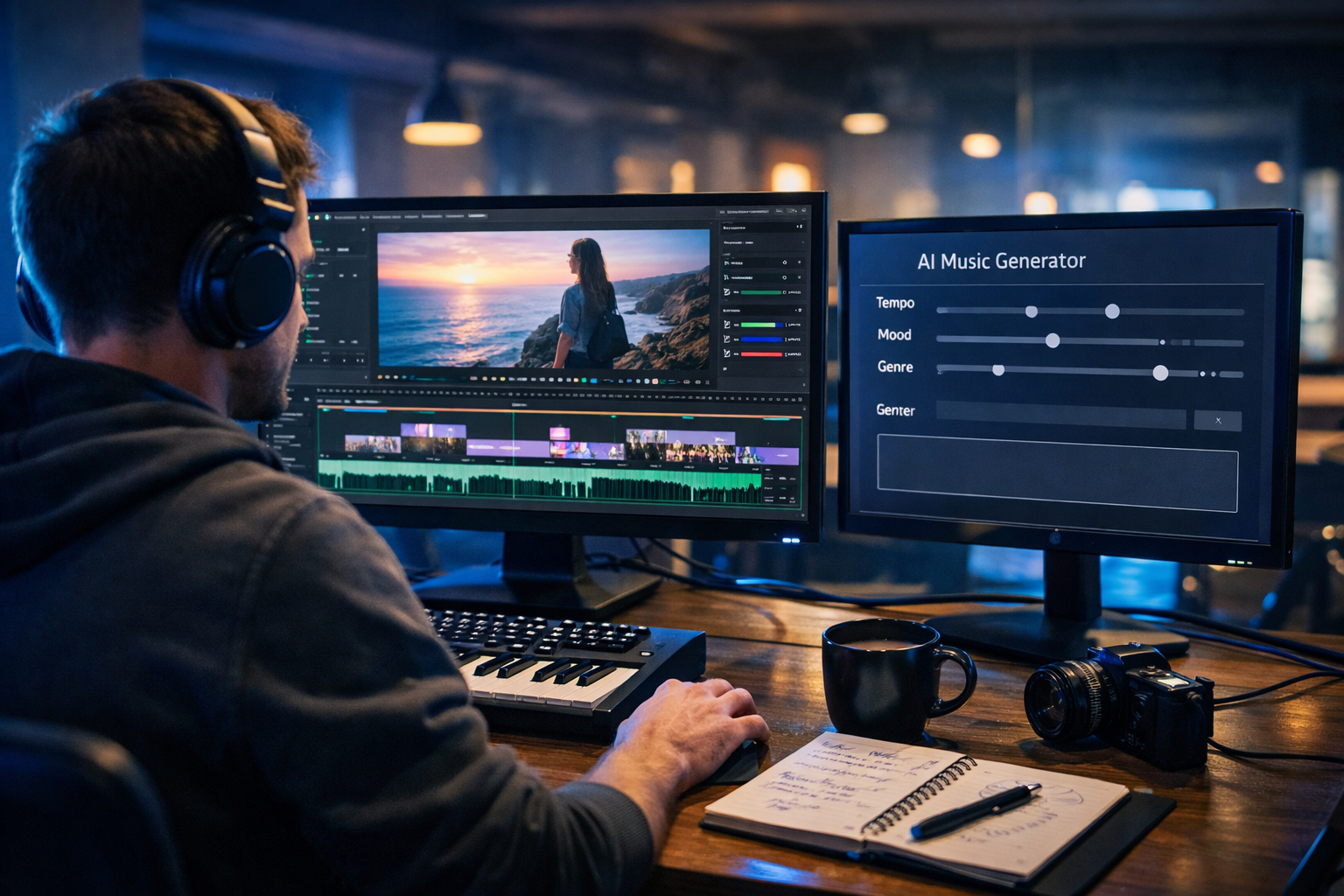
Finding music that feels professional and won’t trigger copyright claims is one of the biggest bottlenecks in video production. An AI music generator can now create royalty free tracks for videos in minutes—tailored to your pacing, mood, and platform—without the endless searching through libraries. This guide shows how to generate safe-to-use background music, what “royalty free” really means, and a practical workflow you can run repeatedly with Gen AI Last.
What “royalty free tracks for videos” actually means
“Royalty free” is widely used, but it’s often misunderstood. In most cases, it means you don’t pay ongoing royalties per view, broadcast, or performance. However, it does not automatically mean “public domain” or “no rules”. The licence terms still matter—especially on YouTube, TikTok, Instagram Reels, paid ads, and client work.
When you generate music with an AI music generator, the key questions are:
- Do you have the right to use the track commercially (ads, client projects, product videos)?
- Is attribution required?
- Can you use it across multiple channels (YouTube, web, podcasts, socials) and multiple projects?
- What happens if a platform flags it—do you have documentation to dispute a claim?
Gen AI Last is designed for creators and small teams who need a fast, dependable workflow for content production. Alongside music generation, you can create scripts, thumbnails, and even short marketing videos in one place using our AI content tools.
Why use an AI music generator for video projects?
Stock libraries still work, but they come with trade-offs: limited variety, repetitiveness (your viewers may have heard the same tracks elsewhere), and time wasted searching for “close enough”. AI-generated music flips the process—you describe what you need, and the track is composed to fit.
Top benefits for creators, marketers, and agencies
- Speed: generate multiple options quickly and pick the best fit.
- Custom fit: match tempo and intensity to your edit (intro, build, drop, outro).
- Consistency: create a recognisable sound across a series, channel, or brand.
- Budget friendly: avoid per-track licensing costs and subscriptions that lock features behind tiers.
- Creative control: iterate on mood, instrumentation, and pacing without starting from scratch.
With Gen AI Last, all plans include text, image, audio, and video generation—useful if you want one platform for the whole pipeline. You can view pricing from $10/month and generate music alongside voice-overs, narration, and marketing assets.
How to generate royalty free tracks for videos: a repeatable workflow
The difference between “random background music” and “music that improves retention” is structure. Use this workflow whenever you need music for YouTube videos, product demos, reels, explainers, podcast videos, or ads.
Step 1: Define the purpose of the music (not just the genre)
Before prompting, decide what the music should do:
- Support voice-over without masking speech (lighter instrumentation, less mid-range clutter).
- Create momentum in a montage (steady beat, clear rhythmic pulse).
- Build anticipation (gradual rise, sparse intro, bigger chorus section).
- Signal premium brand feel (clean sound, restrained percussion, modern synths).
Also note the platform. TikTok and Reels often want quicker hooks; YouTube can handle longer builds.
Step 2: Map your edit to music “sections”
You’ll get better results if you describe the track in sections aligned to your timeline. A simple structure works for most videos:
- Intro (0–10s): light, sets mood.
- Main (10–60s): steady, supports the core message.
- Lift (60–75s): a small rise for key moments or product reveal.
- Outro (last 5–10s): resolves cleanly for end screen or CTA.
If your video is 30 seconds, shrink the sections. If it’s 8–12 minutes, consider generating two complementary tracks (A and B) in the same “sound family”.
Step 3: Write a prompt that a music model can act on
Good prompts are specific without being cluttered. Include: mood, genre, tempo range, instruments, energy curve, and mixing notes (especially if there’s voice-over).
Prompt template (copy and customise):
- Style/genre: “modern corporate”, “lo-fi chillhop”, “cinematic ambient”, “future bass”
- Mood: “optimistic, clean, confident”
- Tempo: “100–110 BPM” or “slow, no drums”
- Instruments: “soft piano, warm pads, muted plucks, light percussion”
- Structure: “short intro, steady groove, small lift at 0:45, clean ending”
- Mix notes: “leave space for narration, no harsh highs”
Step 4: Generate 3–5 variations, then choose with your edit
Music feels different once it sits under dialogue and sound effects. Generate several variations and audition them against your timeline. You’re listening for:
- Speech clarity: voice remains intelligible without heavy EQ.
- Pacing: beat supports cuts and transitions.
- Emotional accuracy: the track reinforces what the viewer should feel.
- Ending: no awkward stop—aim for a clean resolve or fade.
Step 5: Make it video-ready (levels, looping, stems where possible)
For most platforms, you want music that sits under the content. Practical tips:
- For voice-over videos, start music around -24 to -18 LUFS (then adjust by ear to keep speech clear).
- High-pass lightly if the track competes with a deep voice (remove some low rumble).
- If you need a seamless loop, pick tracks with stable rhythm and minimal “one-off” fills.
- Keep a short “sting” version (3–5 seconds) for intros and transitions.
Prompt examples: royalty free AI music for common video types
Use these prompts as starting points in an AI music generator, then tweak tempo, instruments, and structure to match your footage.
1) YouTube tutorial with voice-over (clear and supportive)
Prompt: “Minimal modern tech background music for a YouTube tutorial. Calm, confident, unobtrusive. 95–105 BPM. Soft synth pads, light plucky arpeggio, gentle kick and hats, no heavy bass. Short intro (0–8s), steady loopable groove, slight lift at 0:50, clean ending. Mix: leave space for narration, avoid sharp highs.”
2) Product demo / SaaS promo (premium and upbeat)
Prompt: “Upbeat modern corporate electro for a SaaS product demo. Bright, optimistic, premium. 118–124 BPM. Clean synth chords, muted bass, tight percussion, subtle guitar plucks. Build energy in sections: intro 0–6s, main 6–35s, lift 35–45s, outro 45–50s. Mix: punchy but not aggressive.”
3) Cinematic travel montage (emotional build)
Prompt: “Cinematic ambient track for a travel montage. Expansive, uplifting, slightly nostalgic. 80–90 BPM. Warm piano, airy pads, light percussion that enters after 15 seconds, gentle strings for the build. Big emotional lift at 0:55, then resolve smoothly for the ending.”
4) Short-form Reel / TikTok (fast hook)
Prompt: “High-energy short track for a 20-second vertical Reel. Immediate hook in the first 2 seconds. 130–145 BPM. Modern pop/electronic groove, crisp drums, simple melodic motif, clean drop at 0:08, quick ending at 0:19. Mix: loud and punchy, club-like but clean.”
5) Podcast video / talking head (soft bed)
Prompt: “Lo-fi chill background bed for a talking-head podcast video. Relaxed, warm, intimate. 70–85 BPM. Dusty Rhodes-style chords, soft vinyl texture, minimal drums, no prominent lead melody. Loopable with gentle variations. Mix: keep midrange uncluttered for speech.”
Copyright, Content ID, and licensing: how to stay safe
Creators worry about two things: legal permission and platform enforcement. Even if you have permission, automated systems can still flag audio. Your job is to reduce risk and keep proof.
Best practices for “royalty free” peace of mind
- Save the generation record: keep the prompt, date, and track file name in a project folder.
- Export a short “music-only” reference: useful if you ever need to compare against a claim.
- Avoid “sound-alike” prompts: don’t request “in the style of” a specific artist, song, or recognisable franchise theme.
- Use unique variations: if you’re producing weekly, don’t reuse the exact same track across every upload.
- Keep documentation for clients: provide a simple one-pager with usage notes and file references.
If you’re running a small content team, centralise assets and paperwork. With Gen AI Last you can keep your production streamlined: generate scripts (text), voice-overs (audio), promo visuals (images), and edits (video) from one workflow using our AI content tools.
How to match music to your video brand (so it doesn’t feel random)
Music is part of brand identity. The easiest way to build consistency is to define a “sound palette” you reuse across prompts.
Create a simple sound palette in 10 minutes
- Pick 2–3 core moods: e.g., “optimistic”, “calm”, “bold”.
- Pick 2 tempo zones: e.g., 95–105 BPM for tutorials, 120–128 BPM for promos.
- Choose signature instruments: e.g., soft piano + warm pads + muted plucks.
- Define mixing rules: “voice-over safe”, “no aggressive snares”, “clean endings”.
Then, bake those choices into your prompts so every track feels like it belongs to the same channel or brand—without sounding identical.
A practical end-to-end workflow with Gen AI Last (music + video assets)
If you’re producing videos regularly, the fastest approach is to build an assembly line. Here’s a simple, repeatable setup using Gen AI Last’s all-in-one creation tools.
1) Write the script and hook (AI Text Generation)
Generate a punchy opening, clear structure, and CTA. For example, ask for “a 60-second product demo script with a 3-second hook, three benefit bullets, and a final CTA”.
2) Create visuals (AI Image + AI Video Generation)
Generate thumbnails, ad creatives, or supporting scenes, then produce short explainer clips or social reels that match the script tone. Keeping visuals and music aligned improves perceived quality.
3) Generate voice-over and background music (AI Audio Generation)
Create narration plus a royalty free backing track, then balance levels so the voice remains dominant. Save the chosen prompt and a couple of alternates for quick re-edits.
4) Package for platforms
Export a YouTube version, plus 9:16 cut-downs for Reels/TikTok. For short-form, regenerate a tighter “hook-first” music version rather than forcing a long track into a short edit.
Because every Gen AI Last plan includes all modalities, it’s cost-effective for startups and small teams that don’t want multiple subscriptions. You can start creating for free and scale up when your workflow is proven.
Common mistakes when generating royalty free music for videos (and how to fix them)
- Mistake: The track fights the voice-over. Fix: Prompt for “voice-over safe” music, reduce busy lead melodies, and keep midrange clear.
- Mistake: No clear ending. Fix: Ask for “clean ending” or “resolved final chord” and specify the exact duration you need.
- Mistake: Too generic for the brand. Fix: Create a sound palette and reuse signature instruments and tempo ranges.
- Mistake: Overly specific “sound-alike” requests. Fix: Describe attributes (tempo, mood, instrumentation) rather than referencing artists or songs.
- Mistake: One track used everywhere. Fix: Generate variations with the same palette so videos feel consistent but not repetitive.
FAQ: AI music generator royalty free tracks for videos
Can I use AI-generated music in monetised YouTube videos?
Yes, as long as your generator’s terms allow commercial use and you keep evidence of your right to use the track. Always retain the project files and generation details in case of a dispute.
Will AI music stop copyright claims completely?
No system can guarantee zero claims because automated detection can misidentify audio. Your best protection is using genuinely original generations, avoiding sound-alikes, and keeping documentation to challenge incorrect claims.
What’s the best type of track for voice-over videos?
Minimal tracks with steady rhythm, limited lead melodies, and a mix that leaves space in the midrange. Prompt for “narration-friendly” or “voice-over safe” and request softer instrumentation.
How long should my background music be?
Match the video length where possible. For longer videos, consider two complementary tracks to avoid listener fatigue. For short-form, aim for immediate hooks and quick endings.
Create royalty free video music faster with Gen AI Last
An AI music generator is one of the quickest ways to improve video quality without increasing production time. When you combine custom royalty free tracks with AI-written scripts, generated visuals, and fast video creation, you can publish more consistently—and with a more recognisable brand.
Explore our AI content tools, view pricing from $10/month, or start creating for free and build a complete audio-first workflow for your next video.
Ready to Create with Generative AI?
Join thousands of creators using Gen AI Last to generate text, images, audio, and video — all from one platform. Start your 7-day free trial today.
Start Free — Try 7 DaysQuick Links
Create AI content from $10/month
View Plans