AI product photography: generate studio shots without a camera
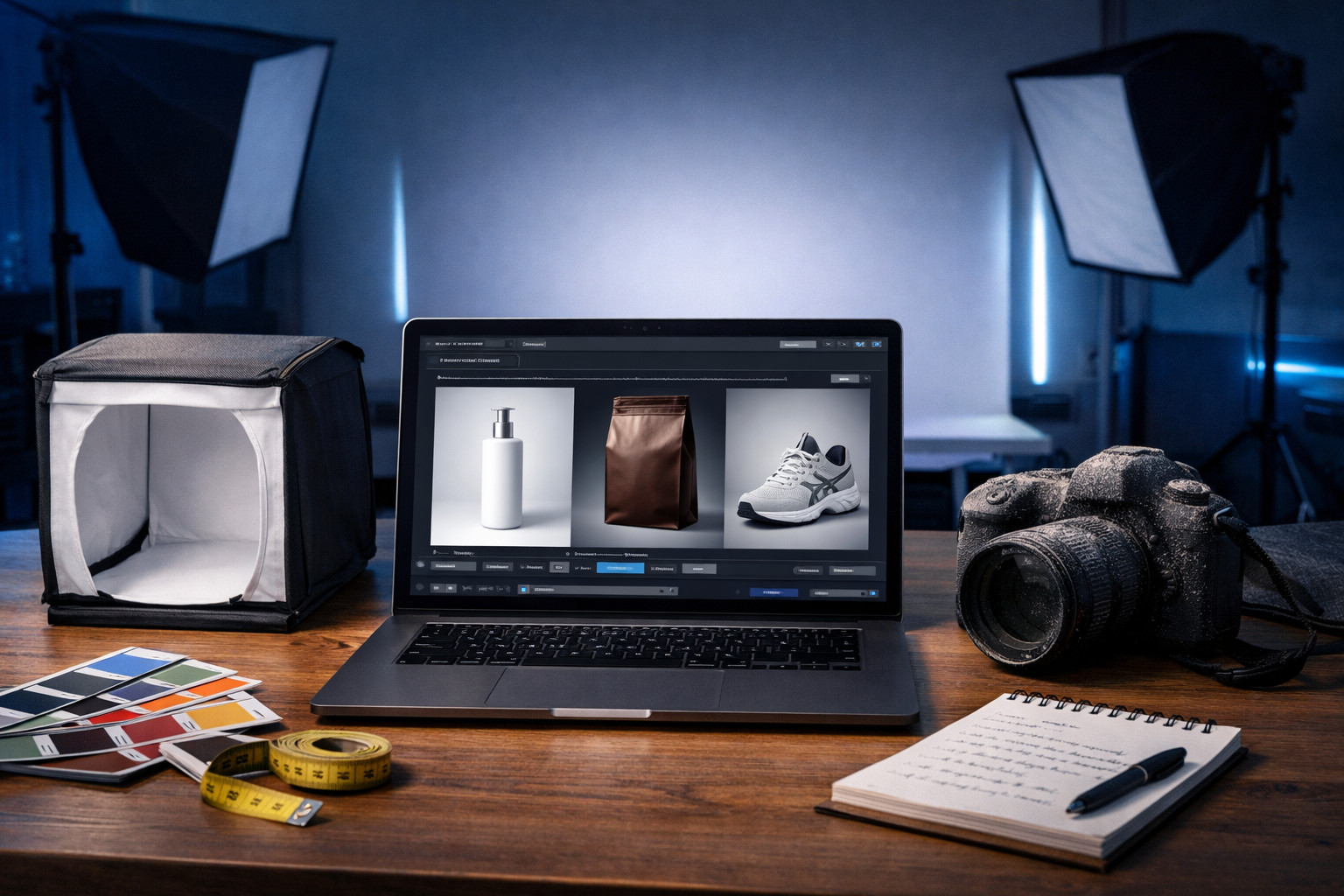
AI product photography can generate studio shots without a camera—meaning you can create clean, consistent, high-converting product images for e-commerce using prompts instead of a photoshoot. For lean teams, this cuts cost and time while letting you iterate on lighting, backgrounds and angles on demand.
What “AI product photography” actually means (and what it doesn’t)
When people search for “ai product photography generate studio shots without a camera”, they usually want the polished look of a professional studio: controlled lighting, crisp edges, realistic shadows, colour accuracy and consistent framing across a product catalogue. AI image generation can produce that aesthetic from text prompts—often in minutes—without booking a studio, hiring a photographer or shipping samples.
However, there are two different outcomes you can aim for:
- Concept visuals (marketing imagery): realistic-looking studio photos that sell the idea of the product, even before production.
- Catalogue-accurate visuals (representation): images that must match exact materials, colours, labels and proportions.
AI excels at concept visuals and can do strong catalogue-style output when you provide consistent inputs and clear constraints. But if you sell regulated products or must show exact pack text and claims, you’ll need careful review (and often a hybrid workflow).
Why generate studio shots without a camera?
Traditional product photography is effective, but it comes with friction: lead times, coordination, reshoots, changing packaging, seasonal campaigns and multiple marketplaces with different image specs. AI product photography can help you move faster—especially for SMEs and fast-iterating brands.
- Speed: Generate variations (angles, backgrounds, colours) in minutes rather than days.
- Cost control: Reduce studio hire, photographer fees, prop sourcing and reshoot costs.
- Consistency: Standardise lighting and framing across dozens of SKUs.
- Iteration: Test multiple hero images for ads, PDPs and social without booking new shoots.
- Global localisation: Create region-specific scenes (e.g., seasonal colours) without re-shooting.
With Gen AI Last, you can generate product visuals, then support them with the accompanying copy and assets—product descriptions, ad variations, and even short promo videos—using our AI content tools.
The studio look: what to specify in your prompts
A “studio shot” is a style. The more you describe the photographic conditions, the more predictable the output becomes. In your prompt, focus on five pillars:
- Camera framing: front-on, 3/4 angle, top-down flat lay, macro detail, hero shot, 85mm look, centred composition.
- Lighting: softbox key light, rim light, high-key, low-key, specular highlights, shadow softness, light direction.
- Background: seamless white, light grey gradient, pastel, black acrylic, reflective surface, textured paper, marble.
- Materials & realism: surface finish (matte, glossy), micro-scratches, label embossing, condensation, realistic shadows.
- Output constraints: no text, no logos (unless required), no extra objects, single product, sharp focus.
Prompt template for studio product images
Use this as a starting point and swap the bracketed parts:
Template: “Photorealistic studio product photo of [product], [material/finish], centred, [angle], on [background], softbox lighting from [direction], subtle realistic shadow, high detail, clean edges, 8k, shallow depth of field, colour-accurate, no text, no watermark, no extra items.”
Three practical prompt examples (copy/paste)
- Skincare bottle on seamless white: “Photorealistic studio product photo of a 50ml frosted glass skincare serum bottle with matte white pump, centred, front-on, seamless white background, high-key softbox lighting, soft shadow under bottle, crisp edges, premium cosmetic photography, no text, no watermark.”
- Coffee bag with grey gradient: “Photorealistic studio hero shot of a standing kraft coffee bag with resealable zipper, 3/4 angle, light grey gradient backdrop, softbox key light left, subtle rim light right, realistic creases and paper texture, sharp focus, no text, no extra props.”
- Trainer on black acrylic: “High-end studio product photo of a minimalist white trainer shoe, 3/4 angle, on glossy black acrylic surface with subtle reflection, low-key lighting, controlled highlights, clean shadow, ultra realistic, no text, no watermark, no additional objects.”
A reliable workflow: from idea to e-commerce-ready images
The best results come from treating AI like a repeatable production process, not a one-off prompt. Here’s a workflow you can standardise across your catalogue.
1) Define your “house style” (before generating anything)
Pick a consistent set of decisions for all SKUs, such as:
- Background: seamless white or light grey gradient.
- Angle: front-on for PDP main image, 3/4 for secondary image.
- Lighting: softbox high-key with gentle shadow.
- Crop: consistent margins for marketplace compliance.
This reduces prompt drift and makes your store look intentional and premium.
2) Generate a hero shot, then lock the pattern
Start with one SKU and iterate until you get a result that matches your brand. Keep the prompt as your “master prompt” and change only the product descriptors. This is where Gen AI Last is useful: you can quickly generate multiple variations, compare them side-by-side, and then standardise on the winner.
3) Create an image set per SKU (not just one image)
High-performing product pages typically use a set: main hero, alternate angle, detail close-up, scale/context shot, and a feature-focused creative. AI can generate all five if you’re specific.
- Main: studio hero on clean background.
- Angle: 3/4 or side view.
- Detail: macro of texture, nozzle, stitching, etc.
- Scale: product next to a neutral everyday object (if appropriate) or “in-hand” style shot.
- Creative: brand colour background, subtle props, seasonal vibe.
4) Quality control: what to check before publishing
AI images can look perfect at first glance, but small errors hurt trust. Review each image for:
- Geometry: warped bottles, uneven edges, impossible reflections.
- Branding: incorrect logo shapes or invented label text (avoid label text if you can’t control it).
- Materials: plastic looking like glass, or matte turning glossy across variants.
- Shadows: floating product (no contact shadow) or inconsistent light direction.
- Compliance: marketplace requirements (e.g., pure white background, no props).
How to get more realistic studio results (common fixes)
If your outputs look “AI-ish”, it’s usually because the prompt lacks photographic constraints. Here are practical fixes you can apply immediately.
Fix 1: Add “contact shadow” and surface detail
Floating products are a giveaway. Add: “subtle contact shadow under the product, realistic studio floor, natural light falloff”.
Fix 2: Specify lens and depth of field
Studio product photos often use a telephoto look to reduce distortion. Add: “85mm lens look, slight shallow depth of field, sharp label area”.
Fix 3: Control reflections intentionally
Glossy packaging can become chaotic. Add: “controlled specular highlights, softbox reflections, no harsh glare”. For matte packs: “matte finish, minimal reflections”.
Fix 4: Use negative constraints
Explicitly exclude what you don’t want: “no hands, no props, no additional objects, no text, no watermark, no distorted shapes”.
Use cases: where AI studio shots outperform traditional shoots
AI doesn’t replace every shoot, but it shines in specific scenarios:
- Pre-launch pages: Create hero images while manufacturing is in progress.
- Rapid A/B testing: Try different backgrounds and crops for ads and PDPs.
- Large catalogues: Standardise imagery across many low-margin SKUs.
- Seasonal campaigns: Generate festive versions without re-shooting.
- Bundles and sets: Produce clean bundle shots without physically assembling products.
From images to conversions: build the full asset stack in Gen AI Last
Product imagery is only one part of selling. Gen AI Last is designed as an all-in-one platform, so you can create the supporting assets in the same workflow.
Generate product descriptions that match the new visuals
Once you’ve generated a studio look, keep the language consistent too. Use AI Text Generation to produce:
- SEO-friendly product descriptions with clear benefits and specifications
- Marketplace bullet points (Amazon-style) and feature callouts
- Email campaign copy announcing the product or promotion
You can access these features via our AI content tools and keep your brand tone consistent across every channel.
Turn studio shots into short product videos
A single hero image can become a scroll-stopping reel. With AI Video Generation, you can create:
- 6–15 second social ads with simple product highlights
- Product demo-style animations (e.g., rotating hero shot, feature zooms)
- Explainer snippets for landing pages
Add voice-over and music for polish
If you’re producing short ads, AI Audio Generation can create voice-overs and background music so your video feels finished without extra tools.
A practical “camera-free studio” prompt pack you can adapt
Below are prompt starters for common e-commerce needs. Replace the product description and keep everything else consistent for a cohesive catalogue.
1) Marketplace-compliant main image (clean white)
“Photorealistic studio product photo of [product], centred, front view, seamless pure white background, softbox high-key lighting, subtle contact shadow, sharp focus, realistic materials, no props, no text, no watermark.”
2) Premium brand hero (grey gradient + rim light)
“High-end studio hero shot of [product], 3/4 angle, smooth light grey gradient background, softbox key light left, gentle rim light right, controlled highlights, realistic shadow, crisp edges, premium commercial photography, no text.”
3) Detail macro for materials
“Macro studio photograph of [product detail], ultra realistic texture, soft directional light, shallow depth of field, high detail, natural micro-contrast, no text, no watermark.”
4) Lifestyle-but-still-studio (minimal props)
“Photorealistic product photo of [product] on a clean studio set with minimal complementary props in neutral tones, soft natural light from window left, subtle shadows, modern e-commerce aesthetic, no text, no logos.”
Limitations, ethics and brand safety (what to be careful about)
AI-generated studio shots can boost speed, but use them responsibly:
- Don’t misrepresent the product: If the AI image suggests features your product doesn’t have (materials, size, finishes), it can increase returns and damage trust.
- Be cautious with labels and claims: AI may invent or distort text. If the label matters, consider a hybrid approach: use AI for the scene, then add verified packaging elements.
- Check platform rules: Some marketplaces have strict main-image requirements. Generate variants that match each channel’s policy.
- Keep a review step: Treat AI output like a draft—approve with the same care you’d apply to photography and design.
How much does it cost to start?
Gen AI Last includes AI text, image, video and audio generation in every plan—starting at $10/month, making it practical for startups and small teams that need professional assets without agency overhead. You can view pricing from $10/month and scale to 6-month or annual plans when you’re ready.
Quick start: generate your first studio shot today
- Pick one SKU and define your house style (background, angle, lighting).
- Write a prompt using the template above and generate 4–8 variations.
- Select the most realistic option and refine: add “contact shadow”, specify lens, reduce reflections.
- Create a 5-image set (hero, angle, detail, scale, creative).
- Generate matching product copy and a short promo video to complete the listing.
If you want to build your full product page asset stack in one place, start creating for free and test a consistent studio style across your next batch of products.
Final thoughts: camera-free doesn’t mean quality-free
The main advantage of AI product photography is not just saving money—it’s unlocking repeatable, scalable studio-quality visuals on demand. When you define a house style, use tight photographic prompts, and run a proper review process, you can generate studio shots without a camera that look credible, consistent and ready to sell.
Ready to Create with Generative AI?
Join thousands of creators using Gen AI Last to generate text, images, audio, and video — all from one platform. Start your 7-day free trial today.
Start Free — Try 7 DaysQuick Links
Create AI content from $10/month
View Plans