AI product photography: generate studio shots without a camera
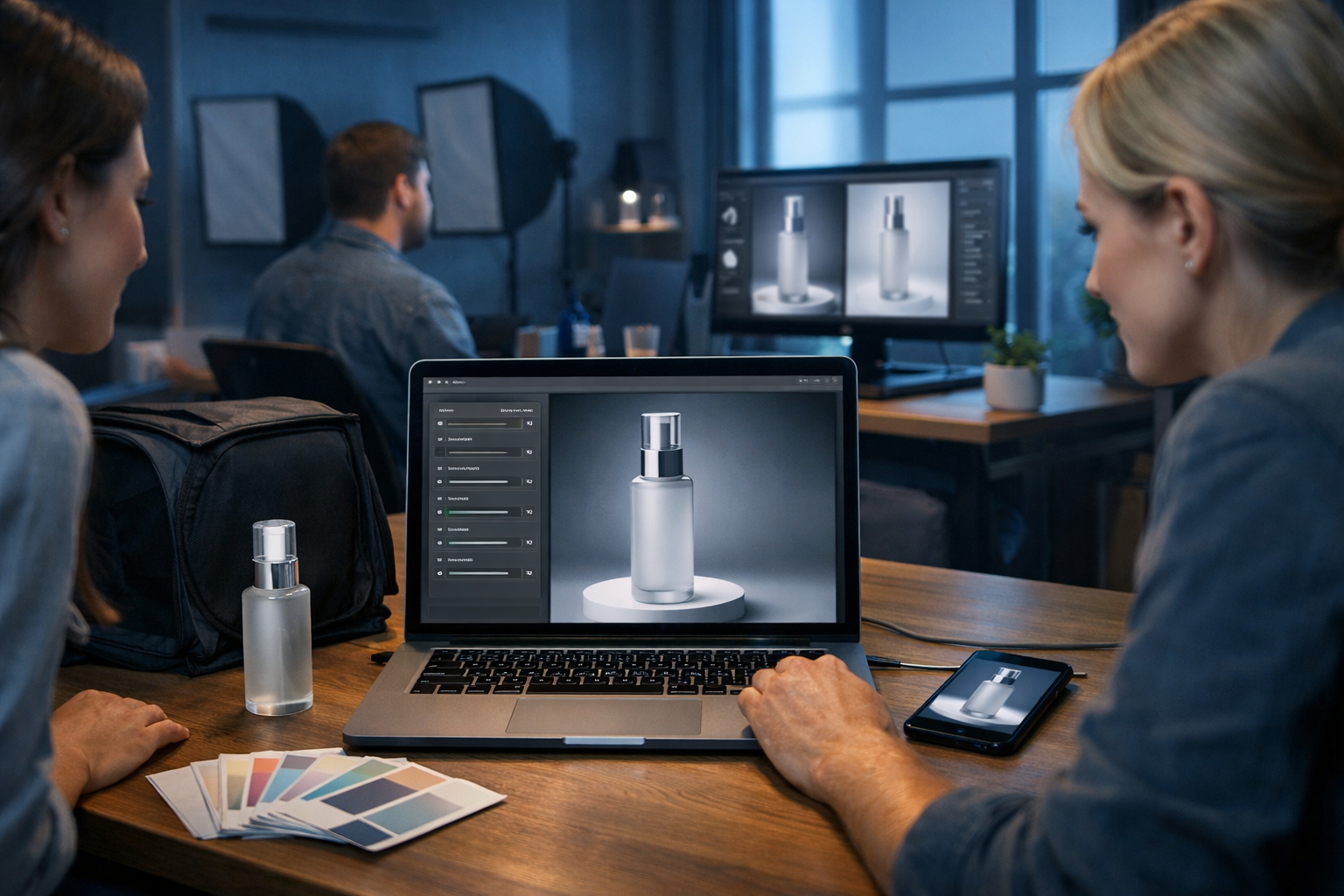
AI product photography can now generate studio shots without a camera, letting you create crisp, high-converting product images for listings and ads using nothing more than a prompt and a few brand details. If you sell online and you’re tired of expensive shoots, inconsistent lighting, or waiting days for edits, this workflow can dramatically speed up your content production while keeping your visuals on-brand.
What “AI product photography” actually means (and what it doesn’t)
When people search “ai product photography generate studio shots without a camera”, they’re usually looking for a way to produce clean, catalogue-style images: a product on white, a soft shadow, a subtle reflection, and a premium feel. In practical terms, AI product photography is the use of generative image models to create new product visuals that look like they were shot in a studio—without physically setting up lights, backdrops, or a DSLR.
It’s important to be clear about the boundary:
- AI can generate highly realistic studio-style scenes, backgrounds, and lighting conditions, including multiple angles and variations.
- AI should not be used to misrepresent core product attributes (e.g., size, ingredients, safety certifications, performance claims). You’re creating marketing imagery, not rewriting reality.
- Best results come from combining AI generation with simple reference inputs: a few photos of your product (even phone snaps) and precise prompts.
Gen AI Last supports this workflow end-to-end, because you can generate the images and also produce the accompanying listing copy, ad captions, short product demo videos, and voice-overs using the same platform. Explore our AI content tools to see how the parts connect.
Why generate studio shots without a camera?
Traditional product shoots are effective, but they can be slow and expensive—especially for startups, Etsy sellers, Amazon brands, or small DTC teams. AI studio generation is particularly useful when you need speed, variety, or constant iteration.
- Lower cost per image: produce dozens of variations for the cost of a subscription.
- Faster launches: create images for a new SKU before a full studio session is scheduled.
- Consistent brand look: reuse prompt templates to keep lighting, shadows, and compositions consistent across product lines.
- More creative testing: quickly test different backgrounds, props, and angles for ads without re-shooting.
- Global-friendly: generate seasonal and regional variants (e.g., winter mood, summer freshness) without shipping products to photographers.
And because all Gen AI Last plans include full access to text, image, audio, and video generation, you can build an entire product content pipeline from one subscription—view pricing from $10/month.
The 3 core approaches to AI product photography
There are three practical ways to “generate studio shots without a camera”. Which one you choose depends on how strict you need the product to be.
1) Prompt-only studio shots (fastest, least precise)
You describe the product and scene entirely in text. This is great for concept visuals, placeholder imagery, mood boards, or early-stage brands still finalising packaging.
- Best for: conceptual ads, landing page hero images, lifestyle composites.
- Risk: small inaccuracies in labels, proportions, or details.
2) Reference-led studio shots (best balance)
You feed AI a reference image (often a phone photo) so it understands the real packaging and shape, then prompt it to place that product into studio lighting and clean compositions. This is often the sweet spot for e-commerce.
- Best for: Shopify/Amazon listing imagery, consistent catalogue photos.
- Tip: use a plain background phone photo with even light for the reference.
3) Hybrid pipeline (most professional)
You generate the base studio image with AI, then create supporting assets: banners, social crops, animated reels, voice-over, and product descriptions. This approach turns “one image” into a full campaign in hours.
- Best for: product launches, paid social, multi-platform campaigns.
- Where Gen AI Last shines: one place for images, videos, audio, and copy.
Step-by-step: generate studio shots without a camera (repeatable workflow)
Use this workflow to create clean studio images that look intentional and consistent across multiple products. The key is to treat prompts like a reusable “studio recipe”.
Step 1: define your studio style guide
Before you generate anything, decide what “studio” means for your brand. Otherwise you’ll get a random mix of lighting, shadows, and backdrops that won’t look cohesive on a listing page.
- Background: pure white, warm off-white, light grey gradient, or a soft coloured sweep.
- Lighting: high-key softbox, side-lit dramatic, beauty lighting, top-down flat lay.
- Shadow: soft grounded shadow for realism; avoid “floating product” unless it’s a deliberate design choice.
- Lens look: 85mm product lens feel, shallow depth of field vs crisp all-in-focus.
Step 2: gather the minimum product details
Even if you’re not using a camera for final shots, you’ll get better accuracy if you document:
- Product type and material (glass, matte plastic, brushed aluminium).
- Colour values (approximate hex codes help your prompt discipline).
- Shape and dimensions (e.g., “100ml cylindrical bottle, 14cm tall”).
- Packaging finish (gloss label, embossed foil, satin carton).
Step 3: write a “studio master prompt” you can reuse
A strong prompt reduces rework. Use a consistent structure: subject → composition → lighting → background → camera look → constraints.
Example master prompt (edit the product section):
“Photorealistic studio product photo of [PRODUCT DESCRIPTION], centred composition, product upright, clean high-key softbox lighting, subtle soft shadow directly beneath, white seamless background with a gentle gradient, 85mm lens look, crisp focus, accurate materials and reflections, no extra props, no text, no watermark, premium e-commerce catalogue style, 16:9 wide.”
Step 4: generate 10–20 variations, then select winners
AI output is stochastic: you’re not asking for “the image”, you’re sampling until you hit the most accurate and most appealing frames. Generate a batch, shortlist the best 2–3, then iterate with small changes.
- If the product looks too “CGI”: add “realistic micro-scratches, subtle imperfections, natural reflections”.
- If it looks too dark: add “high-key lighting, bright exposure, soft fill light”.
- If it floats: add “grounded soft shadow, contact shadow at base”.
Step 5: export with the right aspect ratios for each channel
Your “studio shot” needs different crops depending on where it’s used. Plan a small set:
- Marketplace main image: square crop (often required), product fills 70–85% of frame.
- Website hero: 16:9 or 21:9 with negative space for headline.
- Paid social: 4:5 and 9:16 versions for feeds and stories.
Prompt examples: studio shots for common e-commerce products
Use these as starting points in Gen AI Last’s AI Image Generation. Replace bracketed fields with your specifics, and keep the rest consistent to maintain your “studio identity”.
Skincare bottle on white
“Photorealistic studio product photo of a [50ml frosted glass skincare serum bottle] with a [matte white dropper cap], centred, high-key softbox lighting, clean white seamless background, soft grounded shadow, subtle reflection on surface, crisp label edges, premium beauty catalogue style, 85mm lens look, no props, no text, 16:9.”
Tech gadget (metallic reflections controlled)
“Photorealistic studio shot of a [compact aluminium wireless earbud charging case], slightly three-quarter angle, controlled specular highlights, soft fill light to reduce harsh reflections, light grey gradient background, grounded shadow, ultra sharp detail, product-only, no text, 16:9.”
Food product pack (avoid unrealistic shine)
“Photorealistic studio product photo of a [stand-up pouch of granola], matte packaging, even diffuse lighting, off-white seamless paper backdrop, natural soft shadow, accurate textures, no oil sheen, no props, e-commerce listing style, 16:9.”
Apparel flat lay (clean but not sterile)
“Photorealistic flat lay studio photo of a [folded cotton t-shirt, colour: deep navy], soft natural light from left, subtle fabric texture, light neutral background, minimal creases, crisp edges, no brand text, 16:9.”
How to keep outputs consistent across a product range
Consistency is what makes AI-generated studio shots look professional rather than experimental. The goal is for customers to recognise your catalogue as a single coherent brand.
- Lock your studio recipe: reuse the same lighting and background phrases (e.g., “high-key softbox”, “white seamless gradient”, “soft grounded shadow”).
- Standardise composition: decide on angles (front-on, 3/4, top-down) and stick to them for every SKU.
- Control colour: explicitly state your brand colours and materials; avoid ambiguous words like “nice” or “premium” without specifics.
- Create a variation checklist: one set for listing (clean), one set for ads (with props), one set for seasonal campaigns.
- Build templates: keep a prompt library per product category (beauty, food, tech, home) so your team can generate on demand.
Common mistakes (and how to fix them)
If you’ve tried AI product imagery before and felt the results weren’t usable, it’s usually one of these issues.
Mistake 1: the product looks “made up”
Fix: Use a reference-led workflow if accuracy matters. If you’re prompt-only, add descriptive constraints: materials, dimensions, finishes, and “accurate label placement” (and avoid tiny text). Keep the scene simple.
Mistake 2: the lighting is inconsistent across images
Fix: Reuse the same lighting phrases and avoid mixing “golden hour”, “neon”, and “softbox” inside the same catalogue set. Save creative lighting for ad variants.
Mistake 3: shadows look unnatural
Fix: Specify “grounded contact shadow”, “soft shadow under product”, and “no floating”. If you want a reflective look, ask for “subtle reflection on acrylic surface” rather than a mirror-like reflection.
Mistake 4: backgrounds compete with the product
Fix: For marketplace listings, keep it minimal: white or very light neutral. Use props sparingly for ad creatives, and specify “minimal props, not covering product”.
Turn studio images into a full campaign with Gen AI Last
A single studio shot rarely wins on its own. High-performing product pages and ads pair strong visuals with clear messaging, short-form video, and sometimes audio narration. With Gen AI Last, you can produce the whole pack from the same product information.
- AI Image Generation: create studio shots, colour variants, and clean background options for listings.
- AI Text Generation: write product descriptions, feature bullets, FAQs, and ad copy that matches the visual style.
- AI Video Generation: produce short product demo clips and social reels using your new studio visuals.
- AI Audio Generation: add voice-overs for explainers, UGC-style scripts, or simple background music.
If you want to test the workflow before committing, start creating for free and build a small set: one main studio shot, three angle variations, two ad backgrounds, and matching copy.
Practical checklist: what to generate for a “studio set”
To make AI product photography genuinely useful, generate a complete set rather than a single image. Here’s a sensible baseline for most e-commerce products:
- Main listing image: product on white, centred, soft shadow.
- Angle variation: 3/4 view to show depth and texture.
- Detail crop: material or feature close-up (cap, texture, buttons, fabric weave).
- Scale cue (truthful): show product beside a neutral reference (e.g., a plain measuring cube) if appropriate—avoid misleading scale.
- Ad variant: same product, tasteful props, brand colour background.
- Hero banner: wide composition with negative space for headline.
Compliance and trust: keep your AI imagery honest
Studio-style visuals can look extremely real. That’s powerful, but it also means you should maintain customer trust and comply with platform policies.
- Don’t add features the product doesn’t have: ports, accessories, ingredients, bundle items, or “before/after” claims.
- Avoid false textures: if your packaging is matte, don’t show high gloss reflections that imply a different finish.
- Be careful with “label text”: tiny text can become inaccurate. Use clean label designs or focus on shapes and finishes, then show real label photos where required.
- Match what ships: if you change packaging, update your AI prompt templates and regenerate the set.
FAQ: AI product photography studio shots without a camera
Can AI replace a professional product photographer?
For many catalogue-style needs, AI can produce convincing studio shots quickly. For highly regulated categories, complex reflective products, or situations where exact label accuracy is mandatory, a professional shoot may still be the safest choice. Many brands use AI for speed and testing, then reserve photography for hero images.
Do I need any real photos at all?
You can generate prompt-only imagery, but having even a few phone reference photos improves realism and consistency—especially across a product range. It’s a low-effort step that often saves time overall.
What’s the best background for marketplace listings?
Usually a clean white background with a soft, grounded shadow is safest. If your platform has strict rules, keep it simple and avoid props. Use more creative backgrounds for ads and social posts.
Next steps: build your first AI studio “recipe” in one afternoon
To get immediate value from “ai product photography generate studio shots without a camera”, start small and systemise. Pick one product, create a master prompt, generate a consistent set of angles, then expand the recipe to your full catalogue. Once your images are ready, use the same product details to generate descriptions, ads, and short videos inside Gen AI Last so every asset aligns.
Ready to try it? Use our AI content tools to generate studio visuals and campaign copy together, then scale the process affordably with view pricing from $10/month.
Ready to Create with Generative AI?
Join thousands of creators using Gen AI Last to generate text, images, audio, and video — all from one platform. Start your 7-day free trial today.
Start Free — Try 7 DaysQuick Links
Create AI content from $10/month
View Plans