AI Social Media Graphics Generator for Non Designers (Guide)
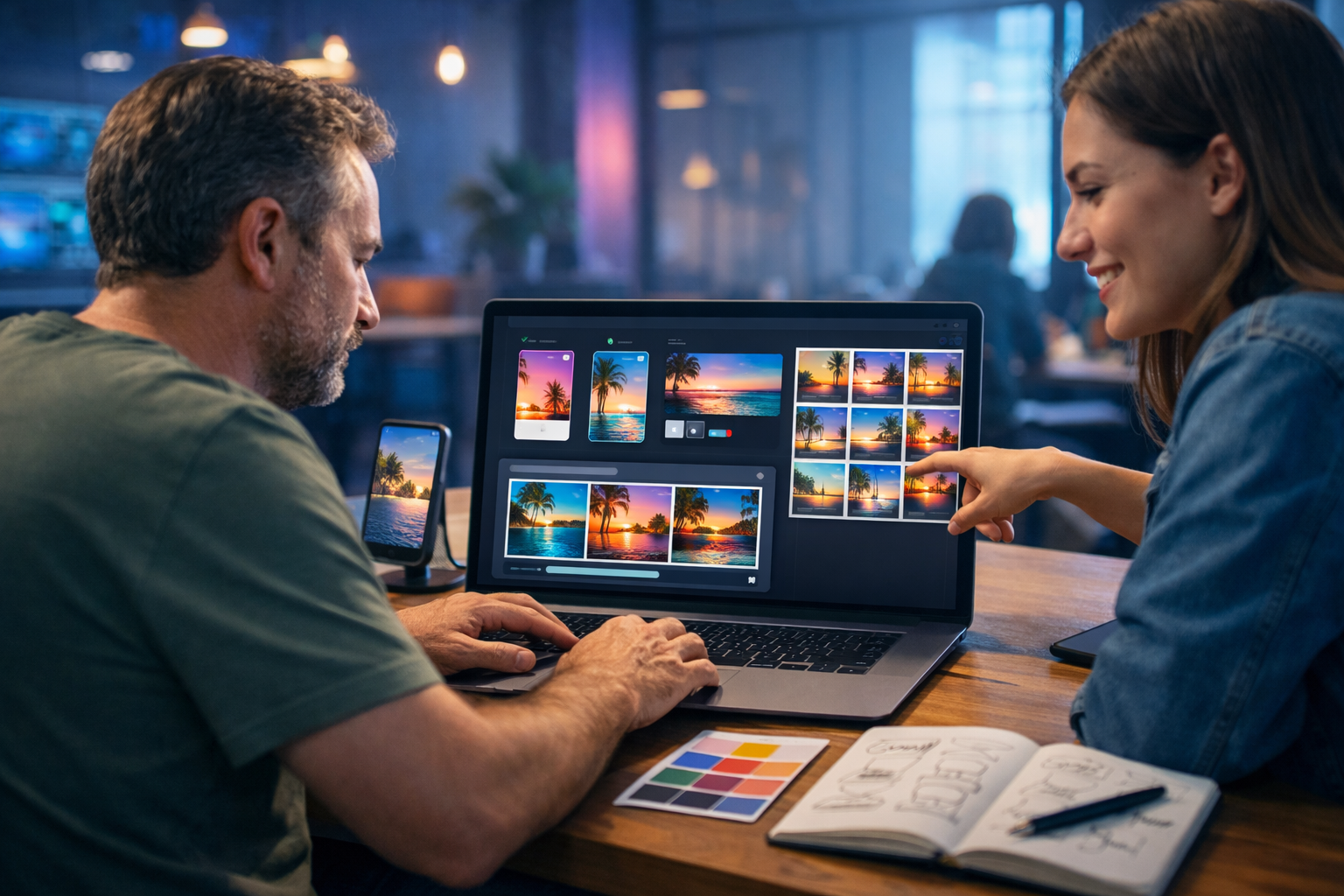
An ai social media graphics generator for non designers makes it possible to publish professional-looking posts without learning Photoshop, hiring a designer, or spending hours in templates. With the right prompts and a simple workflow, you can turn product ideas, offers and content themes into on-brand visuals for Instagram, LinkedIn, Facebook and more—fast.
What is an AI social media graphics generator (and why non-designers love it)?
An AI social media graphics generator uses text prompts (and sometimes reference images) to create original visuals for social platforms: post images, story backgrounds, ad creatives, thumbnails, banners and concept imagery. For non-designers, the key benefit is speed with acceptable quality: you start with a plain-English description, then iterate until it matches your brand and message.
Instead of starting with a blank canvas, you start with an idea and let the AI propose layout styles, scenes, lighting, colours and compositions. From there, you choose the best variation and refine it with another prompt. If you pair AI images with strong captions and a consistent brand approach, your feed can look polished even with a small team.
Where non-designers struggle with social graphics (and how AI helps)
Most social visuals fail for predictable reasons. Here is what tends to go wrong—and how an AI generator changes the game.
- Inconsistent look and feel: Random colours, clashing styles and mismatched imagery. AI helps by generating consistent scenes when you reuse a prompt structure and define colours, lighting and composition.
- Low-quality stock photos: Overused, generic imagery reduces trust. AI produces fresh visuals tailored to your niche (for example, “minimalist skincare flat lay in soft natural light”).
- Time sink: Manually building graphics takes ages. AI gets you 80% of the way in seconds, so you spend time on final selection and messaging.
- Platform confusion: Different aspect ratios and safe zones. AI outputs can be generated with the correct framing for each channel (square, portrait, wide), then you reuse the same creative direction across formats.
- Fear of “bad design”: Non-designers worry their posts look amateur. AI reduces the skills barrier because composition, lighting and styling come baked in.
What to look for in an AI graphics generator for non-designers
Not all tools are equally helpful for beginners. Prioritise these capabilities:
- Simple prompting: You should be able to describe a scene in plain language without technical jargon.
- Fast iteration: Generating multiple variations quickly is essential for choosing the best option.
- Style consistency: You need repeatable outputs so your feed looks cohesive week to week.
- Support for multiple formats: Instagram posts, Stories, Reels covers, LinkedIn banners and ad creatives all need different framing.
- All-in-one content creation: Graphics are only half the job—you also need captions, hooks, CTAs, and sometimes video/audio to match.
Gen AI Last is built for this reality: one platform for text, images, video and audio. That means you can generate the creative visual, the caption, and even a short video or voice-over from the same campaign idea using our AI content tools.
A practical workflow: create on-brand social graphics in 20 minutes
If you are not a designer, you need a process you can repeat. Use this simple workflow for a week of social visuals.
Step 1: Define one campaign idea (not ten random posts)
Choose a single focus: a product launch, seasonal offer, webinar, lead magnet, or a “3 tips” series. Your visuals will look more professional when they share the same visual direction.
Step 2: Create a mini brand brief for the AI
Write 4–6 bullet points you can paste into prompts. Example:
- Brand vibe: clean, modern, trustworthy
- Colours: soft white background, deep navy accents, muted teal highlights
- Lighting: soft natural light, minimal shadows
- Style: photorealistic product scenes, uncluttered
- Audience: busy founders and small teams
Step 3: Generate 6–12 image variations
Start broad, then narrow. Ask for multiple compositions: flat lay, desk scene, lifestyle shot, close-up detail. For most brands, 6–12 variations is enough to pick 3–5 winners.
Step 4: Add your copy and CTA (with AI text)
Non-designers often over-focus on visuals and under-focus on the message. Generate options for hooks, captions and calls to action using AI text generation, then choose the one that matches your tone. In Gen AI Last you can create social copy and image creatives in one workflow.
Step 5: Repurpose into video and audio (optional, high impact)
One strong graphic can become a Reel cover, a short explainer video and even a voice-over snippet. If you want to stand out, turn your best image into a short video creative and add narration. Gen AI Last supports AI video and AI audio so you do not need separate subscriptions.
Prompt templates: copy, paste, and customise
If you have ever typed a vague prompt like “make a social media graphic”, the output will be equally vague. Use these prompt structures instead. Replace the bracketed parts with your brand details.
1) Product spotlight (photorealistic)
Prompt: “Photorealistic social media image for [product type] aimed at [audience]. Scene: [setting, e.g., minimalist desk / bathroom shelf / kitchen counter]. Include [product] as the hero object, with [2–3 supporting props]. Colour palette: [colours]. Lighting: [soft natural / golden hour / cool studio]. Composition: centred, clean negative space for overlay text, shallow depth of field, high detail. No text, no logos, no watermark. Format: [1:1 square / 4:5 portrait].”
2) “Tip carousel” background set (consistent series)
Prompt: “Create a set of 5 consistent background images for an Instagram carousel about [topic]. Style: [modern editorial / minimal tech / playful]. Use the same lighting and colour palette across all images: [palette]. Each background should have clear negative space for headings and bullet points. Include subtle visual elements related to [topic] (icons, objects, abstract shapes) but keep it uncluttered. No text. Format: 4:5 portrait.”
3) Founder story / behind-the-scenes (human, relatable)
Prompt: “Photorealistic candid scene of a small business owner working on [task] in a [home office / coffee shop / co-working space]. Mood: authentic, approachable, not staged. Include a laptop, notebook, phone, and small details that suggest [industry]. Lighting: warm natural light, slight film grain, realistic skin tones. No text, no logos. Format: 1:1.”
4) Promo/ad creative (attention-grabbing)
Prompt: “High-contrast photorealistic ad-style image promoting [offer]. Scene: [setting]. Use bold colour accents in [brand colour] and dynamic composition with space for a headline and button. Subject: [product/service] clearly visible. Lighting: crisp studio light, sharp focus. No text, no logos, no watermark. Format: 4:5.”
Non-designer design rules that instantly improve AI graphics
Even with AI, a few simple principles make the difference between “looks fine” and “looks premium”.
- Pick one visual style per month: For example, “soft natural product photography” or “cool tech neon”. Consistency builds brand memory.
- Leave negative space: Ask the AI for empty space where you can place headlines later. Busy images reduce readability.
- Use a limited palette: Two main colours plus one accent is usually enough. Put the palette directly into the prompt.
- Choose one focal point: One product, one person, one clear subject. If the AI generates multiple competing subjects, refine the prompt.
- Match the platform: LinkedIn tends to reward clean, informative visuals; Instagram can handle more lifestyle and mood. Generate variations per channel rather than forcing one design everywhere.
Example: a complete “one campaign” output for a small team
Let’s say you run a small SaaS and you want to promote a free trial. Here is a simple, repeatable package you can generate:
- 3 image posts: product UI in context, founder behind-the-scenes, and a concept image that represents the problem you solve.
- 1 carousel: “5 mistakes teams make when…” with consistent backgrounds and strong spacing.
- 1 Reel cover + short video: convert the best concept into a quick explainer video for Reels/Shorts.
- Captions + CTAs: generate 5 hook options, 3 caption lengths, and 2 CTA styles (soft and direct) to test.
With Gen AI Last, you can generate the visuals, the social copy, and the video/audio elements in the same place—useful when you are moving quickly and want everything aligned. Explore our AI content tools to build this type of campaign from a single brief.
Common mistakes when using AI for social graphics (and how to avoid them)
AI makes creation faster, but it can also make it easy to publish low-intent content. Avoid these traps:
- Vague prompts: “Make an Instagram post about marketing” leads to generic visuals. Add audience, setting, palette, lighting, and composition.
- Inconsistent series: If each post has a different style, your profile looks messy. Save a prompt template and reuse it.
- Ignoring realism details: Hands, screens, and small objects can look odd. If the image includes those elements and looks off, change the scene: use abstract shapes, product flat lays, or clean desk setups.
- Overposting without strategy: Better visuals do not fix weak content. Pair each graphic with a clear point: one idea, one benefit, one action.
How to choose the right formats for each platform
A non-designer-friendly approach is to build one “master creative direction” and then adapt the framing.
- Instagram feed: 4:5 portrait for maximum screen space; ask for negative space for overlays.
- Instagram Stories/Reels: 9:16 portrait backgrounds and clean compositions; avoid tiny details near edges.
- LinkedIn: cleaner, more informational visuals; fewer props, more “business” settings.
- Facebook ads: high contrast, clear focal point, simple background; multiple variations to test.
Why an all-in-one platform matters (text + image + video + audio)
Most teams do not just need a graphic. They need the whole asset: the post image, the caption, a short video version, a voice-over, and sometimes a product demo clip. When you use separate tools, you lose time switching contexts and keeping everything consistent.
Gen AI Last keeps it simple: generate social copy (hooks, captions, hashtags), generate the visuals, and then expand into video or audio when you want more reach. All plans include full access to text, image, audio, and video generation, starting at an accessible price point—view pricing from $10/month.
A quick start checklist for non-designers
Use this checklist before you generate anything. It prevents 90% of “why does this look wrong?” issues.
- Define one goal (sell, educate, build trust, drive sign-ups).
- Pick one style (photorealistic product, editorial lifestyle, minimal abstract).
- Set a palette (2 primary colours + 1 accent) and lighting style.
- Request negative space for copy overlays.
- Generate 6–12 variations and choose 3 winners.
- Write 3 caption options (short, medium, long) and test.
Final thoughts: the fastest path to better social visuals
An ai social media graphics generator for non designers is not about becoming a designer overnight—it is about building a repeatable system that produces consistent, high-quality visuals aligned with your message. Start with a mini brand brief, use prompt templates, generate variations, and repurpose your best creatives into multiple formats.
If you want to create your first set of social graphics plus captions in one place, you can start creating for free and build a week of on-brand content from a single campaign idea.
Ready to Create with Generative AI?
Join thousands of creators using Gen AI Last to generate text, images, audio, and video — all from one platform. Start your 7-day free trial today.
Start Free — Try 7 DaysQuick Links
Create AI content from $10/month
View Plans