AI Social Media Graphics Generator for Non Designers (2026)
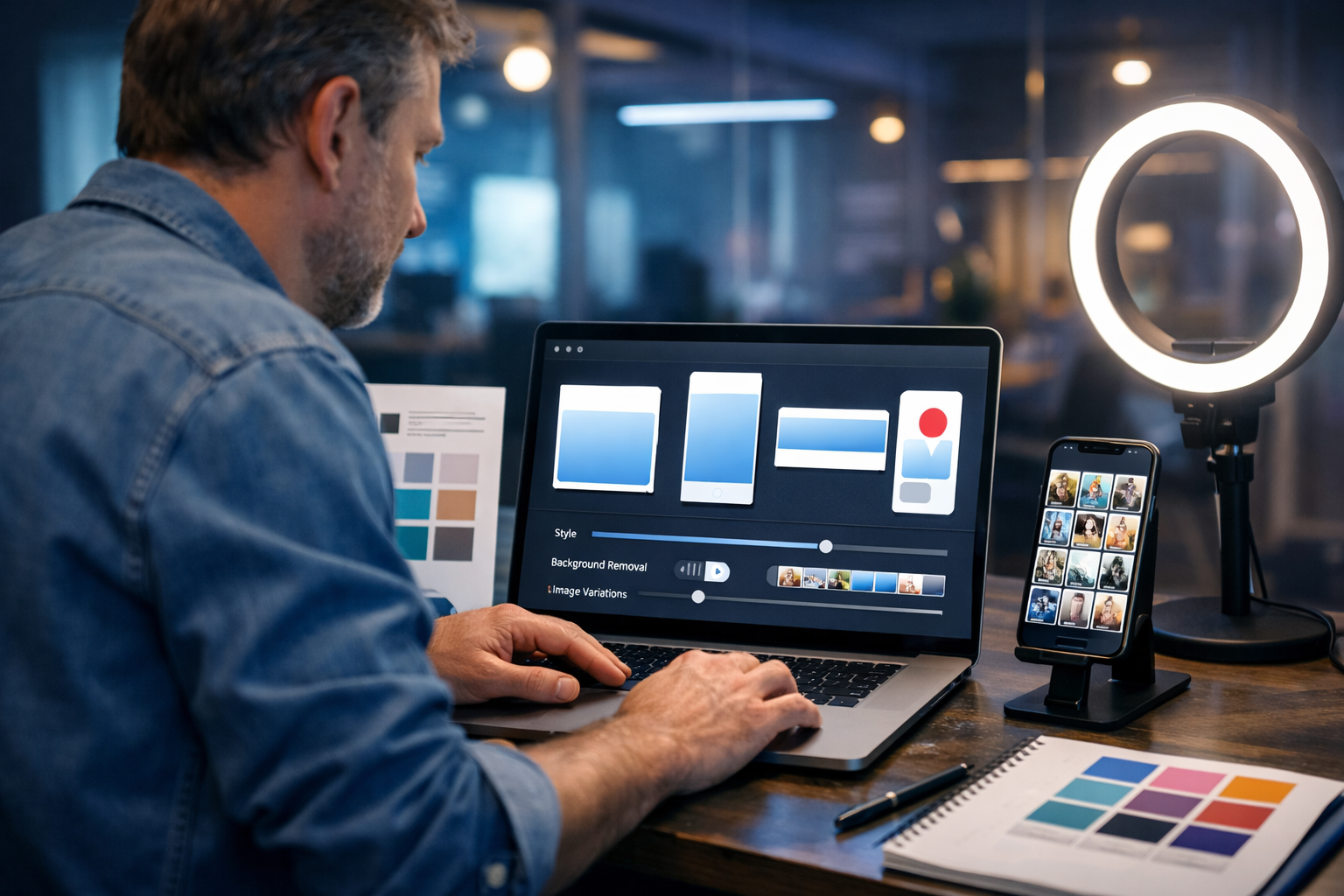
If you can write a sentence, you can now produce scroll-stopping social visuals. An AI social media graphics generator for non designers turns simple prompts into on-brand images for posts, Stories, ads and banners—without learning Photoshop, hiring a designer for every asset, or spending hours in templates.
What is an AI social media graphics generator (and why non-designers love it)?
An AI social media graphics generator creates marketing visuals from text instructions (prompts). Instead of manually arranging shapes, picking fonts and tweaking layers, you describe what you need—such as “clean product flat lay with soft natural light, pastel background, minimal props”—and the tool generates multiple image options in seconds.
For non-designers, the biggest wins are speed and confidence. You can move from idea to publishable creative quickly, test more concepts, and keep your feed visually consistent—even if you don’t know design theory.
- You focus on message and offer, not complex software.
- You produce variations for A/B testing (different angles, colours, scenes).
- You keep campaigns consistent across formats (post, Story, banner, thumbnail).
- You reduce costs—especially helpful for startups and small teams.
Where Gen AI Last fits in: one platform for text, images, video and audio
Many tools generate images but leave you stuck writing captions, editing videos elsewhere, or scrambling for voice-overs and music. Gen AI Last is an all-in-one platform where you can generate:
- Text: captions, hooks, carousel copy, ad variations, hashtags
- Images: social graphics, banners, product visuals, marketing creatives
- Video: reels-style marketing clips, product demos, explainers
- Audio: voice-overs, narration, podcast audio, background music
And importantly for small teams: view pricing from $10/month with full access to all features.
What “good” social media graphics need (even when AI generates them)
AI can generate images fast, but effective social graphics still follow marketing fundamentals. Before you prompt, decide these basics:
1) One clear goal per graphic
Each visual should do one job: stop the scroll, communicate a benefit, support a claim, or drive a click. If you want to show three messages at once, the design will feel messy—even if it looks “pretty”.
2) A consistent brand look
Non-designers often struggle with consistency (colours, lighting style, composition). AI helps by letting you repeat the same style instructions across posts: “soft natural light, minimal props, clean neutral palette, modern editorial feel”. Over time, your feed becomes recognisable.
3) Platform-first formats
A great square post may fail as a Story. Plan formats upfront: 1:1 for feeds, 9:16 for Stories/Reels, 16:9 for YouTube thumbnails, 4:5 for some ad placements. When you generate with format in mind, you avoid awkward cropping.
A practical workflow: from idea to publishable post (without design skills)
Here’s a repeatable workflow you can use every week. It’s designed for founders, marketers, coaches, ecommerce owners and community managers who need quality output quickly.
- Choose a campaign theme (launch, testimonial week, offer, educational series).
- Write your core message in one sentence (benefit + audience + outcome).
- Generate 4–8 visual concepts with an AI image prompt (vary scenes and angles).
- Pick 1–2 “winners” that match your brand and feel clear at thumbnail size.
- Generate captions and hooks with AI text (short, punchy, platform-appropriate).
- Create a short reel if needed (turn the same concept into a video).
- Add audio (voice-over or subtle background music) if you post video.
- Schedule and measure (track saves, shares, CTR, comments; iterate next week).
You can do the creative creation steps inside our AI content tools so the visuals and copy stay aligned.
Prompting made simple: the 5-part prompt formula for non-designers
If prompts feel intimidating, use this structure. It works across most visual styles and helps you avoid random results.
- Subject: what should be in the image (product, person, scene).
- Context: where it is (home office, studio, coffee shop, gym).
- Style: visual feel (minimalist, editorial, bold, playful, techy).
- Lighting: soft natural, golden hour, cool blue, neon accents.
- Composition: close-up, flat lay, negative space, centred product, depth of field.
Example prompt (product brand): “Minimalist skincare product flat lay on warm beige stone surface, soft natural window light, subtle shadows, small eucalyptus leaves as props, clean editorial photography, lots of negative space, high detail, photorealistic.”
Example prompt (service business): “Professional coach in a bright home office, laptop open with notes, calm neutral colour palette, soft natural light, candid documentary photo style, shallow depth of field, confident welcoming mood.”
Ready-to-use prompt templates for common social posts
Use these templates and swap the bracketed parts. They’re written for non-designers who want reliable, brand-friendly results.
Template 1: New product announcement
“[Product] hero shot on [background], [lighting style], [brand colours] accents, clean modern commercial photography, high detail, subtle props related to [use case], centred composition, negative space for optional overlay.”
Template 2: Testimonial vibe image (no text needed)
“Happy customer in [setting], authentic candid moment, [industry] context, warm natural light, lifestyle photography, realistic skin texture, shallow depth of field, optimistic mood.”
Template 3: Educational carousel background style
“Abstract minimal background in [brand colours], smooth gradients, subtle grain texture, modern design aesthetic, clean shapes, lots of negative space, consistent series look.”
Template 4: Event or webinar promotion visual
“Modern laptop on desk in co-working space, coffee cup, notebook, soft morning light, professional tech vibe, minimal clutter, shallow depth of field, photorealistic.”
Template 5: “Behind the scenes” brand building
“Small team collaborating around a table, sticky notes and sketches, modern agency interior, warm golden hour light, documentary photography style, natural expressions, dynamic composition.”
How to keep your visuals consistent (without a designer)
Consistency is what makes non-designers look professional. Build a simple “visual system” you can reuse in prompts.
- Pick 2–3 brand colours and mention them often (e.g., “sage green, warm beige, charcoal”).
- Choose one photography style: “clean editorial”, “playful colourful studio”, or “moody premium”.
- Use consistent lighting (soft natural light is the safest for most brands).
- Repeat composition rules: negative space, centred subject, or 3/4 angle.
- Create a weekly batch of 10–20 visuals in one sitting so the set matches.
Tip: save 3–5 “master prompts” that reliably produce your brand look, then adjust only the subject and setting per post.
Turn one graphic into an entire campaign using Gen AI Last
A common mistake is treating each post as a one-off. Instead, build a campaign from one strong concept and repurpose it across formats:
- Image: generate a hero visual plus 3 supporting variations (different angles or scenes).
- Text: generate 5 caption variations—short, long, story-driven, bullet-led, and Q&A.
- Video: create a 10–20 second reel-style clip using the same theme (product demo, before/after, feature highlight).
- Audio: add a voice-over that explains the key benefit, plus optional background music.
This is where an all-in-one platform saves time: you avoid re-briefing different tools and keep the story consistent from graphic to caption to reel.
Examples: prompts + matching captions (copy-and-paste)
Below are practical combinations you can adapt for your niche. The goal is to show how a non-designer can generate a visual concept and a caption that fits it.
Example A: Ecommerce (new arrival)
Visual prompt: “Premium ceramic mug on a wooden table in a cosy coffee shop, warm golden hour light through window, shallow depth of field, minimal props, lifestyle product photography, photorealistic, negative space.”
Caption: “New in: the mug you’ll reach for every morning. Smooth ceramic, comfortable handle, and a timeless shape. Which colour would you pick first?”
Example B: SaaS (feature highlight)
Visual prompt: “Modern laptop on clean desk, cool blue tech lighting, subtle neon accent, minimal interface-style shapes in background, professional product marketing photo, high detail, photorealistic.”
Caption: “Less tab-hopping, more shipping. Here’s the feature that keeps your workflow tidy in minutes—not hours. Want a quick walkthrough?”
Example C: Coach/consultant (authority post)
Visual prompt: “Confident professional in a bright home office, neutral palette, soft natural window light, minimal background, candid portrait, documentary photography style, photorealistic.”
Caption: “If your content feels ‘random’, it’s usually missing one thing: a clear weekly theme. Try this: Monday educate, Wednesday proof, Friday offer. Simple, repeatable, effective.”
Common mistakes when using an AI social media graphics generator (and fixes)
AI makes content easier, but not automatic. Avoid these pitfalls to keep your output professional and trustworthy.
- Too many ideas in one image → Fix: one message, one focal point, more negative space.
- Inconsistent style week to week → Fix: reuse a small set of master prompts and a defined palette.
- Generic stock-like visuals → Fix: add specific props, setting details, and a brand mood (“cosy coffee shop”, “minimal studio”, “co-working space”).
- Off-brand colours → Fix: explicitly name your brand colours in every prompt.
- Ignoring real marketing goals → Fix: generate visuals to support a hook, offer, or story—not just aesthetics.
A simple weekly plan for non-designers (30–60 minutes)
If you’re juggling a business, you need a routine you can actually stick to. Try this lightweight weekly system:
- 10 minutes: pick one campaign focus (e.g., “free trial”, “new bundle”, “lead magnet”).
- 15 minutes: generate 8–12 visuals in one consistent style; keep 4.
- 15 minutes: generate captions for each visual (2 versions each: short + long).
- 10 minutes: create one reel concept: hook + 3 beats + CTA (then generate video/audio if needed).
Because Gen AI Last includes text, image, video and audio generation in all plans, you can keep this whole workflow in one place. If you want to test it first, start creating for free.
How to choose the right tool: a quick checklist
When evaluating an AI social media graphics generator for non designers, prioritise what impacts real output—not buzzwords.
- Quality and realism: can it generate believable product/lifestyle scenes?
- Control: can you steer style, lighting, composition and variations?
- Speed of iteration: can you quickly create options for testing?
- End-to-end workflow: can you also generate captions, reels and voice-overs?
- Price: is it affordable enough to use daily, not just occasionally?
Gen AI Last is built for that end-to-end workflow: visuals plus copy plus video plus audio—without stacking subscriptions. You can explore our AI content tools and then view pricing from $10/month when you’re ready to scale.
FAQ: AI social media graphics for non-designers
Do I need design experience to get good results?
No. You need a clear message and a consistent prompt style. Start with one master prompt, generate variations, and pick what reads best at a small size.
Will my graphics look generic?
They can if your prompts are vague. Add specific props, settings, lighting and brand colours. “Modern office” is generic; “small co-working space, warm desk lamp, notebooks, muted sage palette” looks intentional.
Can I create videos and reels too?
Yes—Gen AI Last includes AI video generation for social reels, product demos and explainers, plus AI audio for voice-overs and background music. This makes it easier to keep the same campaign theme across formats.
Next steps: build your first on-brand graphic set today
To get results quickly, don’t aim for perfection—aim for a consistent set of visuals you can publish and measure. Choose one offer, generate 8–12 options, select four that match your brand, and pair them with caption variations. Within a week you’ll know what your audience responds to, and you can iterate from there.
If you want an affordable all-in-one way to produce the visuals, captions, reels and voice-overs, start creating for free with Gen AI Last and turn a simple prompt into a full social campaign.
Ready to Create with Generative AI?
Join thousands of creators using Gen AI Last to generate text, images, audio, and video — all from one platform. Start your 7-day free trial today.
Start Free — Try 7 DaysQuick Links
Create AI content from $10/month
View Plans