AI video ads: create professional commercials without filming
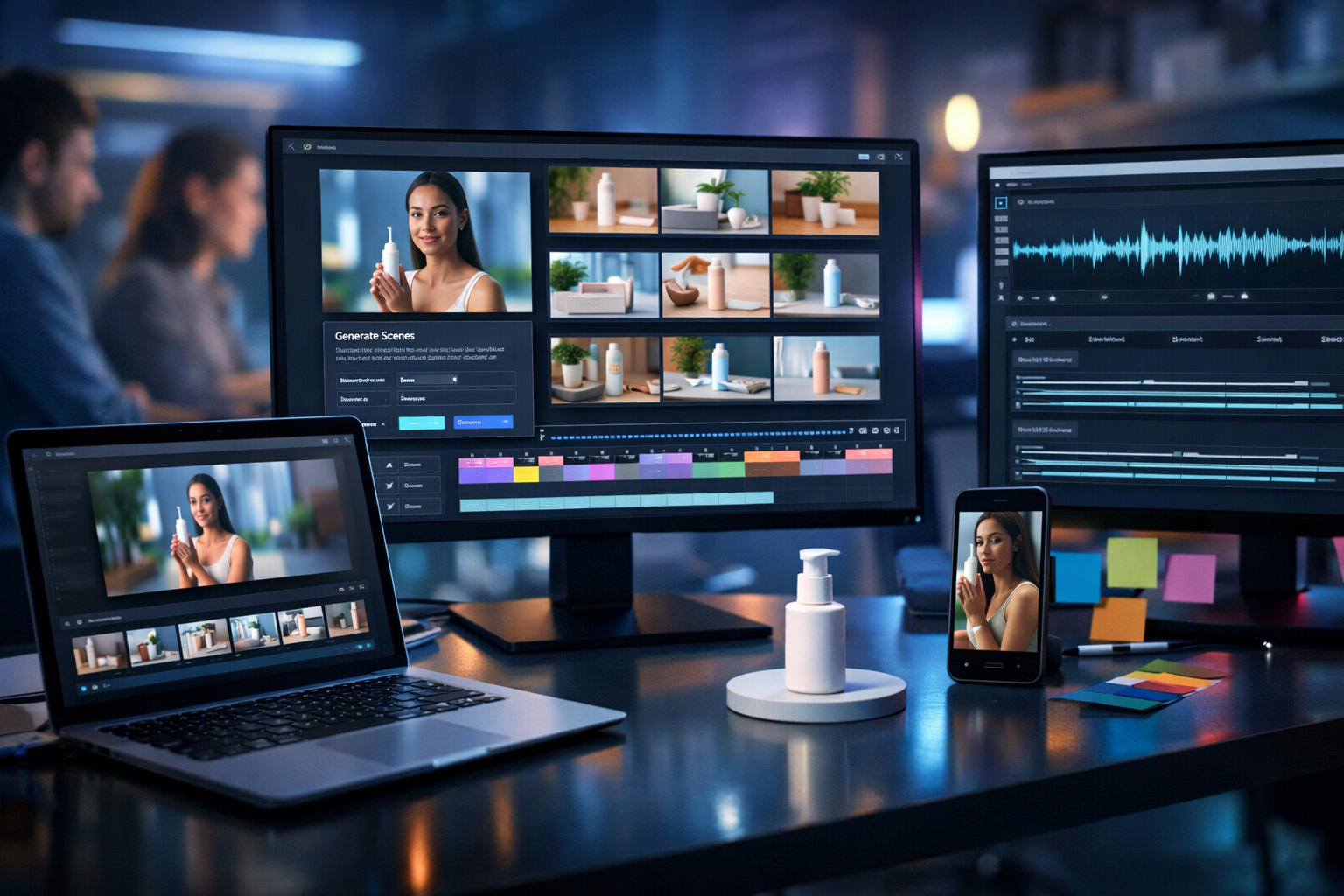
AI video ads let you create professional commercials without filming: no studio hire, no actors, no reshoots—just a clear brief and the right workflow. For startups and small teams, this changes what’s possible: you can test more creative angles, localise messaging faster, and ship polished ads on a budget while keeping brand consistency.
What “AI video ads” really means in 2026
When people say “AI video ads”, they often mean one of three things:
- AI-assisted production: AI writes scripts, generates storyboards, edits footage, and creates captions while you still film.
- AI-generated production: scenes, b-roll, motion graphics, and presenters are generated from prompts and assembled into an advert—often with no camera involved.
- AI-led optimisation: you produce multiple variants (hooks, offers, CTAs, aspect ratios) and rapidly iterate based on performance.
This article focuses on the second and third categories: how AI video ads create professional commercials without filming, and how to do it in a repeatable way without sacrificing quality or compliance.
Why “without filming” matters for performance marketing
Traditional filming is not just expensive—it’s slow. For ads, speed is a competitive advantage because platforms reward fresh creatives, audiences fatigue quickly, and what works today may not work next month.
- More creative tests: you can ship 10 variants instead of 2, so you learn faster.
- Cheaper iteration: updating pricing, offers, or claims becomes a prompt-and-export job, not a reshoot.
- Localisation at scale: adjust language and cultural references per region with new VO and captions.
- Consistent brand look: templates, colour palettes, and structured prompts help you maintain a recognisable visual identity.
Gen AI Last is designed for exactly this “end-to-end creative loop”: generate ad copy (text), generate visuals (image), generate scenes and edits (video), and finish with voice-over or music (audio)—all in one place. Explore our AI content tools to see how each piece connects.
A practical workflow: from brief to finished AI commercial
If you want AI video ads to look professional, treat the process like a studio pipeline—even if you’re generating everything from prompts. Here’s a reliable workflow you can reuse for product ads, app installs, SaaS explainers, or local services.
Step 1: Define the ad objective and success metric
Start with a single outcome. The creative decisions (pace, length, offer, CTA) depend on what you’re optimising for.
- Direct response: purchases, leads, bookings (typically 15–30 seconds).
- App installs: clarity + proof + urgency (often 10–20 seconds).
- Brand lift: memorable story + distinctive assets (often 15–45 seconds).
Write a one-line goal such as: “Drive first-time purchases for Product X at £29 with a 20% launch discount.”
Step 2: Create the “creative brief prompt” (your master input)
Professional output starts with a structured brief. Use this format (paste into AI Text Generation in Gen AI Last) and fill in the blanks:
- Product: what it is, key features, what it replaces.
- Audience: who it’s for, what they care about, what they fear.
- Angle: main promise (save time, look better, reduce stress, earn more).
- Proof: stats, reviews, demonstrations, guarantees.
- Offer: pricing, discount, bundle, free trial, deadlines.
- Constraints: must-not-say claims, platform policy notes, brand voice.
This one prompt becomes the source for scripts, shot lists, captions, and variant hooks.
Step 3: Generate 3 scripts (not 1) with different hooks
Ads win or lose in the first 2 seconds. Generate at least three scripts that share the same core message but open differently. For example:
- Problem-first hook: “Still spending Sunday night planning content?”
- Outcome-first hook: “Launch a week of ads in 30 minutes.”
- Myth-busting hook: “You don’t need a studio to run professional video ads.”
In Gen AI Last, you can create these quickly with AI Text Generation (ad scripts, social copy, and CTAs) and keep them aligned to a single brand voice.
Step 4: Turn scripts into a storyboard and shot list
A professional commercial has intentional pacing. Convert each script into a scene-by-scene plan:
- Scene duration (e.g., 1.5s, 2s, 3s)
- Visual (what the viewer sees)
- On-screen text (short, readable phrases)
- Voice-over line (if used)
- Transition (cut, match cut, swipe, zoom)
This makes AI generation easier because each scene can be prompted precisely, rather than asking for “a whole advert” in one go.
Creating commercials without filming: 5 ad formats that work well with AI
1) Product demo with AI-generated b-roll
If you sell physical products, you can build a demo using generated b-roll: close-ups, lifestyle moments, ingredient textures, packaging reveals, and “before/after” (only if compliant for your category).
- Pro tip: specify camera style: “macro lens, slow push-in, soft natural light, shallow depth of field”.
- Keep it believable: avoid impossible physics (floating labels, melting materials).
Use AI Image Generation for hero frames and product angles, then AI Video Generation to animate scenes and assemble a cohesive advert.
2) SaaS explainer: screen-style visuals without screen recording
For software, you can create “screen-like” scenes that communicate benefits without recording a real session: UI mockups, dashboards, charts, notifications, and workflow animations.
- Pro tip: keep UI generic to avoid accidentally copying competitors; use your own colours and layout logic.
- Clarity: show one feature per scene—ads aren’t product tours.
3) Founder-led style without filming a founder
Founder-led ads work because they feel personal. If you can’t film, replicate the structure: direct address, a short origin story, proof, and a simple offer—paired with clean visuals, captions, and a natural voice-over.
- Pro tip: write the script in first person, but avoid pretending it’s a real person speaking on camera if you aren’t showing one.
4) UGC-style montage (ethical, policy-safe)
UGC formatting (quick cuts, captions, “talking points”) can lift performance—but be careful with authenticity. Instead of faking real customer footage, use AI to create a montage aesthetic: hands using the product, unbranded lifestyle scenes, and text overlays that communicate the review-style narrative.
- Pro tip: use phrasing like “Customers say…” only if you have reviews to support it.
5) Offer-driven motion graphics advert
If you need something fast and unambiguous, create an offer-led motion advert: big headline, three benefits, one proof point, and a strong CTA. AI-generated backgrounds and product renders keep it premium without filming.
How to make AI video ads look professional (not “AI-ish”)
Most “AI-looking” adverts fail for predictable reasons: inconsistent characters, random lighting, unreadable captions, and no brand system. Fix those, and the output can rival traditional production for many use cases.
Use a brand kit checklist (even if informal)
- Colours: 2–3 primary colours + one accent.
- Typography: one headline style, one body style (consistent size and weight).
- Visual motif: e.g., soft gradients, clean studio shots, bold blocks, minimal icons.
- Pacing rules: hook in 0–2s, proof by 6–10s, CTA at end.
Prompt for cinematography, not “nice visuals”
Instead of “high quality video”, specify film language:
- Lens: “35mm”, “macro”, “wide angle”
- Movement: “slow dolly-in”, “handheld subtle”, “locked-off tripod”
- Lighting: “softbox studio lighting”, “golden hour backlight”, “cool blue tech lighting”
- Mood: “premium minimalist”, “energetic social reel”, “clinical and clean”
Keep scenes short and single-purpose
AI video performs best when each clip does one job: show the problem, show the product, show the outcome, show proof. Overly complex scenes increase artefacts and reduce clarity.
Make captions your “second audio track”
Many viewers watch on mute. Use concise captions that match the voice-over, but don’t repeat every word. Aim for 4–7 words per line, and highlight only the key claim.
Example: a 20-second AI commercial script + storyboard (ready to generate)
Here’s a simple direct-response structure you can adapt for almost any product or service.
Script (20 seconds)
- 0–2s (Hook): “Still paying for video ads you can’t iterate?”
- 2–7s (Promise): “Create professional commercials from a simple prompt—no filming required.”
- 7–13s (How it works): “Generate the script, visuals, voice-over, and video edits in one workflow.”
- 13–17s (Proof/benefit): “Launch more variants, test faster, and keep your brand consistent.”
- 17–20s (CTA): “Try it today and ship your next advert this afternoon.”
Storyboard (scene prompts)
- Scene 1 (1.5s): modern desk, rejected storyboard pages, deadline clock; fast cut. On-screen text: “Ads taking too long?”
- Scene 2 (3s): sleek video timeline building itself on a monitor, multiple variants. Text: “No filming needed”.
- Scene 3 (3s): AI-generated product b-roll: premium close-up, soft studio lighting. Text: “Professional visuals”.
- Scene 4 (4s): waveform + subtitles animating, voice-over recording style. Text: “Voice + captions”.
- Scene 5 (4s): split-screen: 1:1, 9:16, 16:9 versions exporting. Text: “Ready for every platform”.
- Scene 6 (4.5s): final advert playing on phone in-hand; clean CTA end card. Text: “Create your next advert today”.
You can generate the script with AI Text Generation, the visual frames with AI Image Generation, assemble clips with AI Video Generation, and add a natural voice-over using AI Audio Generation—all inside Gen AI Last.
Compliance and trust: don’t let “fast” create risk
Professional commercials aren’t just glossy—they’re accurate and policy-safe. Before publishing, run a simple checklist:
- Claims: can you prove every measurable claim (percentages, time savings, “#1”, “clinically proven”)? If not, soften the language.
- Before/after: many platforms restrict or scrutinise them, especially for health/beauty.
- Implied endorsements: don’t use recognisable faces or “celebrity-like” likenesses.
- Pricing and availability: ensure your offer is current in every region you target.
- Disclosures: if required (finance, health, subscriptions), include clear terms.
A good rule: if you wouldn’t be comfortable explaining the advert to a customer support queue, it’s not ready.
Optimisation: how to scale winners with creative variants
The biggest advantage of AI video ads is variation without chaos. Instead of changing everything, change one variable at a time:
- Hook variants: problem vs outcome vs curiosity.
- Offer variants: discount vs bundle vs free trial.
- Proof variants: review snippet vs statistic vs demonstration.
- Format variants: 9:16 for Reels/TikTok, 1:1 for feeds, 16:9 for YouTube placements.
- Length variants: 6s bumper, 15s, 30s.
Because Gen AI Last includes text, image, video, and audio generation under one subscription, you can treat your ad pipeline like a weekly routine rather than a one-off project. If you’re budgeting, view pricing from $10/month—all plans include full access to every generation mode.
Common mistakes (and how to avoid them)
Mistake 1: Asking for a full advert in one prompt
One giant prompt often produces generic results. Generate scene-by-scene, then assemble. You’ll get better control, fewer artefacts, and cleaner pacing.
Mistake 2: Overloading the viewer with features
Pick one “main promise” and support it with 2–3 benefits. Save the full feature list for your landing page.
Mistake 3: Ignoring sound design
Even simple background music and a clear voice-over can make an AI advert feel like a real production. With Gen AI Last AI Audio Generation you can create voice-overs, narration, and background music that matches your tone.
Mistake 4: Inconsistent visual identity across variants
If every variant looks like a different brand, performance data becomes less useful. Keep consistent colours, lighting style, and typography—change hooks and offers first.
A simple “prompt pack” you can reuse
Copy these and adapt the bracketed sections:
- Script prompt: “Write a [15/20/30]-second direct-response video ad script for [product]. Audience: [who]. Main promise: [promise]. Proof: [proof]. Offer: [offer]. Tone: [tone]. Include on-screen text suggestions per scene and a final CTA.”
- Scene prompt: “Create a [2–4]-second video clip showing [specific action] in a [setting]. Cinematic style: [lens + movement]. Lighting: [style]. Brand palette: [colours]. Photorealistic. No text or logos.”
- Voice-over prompt: “Generate a voice-over reading this script in a [warm/confident/energetic] tone, [UK] English, clear pacing for captions, slight smile in delivery.”
Build your first AI commercial in one afternoon with Gen AI Last
If you want to prove the concept quickly, aim for one product, one audience, and three variants. Generate the scripts, storyboard them into 6 scenes, create consistent visuals, add a voice-over, and export in 9:16 plus 1:1. Then run a small test budget and let performance decide what to scale.
To get started, use start creating for free and explore our AI content tools to produce scripts, visuals, audio, and video in one workflow—without needing to film a single frame.
Frequently asked questions
Are AI video ads allowed on Meta, TikTok, and YouTube?
In many cases yes, but you must follow each platform’s advertising policies (especially around misleading claims, sensitive attributes, and manipulated media). Always ensure your advert is truthful and substantiated.
What length works best for AI-generated commercials?
For most direct-response campaigns, 15–30 seconds is a practical sweet spot. Also create a 6–10 second cutdown for retargeting or bumper placements.
Will AI-generated visuals hurt trust?
Not if you prioritise clarity and honesty. Use AI to illustrate the product experience, keep claims accurate, and avoid pretending generated footage is real customer content.
Can a small team do this consistently?
Yes—consistency comes from a repeatable template: one master brief, three hooks, a six-scene storyboard, and controlled visual direction. With Gen AI Last’s all-in-one generation (text, image, video, audio), you reduce tool switching and ship faster.
Ready to Create with Generative AI?
Join thousands of creators using Gen AI Last to generate text, images, audio, and video — all from one platform. Start your 7-day free trial today.
Start Free — Try 7 DaysQuick Links
Create AI content from $10/month
View Plans