AI video ads: create professional commercials without filming
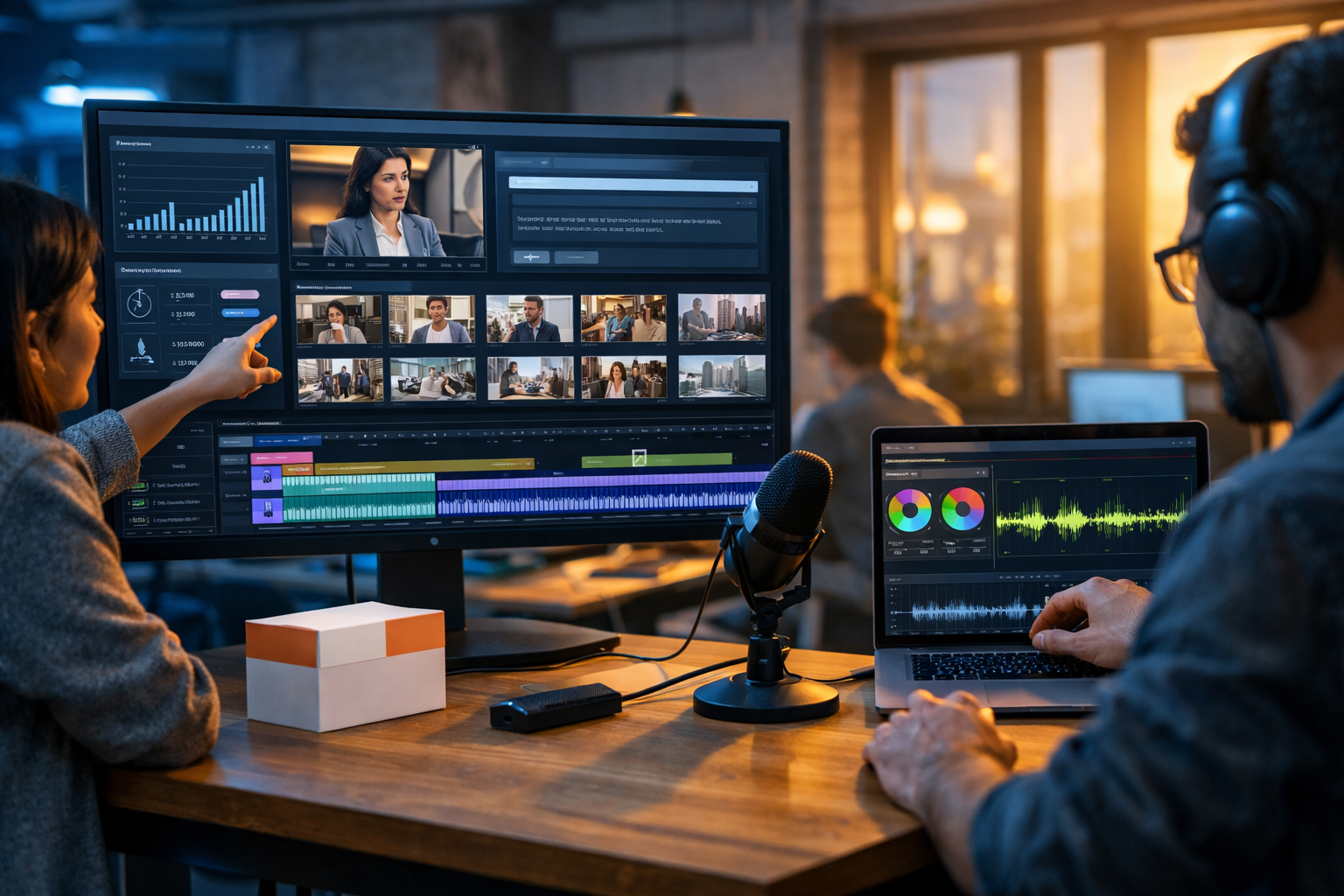
AI video ads create professional commercials without filming by turning a simple prompt into a complete creative package: script, scenes, voice-over, music and edits. For startups and small teams, that means faster launches, more variations to test, and polished results without booking talent, renting studios or waiting weeks for production.
What “AI video ads” really means in 2026
When people hear “AI video ads”, they often imagine a single button that spits out a finished TV-quality commercial. The reality is better (and more controllable): modern tools generate the building blocks of an advert—hook, script, visuals, voice-over, subtitles, music, and scene timing—then you refine what matters for your brand.
With an all-in-one platform like Gen AI Last, you can create the whole workflow in one place: generate your ad script (text), produce on-brand visuals (image), turn it into short-form or landscape video (video), and add a professional voice-over and background music (audio). You can explore our AI content tools to see how these parts work together.
Why create professional commercials without filming?
Filming is still valuable—especially for high-trust brands, complex product demonstrations, or when you need real people and real environments. But for many campaigns, filming is the bottleneck: budgets, logistics, approvals, weather, and reshoots. AI-generated commercials remove that friction and make “always-on creative” realistic.
- Speed: go from concept to first cut in hours, not weeks.
- Cost control: reduce spend on locations, crew, equipment, and repeated shoot days.
- Versioning: rapidly produce multiple angles, hooks, and calls-to-action for testing.
- Localisation: create the same ad in multiple languages and voice styles.
- Consistency: keep a stable visual style even as you scale output.
Best use cases for AI video ads (and when to avoid them)
Where AI commercials shine
- Direct-response social ads (Meta, TikTok, YouTube Shorts) where speed and iteration outperform “perfect” production.
- Product launches that need multiple creative routes: problem/solution, feature-first, lifestyle, comparison.
- SaaS explainers using motion graphics, UI mockups, and narrated benefits.
- E-commerce promos with stylised product shots, bundles and seasonal offers.
- Local service ads (plumbers, dental practices, gyms) with clean visuals and strong offers.
When to be cautious
Avoid relying purely on AI generation if you operate in heavily regulated sectors (financial advice, medical claims), if your brand requires real-world proof (e.g., “this is exactly what arrives in the box”), or if you need sensitive realism (testimonials, before/after, clinical settings). In those cases, combine AI with genuine footage, or use AI mainly for scripting and variant creation.
The high-converting structure of an AI video ad
Even the most beautiful visuals will underperform if the ad structure is weak. Use this framework for 15–30 second ads, then generate variations for testing:
- Hook (0–3s): Call out the problem, the desire, or a surprising claim.
- Value (3–10s): Show the benefit in plain language—what changes for the buyer?
- Proof (10–20s): Numbers, outcomes, social proof, “how it works” steps, or a quick comparison.
- Offer (20–27s): Price, bundle, trial, limited-time incentive, or risk reversal.
- CTA (last 3s): Tell them exactly what to do next.
Gen AI Last makes this easy because you can generate the script first (text), then create matching visuals (image/video) and add voice-over (audio) without bouncing between tools.
Step-by-step: create AI video ads without filming using Gen AI Last
Below is a practical workflow you can repeat for every new campaign. The goal is not just “a video”; it is a repeatable system that produces multiple testable variants.
1) Start with a conversion brief (10 minutes)
Write a short brief before prompting any AI. It keeps outputs consistent and on-brand.
- Audience: who is this for and what do they care about?
- Offer: price, trial, discount, bundle, guarantee.
- One core promise: the main outcome in one sentence.
- Proof points: reviews, stats, differentiators, ingredients, delivery speed.
- Ad format: 9:16 (Reels/TikTok), 1:1 (feed), 16:9 (YouTube).
2) Generate the script (text)
Use AI Text Generation to create a 15s, 30s, and 45s script from the same brief. Ask for multiple hooks and CTAs so you can run structured tests.
Example prompt (paste and customise):
“Write 6 short-form ad scripts for a 20–30 second 9:16 video. Product: [name]. Audience: [persona]. Core promise: [promise]. Proof: [3 bullets]. Include: 3 different hooks, a clear offer, and a direct CTA. Tone: confident, friendly, no hype. Use British English.”
Then pick one script and request a shot list with scene timings (e.g., 6–8 scenes). This becomes your blueprint for the visuals.
3) Create a storyboard and visual style (images)
AI Image Generation is perfect for building consistent, on-brand visuals: product hero images, lifestyle scenes, feature close-ups, abstract backgrounds, or UI-style panels for SaaS. Generate 6–10 frames that match your shot list.
Tips for better ad visuals:
- Define the style once: “photorealistic, soft natural light, shallow depth of field” or “clean motion-graphics look with gradients”.
- Keep the product consistent: specify colours, materials, packaging, angles.
- Design for captions: leave negative space where subtitles will sit.
- Use variety: mix wide lifestyle shots, close-ups, and simple graphic frames for key claims.
4) Generate the video (video)
Now turn your storyboard into a full video cut. For many ad types, you can create a polished commercial without filming by combining AI-generated scenes, dynamic transitions, and paced edits. Aim for quick cuts and clear visual hierarchy—ads are scanned, not watched like films.
Practical pacing rules:
- Hook visual changes every 0.5–1.5 seconds in the first 3 seconds.
- One idea per scene; don’t stack multiple claims at once.
- Keep the offer visible long enough to read (at least 2 seconds).
5) Add voice-over and music (audio)
A strong voice-over makes AI commercials feel “real” and premium. Use AI Audio Generation to create narration in the right tone (calm, upbeat, authoritative) and add subtle background music that supports the pacing without competing with the message.
Voice-over checklist:
- Match the platform: punchier for TikTok, steadier for YouTube.
- Leave breathing room: avoid cramming; shorten the script instead.
- Pronunciation notes: include brand name phonetics in your prompt.
6) Export variants for testing
The biggest advantage of AI video ads is iteration. Export at least 3 variants per concept:
- Hook swap: same body, different first 2 seconds.
- Offer swap: “10% off” vs “free delivery” vs “14-day trial”.
- Format swap: 9:16, 1:1, 16:9 with adjusted framing.
Prompt templates: commercial-ready outputs
Use these templates to get consistent, professional results quickly.
Template A: 30-second product commercial (script + scene plan)
“Create a 30-second commercial script for [product] aimed at [audience]. Include: hook in first 2 seconds, 3 key benefits, 1 proof point, and a clear CTA. Then provide a scene-by-scene plan with timestamps (6–8 scenes), on-screen text suggestions, and b-roll ideas. Tone: premium, concise, British English.”
Template B: UGC-style ad without filming (voice-over-led)
“Write a UGC-style ad script that sounds like a real customer recommending [product]. Keep it natural, no exaggerated claims. Include: problem, discovery, quick ‘how I use it’, result, CTA. Provide 3 hook options and 2 CTAs. British English.”
Template C: 5 visual prompts for consistent brand look
“Generate 5 image prompts for a consistent ad campaign style for [brand]. Style: [photorealistic/minimal/tech]. Include: product hero on clean background, lifestyle use scene, close-up detail shot, comparison frame, offer frame with negative space for captions. Lighting: [soft natural/cool tech/neon]. 16:9 and 9:16 versions.”
How to keep AI commercials on-brand (and not ‘generic’)
The common complaint about AI content is that it can feel generic. That is usually a briefing problem, not a technology problem. To create ads that feel like your brand:
- Codify your brand voice: 5 adjectives, banned phrases, and 3 example lines you love.
- Use a “claims library”: only include benefits you can support with evidence.
- Create a visual recipe: lighting, colour palette, framing, and texture references.
- Build recurring motifs: the same intro beat, sound cue, or visual transition.
- Make the first 2 seconds unmistakable: product silhouette, signature colour, or a distinctive opening line.
Because Gen AI Last covers text, images, video, and audio, you can standardise these brand inputs once and reuse them across assets—helpful for small teams who need consistency without a full creative department.
Performance tips: what to test first
If you are running paid social, test variables in the right order. Most campaigns fail because teams test tiny tweaks before fixing the big levers.
- Hook: question vs bold claim vs “POV” vs fast demo.
- Angle: convenience, saving money, status, safety, speed, simplicity.
- Proof: review quote, stat, comparison, guarantee.
- Offer: discount vs bundle vs free trial vs free delivery.
- Voice style: calm premium vs energetic creator vs authoritative expert.
A practical cadence: publish 3–5 variants per week, kill losers quickly, and roll learnings into the next batch. AI-generated production makes this cadence feasible.
Compliance and trust: make your AI ads safe
Professional commercials are not just pretty—they are credible. Use these safeguards:
- Substantiate claims: if you say “clinically proven” or “reduces costs by 30%”, have evidence.
- Avoid prohibited targeting language: many platforms restrict sensitive personal attribute claims.
- Be clear on pricing: don’t hide conditions in tiny text; keep offers honest.
- Use disclaimers where required (health, finance, results may vary).
AI helps you produce faster; it does not remove your responsibility to be accurate and compliant.
Realistic examples: three ad concepts you can generate today
Example 1: E-commerce skincare (30s, premium)
Hook: “Dry skin by lunchtime? Here’s a 20-second fix.”
Scenes: close-up skin texture → product hero → application → ingredient graphic → review quote → offer + CTA.
AI advantage: create multiple “skin concern” hooks (dryness, redness, dullness) without reshoots.
Example 2: SaaS tool (20s, feature-led)
Hook: “Stop chasing approvals in five different chats.”
Scenes: messy workflow graphic → clean dashboard mockups → 3-step setup → metric uplift → trial CTA.
AI advantage: rapidly localise UI callouts and voice-over for different regions.
Example 3: Local gym (15s, offer-led)
Hook: “Two sessions a week. That’s all you need.”
Scenes: energetic lifestyle shots → trainer coaching (stylised) → timetable overlay → membership offer → “Book today”.
AI advantage: generate seasonal variants (New Year, summer, back-to-routine) with consistent look.
Cost: why all-in-one matters for small teams
AI video ads are most effective when the tools work together. If you pay separately for scripting, images, voice-over, music, and video generation, costs and complexity add up—especially when you need weekly iteration. Gen AI Last includes text, image, audio, and video generation in every plan, starting at $10/month. You can view pricing from $10/month and choose a plan that fits your testing cadence.
A simple weekly workflow for always-on AI video ads
- Monday: pull performance learnings (hooks, angles, comments, CTR).
- Tuesday: generate 6 scripts + 3 storyboards in Gen AI Last.
- Wednesday: produce 5–8 videos + voice-overs + music.
- Thursday: export variants (format + offer + hook) and schedule.
- Friday: review results; document winning patterns for next week.
This routine is how small teams compete with big budgets: not by outspending, but by out-iterating.
Get started: your first AI commercial in under an hour
If you want to see how quickly AI video ads can create professional commercials without filming, start with one product (or one service), one offer, and three hooks. Generate the script, build a quick storyboard, add voice-over, and export two formats (9:16 and 16:9). Then publish and learn.
You can start creating for free and explore a complete end-to-end workflow—text, images, video, and audio—inside one platform.
Ready to Create with Generative AI?
Join thousands of creators using Gen AI Last to generate text, images, audio, and video — all from one platform. Start your 7-day free trial today.
Start Free — Try 7 DaysQuick Links
Create AI content from $10/month
View Plans