AI Video Editing Tools That Save Hours of Work (2026 Guide)
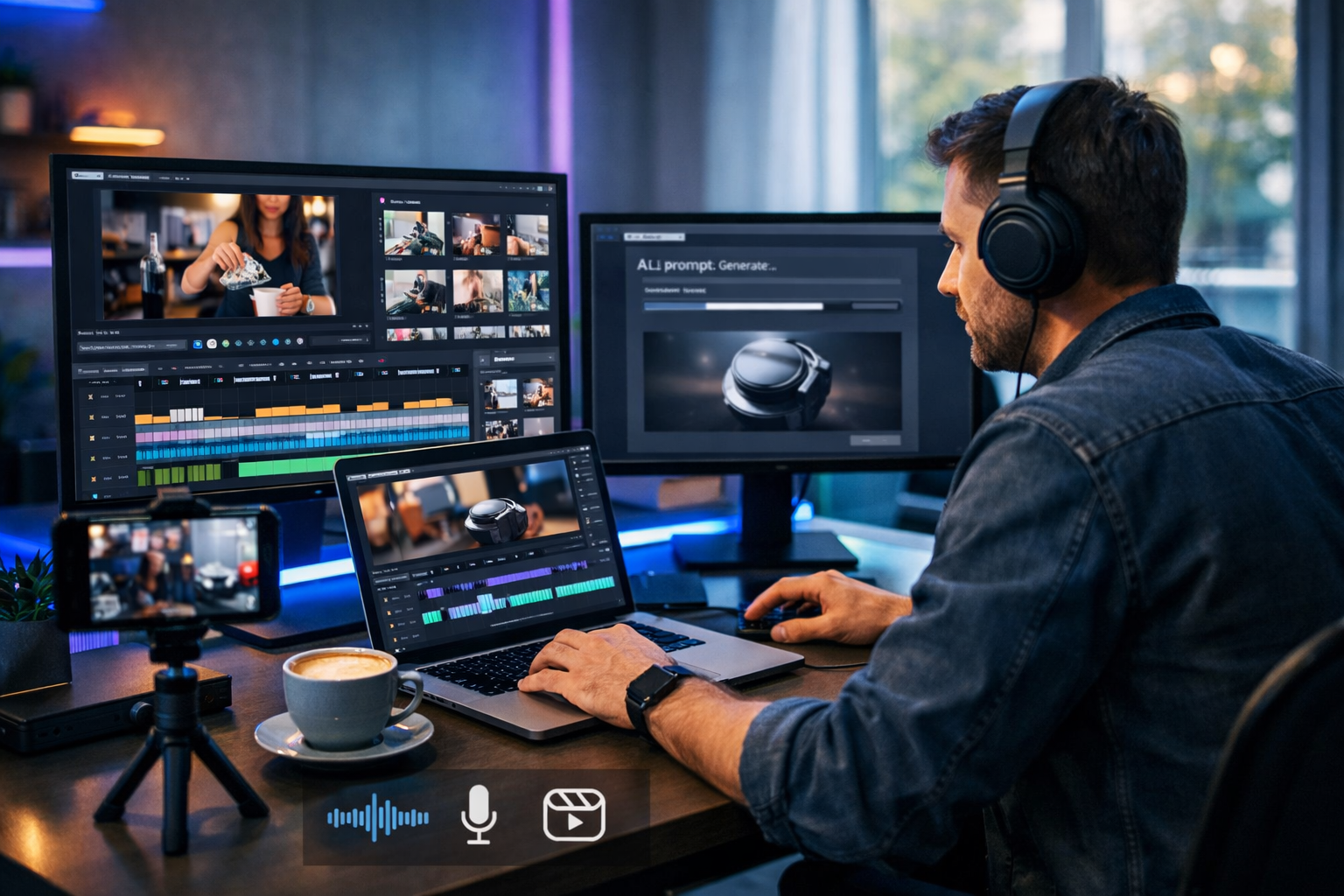
If video editing feels like a never-ending list of micro-tasks—cutting pauses, fixing audio, adding captions, finding B-roll, resizing for social, exporting versions—AI can remove the grind. The best ai video editing tools that save hours of work don’t just add “cool effects”; they automate the repetitive steps and keep your brand output consistent across every channel.
In this guide, you’ll learn which AI features genuinely reduce editing time, how to pick tools based on your workflow (not hype), and how to build a practical process for reels, product demos and explainers. We’ll also show how an all-in-one platform like Gen AI Last can help you generate scripts, visuals, voiceovers and even full videos from a single prompt—ideal for startups and small teams.
Why AI video editing saves hours (when used properly)
Traditional editing time balloons because your brain keeps switching contexts: storytelling, technical cleanup, sound design, captions, motion graphics, formatting, exports, then revisions. AI saves time by tackling the “mechanical” layers quickly, so you spend your human time on decisions that actually matter: the hook, the structure, the message and the call to action.
The biggest time wins usually come from these categories:
- Automatic rough cuts (removing silences, filler words, repeated takes).
- Auto-captions and subtitle styling for multiple platforms.
- Speech-to-text editing (edit the transcript; the timeline updates).
- Smart reframing (turning one landscape video into vertical shorts without manual keyframing).
- Auto audio cleanup (noise reduction, levelling, de-essing).
- B-roll discovery or generation, plus templated motion graphics.
- Fast versioning (different hooks, CTAs, aspect ratios, languages).
The AI features that matter most (and what they replace)
1) Auto-cutting: silence removal and “jump cut” assembly
If you record talking-head videos, silence and filler words can add 20–40% extra length. AI auto-cutting detects pauses and trims them, often in minutes. This replaces the tedious pass where you scrub through the waveform hunting for dead air.
Best for: founders recording weekly updates, coaches, YouTube explainers, webinar highlights.
Pro tip: always review the first 60 seconds carefully. Over-aggressive silence removal can make pacing feel unnatural—aim for “tight but human”.
2) Transcript-based editing: edit the words, not the timeline
Transcript editing is one of the clearest examples of ai video editing tools that save hours of work. Instead of juggling razor tools and ripple deletes, you delete a sentence in text and the tool removes that section from the video. For non-editors, this is transformational.
Best for: teams that produce lots of talking content and want quick iterations.
3) Auto-captions with brand styling
Captions are no longer optional on social. AI can generate accurate subtitles quickly, but the time savings compound when you can also apply consistent styling: font, highlight colours, placement, emojis (if your brand uses them), and safe margins for TikTok/Instagram UI.
Checklist for high-performing captions:
- Use two lines max for readability.
- Highlight key words (benefit, number, urgency) rather than random emphasis.
- Keep captions above the lower UI zone on vertical platforms.
- Correct brand names and product terms (add them to a custom dictionary if available).
4) Smart reframing for vertical, square and landscape
One long video can become: a 16:9 YouTube version, 9:16 reels, and 1:1 LinkedIn clips. Manually keyframing a moving subject is slow. Smart reframing tracks faces/subjects and keeps them centred automatically—often saving an hour per deliverable for multi-format campaigns.
5) AI audio cleanup: noise reduction, levelling and clarity
Bad audio kills watch time faster than imperfect visuals. AI-powered audio cleanup can remove background hum, reduce echo, level volume and improve clarity. This replaces complex audio chains and reduces the need for re-recording.
Rule of thumb: run cleanup early, then add music later. That prevents pumping artefacts.
6) B-roll, cutaways and motion templates
Editors lose time searching for stock clips, matching styles, and placing cutaways to cover jump cuts. AI features that recommend relevant B-roll—or let you generate visuals—shrink that gap. Even simple template packs (lower-thirds, transitions, product callouts) save hours across a month.
7) Versioning and localisation at speed
Marketing rarely needs “one” video. You need versions: different hooks, different CTAs, different offers, different languages, different lengths. AI tools can generate alternative scripts, translate captions, and create multiple edits quickly, letting you test what performs rather than guessing.
A practical workflow: from idea to finished video in less time
Below is a workflow designed for small teams that want output without chaos. You can adapt it whether you’re editing recorded footage or generating new assets.
Step 1: Start with a tight brief (30 minutes saved later)
Most “editing” time is actually unclear messaging. Before you touch footage, write:
- Audience: who is this for?
- One promise: what will they get?
- Hook: what stops the scroll in 2 seconds?
- CTA: what should they do next?
If you want to generate the brief and script quickly, use our AI content tools to produce multiple hooks, a 30-second script, and platform-specific variations (TikTok vs LinkedIn wording) in minutes.
Step 2: Generate or gather assets fast (script, visuals, voice)
The fastest editing is the editing you never have to do. When your inputs are consistent, everything downstream speeds up.
- Script: generate a concise script with natural pauses and on-screen text cues.
- Visuals: create product stills, backgrounds, or scene images to use as cutaways.
- Voiceover: produce a clean narration if you don’t want to record.
Gen AI Last is built for this: you can create the script (AI text), supporting cutaway images (AI image), narration (AI audio), and the final video (AI video) without stitching together five subscriptions.
Step 3: Let AI do the first pass, then you do the polish
Use AI to auto-cut, generate captions, and clean audio. Then focus your human effort on:
- Improving the first 3 seconds (hook, headline, pattern interrupt).
- Adding two or three strategically placed cutaways to maintain retention.
- Ensuring the CTA is crystal clear (spoken + on-screen).
Step 4: Export “families” of videos (not single files)
Think in sets:
- Length: 15s, 30s, 60s.
- Aspect ratio: 9:16, 1:1, 16:9.
- Hook variants: 3 options to A/B test.
- CTA variants: “Book a demo” vs “Start free”.
This is where AI-driven versioning can save entire afternoons each week.
Examples: prompts and templates that speed up real marketing work
Example 1: Product demo reel (30 seconds)
Use case: A SaaS startup wants a weekly Instagram reel showing one feature.
Prompt idea for script (AI text): “Write a 30-second Instagram reel script for a product demo. Audience: busy founders. Feature: automated reporting. Structure: hook, problem, solution, proof, CTA. Include on-screen text cues.”
Editing time saver: generate three hooks, pick the best, and only then edit footage to match—rather than editing a full video and hoping it lands.
Example 2: Talking-head explainer with perfect captions
Use case: A consultant posts daily tips on LinkedIn.
- Auto-remove silences to tighten pacing.
- Generate captions and apply brand styling once, then reuse.
- Create two cutaway images (AI image) to cover jump cuts and add visual interest.
Result: a consistent daily pipeline without spending evenings on manual subtitling.
Example 3: Voiceover-led ad with generated visuals
Use case: A small e-commerce brand needs a new paid social creative set each month.
- Generate a punchy voiceover (AI audio) that fits 20 seconds.
- Create product-style visuals and backgrounds (AI image) for quick scene changes.
- Assemble scenes into a short video (AI video) and output 9:16 plus 1:1 versions.
With Gen AI Last you can handle all of the above in one place, which matters because context switching between tools is often the hidden time cost.
How to choose AI video editing tools that genuinely save time
Not every “AI” feature reduces workload. Use these criteria to avoid tools that create more clean-up than they remove.
1) Accuracy and control
Auto-captions must be editable quickly. Auto-cuts must allow sensitivity settings. Smart reframing should be overrideable. Time savings disappear if you constantly fight the automation.
2) Speed from input to output
If rendering and processing take ages, you just moved the bottleneck. Look for tools that generate previews quickly and export reliably.
3) Versioning features (the real multiplier)
A good tool helps you duplicate projects, swap hooks, re-export in new ratios, and keep brand styling consistent. This is where hours are saved at scale.
4) All-in-one vs “best-of-breed”
Best-of-breed stacks can be powerful, but they cost time in file handling, formatting, billing, and training. If you’re a startup or small team, an all-in-one platform can be the fastest route to consistent output. Gen AI Last combines text, image, audio and video generation in one subscription, which reduces tool sprawl and handoffs.
If affordability matters, view pricing from $10/month to see how an all-access plan can replace multiple separate tools.
Common mistakes that stop AI from saving you time
- Skipping pre-production: no hook, no CTA, no structure—so you “edit to find the story”.
- Overusing effects: fancy transitions can add hours and rarely improve performance.
- Ignoring audio: you end up re-recording or patching fixes late in the process.
- No template system: you rebuild captions, lower-thirds and layouts every time.
- Exporting one version: you miss easy wins from additional formats and hooks.
A simple “hours saved” checklist for your next video
Use this as a quick pre-flight list. If you tick most boxes, you’re set up to benefit from AI rather than babysit it.
- I have one audience and one promise for this video.
- I have 3 hook options (and I chose one).
- I’m using transcript-based editing or auto-cutting for the rough cut.
- Captions are auto-generated, then quickly corrected and styled once.
- Audio cleanup happens before music and sound effects.
- I’m exporting at least two aspect ratios.
- I’m making at least one version with a different CTA.
How Gen AI Last fits into a faster video workflow
If you’re looking for ai video editing tools that save hours of work, it’s worth stepping back: your fastest workflow is one where creation and editing are connected. Gen AI Last supports the full pipeline:
- AI Text Generation: create scripts, hooks, CTAs, descriptions and repurposed social copy.
- AI Image Generation: make cutaways, scene images, backgrounds and marketing visuals.
- AI Audio Generation: produce voiceovers, narration and background music.
- AI Video Generation: generate marketing videos, product demos, reels and explainers from prompts.
For small teams, the advantage is operational: fewer file conversions, fewer subscriptions, fewer handoffs, and a repeatable process that scales with your content schedule. If you want to test the workflow immediately, start creating for free.
FAQ
Do AI video editing tools replace human editors?
They replace repetitive labour, not judgement. You still need a human to choose the hook, shape the narrative, and ensure the video matches brand and audience expectations. AI simply compresses the time between idea and publishable output.
What’s the fastest way to make short-form content from long videos?
Use transcript-based editing to pull the best moments, apply auto-captions, then smart reframe for 9:16. Export multiple hook versions to test performance.
How can small businesses afford AI video tools?
Tool sprawl is usually the expensive part. An all-in-one option that includes text, images, audio and video can reduce total spend and save admin time. Gen AI Last offers full access from $10/month.
Next steps: build your “one-hour video” system
To consistently save time, don’t aim for a perfect edit—aim for a repeatable system: a script template, a caption style, a standard export set, and a versioning habit. Start with one content format (for example, a weekly 30-second product tip), automate the rough cut and captions, then scale into multiple hooks and platforms once the pipeline is stable.
When you’re ready to create scripts, visuals, voiceovers and videos from one place, explore our AI content tools and streamline your entire production workflow.
Ready to Create with Generative AI?
Join thousands of creators using Gen AI Last to generate text, images, audio, and video — all from one platform. Start your 7-day free trial today.
Start Free — Try 7 DaysQuick Links
Create AI content from $10/month
View Plans