AI Video Generator for Marketing: A Practical Guide (2026)
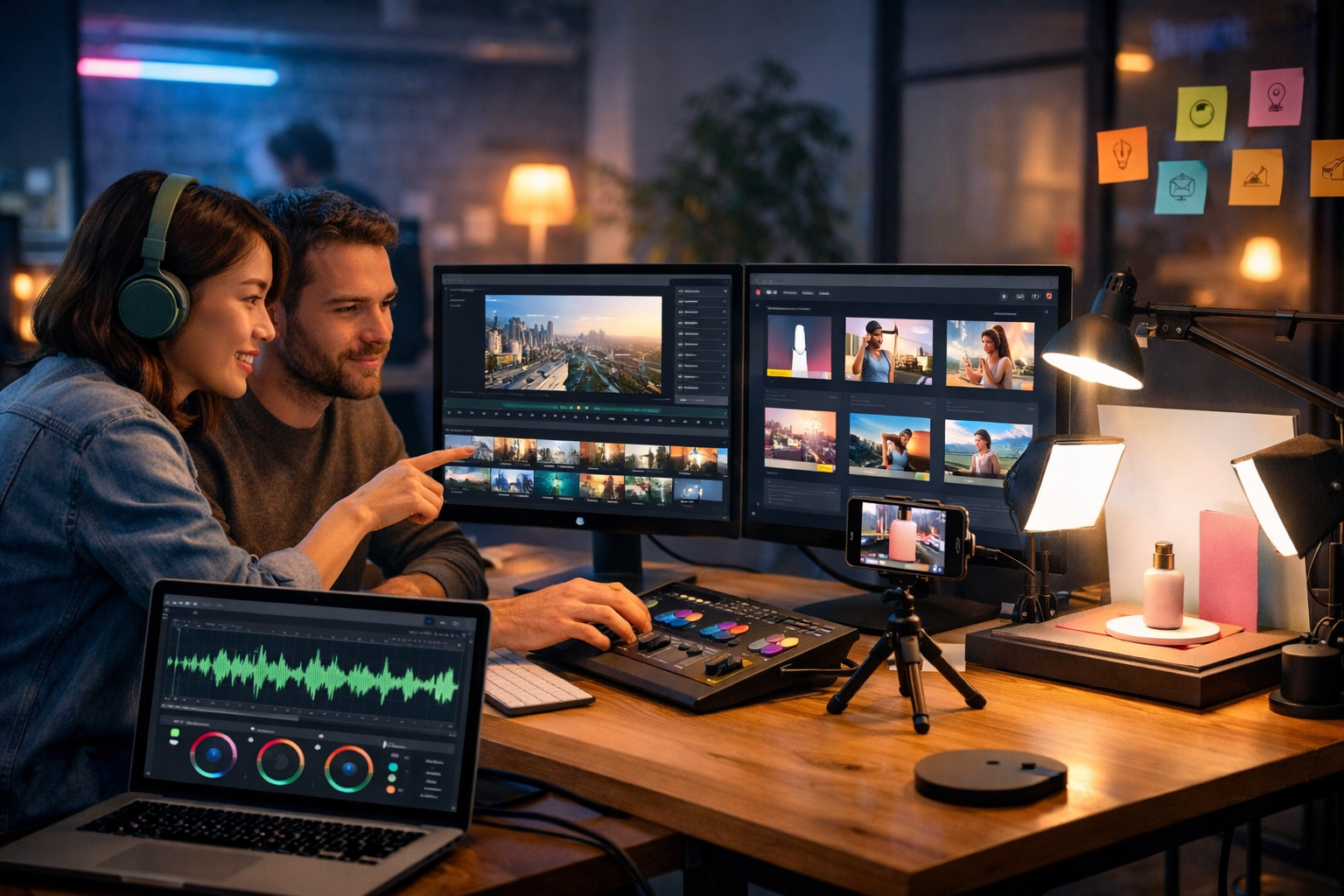
An AI video generator for marketing can turn a simple idea into a polished campaign asset in hours, not weeks—without hiring a full production crew. The real advantage isn’t “making a video”; it’s shipping more variations, testing faster, and keeping messaging consistent across ads, landing pages, email, and social.
What is an AI video generator for marketing (and what it isn’t)
An AI video generator for marketing is software that helps you create marketing-ready videos from text prompts, scripts, images, or templates. Depending on the platform, it can generate scenes, b-roll, motion graphics, captions, transitions, and sometimes voice-overs and background audio.
What it isn’t: a magic button that replaces strategy. The best results still come from strong positioning, a clear offer, and a structured script. AI accelerates production and iteration—your marketing fundamentals still matter.
Why marketers are switching to AI-generated video
Video is now the default format across paid social, organic social, product pages, and even email. The problem is that traditional production is slow and expensive, which makes it difficult to test creative angles quickly.
- Speed: draft multiple 15–30 second variations in a single afternoon.
- Cost control: reduce reliance on agencies for every new edit and cutdown.
- Consistency: maintain brand voice, tone, and campaign messaging across formats.
- Personalisation: adapt videos by audience segment, industry, or funnel stage.
- Creative testing: A/B test hooks, offers, CTAs, and visuals at scale.
For startups and small teams, the biggest win is throughput: more creative, more learning, better ROI.
The marketing use cases that benefit most
1) Paid social ads (Meta, TikTok, YouTube Shorts)
AI video is ideal for short-form ads where the performance driver is the first 1–2 seconds (the hook) plus clear proof and a strong CTA. With AI, you can quickly create multiple versions of the same concept: different openings, different product benefits, different price points, and different UGC-style b-roll.
2) Product demo videos for landing pages
Demos don’t need Hollywood production. They need clarity: problem → solution → how it works → expected outcome. AI helps generate consistent supporting visuals, captions, and scene transitions that keep attention while you explain the product.
3) Explainer videos for complex offers
If you sell a service (consulting, SaaS, training, finance), explainers can reduce sales friction. AI-assisted storyboarding and voice-over generation help you ship explainers without a full animation pipeline.
4) Email and blog repurposing
A strong blog post can become a 30–60 second summary video; a webinar can become a series of micro-clips; a case study can become a social proof montage. AI makes repurposing repeatable.
What to look for in an AI video generator for marketing
Not all tools are built for marketing outcomes. Use this checklist to choose a platform that helps you publish videos that actually convert.
- Script-to-video workflow: Can you go from a structured script to scenes with minimal manual edits?
- Multi-format exports: 16:9 for YouTube/landing pages, 9:16 for Reels/TikTok, 1:1 for feeds.
- Brand consistency: Control over colours, styles, imagery, and tone so each video looks “on brand”.
- Captions and on-screen text control: Even if you avoid heavy text, you need clean subtitle options for sound-off viewing.
- Voice-over options: Natural narration, consistent pacing, and the ability to match tone (calm, energetic, premium).
- Built-in asset creation: Ability to generate supporting images and audio so you aren’t stitching tools together.
- Fast iteration: Create variations quickly—hooks, CTAs, different pain points—because testing is the strategy.
A practical workflow: from idea to finished marketing video
Here’s a repeatable workflow you can use for ads, explainers, and product demos. It’s designed to maximise speed and keep your messaging tight.
Step 1: Define the conversion goal and audience
Before you generate anything, write one sentence: “This video is for [audience] to take [action] because [promise].” This prevents pretty-but-pointless videos.
- Example (lead gen): “This video is for HR managers to book a demo because it cuts onboarding time by 30%.”
- Example (e-commerce): “This video is for runners to buy now because it reduces knee impact with a new foam blend.”
Step 2: Write a script that fits the platform
Most marketing videos fail because the structure is wrong. Use a simple formula:
- Hook (0–2s): Call out the pain or desired outcome.
- Value (2–10s): Show the key benefit and what’s different.
- Proof (10–20s): Demonstration, result, testimonial snippet, or clear mechanism.
- CTA (final seconds): One action, one reason now.
With Gen AI Last, you can draft scripts, hooks, and CTAs using the AI text tools inside our AI content tools, then reuse the same messaging across your email and landing page copy.
Step 3: Generate (or source) visuals that match the message
For marketing, visuals should do one of three jobs: demonstrate, prove, or clarify. If your video is about a feature, show it. If it’s about a result, show the before/after. If it’s about a concept, visualise it simply.
Gen AI Last supports AI image generation as well, which is useful for custom b-roll, product-style shots, backgrounds, and social graphics that match the video’s theme—especially when you don’t have a full photo library.
Step 4: Add narration and sound that feels intentional
Audio quality can make an AI-generated video feel premium. Use voice-over for clarity and pacing, and keep background music subtle so it doesn’t fight the message.
With Gen AI Last’s audio generation, you can create voice-overs and background tracks that fit the tone (energetic for ads, calmer for explainers) while keeping everything in one workflow.
Step 5: Create variants for testing (this is where AI wins)
Don’t make one video. Make five small variations and test them. Keep the offer constant and change only one variable at a time.
- Hook variants (pain vs aspiration vs curiosity).
- Visual variants (product close-up vs lifestyle vs UI demo).
- CTA variants (“Shop now” vs “Get the free guide” vs “Book a demo”).
- Length variants (15s vs 30s vs 45s).
Three ready-to-use marketing video scripts (with prompts)
Use these as starting points, then adapt to your brand voice and offer. Each includes a structure that works well for AI video generation.
Script 1: E-commerce product ad (15–20 seconds)
Hook: “Still dealing with [problem] every time you [activity]?”
Value: “Meet [product]. It [main benefit] in under [time].”
Proof: “Here’s how it works: [mechanism in 1–2 steps].”
CTA: “Try [product] today—[offer/guarantee].”
- Visual prompt idea: “Close-up product shots, hands using the product, quick before/after, lifestyle moment, clean background, soft natural light.”
- Caption guidance: Keep captions short: 3–6 words per beat.
Script 2: SaaS demo teaser (20–30 seconds)
Hook: “If you spend more than [time] a week on [task], this is for you.”
Value: “[Tool] automates [task] so you can focus on [outcome].”
Proof: “Watch: upload → generate → approve → publish.”
CTA: “Book a demo and see your workflow in 10 minutes.”
- Visual prompt idea: “Screen-record style UI scenes, cursor highlights, simple motion transitions, dashboard charts, clean modern office.”
Script 3: Service explainer (45–60 seconds)
Hook: “Most [audience] struggle with [problem] because [common mistake].”
Value: “Our approach fixes that by [mechanism]—so you get [result].”
Proof: “In the last [timeframe], we helped [type of client] achieve [metric].”
CTA: “Get the free plan / book a call / start today.”
- Visual prompt idea: “Simple animated diagrams, process steps, client-style scenes, reassuring colour palette, professional studio lighting.”
How Gen AI Last helps you create marketing videos end-to-end
Many teams stitch together four or five tools: one for scripts, one for images, one for video, one for voice, and another for social copy. That slows you down and makes consistency harder.
Gen AI Last is built as an all-in-one platform, so you can create the pieces of a campaign in one place:
- AI Text Generation: ad hooks, full scripts, landing page sections, email campaigns, and social captions.
- AI Image Generation: custom b-roll, product-style visuals, backgrounds, thumbnails, and banners.
- AI Video Generation: marketing videos, product demos, social reels, and explainer videos from prompts and assets.
- AI Audio Generation: voice-overs, narration, and background music to match the tone of your campaign.
And crucially for small teams: all features are available from one affordable plan. You can view pricing from $10/month and avoid paying separate subscriptions just to run a single campaign.
Quality control: how to make AI marketing videos feel “human”
AI speeds up creation, but polish comes from direction. Use these practical checks before publishing.
- Open strong: The first scene should show the problem or outcome visually, not just say it.
- One idea per scene: If you cram benefits, viewers retain none.
- Match visuals to claims: If you claim “in 2 minutes”, show the steps in a quick sequence.
- Keep captions readable: High contrast, short lines, safe margins for mobile UI overlays.
- Sound mix: Voice should be clearly above music; avoid dramatic tracks for serious offers.
- Brand anchors: Use consistent colours, scene style, and tone of voice across variants.
- End on the CTA: Don’t hide the action. Say it, show it, and leave it on screen long enough.
Measurement: what to track for better creative
When you can produce more videos, you also need a simple measurement loop. Focus on metrics that reflect creative quality, not vanity.
- Hook rate: 2-second view rate (or 3-second, depending on platform).
- Hold rate: average watch time and % watched.
- CTR: do people click after watching?
- CVR: do clicks convert on the landing page?
- CPA/ROAS: final efficiency; use this to choose winners after enough spend.
Creative iteration becomes straightforward: if hook rate is low, rebuild the first two seconds. If watch time is low, tighten scenes and cut filler. If CTR is low, change the offer framing or CTA.
Common mistakes to avoid
- Starting with visuals instead of the offer: a gorgeous video won’t fix a weak proposition.
- Too much information: pick one primary benefit for short-form; save the rest for the landing page.
- Generic prompts: “make a marketing video” yields generic output. Specify audience, setting, product details, and tone.
- Ignoring mobile-first formatting: most views are on mobile; design for 9:16 and sound-off.
- No variation strategy: if you only publish one version, you lose the main advantage of AI.
A simple 7-day plan to launch your first AI video campaign
- Day 1: Define audience, offer, and one KPI (CTR or CPA).
- Day 2: Generate 10 hooks and choose the best 3 (use AI text tools).
- Day 3: Draft 3 scripts (15–30 seconds) and outline scene-by-scene visuals.
- Day 4: Generate supporting images/b-roll; pick a consistent visual style.
- Day 5: Generate videos + voice-overs; export in 9:16 and 16:9.
- Day 6: Launch with small budgets; ensure tracking and landing page message match.
- Day 7: Review metrics; create 5 new variants from the best performer.
If you want to run this plan without juggling multiple subscriptions, you can start creating for free and build scripts, visuals, video, and audio within a single workspace.
Frequently asked questions
Can AI-generated marketing videos replace an agency?
For many day-to-day needs—social ads, cutdowns, simple explainers, product demos—yes, especially for small teams. For high-end brand films with complex shoots, you may still prefer a production partner. Many brands use AI for iteration and agencies for flagship assets.
How do I keep videos on brand?
Use consistent prompts (style, lighting, camera), reuse colour palettes, keep voice-over tone consistent, and follow a repeatable script framework. The easiest path is to standardise 2–3 “house styles” for different channels (paid social, organic, website).
What length works best?
For paid social: 15–30 seconds is a strong starting point. For explainers on landing pages: 45–90 seconds can work if it’s structured and proof-led. Let retention data guide you.
Final takeaway: use AI to test faster, not to guess
The best way to use an AI video generator for marketing is to treat it as an experimentation engine: generate clear scripts, produce multiple creative variants, measure performance, and iterate weekly. When you combine text, image, video, and audio generation in one place, you remove the friction that stops most teams from shipping consistently.
To build your first campaign assets end-to-end, explore our AI content tools and view pricing from $10/month.
Ready to Create with Generative AI?
Join thousands of creators using Gen AI Last to generate text, images, audio, and video — all from one platform. Start your 7-day free trial today.
Start Free — Try 7 DaysQuick Links
Create AI content from $10/month
View Plans