AI Video Generator for Marketing: A Practical Guide (2026)
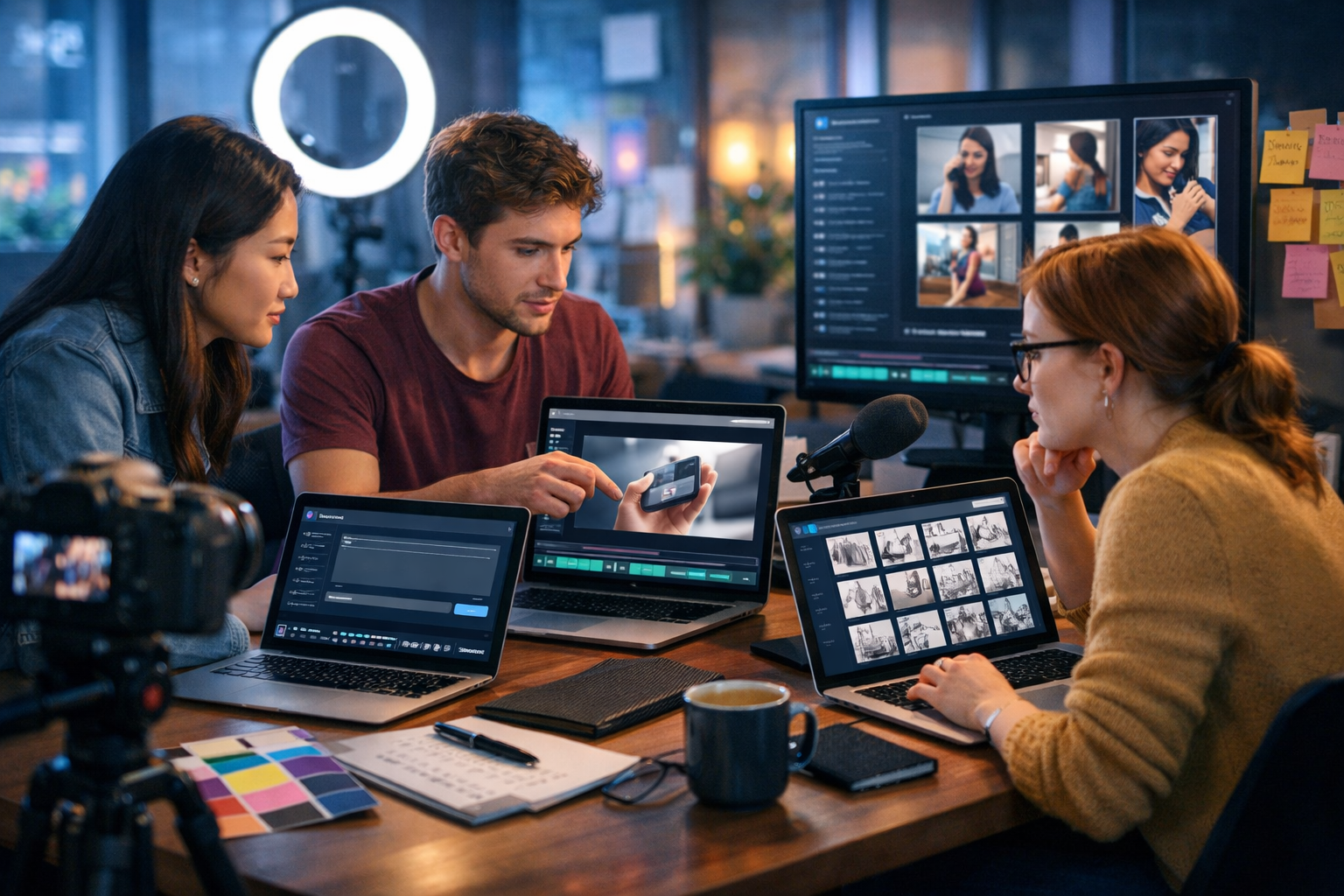
An AI video generator for marketing can turn a simple idea into multiple on-brand video assets—scripts, scenes, voice-overs, and platform-ready edits—without a full production crew. For startups and small teams, it’s the difference between posting occasionally and running a consistent, test-and-learn video strategy that improves every week.
What is an AI video generator for marketing?
An AI video generator for marketing is software that helps you create videos from text prompts, outlines, or existing marketing materials. Rather than starting with cameras, actors, and editing suites, you start with your message and goals—then the tool helps you produce video elements such as scene layouts, images, animations, voice-overs, and variations for different platforms.
The best results come from using AI across the entire workflow: planning (what to say), production (what to show), and distribution (how to package it for each channel). That’s why an all-in-one platform matters—because marketing video is rarely “just video”. You also need copy, visuals, and audio.
With our AI content tools, you can generate professional text (hooks, scripts, CTAs), images (scenes, product visuals), audio (voice-overs, music), and video (reels, explainers, demos) in one place—starting from view pricing from $10/month.
Why marketers are shifting to AI-generated video
Video performs because it combines attention, emotion, and clarity. The challenge is production speed. Product updates, promotions, seasonal campaigns, and competitor moves happen fast. AI reduces the cycle time from days to hours while keeping quality good enough to test ideas and iterate.
- More output with the same team: create 10 variations of a concept to find the best-performing hook.
- Consistency: maintain a steady publishing cadence for social and ads.
- Lower risk: validate messaging with quick drafts before investing in full shoots.
- Personalisation: adapt the same core video to different audiences, industries, or pain points.
- Cross-channel packaging: one story becomes a landing-page explainer, a paid social ad, and three reels.
The marketing videos you can create with AI (and when to use each)
Choosing the right format matters more than fancy effects. Here are high-impact video types that AI helps you create quickly.
1) Short-form social reels (6–20 seconds)
Best for: awareness, rapid testing, trend-based creatives. Keep the message simple: one pain, one promise, one action.
- Hook: “If you’re doing X, stop—do this instead.”
- Visual: bold product shots, fast UI walkthrough, or a before/after.
- CTA: “Try it today” / “Get the template”.
2) Product demos (30–90 seconds)
Best for: conversion, onboarding, sales enablement. Focus on outcomes, not features. AI helps you storyboard scenes and keep the pacing tight.
Tip: show “Problem → Solution → Result” within the first 15 seconds. Then add a fast proof point (testimonial quote, metric, or mini case study).
3) Explainer videos (60–120 seconds)
Best for: complex offers, new categories, B2B services. A clear script is everything. AI text generation can produce multiple versions: a simple one, a technical one, and a “CEO-friendly” one.
4) UGC-style ads (15–45 seconds)
Best for: paid social, direct-response offers. Even if you’re not filming creators, you can mimic UGC pacing: personal opener, quick story, product reveal, clear CTA.
5) Event and announcement clips (10–30 seconds)
Best for: launches, webinars, feature updates. AI speeds up last-minute edits—turning one announcement into multiple formats and lengths.
A step-by-step workflow: from prompt to published marketing video
The fastest way to succeed is to treat AI as a production system, not a one-off tool. Use this repeatable workflow.
Step 1: Define the goal, audience, and “one thing”
Write down three lines before you generate anything:
- Goal: awareness / lead / trial / purchase / retention
- Audience: who exactly (role, industry, intent)
- One thing: the single takeaway you want viewers to remember
If you can’t summarise the video in one sentence, the final edit will feel confusing—AI or not.
Step 2: Generate a script that’s built for video (not a blog post)
Video scripts should be spoken, visual, and rhythmic. Use AI text generation to create three variations, then pick the best hook and structure.
Example prompt (script): “Write a 30-second paid social script for [product] targeting [audience]. Start with a pattern-interrupt hook, show 3 quick benefits, add a proof point, end with a clear CTA. Tone: confident, friendly, minimal jargon.”
In Gen AI Last you can generate: ad hooks, full scripts, captions, CTAs, and even follow-up email copy to match the video campaign—using our AI content tools.
Step 3: Create a storyboard (scenes + on-screen actions)
A storyboard prevents “pretty but pointless” edits. For each scene, specify:
- What viewers see: product UI, lifestyle shot, animation, before/after
- What they hear: voice-over line
- What they should feel/do: curiosity, relief, urgency, click
If you’re producing multiple variants, keep the storyboard constant and swap only the first 3 seconds (hook) and final CTA. This isolates what actually drives performance.
Step 4: Generate visuals that match your brand
Marketing video needs consistent visuals: similar lighting, a stable colour palette, and recurring objects (e.g., your product, packaging, or UI style). With AI image generation, you can create:
- Lifestyle scenes featuring your target customer (home office, shop floor, classroom, clinic)
- Product-style visuals (clean backgrounds, high-end lighting)
- Supporting b-roll concepts (problem moments, messy spreadsheets, late-night workload)
Practical tip: keep a “brand prompt” saved (colours, mood, camera style) and reuse it for every scene. Consistency improves trust—especially in ads.
Step 5: Add voice-over and sound that doesn’t feel generic
Sound is half the conversion. AI audio tools help you produce clear narration quickly, plus background music that supports pacing. For best results:
- Record length first: match the script to 15s/30s/45s timings.
- Use punctuation intentionally: commas and line breaks control pace.
- Mix levels: voice clear, music subtle—avoid competing frequencies.
Gen AI Last includes AI audio generation for voice-overs and narration, so you can go from script to finished sound without juggling extra subscriptions.
Step 6: Generate the video and export multiple versions
Your “master” concept should become multiple deliverables:
- 9:16 for reels/stories (fast pacing, big focal points)
- 1:1 for feed posts (balanced composition)
- 16:9 for YouTube, landing pages, and presentations
When using an AI video generator for marketing, plan “safe zones” (keep key visuals central) so cropping doesn’t break your message.
Step 7: Write captions, thumbnails, and follow-up assets
The video is only one piece. Use AI text generation to produce:
- 3–5 caption options (short, medium, long)
- Ad primary text + headline + description variations
- Landing page hero copy that matches the video promise
This is where an all-in-one platform saves hours. You can generate the video, then instantly generate the supporting copy in the same workspace via our AI content tools.
High-converting prompts you can reuse (with examples)
Good prompts are specific about audience, outcome, tone, and constraints. Here are reusable prompt templates for marketing videos.
Prompt: 15-second hook variations
Prompt: “Generate 12 hook lines for a 15-second video ad for [product] targeting [audience]. Include: problem call-out hooks, contrarian hooks, curiosity hooks, and outcome hooks. Keep each under 9 words.”
Example outputs (for a project management tool): “Stop losing tasks in Slack.” / “Your sprint board shouldn’t be a guess.” / “Ship faster with fewer meetings.”
Prompt: Storyboard in 6 scenes
Prompt: “Turn this script into a 6-scene storyboard. For each scene: shot type, what’s on screen, suggested b-roll, and transition. Keep it optimised for vertical 9:16.”
Prompt: Visual style guide for consistent ads
Prompt: “Create a compact visual style guide for our marketing videos: lighting style, colour palette, camera angles, background environments, and recurring objects. Brand personality: [3 adjectives]. Audience: [audience].”
Prompt: 3 versions for top/mid/bottom funnel
Prompt: “Create three 30-second video scripts for the same offer: (1) top-of-funnel awareness, (2) mid-funnel consideration with proof points, (3) bottom-funnel conversion with urgency. Keep each aligned to the same brand tone.”
Best practices: how to keep AI video marketing trustworthy and on-brand
AI makes creation faster, but your audience still expects clarity and credibility. Use these principles to protect brand trust.
Lead with proof, not hype
Avoid inflated claims. Replace “revolutionary” with specifics: time saved, cost reduced, steps removed, or error rate improved. If you mention numbers, ensure they’re accurate and defensible.
Show real product reality
If you’re demonstrating software, match visuals to what users will see. If you use illustrative scenes, make them clearly “conceptual” and avoid misleading impressions.
Keep a consistent brand system
- One colour palette across scenes
- One voice (tone + vocabulary)
- One CTA style (e.g., “Start a free trial” vs “Book a demo”)
Optimise for attention in the first 2 seconds
Your opening is everything in paid social. Test multiple openings while keeping the rest of the video constant. This is one of the easiest wins when using an AI video generator for marketing.
Common mistakes (and how to fix them)
- Mistake: Making the video about features. Fix: Reframe each feature as an outcome and show the outcome visually.
- Mistake: Too much information. Fix: One video = one idea. Create a series instead of cramming.
- Mistake: Generic visuals and voice. Fix: Use a consistent brand prompt, specific environments, and tighter scripts.
- Mistake: No clear CTA. Fix: Add a single action with a reason: “Start a free trial to generate your first video today.”
- Mistake: Publishing one size fits all. Fix: Export platform-specific versions (9:16, 1:1, 16:9) with safe-zone planning.
A lean weekly content system for small teams
If you’re a startup or small marketing team, consistency beats perfection. Here’s a simple weekly cadence that works well with AI.
- Monday: Generate 10 hooks + choose 3 winners (AI text).
- Tuesday: Create scripts and storyboards for 3 short videos (AI text).
- Wednesday: Generate supporting visuals/b-roll concepts (AI images).
- Thursday: Produce voice-overs + assemble videos (AI audio + AI video).
- Friday: Publish + set up A/B tests on hook/CTA; generate captions and email follow-ups (AI text).
Gen AI Last is designed for this exact workflow—text, image, audio, and video generation in one platform, with pricing that’s realistic for small teams. If you want to try it, start creating for free.
How to choose the right AI video generator for marketing
Not all tools are built for marketers. Use this checklist before committing.
- Does it support your full workflow? Scripts, visuals, voice, and video outputs should work together.
- Can you produce variations quickly? Marketing needs iteration: multiple hooks, lengths, and formats.
- Are exports platform-ready? 9:16, 1:1, 16:9 plus clean audio.
- Is pricing predictable? Especially important if you’re publishing weekly.
- Does it help you stay on-brand? Consistency features and prompt reusability matter.
Gen AI Last keeps it simple: one subscription includes full access to text, image, audio, and video generation. If you’re comparing options, view pricing from $10/month and map it to your weekly production goals.
Frequently asked questions
Will AI-generated marketing videos replace filming?
Not entirely. Filming is still valuable for authentic testimonials, product-in-hand shots, and brand storytelling. AI is best used to scale output, prototype ideas, create variations, and fill gaps with b-roll and explainers.
How do I keep AI videos from feeling “AI-made”?
Use specific prompts, realistic scenarios, consistent style, and tight scripts. Most “AI feel” comes from vague messaging and generic visuals—not from AI itself.
What’s the fastest video to start with?
A 15-second reel: one pain point, one solution, one proof point, one CTA. Create three hook variants and publish them as a mini test.
Conclusion: turn one idea into a full video campaign
An AI video generator for marketing is most powerful when it’s part of a repeatable system: clear goals, strong scripts, consistent visuals, credible proof, and platform-ready versions. When you combine text, images, audio, and video in one workflow, you can produce more creative tests, learn faster, and scale what works—without scaling headcount.
If you want an affordable, all-in-one way to generate scripts, visuals, voice-overs, and marketing videos, explore our AI content tools or start creating for free today.
Ready to Create with Generative AI?
Join thousands of creators using Gen AI Last to generate text, images, audio, and video — all from one platform. Start your 7-day free trial today.
Start Free — Try 7 DaysQuick Links
Create AI content from $10/month
View Plans