AI Video Generator for Marketing: Create Ads That Convert
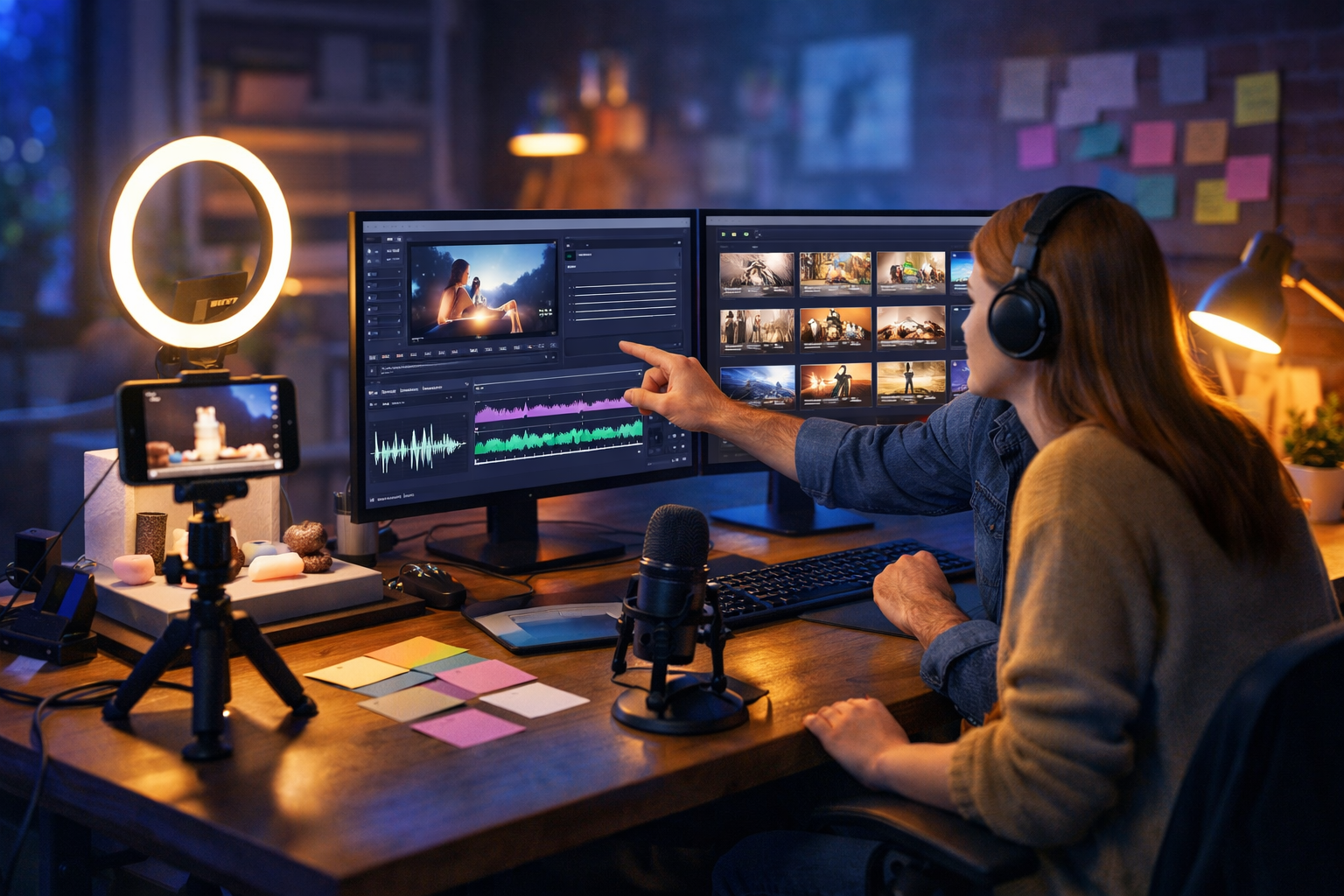
An ai video generator for marketing is no longer a “nice to have” for big brands—it’s how lean teams produce more ads, reels and product videos without burning budgets or waiting weeks on production. The best results come from combining strong messaging, consistent visuals and fast iteration. In this guide, you’ll learn what to look for, where AI video fits in your funnel, and a practical workflow you can run today using Gen AI Last.
What an AI video generator for marketing actually does
Marketing teams rarely need “a video”. They need the right video for a specific stage: a thumb-stopping hook for paid social, a short explainer for landing pages, a product demo for onboarding, or a testimonial-style reel for trust. An ai video generator for marketing helps you produce these assets faster by automating parts of the process that typically slow teams down: ideation, scripting, visual creation, voice-over, and rapid variation testing.
At a practical level, AI can help you:
- Turn a brief into multiple scripts (different hooks, angles and calls-to-action).
- Generate or enhance supporting visuals (backgrounds, product-style images, scene assets).
- Produce video variations suited to different platforms and audiences.
- Create voice-overs and narration without booking studio time.
- Keep your output consistent by reusing brand tone and structure.
Gen AI Last brings these building blocks together in one place—text, images, video and audio—so you can go from prompt to campaign-ready creative without juggling multiple subscriptions. Explore our AI content tools to see the full set.
Why video marketing wins (and why most teams struggle to keep up)
Video performs because it compresses information and emotion into seconds. You can show a product in context, demonstrate outcomes, and handle objections quickly. The problem is production speed: by the time one edit is approved, your audience has moved on, your offers have changed, or your competitors have tested ten angles.
Common bottlenecks AI helps remove:
- Blank-page planning: teams waste days on hooks, structures and scripts.
- Asset gaps: no time for new visuals, b-roll, or graphics for every angle.
- Voice-over friction: recording, re-recording and editing adds delays.
- Variant testing: platforms reward iteration; manual iteration is expensive.
- Team coordination: briefs, copy, visuals and edits live in different tools.
If you’re a startup or small team, the biggest advantage isn’t “AI makes videos”. It’s that AI lets you run a systematic creative process—producing enough quality variants to find winners while still staying on brand.
What to look for in an AI video generator for marketing
Not all AI video tools are built for marketers. Some are geared towards filmmakers, others focus on avatars only, and some only generate clips without giving you the messaging foundation that makes an ad convert. Use these criteria when choosing an ai video generator for marketing:
1) Script quality and controllability
You need scripts that follow proven patterns: hook → problem → value → proof → call-to-action. Look for a tool that can produce multiple angles (benefit-led, objection-handling, comparison, social proof) and maintain your brand voice. With Gen AI Last, you can generate scripts, headlines and CTAs using AI Text Generation, then pass the best version into your video creation workflow.
2) Creative variation at speed
Marketing performance comes from testing. A good tool should help you create variations without starting from scratch—different hooks, opening scenes, lengths (6–10s, 15s, 30s), and platform formats. The goal: more shots on goal, without lowering quality.
3) Visual support beyond “stocky” results
If your visuals feel generic, your brand feels generic. A strong workflow includes brand-consistent scenes, product visuals, and style continuity. Gen AI Last includes AI Image Generation for marketing visuals, product-style shots, backgrounds and social graphics, which can then be used to support video creatives.
4) Voice-over and audio that doesn’t sound like an afterthought
Audio quality signals trust. Crisp narration and balanced background music can be the difference between “scroll” and “watch”. With Gen AI Last, AI Audio Generation helps you create voice-overs, narration and background music in the same platform—useful when you need multiple language or tone variations quickly.
5) An all-in-one workflow (so teams actually use it)
The hidden cost of “best of breed” stacks is coordination. When scripts live in one tool, visuals in another, voice in a third and video in a fourth, iteration slows down. Gen AI Last keeps text, images, video and audio together with a single subscription, starting at $10/month. You can view pricing from $10/month and plan your production cadence around a predictable cost.
Best-use cases: where AI video helps most in marketing
AI video works best when your message is clear and the format is repeatable. Here are high-ROI use cases you can ship consistently.
- Paid social ads: generate 5–10 hook variants per offer and test rapidly.
- Product demos: show “before/after” or step-by-step outcomes for landing pages.
- Explainer videos: simplify complex services in 30–60 seconds.
- Social reels and shorts: repurpose blog posts, FAQs and reviews into short-form.
- Event promos: create quick turnaround teaser videos, countdowns and highlights.
- Onboarding content: reduce support tickets by answering top questions visually.
A practical workflow: create a marketing video in Gen AI Last
Below is a repeatable process you can use to go from idea to publishable creative. It’s designed for speed, testing and consistency—exactly what an ai video generator for marketing should enable.
Step 1: Define one goal and one audience segment
Avoid “this video is for everyone”. Pick one objective (clicks to a landing page, app installs, demo requests) and one segment (first-time visitors, cart abandoners, warm retargeting).
- Goal example: Book a demo.
- Audience: founders at early-stage SaaS companies.
- Core promise: “Launch campaign-ready creatives in hours, not weeks.”
Step 2: Generate 5 hooks and 2 script angles (text)
Use AI Text Generation to create hooks and short scripts. Ask for variety, not one “perfect” script.
Prompt example (hooks): “Write 10 punchy opening hooks for a 15-second marketing video promoting an all-in-one AI content platform for startups. Tone: confident, practical. Focus on speed, cost, and testing creatives.”
Prompt example (two angles): “Create two 15-second ad scripts: (A) pain-first angle about slow content production, (B) outcome-first angle about shipping more creatives. Include a clear CTA to start free.”
Step 3: Create a simple storyboard (5–7 beats)
Even short ads benefit from structure. Keep it minimal: each beat = one scene idea plus on-screen action. You’re aiming for clarity, not cinematic complexity.
- Hook: problem statement (2–3 seconds).
- Reveal: show the platform/workflow (3–5 seconds).
- Proof: outcomes (time saved, consistency, number of variants) (3–5 seconds).
- Offer: pricing simplicity (2–3 seconds).
- CTA: “Start free” / “Book a demo” (2 seconds).
Step 4: Generate supporting visuals (images)
Use AI Image Generation for scene assets: product-style shots, abstract tech backgrounds, or lifestyle visuals (team collaborating, creator desk, phone-on-tripod setup). The goal is to avoid bland stock and keep a consistent visual language across variants.
- Create a “brand” look: consistent lighting, colour mood, and composition.
- Generate alternative hero visuals for each hook (so your first second matches the message).
- Prepare platform-safe crops (16:9 for YouTube/landing pages, 9:16 for Reels/TikTok).
Step 5: Build the video and produce variants (video)
With the script and assets ready, use AI Video Generation to assemble your marketing video. Start by making one “control” version, then create variations that change only one variable at a time:
- Variant 1: different hook line (everything else unchanged).
- Variant 2: different first scene visual (hook unchanged).
- Variant 3: different CTA (e.g., “Start free” vs “See pricing”).
This approach helps you learn what drives performance rather than guessing.
Step 6: Add voice-over and background music (audio)
Use AI Audio Generation to create clean narration and a subtle music bed. Keep pace tight for short-form: minimal pauses, clear emphasis on the promise and CTA. If your audience is global, test language or accent variations for key regions.
Step 7: Publish, measure, and iterate weekly
AI makes creation faster, but marketing performance still comes from measurement. Commit to a weekly cadence: ship 3–5 variants, identify winners, then iterate on the winning angle with new hooks and visuals.
Three ready-to-use marketing video script templates (with examples)
Use these templates to generate scripts quickly inside Gen AI Last, then tailor them to your product, audience and platform. Each includes an example written for Gen AI Last’s all-in-one platform (text, image, video, audio) with pricing from $10/month.
Template 1: Pain → Fix → Proof → CTA (15 seconds)
Structure: Call out a frustration, show the solution, back it with a tangible outcome, then ask for action.
- Hook (2s): “Still waiting days for one ad edit?”
- Fix (6s): “Generate your script, visuals, voice-over and video from one prompt.”
- Proof (5s): “Make multiple variants fast and test what converts—without extra tools.”
- CTA (2s): “Start creating for free.”
Template 2: Outcome-first “before/after” (10–20 seconds)
Structure: Lead with the result, then explain how you get there.
- Hook: “Launch campaign-ready videos today.”
- Before: “Before: one video takes a week, and you can’t test enough angles.”
- After: “After: scripts + visuals + voice + video in one workflow.”
- CTA: “Get full access from $10/month.”
Template 3: Objection handler (15–30 seconds)
Structure: Address a common worry directly, then reframe with benefits.
- Objection: “AI videos look generic.”
- Reframe: “Not when you control the script, style and assets.”
- How: “Generate on-brand copy, custom visuals, and voice-over—then produce variants to find a winner.”
- CTA: “Try it free and ship your next campaign faster.”
Platform tips: optimising AI-generated videos for ads and socials
An ai video generator for marketing can produce content quickly, but performance depends on matching platform behaviour. Use these practical guidelines when turning AI outputs into publish-ready creatives:
Short-form (TikTok/Reels/Shorts)
- Get to the point by second 1: your opening line and visual must match.
- Keep scenes moving: change framing or visual every 1–2 seconds.
- Use one idea per video: don’t cram features; focus on one promise.
- CTA in-video: repeat the CTA in voice and visuals near the end.
Landing pages and YouTube (16:9)
- Clarity beats flair: show the product/service and outcomes early.
- Handle objections: add one proof point (testimonial snippet, data, guarantee).
- Match page message: align headline, offer and CTA with the page.
Quality control: keeping AI video on-brand (without slowing down)
Consistency is a brand advantage. Build a lightweight checklist so every AI-assisted video stays aligned while still shipping fast:
- Voice and tone: does the script sound like your brand (not “generic marketing”)?
- Single promise: can someone explain the benefit after one watch?
- Visual consistency: similar lighting, colour mood, and composition across variants.
- Audio clarity: narration is crisp, music is subtle, levels feel balanced.
- CTA clarity: one action, repeated, easy to follow.
Cost and planning: how small teams can produce more for less
For startups and small teams, the biggest win is predictable costs and faster throughput. Rather than paying separately for copy tools, design tools, voice-over services and video subscriptions, Gen AI Last bundles text, image, video and audio generation into one platform with plans starting from $10/month.
A simple monthly production plan could look like:
- Week 1: 10 hook tests across 2 offers (short-form).
- Week 2: 3 landing-page explainers (30–60 seconds).
- Week 3: 6 retargeting ads addressing objections.
- Week 4: repurpose a blog post into 8–12 reels.
If you want to consolidate your workflow and start testing faster, you can start creating for free and then upgrade when you’re ready for full production volume.
Common mistakes when using an AI video generator for marketing
AI speeds up production, but it can also scale the wrong approach if you’re not careful. Avoid these frequent pitfalls:
- Making “feature tours” instead of outcomes: lead with the result your customer wants.
- Testing everything at once: change one variable per variant to learn faster.
- Ignoring platform norms: pacing and format matter as much as visuals.
- Weak hooks: spend most of your time improving the first 2 seconds.
- No proof: add one concrete signal (time saved, number of variants, customer result).
Frequently asked questions
Will AI-generated marketing videos replace a creative team?
It’s better to think of AI as a multiplier. It helps teams generate scripts, assets, voice and versions faster, so humans can focus on strategy, positioning, offer quality and performance analysis. The strongest results come from pairing AI speed with human judgement.
How do I make AI videos feel more authentic?
Use real customer language in scripts (from reviews and support tickets), prioritise clear demonstrations, and keep visuals consistent with your brand. Adding a natural-sounding voice-over and keeping the message focused also improves authenticity.
What’s the fastest way to improve ad results with AI video?
Increase your volume of high-quality hook tests. Generate 10–20 hooks, build 5–8 tight variants, and test on the same audience and budget. Identify winners, then iterate on the winning angle with new openings and visuals.
Next steps: build your first campaign-ready video
An ai video generator for marketing is most powerful when you use it as a system: clear objective, strong scripts, consistent visuals, clean audio, and disciplined testing. Gen AI Last gives you everything you need—AI text, image, video and audio generation—in one affordable platform, so you can go from idea to publishable creative quickly.
Explore our AI content tools, or view pricing from $10/month to plan your production cadence. When you’re ready, start creating for free and produce your first set of video variants this week.
Ready to Create with Generative AI?
Join thousands of creators using Gen AI Last to generate text, images, audio, and video — all from one platform. Start your 7-day free trial today.
Start Free — Try 7 DaysQuick Links
Create AI content from $10/month
View Plans