AI Video Marketing Without Expensive Production: A Practical Guide
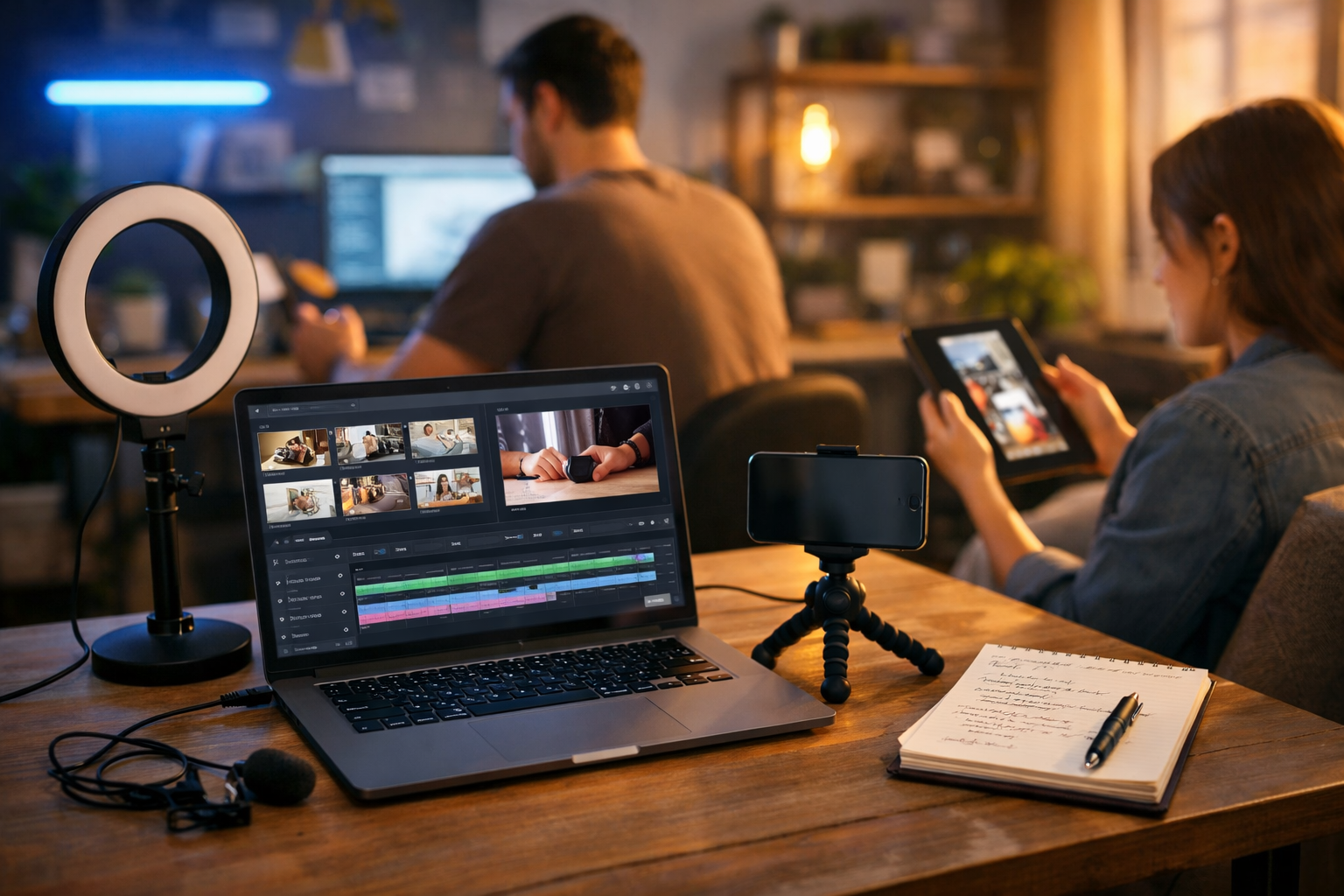
AI video marketing without expensive production is no longer a “nice to have” for small brands — it is the most realistic route to publishing consistent, conversion-focused video when you do not have a studio, crew, or weeks to edit. With the right workflow, you can turn a simple brief into scripts, visuals, voice-overs and short-form edits that look professional, while staying on-brand and staying within budget.
Why video marketing used to be expensive (and what AI changes)
Traditional video production costs add up fast: cameras and lenses, lighting, locations, crew, actors, editing software, motion graphics, music licensing, and the hidden cost of time. For startups and small teams, the biggest issue is not just money — it is throughput. You might manage one “hero” video per quarter, then go silent.
AI changes the economics by compressing the most time-consuming parts of production: ideation, scripting, visual asset creation, voice-over, and rapid variations for different platforms. Instead of treating video like a rare campaign, you can treat it like a repeatable content system — with consistent quality and fast iteration.
What “without expensive production” really means
Low-cost video does not mean low-quality video. It means you reduce or remove costs that do not directly improve performance, such as:
- Hiring a full production crew for every piece of content
- Renting studios or locations when a clean, consistent visual style will do
- Paying for custom motion graphics for every variation
- Endless edit rounds because scripts were not validated before filming
Instead, you prioritise a clear message, tight structure, strong hook, branded visuals, and distribution that matches how people actually watch (silent autoplay, vertical formats, fast pacing). AI helps you do that at scale.
The lean AI video marketing workflow (end-to-end)
A practical approach is to build a pipeline where each step produces an asset you can reuse. Gen AI Last is designed for this: you can generate text, images, video and audio in one place, starting from a simple prompt. Explore our AI content tools to see the full stack.
Step 1: Start with one clear goal and one audience
Before you generate anything, define:
- Goal: awareness, leads, trials, demo bookings, purchases, retention
- Audience: who exactly is this for (role, pain point, objections)
- Offer: what action should they take, and why now
This prevents the common “nice video, no results” problem.
Step 2: Generate scripts built for retention (not just narration)
High-performing marketing videos follow patterns: hook → problem → credibility → solution → proof → call to action. Use AI text generation to create multiple script options quickly (15s, 30s, 60s), then pick the strongest. You can also create platform-specific versions: TikTok-style, LinkedIn-style, YouTube pre-roll, website explainer.
Example script prompt you can adapt: “Write three 30-second video ad scripts for [product] targeting [audience]. Use a punchy hook in the first 2 seconds. Include 1 objection handling line and end with a clear CTA to [action]. Tone: confident, practical, not hype.”
Pro tip: ask for a version that works without sound (on-screen captions and visual cues). It will usually perform better across platforms.
Step 3: Create a storyboard and shot list you can actually produce
“Expensive production” often sneaks in through unrealistic visuals. A lean storyboard should rely on what you can get easily:
- Product UI screen recordings or simple demo scenes
- Lifestyle visuals you can generate (desk setups, packaging, close-ups)
- Motion text overlays, icons, and simple transitions
- Before/after frames, checklists, and 3-step frameworks
Generate a “scene-by-scene” storyboard from your chosen script. Aim for 6–10 scenes for a 30-second video.
Step 4: Generate or source visuals that match your brand
You do not need to film everything. Use AI image generation to create supporting visuals: product backdrops, abstract brand scenes, hero frames, social post graphics, thumbnail concepts, and background plates for overlays.
To keep things professional, maintain consistency:
- Palette: reuse your brand colours across assets
- Lighting: pick one style (soft natural, cool tech, warm studio)
- Composition: leave negative space for captions and CTAs
- Realism level: commit to photorealistic or stylised — do not mix randomly
If you sell a physical product, combine simple phone footage (hands using the product) with AI-generated lifestyle scenes to avoid constant location shoots.
Step 5: Add voice-over and sound without studio time
Audio is often the difference between “cheap” and “credible”. AI audio generation lets you create clean narration and background music quickly, avoiding microphones, acoustic treatment, and post-processing. Recordings are not always necessary — especially for explainer content, product walkthroughs, and UGC-style ads.
Practical guidance:
- Keep voice-over sentences short (easier pacing, fewer breathy artefacts)
- Match voice tone to platform (punchier for reels, calmer for website explainer)
- Use subtle background music, not “cinematic epic” unless it fits your brand
Step 6: Generate video variations for every channel
The fastest path to results is not one perfect video — it is ten good variations tested in the real world. With AI video generation, you can produce multiple cuts from the same core assets:
- Aspect ratios: 9:16 for reels, 1:1 for feeds, 16:9 for YouTube/website
- Hooks: swap the first 2 seconds and keep the rest constant
- CTAs: “Start free trial” vs “Book a demo” vs “Get the template”
- Targeting: versions for different industries or roles
This is where small teams win: you can test cheaply and keep what performs.
Video formats that work especially well on a tight budget
Some formats are naturally suited to AI-driven production because they rely on clarity over cinematography.
1) Problem–solution explainer (30–60 seconds)
Use a direct hook (“If you’re struggling with X…”) followed by a 3-step solution. Visuals can be a mix of UI shots, iconography, and a simple narrative scene.
2) Product demo with screen recording (15–45 seconds)
Screen recording is “free production”. Add AI voice-over, on-screen captions, and clean transitions. Highlight outcomes, not features: time saved, fewer errors, faster onboarding.
3) UGC-style ad without hiring creators
You can simulate the structure of UGC (fast hook, personal claim, proof, CTA) using AI scripts and visuals. Keep it honest: avoid fake testimonials. Instead, use demonstrable proof (screens, numbers, process).
4) Educational micro-tips series (weekly content engine)
Turn one blog post into 5–10 short videos. Each video answers one question. This builds authority and reduces ad spend over time because your organic reach improves.
A repeatable 7-day content plan (example)
If you want consistency without burnout, build a weekly cadence where you reuse assets.
- Day 1: Generate 10 hook ideas and 3 scripts (15s/30s/60s).
- Day 2: Create storyboard + shot list; decide what is screen recording vs AI visuals.
- Day 3: Generate supporting images and simple backgrounds; record screen demo.
- Day 4: Generate voice-over + background music; assemble first cut.
- Day 5: Create 6 variations (different hooks/CTAs/aspects).
- Day 6: Publish 2 organic posts (reel + carousel) and schedule the rest.
- Day 7: Review retention and click-through; keep winners and rewrite losers.
How to keep AI video marketing looking professional
Cost-effective content fails when it looks inconsistent or “auto-generated”. Use these controls to raise quality:
Create a simple style guide
Document five decisions and stick to them:
- Two fonts (headings and body) and caption rules
- Brand palette (primary, secondary, background)
- Transition style (cuts, quick zooms, subtle slides)
- On-screen text density (keep to 6–10 words per frame)
- Logo usage (minimal; do not watermark everything)
Prioritise hooks and pacing over fancy visuals
Most viewers decide within 1–2 seconds. Test hooks relentlessly. If retention drops at 3–5 seconds, your opening is too slow or unclear. AI makes hook testing cheap, which is a strategic advantage.
Use captions by default
A large percentage of social viewing is muted. Captions increase comprehension and watch time. Keep them high-contrast and away from UI elements (like platform buttons).
Common mistakes (and how to avoid them)
- Mistake: Trying to look like a big-brand TV ad. Fix: Aim for clarity and speed; win on relevance.
- Mistake: One script, one video, hope for the best. Fix: Produce variations; test hooks and CTAs.
- Mistake: Overpromising with “too perfect” claims. Fix: Use specific proof: demos, processes, measurable outcomes.
- Mistake: Mixing styles (random fonts, mismatched visuals). Fix: Stick to a mini brand kit and reuse templates.
- Mistake: Ignoring distribution. Fix: Build content per channel: vertical for reels, 16:9 for YouTube, shorter for ads.
Where Gen AI Last fits: one subscription, the whole pipeline
The simplest way to keep costs down is to remove tool sprawl. Gen AI Last brings text, image, video, and audio generation into one platform, so you can go from brief to publishable video without bouncing between subscriptions.
A practical use case looks like this:
- AI Text: generate hooks, scripts, captions, titles, descriptions and email promo copy
- AI Images: create supporting scenes, product-style backgrounds, thumbnails, ad creatives
- AI Audio: generate voice-over and background music for consistent sound
- AI Video: turn assets into reels, ads, explainers and demos with fast variations
All features are available from a single affordable plan — view pricing from $10/month — which is particularly useful for startups and small teams that need output more than complexity.
Actionable prompts you can copy for your next campaign
Use these as starting points and replace the brackets.
- Hook generator: “Give me 20 scroll-stopping hooks for a 15-second video about [topic] for [audience]. Include curiosity hooks, contrarian hooks, and ‘how-to’ hooks.”
- Script (ads): “Write 5 variations of a 30-second video ad script for [product]. Structure: hook, pain, solution, proof, CTA. Keep sentences under 10 words.”
- Storyboard: “Turn this script into a 9-scene storyboard. For each scene: on-screen text, suggested visual, and voice-over line.”
- Caption pack: “Create platform-specific captions for TikTok, Instagram Reels, LinkedIn, and YouTube Shorts for this video. Include 10 hashtag options.”
Measuring success: what to track on a budget
You do not need enterprise analytics. Track a few core signals consistently:
- Hook performance: 3-second views / thumb-stop rate
- Retention: average watch time and completion rate
- Action: clicks, sign-ups, demo requests, purchases
- Cost efficiency (paid): CPM, CPC, CPA compared across variations
If a video has strong retention but weak clicks, improve the offer and CTA. If clicks are strong but conversions are weak, your landing page or promise may be mismatched.
Getting started today
The fastest way to prove this works is to ship one small campaign: one offer, three scripts, six variations, one week of posting and testing. Once you find a winning structure, repeat it with new angles instead of reinventing production every time.
If you want to build the entire pipeline in one place — scripts, visuals, voice-over and video — you can start creating for free and scale up when you are ready.
Ready to Create with Generative AI?
Join thousands of creators using Gen AI Last to generate text, images, audio, and video — all from one platform. Start your 7-day free trial today.
Start Free — Try 7 DaysQuick Links
Create AI content from $10/month
View Plans