AI Video Marketing Without Expensive Production: A Practical Guide
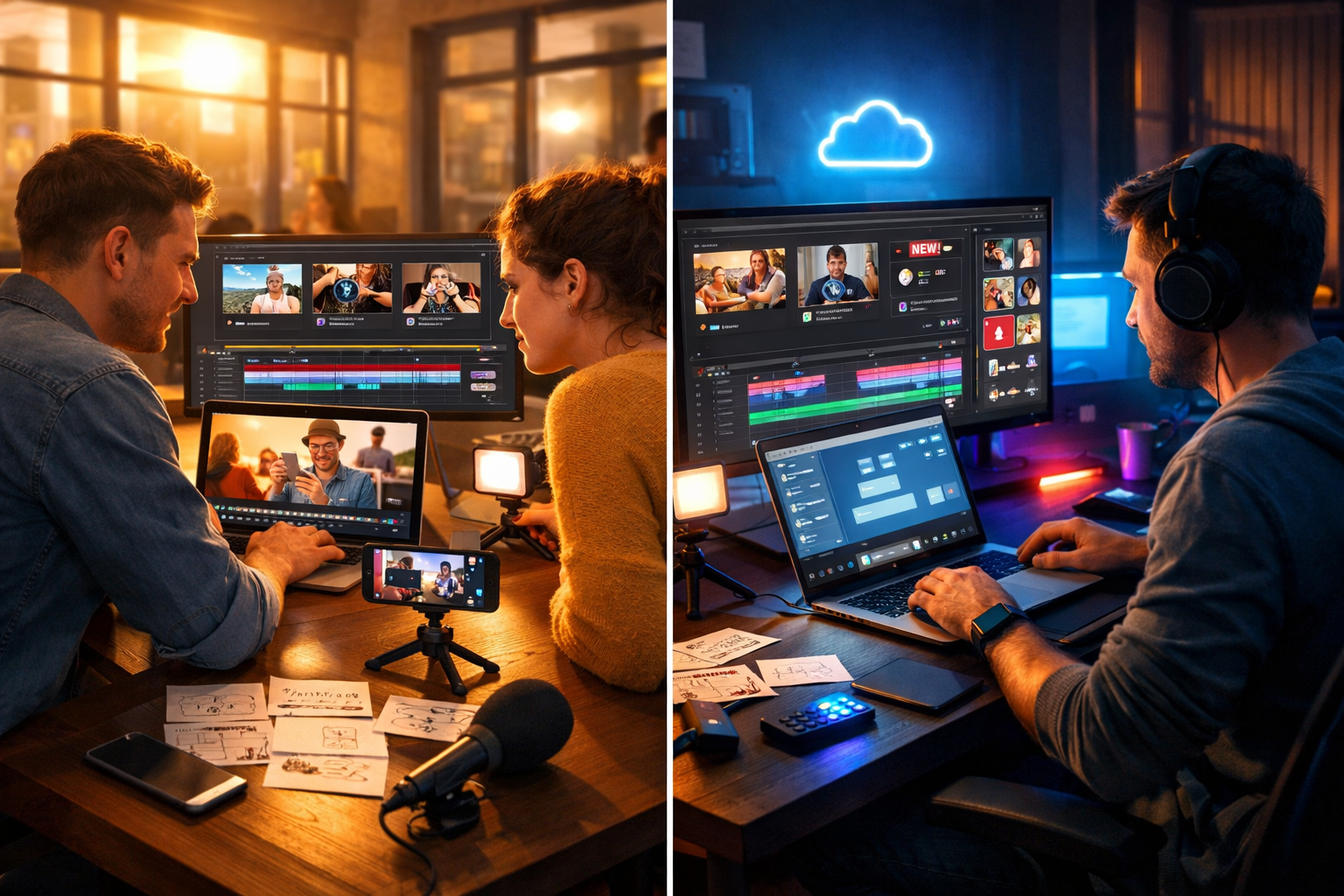
AI video marketing without expensive production is no longer a “nice to have” for big brands—it’s a practical, repeatable system that startups and small teams can run weekly with a phone, a clear message, and the right AI workflow. In this guide, you’ll learn how to plan, generate, and publish effective marketing videos—without hiring a studio, renting cameras, or spending weeks in post-production.
Why video marketing used to be expensive (and what has changed)
Traditional video production costs stack up quickly: scripting time, location, camera gear, lighting, talent, sound recording, editing, motion graphics, and multiple revision cycles. Even a “simple” 60–90 second promo can become a four-figure project once you include coordination and re-shoots.
AI changes the economics by compressing the production pipeline. Instead of outsourcing each stage, you can generate scripts, visuals, voice-overs, and video variations from a single concept—then iterate fast based on performance data. The result is not “cheap-looking” video; it’s efficient production that keeps quality high while reducing time and cost.
What “AI video marketing without expensive production” actually looks like
Low-cost does not mean low-effort. It means you invest your effort where it matters: the offer, the hook, the proof, and the call to action. AI handles the heavy lifting—drafting, generating, remixing, and scaling your creative into multiple formats.
With Gen AI Last, you can run an end-to-end workflow from one platform: text for scripts and captions, images for thumbnails and scene visuals, video generation for promos and explainers, and audio for voice-overs and background tracks. If you want to explore the full toolkit, visit our AI content tools.
A cost-effective AI video marketing workflow (end-to-end)
Use this as your default process. It’s designed to create one “hero” video plus multiple short cutdowns for social platforms in a single sprint.
Step 1: Choose one objective per video
Expensive productions often try to do everything at once. Low-budget AI video marketing works best when each video has one job:
- Awareness: introduce a problem and a memorable insight.
- Consideration: show how your solution works (demo, walkthrough, before/after).
- Conversion: highlight an offer, social proof, and a clear call to action.
- Retention: quick tips, onboarding steps, feature education.
Pick the objective first, then everything else (script, visuals, length) becomes simpler.
Step 2: Build a message matrix (the secret to endless variations)
A message matrix helps you produce multiple videos without rewriting from scratch. Create four columns:
- Audience: who is this for?
- Pain point: what are they struggling with?
- Promise: what outcome do you deliver?
- Proof: what evidence supports the promise (data, demo, testimonial)?
Then generate 5–10 hooks (first 2 seconds) and 3–5 CTAs. Mix-and-match to create variations for different platforms.
Step 3: Generate a high-converting script (short, specific, visual)
For short-form videos (15–45 seconds), keep the structure tight:
- Hook (0–2s): bold claim, question, or problem statement.
- Value (2–20s): 2–3 points, one example, or a quick demo.
- Proof (20–35s): result, testimonial snippet, or “here’s how it works”.
- CTA (final 3–5s): one action only.
Use Gen AI Last’s AI Text Generation to draft scripts, headlines, captions, and even on-screen text suggestions. A practical prompt you can reuse:
Example script prompt: “Write a 30-second video script for [product] targeting [audience]. Objective: [awareness/consideration/conversion]. Include a 2-second hook, 3 key benefits, one proof point, and a clear CTA. Tone: confident, friendly, British English. Add shot suggestions for each line.”
Step 4: Create visuals without a studio (AI images + simple B-roll)
You don’t need constant “talking head” footage. Many high-performing ads are simple: product shots, UI screens, icons, text overlays, and b-roll. Combine:
- AI-generated scene images: problem scenarios, lifestyle visuals, conceptual frames.
- Phone b-roll: hands using the product, packaging, laptop screen, whiteboard sketches.
- Screen recordings: fast product demos and walkthroughs.
Gen AI Last’s AI Image Generation is ideal for thumbnails, storyboard frames, and social graphics—especially when you need a consistent style across a campaign.
Step 5: Generate the video and cutdowns (one idea, many assets)
A budget-friendly strategy is to create one “hero” version (60–90 seconds) and then cut it into:
- 3–5 short reels (15–30 seconds)
- 6–10 hook variations (5–10 seconds) for testing
- One square version (1:1) and one vertical version (9:16)
With Gen AI Last’s AI Video Generation, you can quickly build explainer-style videos, product promos, and social reels from your script and assets—then iterate new versions without restarting production.
Step 6: Add voice-over and sound that feels premium
Audio is where “cheap” videos often give themselves away. Crisp voice-over and consistent background music make even simple visuals feel professional.
- Voice-over: clear pace, short sentences, minimal jargon.
- Background music: subtle, not competing with speech.
- Sound design: light swooshes/clicks can improve perceived quality if used sparingly.
Gen AI Last’s AI Audio Generation can help you create voice-overs, narration, and background music so you don’t need a separate subscription or a recording booth.
Templates you can copy: 6 AI video marketing formats that don’t require expensive production
1) The “Problem → Shift → Solution” explainer
Perfect for: new brands, new categories, or complex products.
- Problem: “Most teams waste hours doing X…”
- Shift: “The better approach is…”
- Solution: “Here’s how [product] fixes it in 3 steps.”
2) The quick product demo (screen recording + captions)
Perfect for: SaaS, apps, tools, marketplaces. Combine a 20–40 second screen recording with AI voice-over and on-screen captions. Your “production value” comes from clarity, not camera gear.
3) The testimonial montage (text-led, visual-backed)
No film crew required. Use customer quotes as the spine of the video, supported by product visuals, screenshots, or AI-generated lifestyle frames. Keep each quote to one outcome, one metric, or one emotional result.
4) The founder story (simple talking head + b-roll)
Record on a phone near a window, then layer b-roll and AI-generated visuals to keep attention high. Structure it: why you built it, what was broken, what’s different now, and what to do next.
5) The “3 mistakes” educational short
Educational content converts because it builds trust quickly. Deliver three mistakes your audience makes, then show the fix. End with a soft CTA (download, trial, or “see the full guide”).
6) The offer video (direct response, high clarity)
Use when you have a clear offer. Keep it tight: who it’s for, what’s included, what result they’ll get, and how to start. Avoid buzzwords; be specific about deliverables and timeframes.
How to keep quality high on a low budget
The goal is to remove waste, not professionalism. Focus on these quality levers:
- Lighting: face a window or use one affordable LED panel; avoid harsh overhead lighting.
- Framing: clean background, eye-level camera, consistent composition.
- Captions: most social views are muted; ensure readable subtitles.
- First 2 seconds: treat the hook like a headline; test multiple versions.
- Consistency: repeat a recognisable visual style (colours, pacing, thumbnail format).
A 7-day content sprint: from zero to a month of videos
If you want momentum, run this sprint once and repeat monthly.
- Day 1: pick one campaign theme (one audience + one offer).
- Day 2: build the message matrix (10 hooks, 5 proofs, 3 CTAs).
- Day 3: generate 5 scripts with AI Text Generation (15–45 seconds each).
- Day 4: create thumbnails and visuals with AI Image Generation.
- Day 5: generate videos and variations with AI Video Generation.
- Day 6: add voice-over and music with AI Audio Generation; export for platforms.
- Day 7: schedule posts, write captions, and set up tracking.
Metrics that matter (so you don’t waste time making “pretty” videos)
When you’re producing efficiently, the win is iteration. Track a few metrics consistently:
- Hook rate: 3-second views or early retention.
- Average watch time: indicates clarity and pacing.
- CTR: especially on paid ads or link-in-bio journeys.
- Conversion rate: landing page and offer alignment.
- Cost per result: leads, trials, purchases—whatever the objective is.
If the hook rate is low, test new openings. If watch time drops mid-video, tighten the script and add more visual changes. If CTR is low, improve the CTA and the offer clarity.
Common mistakes to avoid with AI video marketing
- Making videos about features, not outcomes: lead with the result people want.
- Overloading with text: keep on-screen copy punchy; let the voice-over do the work.
- Inconsistent branding: use repeatable templates for thumbnails and captions.
- Publishing once and stopping: volume matters because it creates learning loops.
- Ignoring platform formats: export vertical for short-form, square for feeds, widescreen for YouTube.
How Gen AI Last keeps AI video marketing affordable for small teams
Most businesses overspend because their workflow is scattered across multiple tools—one for writing, one for images, another for voice, and another for video. Gen AI Last brings text, image, video, and audio generation into one platform so you can move from idea to publish-ready assets without paying for a patchwork stack.
All plans include full access to text, image, audio, and video generation, starting at $10/month. If you’re comparing options, view pricing from $10/month to see which plan fits your publishing cadence.
Practical example: turning one blog post into 12 videos
Let’s say you have a blog post called “How to reduce onboarding churn”. Here’s a simple repurposing plan:
- 1 hero explainer (60–90s): the full framework and steps.
- 3 tip videos (20–30s each): one per step.
- 4 “mistake” videos (15–20s each): common pitfalls and fixes.
- 4 hook tests (6–10s each): different openings pointing to the hero video.
Write scripts with AI Text Generation, create consistent thumbnails with AI Image Generation, produce the videos with AI Video Generation, and add narration with AI Audio Generation. You’ve now built a month of video content from one core idea—without studio costs.
Get started: your first low-budget AI video campaign
If you want a simple starting point, choose one product/service, one audience, and one pain point. Create five 20–30 second videos with different hooks, keep the body consistent, and publish them over two weeks. Let the data tell you which angle deserves more variations.
When you’re ready to build your first set of scripts, visuals, voice-overs, and videos in one place, start creating for free and turn your next campaign into a repeatable system rather than a one-off production project.
Ready to Create with Generative AI?
Join thousands of creators using Gen AI Last to generate text, images, audio, and video — all from one platform. Start your 7-day free trial today.
Start Free — Try 7 DaysQuick Links
Create AI content from $10/month
View Plans