AI Video Marketing Without Expensive Production (2026 Guide)
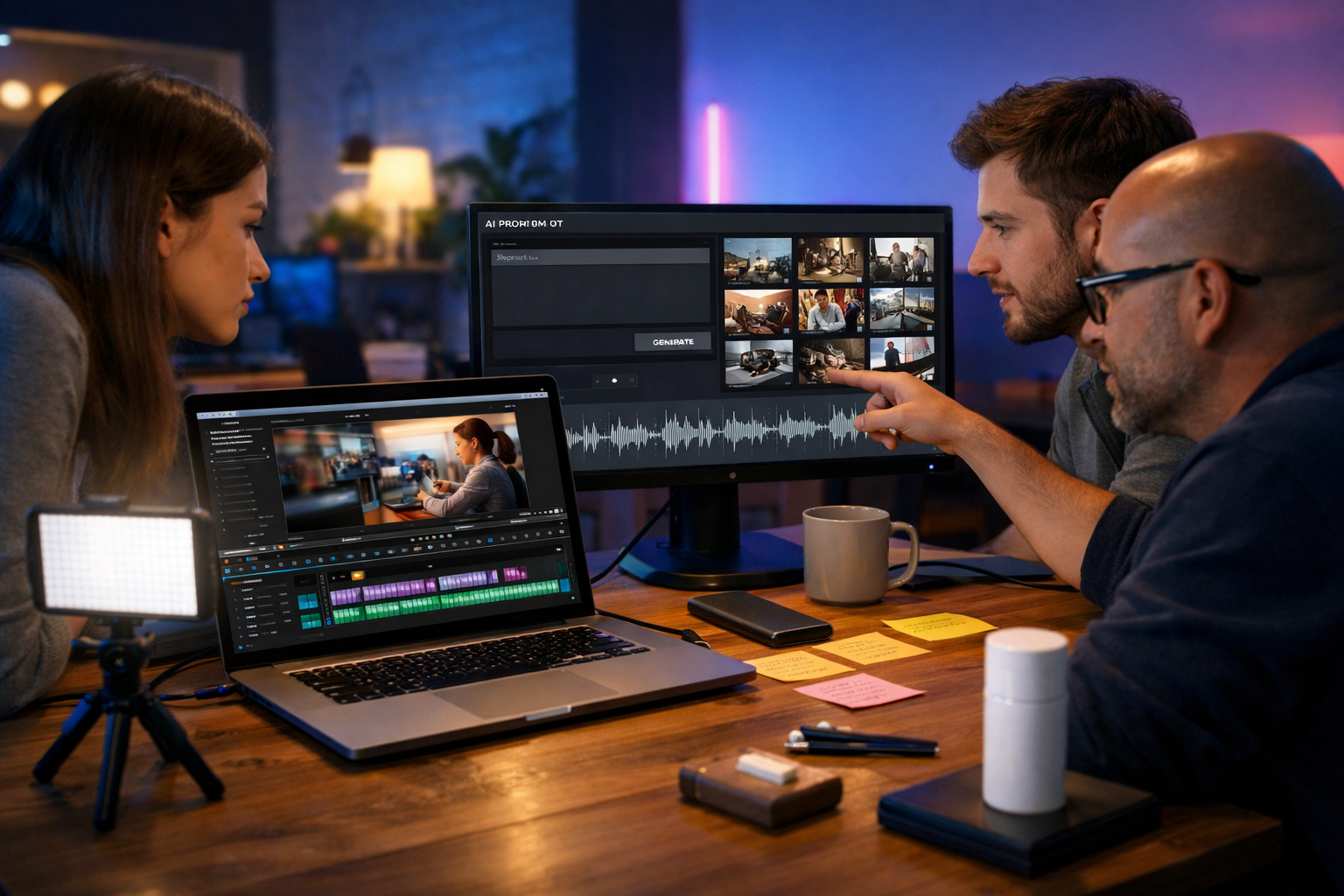
AI video marketing without expensive production is now realistic for startups, creators and small teams: you can plan, script, generate visuals, add voice-overs and publish platform-ready edits in hours instead of weeks. The key is swapping high-cost filming and post-production for a repeatable AI workflow that still looks professional, stays on brand and drives measurable results.
Why video no longer needs a big budget
Traditional video production is expensive because you pay for people (producer, camera operator, editor), gear (cameras, lenses, lighting), time (shoot days, revisions) and logistics (locations, talent, props). Most small businesses don’t need cinematic perfection—they need consistent, clear communication that helps customers understand, trust and buy.
AI reduces cost by automating the most time-consuming steps: first drafts of scripts, storyboards, B-roll style visuals, voice-over reads, background music and multiple cut-down versions for different platforms. When you pair that with a simple brand system (fonts/colours/tone) and a distribution plan, you can publish at a cadence that rivals larger competitors.
What “without expensive production” really means (and what it doesn’t)
Low-cost doesn’t mean low-quality. It means you prioritise clarity, speed and consistency over Hollywood-level polish.
- You rely on AI-generated video segments, templates and motion graphics rather than full-day shoots.
- You record minimal original footage on a phone only when it adds credibility (e.g., a quick founder intro or product close-up).
- You use AI voice-overs when you can’t hire talent, and upgrade to human voices later if needed.
- You optimise for performance metrics (hook rate, watch time, CTR) instead of obsessing over perfection.
The one thing it does not mean: ignoring brand and compliance. Even AI-led workflows must be aligned with your product claims, customer expectations and platform policies.
The lean AI video marketing stack (all-in-one)
A common mistake is buying separate tools for scripting, images, voice, music and video editing—then losing time moving assets around. With Gen AI Last you can generate professional text, images, audio and video from prompts in one place, keeping your workflow tight. Explore our AI content tools to see how each part fits together.
Because all features are available from a single subscription, you avoid the “tool sprawl” that quietly turns “cheap” AI production into an expensive monthly bill. If you’re budgeting for growth, view pricing from $10/month and build a repeatable content engine rather than one-off videos.
A proven 7-step workflow for AI video marketing without expensive production
Use this process to create ads, product demos, explainers and social reels with minimal overhead. The steps below include practical prompts and outputs you can reuse across campaigns.
1) Start with one goal and one audience segment
Low-budget campaigns fail when a single video tries to do everything. Pick a clear objective:
- Awareness: introduce the problem and a new approach.
- Consideration: show how it works and why it’s better.
- Conversion: highlight proof, offer, and next step.
Then choose one audience segment (e.g., “busy operations managers at small agencies” rather than “everyone”). This keeps your script, visuals and CTA focused—critical when you’re optimising for short attention spans.
2) Generate a script that’s built for retention
Start with text. A strong script is still the highest ROI part of video marketing because it drives pacing, clarity and persuasion. Use Gen AI Last’s AI text generation to draft variants fast (different hooks, angles and CTAs) and pick the winner.
Prompt example (15–30s paid social):
“Write a 25-second video ad script for [product] targeting [audience]. Start with a punchy hook in the first 2 seconds. Use simple language, 1 key benefit, 1 proof point, and a clear CTA. Include on-screen text cues per scene.”
Retention tips for low-cost AI videos:
- Hook with a specific pain (“Still spending 6 hours a week making content?”) not a generic claim.
- Write for sound-off viewing: concise on-screen text that mirrors the narration.
- Keep sentences short, and aim for a pattern of “problem → insight → solution → proof → CTA”.
3) Turn the script into a shot list and storyboard
Expensive production usually includes pre-production planning. You can replicate that with AI in minutes by converting your script into scene-by-scene instructions: visual type, camera feel, and what should appear on screen.
Storyboard prompt example:
“Convert this script into a 6-scene storyboard. For each scene: describe the visual (setting, objects, lighting), on-screen text (max 6 words), and suggested B-roll style (e.g., close-up hands typing, product UI screen capture, abstract motion graphics).”
This step is where “AI video marketing without expensive production” becomes repeatable: once you have a storyboard template, your team can produce weekly videos with consistent structure.
4) Generate brand-consistent visuals (B-roll, backgrounds, scene assets)
You don’t need to film everything. For many marketing videos—especially explainers and product-led ads—you can rely on AI visuals: background scenes, conceptual imagery, device mockups, abstract motion backdrops and supporting frames.
Use Gen AI Last’s image generation to create:
- Lifestyle B-roll (home office, co-working spaces, customer scenarios).
- Concept visuals (before/after, “busy inbox”, “messy workflow”, “dashboard clarity”).
- Social backgrounds and thumbnail options for A/B tests.
Brand consistency hack: define a mini “visual style guide” for your prompts: lighting (warm vs cool), camera angle (handheld vs clean tripod), colour cues (neutral backgrounds, accent colour), and subject type (real people vs illustrative). Save a handful of reusable prompt components so every new asset looks like it belongs to the same campaign.
5) Add voice-over and audio that sounds intentional
Audio is where low-budget videos often feel cheap. A clean voice-over and subtle background music can instantly raise perceived quality. With Gen AI Last’s audio generation, you can create narration and supporting music without booking a studio.
Voice-over guidance:
- Match tone to funnel stage: upbeat for awareness, calm and confident for conversion.
- Use natural pauses after key benefits and proof points.
- Avoid overly dense scripts; clarity beats speed.
Background music guidance: keep it low, minimal and consistent across a series. The goal is brand memory and pacing, not a dramatic soundtrack.
6) Generate the video and cut versions for each platform
This is where AI video generation shines: you can produce an explainer, a product demo sequence, or a social reel directly from prompts and structured scenes, then iterate quickly. Build a “master” edit first (usually 16:9), then create variations:
- 16:9 for YouTube, landing pages and website hero sections.
- 9:16 for TikTok, Reels and Shorts.
- 1:1 for some paid social placements.
Plan these versions in advance so you don’t rewrite everything later. Your storyboard should already specify what must remain readable on a phone screen.
7) Publish, measure, and iterate weekly (not quarterly)
The biggest advantage of AI-led production is iteration speed. Instead of betting everything on one “big” video, publish a small batch, learn what works, and improve the next set.
Track the basics:
- Hook rate: % still watching at 2–3 seconds.
- Average watch time: your best indicator of relevance.
- CTR: whether the message drives action.
- CPA/ROAS: if running paid campaigns.
Then adjust one variable at a time: hook, first visual, offer, CTA phrasing, or proof point. The goal is a stable system, not a lucky viral hit.
Video formats that work especially well on a tight budget
Not every format needs filming, actors or locations. These formats are ideal for AI video marketing without expensive production because they rely on clarity and structure.
1) The “problem → solution” explainer (20–45s)
Use AI visuals to show the pain (messy workflow, too many tabs, manual tasks), then show your product’s result (time saved, simplified dashboard, consistent output). Pair with a confident voice-over and on-screen captions.
2) Product demo with AI-enhanced B-roll (30–60s)
Capture one or two short screen recordings (or a phone clip of the product), then fill the gaps with AI-generated supporting scenes: customer context, before/after, and feature callouts.
3) Founder-led intro + AI cutaways (15–30s)
Film a simple selfie-style hook on a phone (natural light, clean audio). Then transition to AI-generated visuals and on-screen steps. This hybrid approach adds trust without requiring a full shoot.
4) Testimonial-style story (without filming the customer)
If you have written testimonials, you can turn them into short story videos: a narrated “before/after” backed by relevant visuals. Ensure claims are accurate and you have permission to use customer quotes.
Practical examples: prompts you can reuse
Below are reusable prompt templates you can adapt in Gen AI Last to produce a complete campaign: script, images, audio and video.
Example A: 30-second social ad for a SaaS tool
Text prompt (script): “Write a 30-second TikTok/Reels ad for [SaaS]. Audience: [role]. Pain: [manual task]. Promise: [time saved]. Include 6 short scenes, on-screen captions, and a CTA to try it today.”
Image prompt (B-roll pack): “Create 8 photorealistic B-roll images: busy home office, overloaded inbox, calendar with deadlines, person comparing spreadsheets, clean dashboard on laptop, relaxed team in co-working space, phone showing simple workflow, success moment. Consistent cool-blue tech lighting with warm accents.”
Audio prompt (voice-over): “Friendly, confident UK English narration, medium pace, slight smile tone. Read this script with natural pauses after each benefit.”
Video prompt (assembly): “Create a 9:16 video using these 6 scenes, fast cuts every 2–4 seconds, captions on screen, light motion transitions, end card with CTA.”
Example B: Product demo for e-commerce (new product launch)
Text prompt (demo outline): “Create a 45-second product demo script for [product]. Show: unboxing feel, 3 key features, 1 comparison against old solution, 1 social proof line, and a final offer. Include shot notes that can be done on a smartphone.”
Tip: shoot 10 seconds of real product close-ups on your phone; use AI to create lifestyle contexts you can’t film (kitchen, gym, travel, etc.).
Quality control checklist (so your AI videos don’t look “AI-ish”)
AI production is fast, but you still need a quick review process. Use this checklist before publishing:
- Brand: consistent colours, tone, and vocabulary. Avoid switching styles mid-video.
- Readability: captions and on-screen text large enough for mobile.
- Pacing: remove filler. Aim for one idea per scene.
- Audio: no clipping, consistent volume, music not competing with speech.
- Claims: verify any statistics, pricing, or promises.
- CTA: one clear action (visit page, start trial, book demo).
If your video feels generic, it usually lacks a real customer pain, a specific proof point, or a distinctive brand voice. Fix the script first—then regenerate assets.
Common mistakes that waste budget (even with AI)
AI cuts production costs, but it won’t automatically create results. Avoid these traps:
- Making one “perfect” video: you need iterations, not perfection.
- Ignoring distribution: plan where each version will run before you create it.
- Overstuffed messaging: too many benefits reduces retention.
- Weak hooks: if the first 2 seconds don’t land, nothing else matters.
- No system: without templates for scripts/storyboards, you’ll restart from scratch every time.
A simple weekly production plan for small teams
Here’s a sustainable cadence for a founder + one marketer (or even solo):
- Monday: pick one offer + one audience angle; generate 3 hooks and 2 scripts.
- Tuesday: storyboard the winning script; generate supporting images and backgrounds.
- Wednesday: generate voice-over + background music; assemble the master video.
- Thursday: create 2–3 cut-downs (15s, 30s, 45s) and ratios (9:16, 16:9).
- Friday: publish, review metrics, document what to test next week.
This is exactly where an all-in-one platform helps: you keep momentum because you’re not waiting on freelancers, file transfers, or tool hand-offs.
Getting started with Gen AI Last
To put this into practice, create your first campaign assets in one session: generate two scripts, produce a set of matching visuals, add a voice-over, then output a short video for your primary channel. If you want to test the workflow immediately, start creating for free and build your first repeatable template (hook formulas, scene structures and brand style prompts).
When you’re ready to scale, the same workflow supports weekly output without scaling headcount. And because Gen AI Last includes text, image, audio and video generation in every plan, you can keep costs predictable while increasing creative volume.
FAQs: AI video marketing on a budget
Can AI videos convert as well as filmed videos?
Yes—especially for problem/solution explainers, product-led demos, and direct-response ads. Conversion depends more on message-market fit, proof and a clear CTA than on cinematic production.
Do I need to show real people?
Not always. For some brands, abstract visuals and product UI work well. When trust is a barrier (higher price points, B2B services), a short founder clip or real screenshot can improve credibility.
How do I keep videos consistent across weeks?
Save a small library of reusable elements: hook formulas, scene templates, a visual prompt style guide, and a recurring audio style. Then iterate one variable at a time based on performance.
Final takeaway
AI video marketing without expensive production works when you treat video like a system: strong scripts, a repeatable storyboard format, consistent brand prompts, clean audio, and rapid iteration. With an all-in-one platform like Gen AI Last, small teams can produce professional video content at startup-friendly costs—then improve week after week based on real data.
Ready to Create with Generative AI?
Join thousands of creators using Gen AI Last to generate text, images, audio, and video — all from one platform. Start your 7-day free trial today.
Start Free — Try 7 DaysQuick Links
Create AI content from $10/month
View Plans