AI voice over generator: create professional audio fast
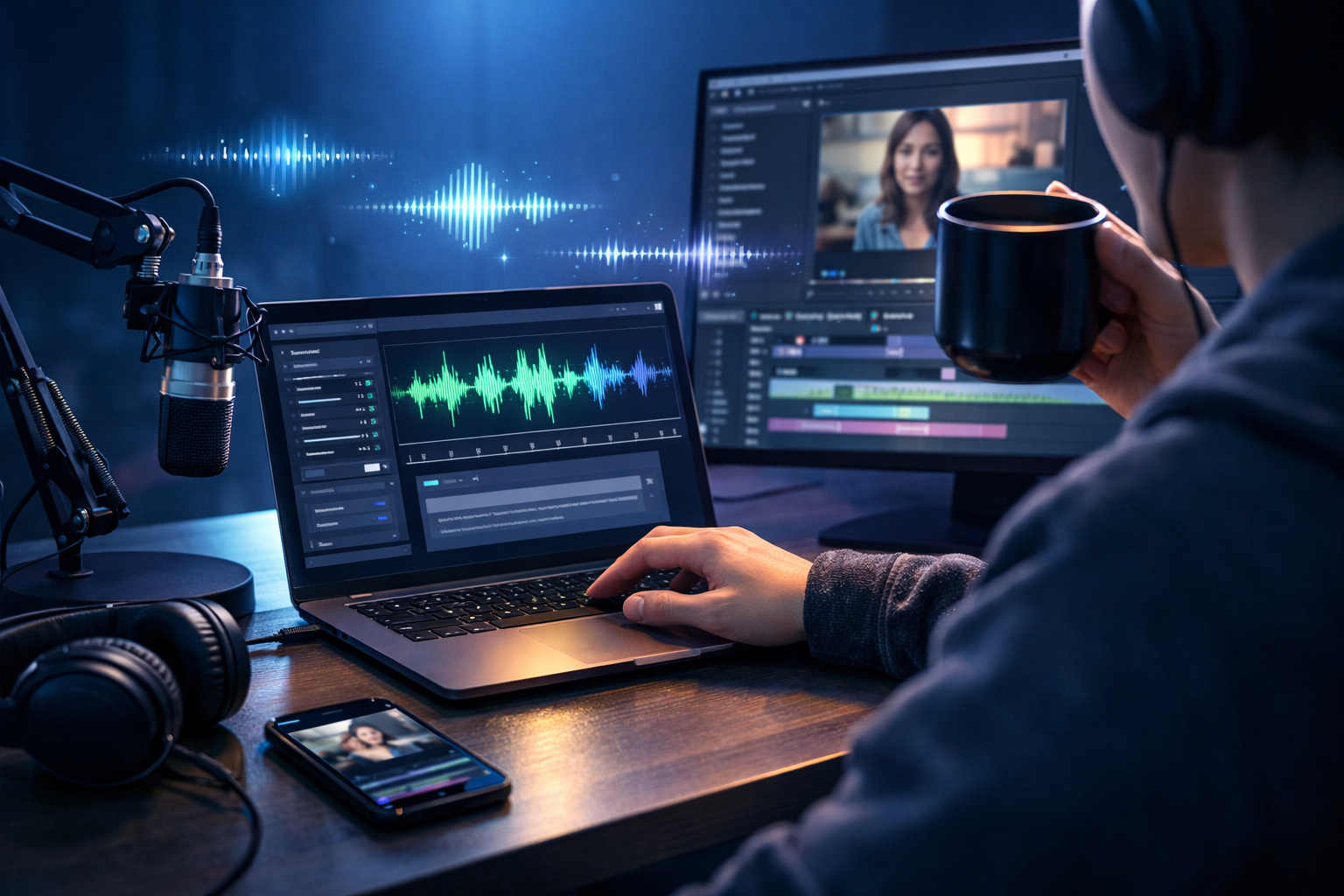
If you need narration that sounds polished but you don’t have time (or budget) to book talent, an AI voice over generator can help you create professional audio fast—for ads, product demos, explainers, reels, podcasts, onboarding, and internal training. The key is not just “press generate”, but using a repeatable workflow: write a voice-ready script, choose the right voice style, control pacing and emphasis, and export clean audio that drops straight into your edit.
What an AI voice over generator does (and why it’s so fast)
An AI voice over generator turns text into natural-sounding speech using text-to-speech (TTS) models trained on real vocal performances. Instead of recording takes, dealing with room noise, or rebooking a voice actor for small changes, you edit the script and regenerate audio in minutes. That speed matters when you’re iterating on ads, updating product features, localising content, or shipping weekly video content.
With our AI content tools, you can generate the script (text), produce the voice-over (audio), and create supporting visuals or video—within one platform. For small teams, that “one workflow” is often the difference between shipping content consistently and falling behind.
When you should use AI voice-overs (and when you shouldn’t)
AI voice-overs are ideal when you need speed, consistency, or multiple versions. They’re especially useful for:
- Marketing videos: product demos, feature updates, app walkthroughs, paid social ads, landing-page hero videos.
- E-learning and training: onboarding, compliance refreshers, internal SOPs, customer tutorials.
- Podcast-style content: intros/outros, short news segments, repurposed blog narration.
- Localisation: quick drafts in multiple accents or languages (where supported) to test new regions.
- Rapid iteration: A/B testing hooks, CTAs, different lengths (15s/30s/60s).
You may want a human voice actor when a campaign relies on highly distinctive performance (comedy timing, brand character acting), or when legal/brand guidelines mandate human talent. For most day-to-day content, AI voice-over is an efficient default, especially for startups and small marketing teams.
How to create professional audio fast: a practical workflow
Speed comes from a process you can repeat. Here’s a workflow designed for quick turnaround without sacrificing quality.
Step 1: Write a voice-ready script (not a blog post)
Voice-over scripts should be spoken, not read. Aim for short sentences, clear structure, and natural phrasing. As a rough guide: 130–160 words per minute for most marketing narration (slower for technical training; faster for energetic social).
Use Gen AI Last’s AI text generation to produce a first draft, then edit with these rules:
- Front-load the point: say the outcome in the first 5–10 seconds.
- One idea per sentence: reduce clauses and stacked concepts.
- Use signposts: “First…”, “Next…”, “Finally…” to guide listeners.
- Write for breath: add pauses after key points and before CTAs.
- Spell out tricky terms: product names, acronyms, or unusual brand words.
Step 2: Choose the right voice style for your use case
“Professional” isn’t one voice; it’s the right voice for the listener and context. Before generating, decide:
- Tone: confident, friendly, authoritative, upbeat, calm, conversational.
- Energy level: higher for ads and reels; lower for tutorials and training.
- Accent and audience: match your market (e.g., UK/US/AU) where available.
- Brand fit: a fintech usually benefits from clarity and calm; a creator brand might lean warm and casual.
Tip: keep one “primary voice” for a series (podcast, course, weekly video) to build familiarity.
Step 3: Control pacing, emphasis, and pauses
Fast generation is great, but the difference between “AI-sounding” and professional audio is usually prosody: rhythm, stress, and breathing space. Even without advanced markup, you can guide delivery by:
- Adding punctuation intentionally: commas and dashes create micro-pauses; full stops slow pacing.
- Breaking long lines: split a 25-word sentence into two shorter ones.
- Using emphasis words sparingly: repeat a key word rather than forcing a dramatic read.
- Writing stage directions as edits: instead of “(pause)”, simply structure the sentence to allow a pause.
If a line feels rushed, shorten it. If it feels flat, add contrast: “Not just faster—cleaner.”
Step 4: Generate, review, and fix only what matters
To create professional audio fast, avoid perfectionism on the first pass. Generate a draft, then listen for three things:
- Pronunciation errors: brand names, acronyms, places.
- Monotone sections: long lists, feature dumps, overly formal copy.
- Awkward pacing: crowded sentences, missing pauses before key claims.
Make small script edits and regenerate. Two quick iterations usually outperform one long “perfect” attempt.
Step 5: Export clean audio for your edit
Once the voice-over is approved, export it and keep file naming consistent (e.g., ProductDemo_VO_30s_v3). If you’re pairing narration with background music, leave a touch more space between sentences so the mix doesn’t feel crowded.
Gen AI Last also supports AI background music and narration workflows, so you can produce a cohesive audio bed for videos, intros, and explainer sequences using the same workspace.
Copy-and-paste script templates (with examples)
Use these templates to move quickly. Replace bracketed text and keep the cadence tight.
Template 1: 30-second product demo voice-over
Structure: Problem → Promise → Proof → How it works → CTA
- “Still [pain point]? Meet [product].”
- “In minutes, you can [main outcome].”
- “Just [step 1], then [step 2], and you’re done.”
- “No [common frustration]. No [common frustration].”
- “Try it today at [CTA].”
Example (Gen AI Last-style workflow): “Still juggling five tools to ship one campaign? Meet Gen AI Last. Generate your script, images, video, and voice-over in one place—fast. Start with a prompt, pick a style, and export content ready to post. No complicated setup. No expensive add-ons. Start creating today.”
Template 2: 60-second explainer voice-over
Structure: Context → Insight → Solution → Steps → Results
- State the situation in one sentence.
- Name the cost of the problem (time, money, mistakes).
- Introduce the solution clearly.
- Give 3 steps or features.
- Close with a measurable outcome and CTA.
Example: “Creating content is easy—creating consistent content is hard. Teams lose hours rewriting, redesigning, and re-recording every time a detail changes. With Gen AI Last, you can generate text, images, video, and professional voice-overs from one prompt. Draft your script, generate narration, add visuals, then export. When you update a feature, just edit the line and regenerate the audio in minutes. Publish faster, stay consistent, and keep costs predictable.”
Template 3: Short-form ad (15 seconds)
Structure: Hook → Benefit → CTA
- “If you want [outcome], don’t do it the slow way.”
- “Use [tool] to [benefit] in minutes.”
- “Get started now.”
Quality checklist: how to make AI voice-overs sound professional
Before you publish, run through this checklist. It prevents the common issues that make voice-overs feel “cheap” or rushed.
- Clarity: every sentence is understandable on first listen.
- Consistency: tone matches the visuals and brand (no sudden shifts).
- Timing: the narration fits your cut; no line fights the edit.
- Pronunciation: proper nouns are correct; acronyms are spoken intentionally.
- Breathing space: there’s room for the viewer to process key points.
- Mix readiness: narration is the focus; music supports, not competes.
Common mistakes (and fast fixes)
Most “bad AI voice-over” is actually a scripting and editing problem. Fix these first:
Mistake 1: Writing like it’s an essay
Fix: shorten sentences, use contractions, and remove filler words. If you wouldn’t say it out loud, don’t write it.
Mistake 2: Cramming too much into one take
Fix: cut one message. For ads, pick a single benefit; for demos, prioritise the “aha” moment.
Mistake 3: Ignoring the edit
Fix: write to visuals. If a screen shows three steps, narrate three steps—no more.
Mistake 4: Overusing hype words
Fix: replace “revolutionary” and “game-changing” with specifics: “publish a week of content in an afternoon”, “update a voice-over in minutes”, “generate product images without a photoshoot”.
Putting it all together with Gen AI Last (text + audio + video)
The fastest teams don’t treat voice-over as a separate task. They build a simple pipeline: script → narration → visuals → final video. Gen AI Last is designed for that end-to-end flow: you can generate your script with AI text tools, produce your voice-over with AI audio, and then create supporting visuals or videos with AI image and video generation—without jumping between subscriptions.
If you’re a startup or small team, cost predictability matters. Gen AI Last includes full access to text, image, audio, and video generation starting from view pricing from $10/month, so you can test formats (ads, demos, explainers) without buying separate tools for each media type.
Fast-start plan: your first professional voice-over in 20 minutes
- Pick one format: 15s ad, 30s demo, or 60s explainer.
- Draft the script: 120–160 words for ~60 seconds; less for ads.
- Choose voice style: match tone to audience and channel.
- Generate and listen: mark pronunciation and pacing issues.
- Edit and regenerate: do two quick iterations.
- Export and place in your edit: trim dead air, align to visuals, add subtle music if needed.
Want to try it immediately? Use start creating for free to draft a script and generate your first voice-over, then scale up when you’re ready.
FAQ: AI voice over generator basics
How fast can I create professional audio with an AI voice over generator?
A solid first draft can be generated in minutes. Most professional results come from one to two quick script edits for pacing and pronunciation—still far faster than recording, editing, and re-recording.
Will it sound natural?
Naturalness depends heavily on your script. Short sentences, clear punctuation, and intentional pauses make a bigger difference than people expect.
Can I use AI voice-overs for commercial marketing?
Many teams do, but you should confirm your usage rights and any platform or client requirements. Keep a consistent brand voice, and avoid implying endorsements where you don’t have permission.
What’s the easiest way to keep a consistent voice across content?
Pick one primary voice and a small set of script templates (15s, 30s, 60s). Reuse your structure, phrasing style, and pacing across campaigns.
Create professional audio fast—without adding more tools
An AI voice over generator helps you move from idea to publishable narration quickly, but the real advantage is repeatability: clear scripts, consistent voice choices, and fast iteration. Gen AI Last brings text, audio, images, and video together so you can produce complete campaigns faster—on a budget that works for small teams. Explore our AI content tools and build a workflow that turns one prompt into professional, multi-format content.
Ready to Create with Generative AI?
Join thousands of creators using Gen AI Last to generate text, images, audio, and video — all from one platform. Start your 7-day free trial today.
Start Free — Try 7 DaysQuick Links
Create AI content from $10/month
View Plans