AI voice over generator: create professional audio fast
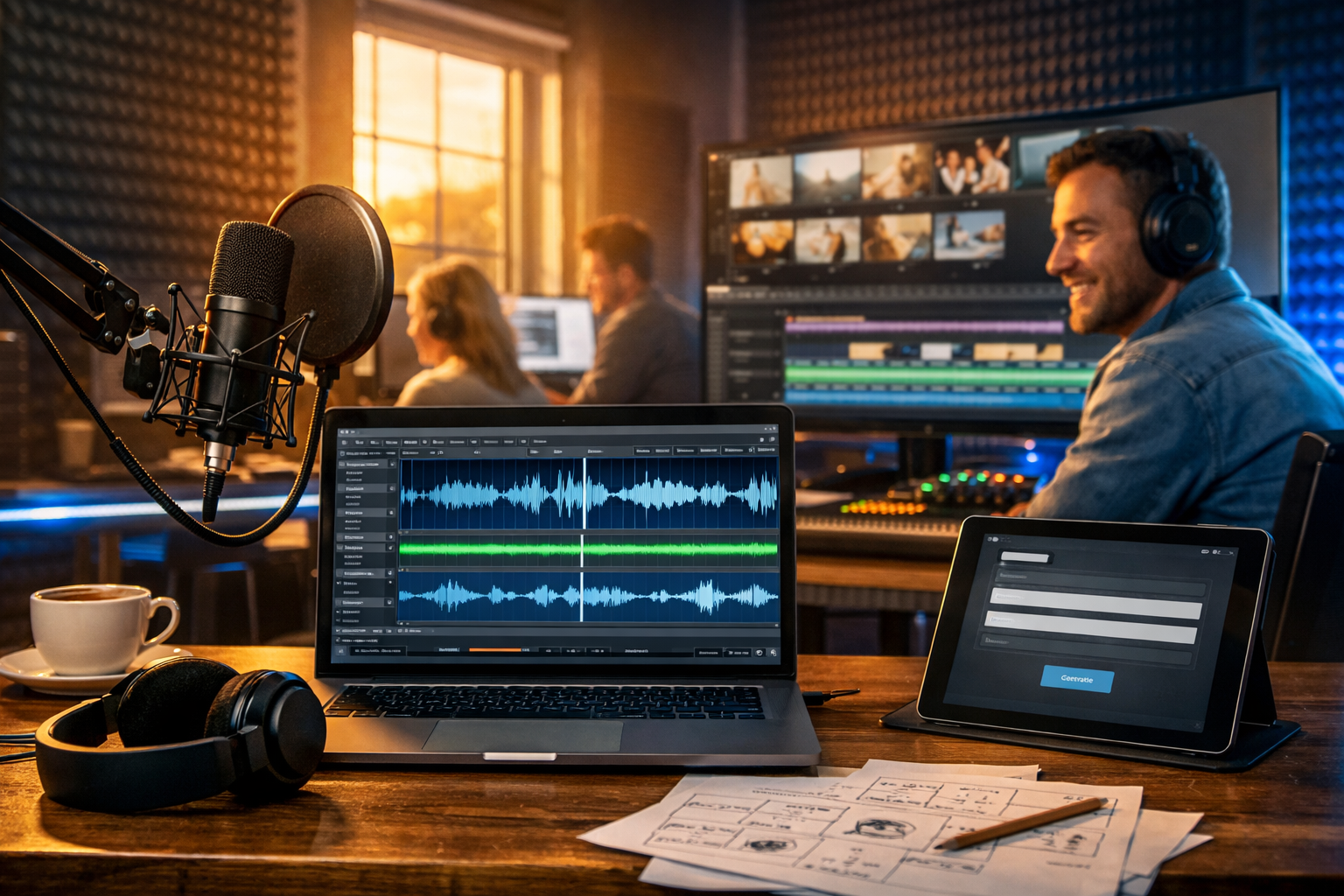
If you’ve ever rushed to finish a marketing video, onboarding walkthrough, or product demo, you already know the bottleneck: clean voice-over. Hiring talent takes time, re-takes are costly, and DIY recordings often sound uneven. A modern ai voice over generator lets you create professional audio fast—with consistent tone, clear diction, and predictable turnaround—so you can publish on schedule without compromising quality.
What an AI voice over generator is (and what it isn’t)
An AI voice over generator converts written scripts into spoken audio using text-to-speech models trained on natural speech patterns. The best tools produce narration that’s stable, intelligible, and brand-appropriate, often with control over pace, emphasis, and style.
It isn’t a shortcut for weak messaging. If your script is unclear, AI will read it clearly—making flaws more obvious. The fastest path to great results is a strong script, the right voice choice, and a simple QA checklist.
Why teams use AI voice-overs to create professional audio fast
Speed matters, but so does consistency. Here are the practical reasons creators and small teams switch to AI narration:
- Same voice every time: Ideal for multi-part series, onboarding modules, and weekly reels.
- Instant revisions: Change a price, feature name, or CTA and regenerate in minutes.
- Scales with content: Produce narration for 10 product videos, not just one.
- Lower production friction: No booking, studio setup, or noise management.
- Supports lean budgets: Particularly useful for startups and small marketing teams.
Gen AI Last is built for exactly this type of workflow: generate your script, create the voice-over, and pair it with images or video from the same platform. Explore our AI content tools to keep production in one place.
Where AI voice-over works best (use cases)
Most people think of narration for YouTube videos, but AI voice-over is useful anywhere you need clear spoken delivery:
- Marketing videos: product promos, feature launches, paid social ads, short reels.
- Product demos: walkthroughs, tooltips narration, release notes videos.
- E-learning: micro-lessons, compliance modules, knowledge base narration.
- Podcasts: intros/outros, sponsor reads, recap segments, trailer episodes.
- Internal comms: onboarding, HR updates, training snippets.
A repeatable workflow: from script to professional audio in minutes
To reliably create professional audio fast, follow a process that reduces rework. This workflow is designed for marketers, founders, and creators producing frequent content.
1) Write for the ear, not the eye
Voice-over scripts should sound like natural speech. That means shorter sentences, fewer stacked clauses, and clear signposting (what, why, next). A good rule: if you wouldn’t comfortably say it in one breath, split it.
- Keep sentences punchy: 8–16 words is a helpful range for most explainer content.
- Use contractions: “You’ll” and “we’ll” often sound more human than “you will”.
- Spell out tricky terms: e.g., “CRM” as “C-R-M” or “customer relationship management”.
- Include pausing cues: add commas and line breaks where you want breathing room.
If you’re starting from scratch, generate a first draft with Gen AI Last’s text tools, then refine it for spoken flow. That’s the fastest way to get a solid script without staring at a blank page.
2) Choose a voice that matches the job
“Professional” doesn’t mean “formal”. The right voice depends on audience, platform, and brand tone.
- SaaS demos: calm, clear, mid-tempo delivery with confident but neutral tone.
- Social ads: more energy, shorter phrasing, stronger emphasis on benefits.
- E-learning: slower pace, extra clarity, consistent phrasing for retention.
- Luxury brands: slightly slower, warmer timbre, more breathing space.
Tip: pick one “house voice” per channel (e.g., one for product videos, one for TikTok-style reels). Consistency makes your content instantly recognisable.
3) Format your script for clean AI narration
Small formatting changes can dramatically reduce mispronunciations and unnatural rhythm.
- Use line breaks for sections: one idea per line.
- Write numbers how you want them read: “£10 per month” may read better than “10/mo”.
- Avoid ambiguous acronyms: write “A-I” if needed.
- Flag special pronunciations: e.g., “Gen AI Last (pronounced: Jen A-I Last)”.
4) Generate, then do a fast quality pass
A quick review avoids publishing audio that feels robotic or off-brand. Listen once at normal speed, then scan for:
- Mispronounced names: product names, people, locations.
- Odd emphasis: especially on pricing, dates, and feature lists.
- Pace issues: too fast for tutorials; too slow for ads.
- Breathless phrasing: add commas or split sentences.
Because AI generation is quick, it’s usually better to fix the script and regenerate than to accept a “nearly right” take.
5) Pair with music and video for a finished asset
Voice-over becomes “professional” when it sits well in the mix. If you add background music, keep it subtle and duck it under speech. Then match your visuals to the beats of the narration: show the feature when it’s mentioned, not before.
With Gen AI Last, you can generate the script (text), create the visuals (image), build the video (video), and produce the narration and music (audio). This all-in-one flow is ideal for small teams who need output without a complex tool stack.
Practical script templates you can copy
Below are short, high-performing structures designed for AI narration. Swap in your details, then generate your audio.
Template 1: 20–30 second paid social ad
Hook: “Still spending hours on content?”
Problem: “Writing, designing, recording—everything takes time.”
Solution: “Gen AI Last helps you generate text, images, video and voice-over from one prompt.”
Proof/benefit: “Ship faster, stay consistent, and keep costs predictable.”
CTA: “Try it today and publish your next asset this afternoon.”
Template 2: 60–90 second product demo intro
“In the next minute, I’ll show you how to go from an idea to a finished marketing asset. First, we generate the script. Then we create on-brand visuals. Finally, we produce a clean voice-over and assemble everything into a short video you can post today.”
Template 3: Podcast intro/outro (15–20 seconds)
Intro: “Welcome to [Show Name], where we share practical ways to grow with AI—without the fluff. Today: [topic]. Let’s dive in.”
Outro: “Thanks for listening. If you found this useful, follow the show and check out Gen AI Last to create scripts, visuals and voice-overs in one place.”
How to make AI voice-over sound more human (without slowing down)
The goal isn’t to “trick” listeners—it’s to deliver clear, pleasant speech. These tweaks usually deliver the biggest improvement per minute spent:
- Add micro-pauses: commas, em dashes, and line breaks guide rhythm.
- Swap complex words: “use” often beats “utilise”; “help” beats “facilitate”.
- Use spoken signposts: “Here’s the key part…” or “Next…” improves comprehension.
- Read it aloud once yourself: you’ll spot awkward phrasing instantly.
- Keep brand names consistent: decide how you say them and keep it uniform across episodes.
Common mistakes when using an AI voice over generator
Most “AI-sounding” voice-overs come from process mistakes, not the technology itself. Avoid these:
- Overstuffed scripts: cramming too much into 30 seconds forces unnatural pace.
- Ignoring pronunciations: acronyms and product names need explicit handling.
- One take and publish: always do a quick listen-through; regenerate if needed.
- Music too loud: background tracks should support, not compete with narration.
- No content consistency: switching voice style every week weakens recognition.
A fast checklist for “professional audio”
Before you export or publish, run this 60-second checklist:
- Clarity: can you understand every word on phone speakers?
- Pace: is the delivery right for the platform (faster for ads, slower for training)?
- Names/prices: are proper nouns and numbers spoken correctly?
- Energy: does it match your brand and the visual style?
- CTA: is the next action clear and easy to follow?
Building a complete content pipeline with Gen AI Last
An AI voice over generator is most valuable when it plugs into a broader creation flow. With Gen AI Last you can:
- Generate scripts: blog posts, product descriptions, email campaigns and social copy.
- Create visuals: marketing images, product-style shots, banners and social graphics.
- Produce video: marketing clips, demos, reels and explainer-style content.
- Produce audio: voice-overs, narration, podcast segments and background music.
Instead of stitching together four different subscriptions, you can keep everything under one roof. If you’re budgeting, view pricing from $10/month—all plans include access to text, image, audio and video generation, which is particularly helpful for startups and small teams.
Example: creating a product promo voice-over in under 15 minutes
Here’s a realistic mini-workflow you can copy for a 45-second promo:
- Draft the message: one sentence each for hook, problem, solution, proof, CTA.
- Generate a script: use AI text generation, then tighten for spoken delivery.
- Generate the voice-over: pick a voice style that matches your audience and channel.
- QA listen: fix any mispronunciations and regenerate if needed.
- Create visuals: generate 3–6 supporting images (or a short video sequence).
- Assemble: align visuals to lines of narration and add low background music.
This is the practical advantage of an all-in-one platform: fewer exports, fewer format issues, and much faster iteration.
FAQ: AI voice-over for fast professional audio
Is AI voice-over good enough for client work?
For many marketing deliverables—social ads, product demos, internal training, and explainer videos—yes. The key is script quality and a consistent voice choice. For high-end brand films, you may still prefer human talent, but AI is excellent for speed and iteration.
How do I reduce robotic tone quickly?
Shorten sentences, add commas and line breaks for pacing, and replace formal phrasing with conversational language. Then regenerate. Most improvements come from script edits rather than technical tweaks.
Can I produce voice-over and the video in the same place?
Yes—Gen AI Last combines text, image, video and audio generation in one platform. That means you can write the script, generate the narration, and produce supporting visuals without juggling multiple tools.
Get started: create professional audio fast
If your content calendar is tight, an ai voice over generator is one of the quickest upgrades you can make. Start with a script written for speech, choose a consistent voice, run a simple QA pass, and you’ll reliably create professional audio fast for videos, podcasts, and product demos.
When you’re ready to put the workflow into action, start creating for free and build your next voice-over alongside the text, images and videos you need to publish.
Ready to Create with Generative AI?
Join thousands of creators using Gen AI Last to generate text, images, audio, and video — all from one platform. Start your 7-day free trial today.
Start Free — Try 7 DaysQuick Links
Create AI content from $10/month
View Plans