AI voice over generator: create professional audio fast
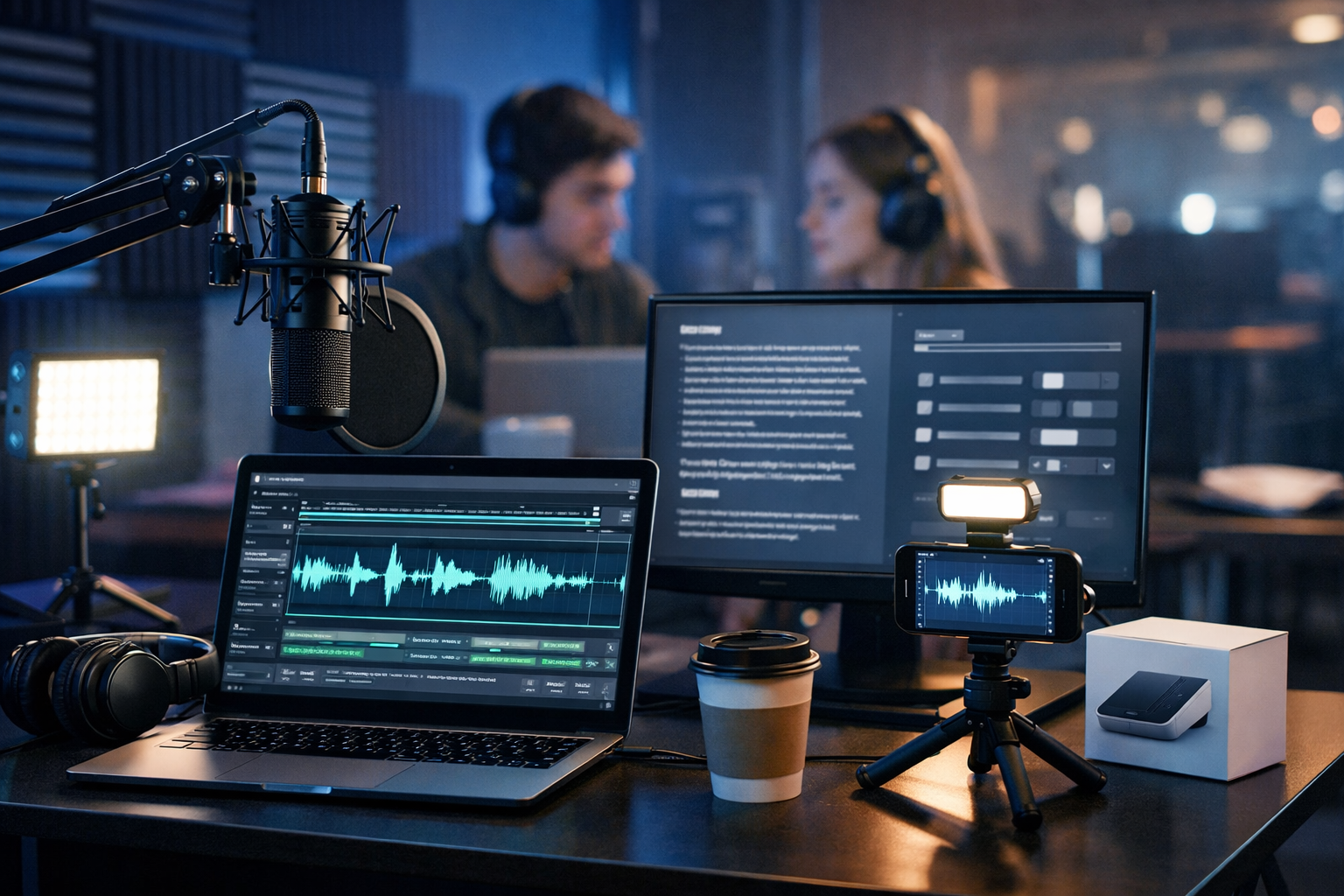
If you need narration for a product demo, explainer video, training module or podcast intro, waiting for studio time (or re-recording one line ten times) slows everything down. An AI voice over generator helps you create professional audio fast—often in minutes—while keeping tone, pacing and consistency under your control.
What is an AI voice over generator (and why it’s now a serious production tool)?
An AI voice over generator converts your script into natural-sounding speech using advanced text-to-speech models. Modern systems do far more than “robot voice”: they can handle emphasis, pauses, rhythm, and a range of accents and styles, giving you narration suitable for marketing, e-learning, social media and internal comms.
The biggest difference versus traditional voiceover workflows is speed. Instead of booking talent, arranging recording, waiting for files, and requesting pickups, you can iterate instantly—changing a line, swapping tone, and exporting new audio the same day.
When you should use AI voiceovers (and when you shouldn’t)
AI voiceovers are ideal when you need speed, scalability, and consistent delivery. They’re also excellent when your content changes frequently—think pricing updates, product releases, or weekly social campaigns.
Best-fit use cases
- Explainer videos and product demos: iterate scripts quickly as the product UI changes.
- Paid ads and social reels: test multiple hooks, tones, and lengths without reshoots.
- E-learning and onboarding: keep a consistent “trainer” voice across modules.
- Podcast segments: intros, outros, sponsor reads, and recap clips.
- Multilingual localisation: adapt scripts for different markets (with human review).
Cases where human voice is still better
- High-stakes brand storytelling: where authenticity and nuance are paramount.
- Sensitive topics: health, bereavement, or crisis comms may require a human-led approach.
- Performance-driven characters: comedy, drama, and complex acting still favour human talent.
How to create professional audio fast: a practical workflow
Speed is great, but “professional” comes from process. Use this workflow to get clean, convincing voiceovers quickly without sacrificing quality.
1) Start with a voiceover-ready script (not a blog post)
Voiceover scripts should be written for the ear: shorter sentences, clear transitions, and fewer nested clauses. Aim for one idea per sentence and read it out loud once before generating audio.
- Tip: Use contractions (“you’ll”, “we’re”) for a natural cadence.
- Tip: Remove jargon, or define it immediately.
- Tip: Put key phrases near the start of sentences for emphasis.
With Gen AI Last you can draft and refine the script using AI text generation (blog-to-script rewrites, ad hooks, concise explainer narration), then generate the matching voiceover in the same platform. Explore our AI content tools to keep writing and audio production in one workflow.
2) Choose the right voice style for the job
“Professional” doesn’t mean “formal”. It means appropriate. Match the voice to the context:
- SaaS onboarding: calm, friendly, steady pacing.
- E-commerce ads: upbeat, energetic, slightly faster delivery.
- Corporate training: clear diction, moderate tempo, less “salesy”.
- Documentary-style explainers: warm tone, deliberate pauses.
Also decide on accent and audience expectations. A UK audience may respond better to a British voice, while global audiences often prefer “neutral” delivery. Consistency matters: pick one voice per series or brand asset type so your content sounds recognisable.
3) Add pacing, pauses, and emphasis (the secret to natural delivery)
Most “AI-sounding” voiceovers happen because the script has no breathing room. Even a great voice model needs guidance. Use punctuation to shape delivery:
- Commas to slow slightly and separate ideas.
- Dashes to create a deliberate pause and highlight a benefit.
- Full stops to reset energy and avoid run-on delivery.
Practical example (before → after):
- Before: “With Gen AI Last you can create marketing videos product demos and voiceovers quickly for your startup.”
- After: “With Gen AI Last, you can create marketing videos and product demos—then add a polished voiceover in minutes. Perfect for lean startup teams.”
4) Generate multiple takes and pick the best (fast A/B testing)
Treat AI voiceover like a mini casting session. Generate 2–4 versions with small differences: a slightly slower tempo, a more enthusiastic tone, and an alternative opening hook. This is one of the biggest advantages of an AI voice over generator: you can test creative quickly before committing to a final video edit.
5) Do a quick quality checklist before exporting
Professional audio is often about avoiding small issues. Run through this checklist:
- Pronunciation: brand names, acronyms, and product terms (add phonetic spelling if needed).
- Energy consistency: does the tone match from start to finish?
- Pauses: are there natural breaks for visuals or on-screen text?
- Timing: does it fit your target length (e.g., 15s, 30s, 60s)?
- Clarity on mobile: listen once on phone speakers.
Speed without chaos: build a repeatable voiceover system
If you create voiceovers weekly, standardise your process so “fast” doesn’t become messy. Here’s a simple system used by small teams:
Create a brand voiceover brief (one page)
- Audience: who is listening, and in what context?
- Tone: friendly, authoritative, playful, calm.
- Speed target: e.g., “moderate, clear for non-native speakers”.
- Words to avoid: filler phrases and overused hype.
- Pronunciation guide: product names, founders, locations.
Use templates for common assets
Templates help you produce professional audio faster because you’re not reinventing structure every time. Examples:
- 15-second ad: Hook → Problem → Benefit → Proof → Call to action.
- Product demo: What it is → How it works → Key feature 1–3 → Next step.
- Podcast intro: Welcome → Topic → Guest → Sponsor → Start.
Practical examples: scripts you can generate today
Below are short, voiceover-ready scripts you can adapt. They’re written to sound natural, with built-in pauses and emphasis.
Example 1: 30-second SaaS explainer voiceover
Script: “Creating content shouldn’t take all week. With Gen AI Last, you can generate blog copy, images, videos, and voiceovers—from a simple prompt. Start with a draft, refine the message, then publish faster. Whether you’re launching a campaign or updating your product demo, you’ll have everything you need in one place. Try it today—and keep your team focused on growth.”
Example 2: 15-second social ad voiceover
Script: “Need a polished voiceover—fast? Paste your script, pick a tone, and generate professional audio in minutes. Perfect for reels, ads, and explainer videos. Get started with Gen AI Last.”
Example 3: Course module opener (e-learning)
Script: “Welcome back. In this module, we’ll cover the three steps to set up your campaign—targeting, creative, and tracking. Pause at any point, take notes, and then follow along with the checklist at the end.”
Pair voiceovers with AI video and visuals for even faster production
The fastest teams don’t just generate audio—they generate the entire asset in one flow: script → voiceover → visuals → video. Gen AI Last supports text, image, audio, and video creation, so you can produce cohesive marketing content without juggling multiple subscriptions or tools.
For example:
- Marketing reel: write three hooks with AI text, generate a punchy voiceover, then build a short AI video with matching visuals.
- Product demo: draft a step-by-step narration, generate clean audio, then create supporting screens and banners with AI image generation.
- Podcast promo: generate intro music/background audio and a short voiceover teaser, then export a video snippet for social.
Cost and time: what “professional audio fast” looks like in practice
Traditional voiceover production can involve talent fees, studio time, editing, and revision cycles. AI voiceover dramatically reduces turnaround, especially for teams producing frequent updates. It’s also easier to keep messaging aligned because you can regenerate audio whenever the script changes—without re-booking anyone.
Gen AI Last keeps this accessible for startups and small teams: all plans include text, image, audio, and video generation starting at $10/month. You can view pricing from $10/month and choose monthly, 6-month, or annual billing depending on your workflow.
Common mistakes that make AI voiceovers sound “off” (and how to fix them)
Most issues are fixable with small script edits and a more deliberate review process.
Mistake 1: Overlong sentences
Fix: Split into two sentences. Replace semicolons with full stops. Keep sentences under ~20 words where possible.
Mistake 2: Unclear emphasis
Fix: Move the key benefit earlier. Add a pause before the most important claim.
Mistake 3: Awkward brand or product names
Fix: Add a phonetic hint in brackets, or rewrite the sentence so the name is less central to the rhythm.
Mistake 4: No timing discipline
Fix: Set a target length first (e.g., 30 seconds). Then cut words ruthlessly. If it doesn’t serve the point, remove it.
A simple step-by-step: generate your first voiceover with Gen AI Last
- Write or paste your script (start with 60–120 words for a short video).
- Refine it into spoken language: shorter sentences, clear transitions, natural phrasing.
- Generate the voiceover and create 2–3 takes with slightly different tone or pacing.
- Listen on headphones and on phone speakers; fix pronunciation and pacing.
- Export and drop it into your video editor—or generate matching visuals and video assets inside the platform.
If you’d like to try the workflow immediately, start creating for free and build your first voiceover alongside your script and visuals.
FAQ: AI voice over generator basics
How do I make an AI voiceover sound more human?
Write for the ear, not the page. Use shorter sentences, add pauses with punctuation, and generate multiple takes. Finally, listen on mobile speakers to catch harsh pacing or unclear words.
Can I use AI voiceovers for commercial projects?
In many cases, yes—provided your tool’s terms allow commercial use and you follow applicable laws and platform policies. Always review usage rights and avoid implying a real person endorses something if they have not.
What’s the fastest way to go from idea to finished asset?
Use an all-in-one workflow: generate the script, create the voiceover, then produce supporting images and video in the same place. That reduces tool switching and speeds up iteration.
Conclusion: fast is good—repeatable is better
An AI voice over generator lets you create professional audio fast, but the real win is consistency: a clear script style, a defined brand tone, and a simple review checklist. With Gen AI Last, you can generate the script, voiceover, visuals, and video together—making it easier for lean teams to publish more often without sacrificing quality.
Ready to Create with Generative AI?
Join thousands of creators using Gen AI Last to generate text, images, audio, and video — all from one platform. Start your 7-day free trial today.
Start Free — Try 7 DaysQuick Links
Create AI content from $10/month
View Plans