Best AI Content Generation Tools (2026): What to Choose
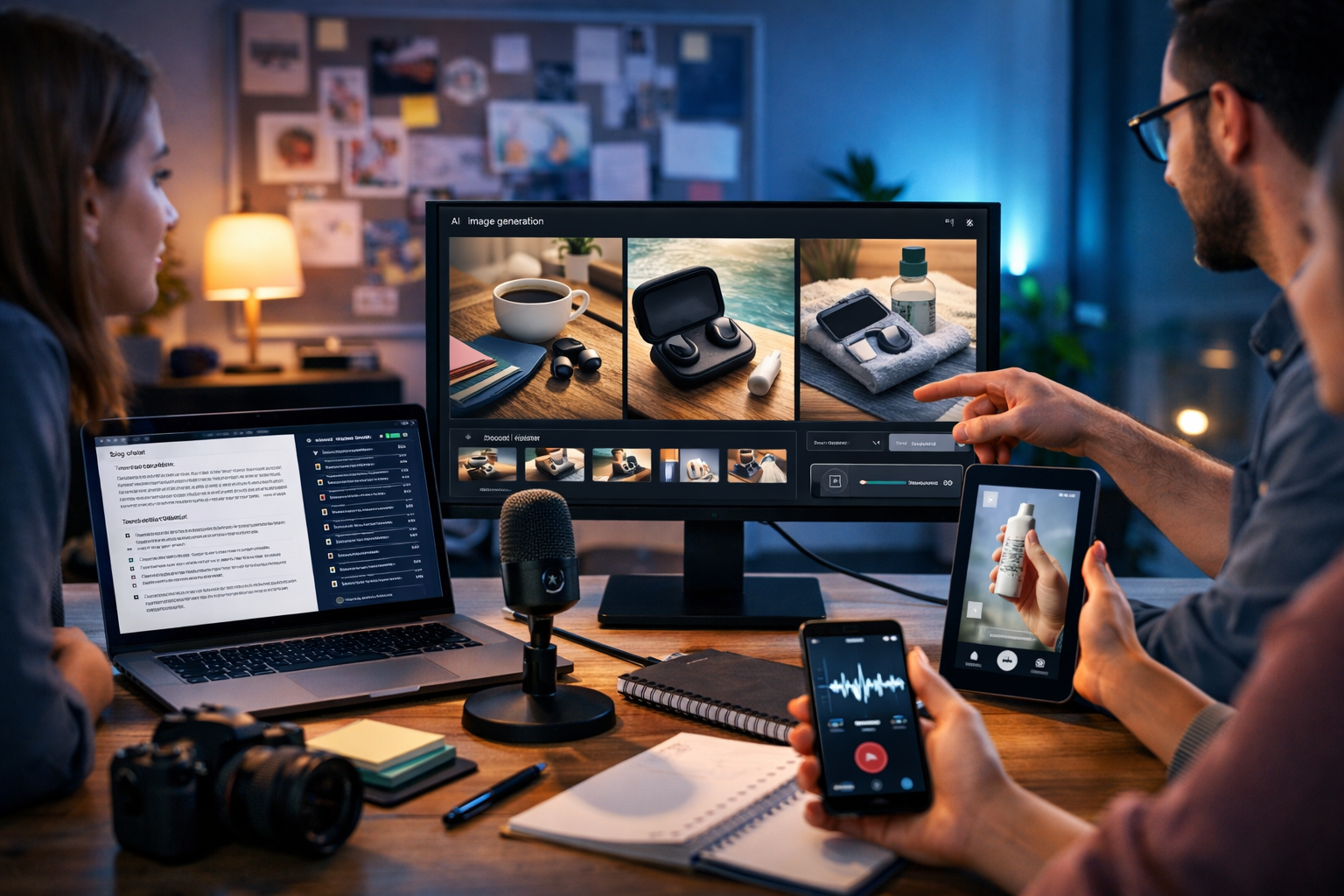
The best ai content generation tools don’t just write copy—they help you ship complete campaigns faster: blog posts, images, short videos and voice-overs that match your brand and goals. The challenge is choosing a tool (or stack) that actually fits your workflow, budget and quality requirements without turning content creation into a patchwork of logins, exports and inconsistent outputs.
What “best AI content generation tools” really means in 2026
People search for the best ai content generation tools because they want results: more content, better performance, less time spent staring at a blank page or waiting on production. But “best” depends on what you’re producing and how you measure success (speed, quality, brand consistency, cost, collaboration, or multi-format output).
In practice, the best tools tend to share three traits:
- They support your entire content pipeline (planning → generation → editing → publishing).
- They reduce tool sprawl by covering multiple formats or integrating cleanly with what you already use.
- They keep quality high with controllable outputs, consistency features and sensible safeguards.
If your team is small (or you’re a solo founder), multi-format generation often matters more than having the most niche features—because the biggest bottleneck is usually producing complete assets for a campaign, not generating one paragraph in isolation.
The four core categories of AI content generation tools
Most “AI content tools” fall into one (or more) of these categories. The strongest platforms either do several of them well or let you move between them smoothly.
1) AI text generation tools
These tools create written content such as blog posts, product descriptions, email sequences and social captions. The real differentiators are not just “can it write?”, but whether it can write in your voice, match a brief, follow a structure and be edited efficiently.
Look for: tone controls, structured outputs (headings, bullet points), rewriting/expansion, and support for multiple use cases (SEO posts, ads, emails, product pages).
2) AI image generation tools
Image generators can create marketing visuals, product mock-ups, social graphics and banner-style assets. For business use, consistency and “brand fit” matter as much as creativity.
Look for: photorealistic capability, style control, aspect ratios for ads/social, and the ability to iterate quickly (variations, refinements).
3) AI video generation tools
Video tools help create marketing videos, product demos, explainer videos and social reels. Many teams struggle here because video usually requires scripts, visuals and voice—ideally generated in a unified workflow.
Look for: short-form video options (reels), editing-friendly outputs, script-to-video flow, and brand-safe visuals.
4) AI audio generation tools
Audio tools cover voice-overs, narration, podcast assets and background music. Audio is a force multiplier: the same script can become a voice-over for ads, demos or onboarding videos.
Look for: natural speech, control over pace/tone, and clean exports suitable for video and podcast workflows.
A practical checklist: how to choose the best AI content generation tool
Use this checklist to compare platforms quickly. It’s designed for marketers, founders and small teams who want outcomes, not a long list of “AI features”.
- Formats covered: Do you need text only, or also images, video and audio?
- Workflow speed: How many steps from idea to publishable asset?
- Quality control: Can you guide structure, tone, length and target audience?
- Brand consistency: Does it help keep messaging aligned across channels?
- Editing & iteration: Can you refine outputs without starting over?
- Commercial usability: Are outputs suitable for marketing and business contexts?
- Cost predictability: Is pricing transparent and realistic for frequent use?
- Team fit: Is it simple enough for non-technical teammates to use?
A common mistake is choosing a “best-of-breed” text tool and then bolting on separate image, video and audio platforms—only to lose time on reformatting, prompting differences and asset management. If your goal is consistent campaigns, an all-in-one platform can be a better “best” for your situation.
Why all-in-one platforms are winning (especially for small teams)
When you create content at scale, the slowest part is coordination: aligning a blog post, social creatives, a short promo video and a voice-over so they tell the same story. All-in-one platforms reduce friction by keeping creation in one place and enabling you to reuse the same brief and messaging across formats.
Gen AI Last is built around this reality: you can generate text, images, video and audio from simple prompts, so a single campaign idea becomes a full asset pack without switching tools. You can explore our AI content tools to see the full set of generators available in one platform.
What to generate first: a campaign-first workflow (with examples)
If you want consistent output, start with the “spine” of the campaign and then branch into formats. Here’s a workflow you can use every week.
Step 1: Create a single source of truth (the brief)
Write a short brief that includes: audience, pain point, promise, offer, proof, tone, and CTA. Keep it under 10 lines. This will become your master prompt.
- Audience: UK-based ecommerce startups
- Pain point: slow content production across channels
- Promise: publish a full campaign in one afternoon
- Offer: free trial + affordable subscription
- CTA: sign up and generate your first assets
Step 2: Generate the long-form text asset
Start with the blog post or landing page because it forces clarity: you’ll define the structure, proof points and FAQs that later become scripts and captions. With Gen AI Last, you can generate blog posts, product descriptions, email campaigns and social media copy from a single prompt, then refine sections until they match your brand voice.
Example prompt (text): “Write a 1,600-word blog post targeting UK startup marketers on ‘best ai content generation tools’. Include a comparison checklist, pros/cons of all-in-one tools, and a step-by-step workflow for producing blog + social + short video + voice-over in one week. Tone: practical, confident, not hype.”
Step 3: Turn the article into social copy and email
Next, atomise: extract 5–8 social posts, 2 LinkedIn posts, and a short email campaign. The trick is to keep one core message but vary hooks and angles.
- Create one “myth vs reality” post about AI content.
- Create one checklist carousel script for Instagram/LinkedIn.
- Write a 3-email sequence: problem → solution → offer.
Step 4: Generate campaign visuals (image)
Create 3–5 hero visuals that reflect your messaging: “speed”, “multi-format”, “all-in-one”, “team productivity”. Use consistent style choices (lighting, colour mood, composition) so your ads and posts feel like a set.
Example prompt (image): “Photorealistic modern startup desk: laptop with content calendar, phone with social posts, studio mic, softbox light, and a screen showing a product demo timeline. Warm natural light, shallow depth of field, 16:9.”
Step 5: Generate a short video and voice-over (video + audio)
Finally, create a 20–40 second reel that summarises the blog’s key points: “What to look for” + “why all-in-one helps” + CTA. Add a voice-over generated from your script to speed up production and keep it consistent.
Example script (video voice-over): “Choosing the best AI content generation tool isn’t about one perfect output—it’s about shipping complete campaigns. Look for text, images, video and audio in one workflow, with quality controls and predictable pricing. If you want to generate your next blog, visuals and reel in one place, try Gen AI Last.”
Key features to prioritise (so you don’t waste money)
When teams say a tool “didn’t work”, it’s usually because it created drafts but didn’t help them publish. Prioritise features that bridge the gap between generation and real-world marketing.
Multi-format generation in one subscription
If you run marketing, you rarely need “just text”. Your blog needs a header image, your product needs visuals, your social needs short video, and your ads benefit from voice-over. Gen AI Last includes text, image, video and audio generation in every plan, which simplifies budgeting and removes the need for multiple subscriptions.
You can view pricing from $10/month—a practical range for startups and small teams that want full capability without enterprise overhead.
Prompting that non-experts can actually use
The best tools help you get great results without being a “prompt engineer”. Look for platforms that work well with straightforward prompts and allow iterative improvements: shorten, expand, change tone, rewrite for a different channel.
Consistency across channels
One of the biggest hidden costs in content creation is inconsistency—every channel says something slightly different. Use a single brief and reuse the same product claims, proof and CTA across assets. An all-in-one workflow makes that easier because you’re not rewriting from scratch in four different tools.
Common mistakes when using AI content tools (and how to avoid them)
AI makes content faster, but speed can amplify mistakes. Here are the issues that most often reduce performance—and what to do instead.
- Mistake: publishing first drafts.
Fix: treat AI as a first-pass producer; you are still the editor. Add original examples, metrics, and product specifics. - Mistake: vague prompts.
Fix: include audience, format, length, tone, and the single action you want the reader to take. - Mistake: separate tools per format.
Fix: minimise context switching—create text, then adapt it to image/video/audio within one platform where possible. - Mistake: ignoring brand voice.
Fix: add a “voice block” to every prompt (do/don’t list, vocabulary, sentence length, reading level). - Mistake: weak CTAs.
Fix: match the CTA to intent (informational content → try/free/register; product content → demo/buy).
A simple scoring framework to compare tools
If you’re evaluating options, score each tool from 1–5 in the categories below. Multiply by what matters most to your team.
- Output breadth: text, image, video, audio
- Output quality: how much editing is needed?
- Control: structure, tone, length, variations
- Speed: time from prompt to publishable asset
- Cost: realistic total cost for your monthly volume
- Ease of use: onboarding and repeatability
For many startups, “output breadth + cost predictability” wins. That’s why tools like Gen AI Last—covering all major content types in one plan—often score higher in real operations than single-purpose tools that require a larger stack.
How Gen AI Last fits into a modern content stack
Gen AI Last is designed for teams that need to create complete marketing assets from one place:
- AI Text Generation: blog posts, product descriptions, email campaigns, social media copy
- AI Image Generation: marketing visuals, product photos, social graphics, banners
- AI Video Generation: marketing videos, product demos, social reels, explainer videos
- AI Audio Generation: voice-overs, podcast audio, background music, narration
If you want to explore the capabilities in one place, visit our AI content tools. If budget is a key constraint, the fact that all features are available from one entry price can simplify decisions for small teams: view pricing from $10/month.
Frequently asked questions
Are AI content generation tools worth it for small businesses?
Yes—if you use them to produce complete assets consistently (not just one-off drafts). The best returns come from repeatable workflows: one brief becomes a blog post, social posts, images, a reel and a voice-over.
Will AI content hurt SEO?
AI-generated content can perform well when it’s genuinely helpful, well-structured, and edited with original insights and accurate claims. Avoid thin pages, duplication, and unverified facts. Use AI for speed, then add expertise, examples and clear intent matching.
What is the biggest factor when choosing the best ai content generation tools?
It’s usually workflow fit. A tool that produces decent drafts but doesn’t cover the formats you need (or forces constant exporting and reformatting) will cost more in time than it saves.
Next steps: pick a tool and run a 60-minute test
To choose confidently, don’t over-research—run a short, structured test. In one hour, try to produce: (1) a 900–1,200 word article draft, (2) three social posts, (3) one hero image concept, and (4) a 20–30 second video script plus voice-over. Whichever platform gets you closest to publishable assets with the least friction is the best choice for your team.
When you’re ready to build your first full campaign in one place, start creating for free and turn a single prompt into text, images, video and audio—without juggling multiple tools.
Ready to Create with Generative AI?
Join thousands of creators using Gen AI Last to generate text, images, audio, and video — all from one platform. Start your 7-day free trial today.
Start Free — Try 7 DaysQuick Links
Create AI content from $10/month
View Plans