Best AI Image Generation Tools for Product Marketing (2026)
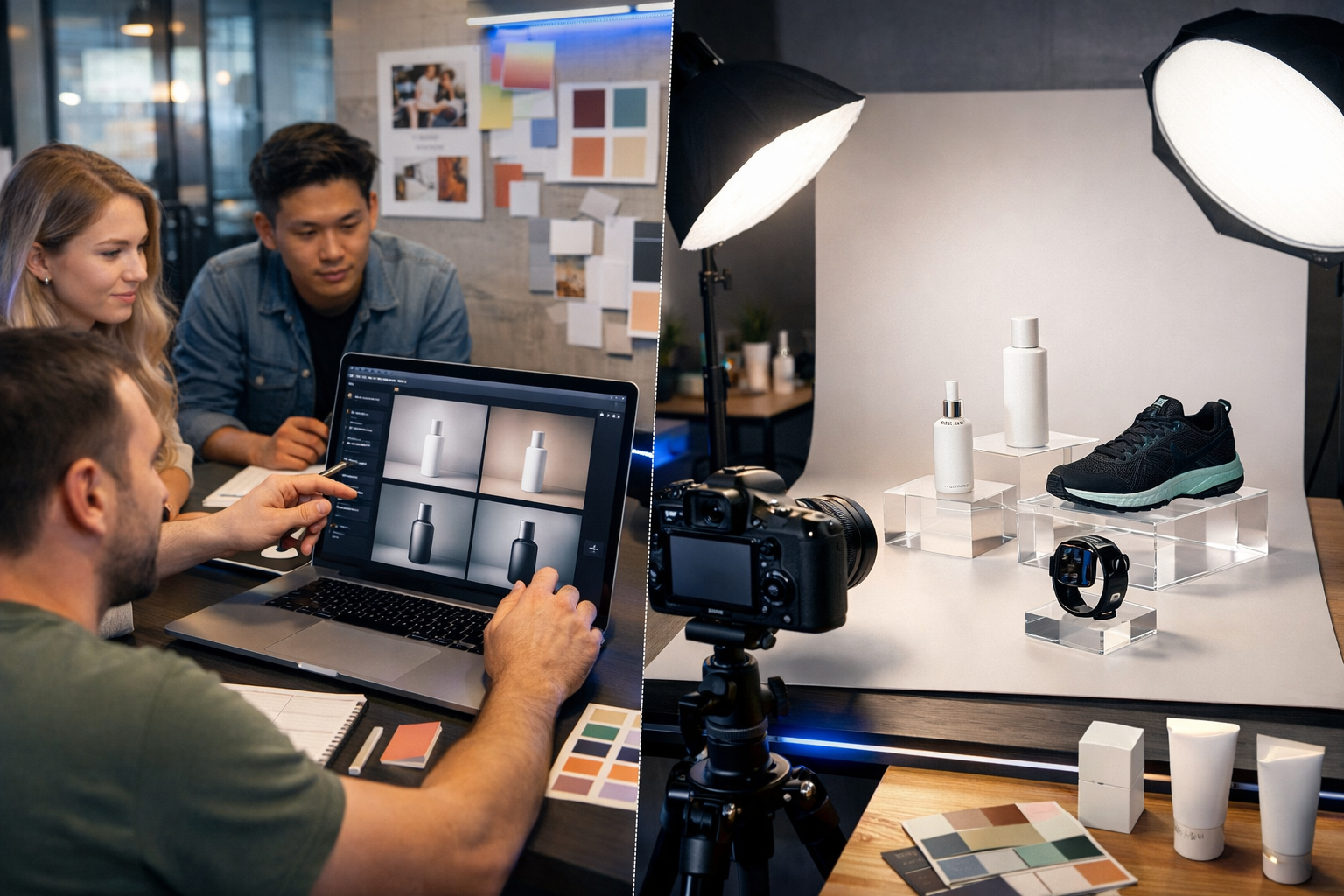
The best AI image generation tools for product marketing aren’t the ones that merely create “pretty pictures” — they’re the tools that help you produce consistent, on-brand, conversion-focused visuals at speed, while reducing the time and cost of traditional shoots. In this guide, you’ll learn what to look for, which options fit common product marketing scenarios, and how to use Gen AI Last to generate product-ready creatives for ads, landing pages, marketplaces, and social.
What makes an AI image generator “best” for product marketing?
Product marketing images have different requirements from general AI art. You need realism, brand consistency, accurate product depiction, and a format that matches where the creative will be used (Amazon listing, Shopify homepage, Meta ads, TikTok, email, etc.). The “best” tools prioritise controllability and repeatability — not randomness.
- Photorealistic output and strong lighting control for hero shots and lifestyle scenes.
- Consistency across a campaign (same product angle, same set, same brand palette).
- Ability to generate variations quickly (backgrounds, props, seasonal themes, formats).
- Good prompt adherence (the tool actually respects details like “matte white bottle”, “amber glass”, “minimalist studio”).
- Practical editing options (inpainting/outpainting, background replacement, upscaling).
- Commercial usage clarity and predictable costs.
If you’re a startup or small team, it also matters whether you can do more than images in one place. Product marketing rarely stops at visuals — you also need copy, video variations, and voice-over. That’s why many teams prefer an all-in-one platform such as our AI content tools, where image generation sits alongside text, video, and audio creation.
Best AI image generation tools for product marketing: top options
Below are the leading choices marketers use today, including how they typically fit into product marketing workflows. The right selection depends on your product type (fashion, beauty, electronics), how strict your brand guidelines are, and whether you need images only or a full creative pipeline.
1) Gen AI Last (best all-in-one for lean product marketing teams)
Gen AI Last is designed for teams that want to create campaign assets end-to-end from simple prompts. Alongside AI image generation for marketing visuals, you can generate product copy, ad headlines, email campaigns, short-form video creatives, and voice-overs — all on the same plan.
- Best for: startups, small e-commerce teams, agencies producing lots of variations.
- Use cases: product hero images, social graphics, banner concepts, seasonal background variations, lifestyle scenes.
- Why it’s strong: you can pair image generation with AI text (descriptions, ads), AI video (product demos, reels), and AI audio (voice-overs) without juggling multiple subscriptions.
Pricing is straightforward and accessible: all features from $10/month, with longer-term options if you want to commit. You can view pricing from $10/month and scale your creative output without scaling your tools stack.
2) Midjourney (best for high-impact lifestyle concepts)
Midjourney is widely used for striking, editorial-style imagery. For product marketing, it shines when you need bold lifestyle concepts, dramatic lighting, and campaign mood boards. It can be less predictable for exact product fidelity unless you have strong prompting skills and carefully manage iterations.
- Best for: concepting, creative direction, premium lifestyle visuals.
- Watch-outs: maintaining identical product details across multiple images can be challenging.
3) Adobe Firefly (best for brand-safe, design-native workflows)
Adobe Firefly fits teams already embedded in Photoshop/Illustrator. It’s useful for marketers who want generative fill, quick background changes, and iterative design in an established creative suite. For product marketing, it can speed up “clean-up” tasks and create variations from existing product shots.
- Best for: in-house design teams, brand compliance, asset editing.
- Watch-outs: may be less suited to rapid multi-channel production if you also need video/audio/text in one platform.
4) DALL·E (best for fast, prompt-led marketing visuals)
DALL·E is popular for quickly generating marketing-ready visuals from prompts. It can be effective for social concepts, ad variants, and background ideas. As with most general-purpose generators, you’ll want a QA checklist to catch inconsistencies (hands, labels, materials, reflections) if you’re presenting a product realistically.
- Best for: fast iteration, broad creative range.
- Watch-outs: can drift on fine product details if prompts are not precise.
5) Stable Diffusion (best for custom pipelines and control)
Stable Diffusion is often chosen by technical teams who want deep control, custom models, and advanced workflows (e.g., product-specific training, strict composition control). It can be extremely powerful for product marketing, but typically requires more setup and know-how than hosted, marketer-first tools.
- Best for: teams with technical resources, custom brand/model training, heavy automation.
- Watch-outs: higher complexity; consistency and quality depend on the pipeline.
How to choose the right tool for your product marketing workflow
Instead of asking “which tool is best?”, ask “which tool is best for my bottleneck?”. Use the questions below to decide.
- Do you need exact product fidelity? If you must match a real SKU precisely (colourway, material, packaging), prioritise tools/workflows that support editing, iterative control, and consistent outputs.
- Is your biggest need volume? For paid ads and social, you may need 30–200 variations per month. An all-in-one platform reduces handoffs and speeds testing cycles.
- Do you also need copy and video? If yes, you’ll save time using one platform for images + product descriptions + short videos. Gen AI Last is built for that multi-format reality.
- Who will use it? Designers may prefer design-suite integrations; founders and marketers usually prefer prompt-led tools that ship assets quickly.
- What channels matter most? Amazon requires clean, compliant images; Meta/TikTok rewards scroll-stopping lifestyle; email needs lightweight, on-brand graphics.
High-performing use cases (and what to generate)
AI image generation becomes a genuine product marketing advantage when you use it to create specific asset types that impact conversion and testing velocity.
Product hero images for landing pages
Generate clean, high-contrast hero images with controlled lighting and ample negative space for UI elements. Keep backgrounds simple (off-white, soft gradients, studio backdrops) to avoid “AI noise”.
- Create 3–5 lighting moods: bright studio, warm lifestyle, cool tech, premium dark.
- Generate wide (16:9) and square (1:1) variants for web and social.
Lifestyle scenes for ads (Meta, TikTok, Pinterest)
Lifestyle creative sells outcomes. Use AI to place the product in realistic contexts: bathroom counter for skincare, gym bag for supplements, desk setup for electronics. Aim for believable materials, natural shadows, and relevant props.
- Generate “context packs”: home, office, outdoors, travel.
- Test diverse models and settings for audience resonance.
Seasonal and promotional variants
Instead of reshooting every season, generate thematic backgrounds and compositions: Black Friday neon accents, Christmas warmth, summer outdoor brightness, back-to-school minimalism. Keep the product centre-stage and avoid clutter.
Creative testing at scale (A/B and multivariate)
AI makes it feasible to test one variable at a time: background colour, prop type, camera angle, lighting, or framing. This is where small teams win — you can out-test bigger brands with less overhead.
Prompt framework: how to get product-marketing-quality images
Most disappointing results come from vague prompts. Use a structured prompt so the model understands product, context, camera, lighting, and constraints.
- Product specifics: type, material, colour, finish, size cues, condition (new, pristine).
- Scene: studio vs lifestyle, surface, props, background style.
- Camera: lens look (50mm, macro), angle (front, 3/4), depth of field.
- Lighting: softbox, window light, rim light, golden hour, cool tech.
- Brand constraints: minimalist, premium, playful; palette cues.
- Negatives: no text, no logos, no watermark, no deformed hands, no extra products.
Example prompts you can adapt
1) Clean studio hero (skincare)
Photorealistic studio product photo of a matte white skincare bottle with a silver cap on a pale stone surface, softbox lighting from the left, subtle shadow, neutral off-white gradient background, 3/4 angle, 50mm lens look, high detail, premium minimal aesthetic, no text, no logo, no watermark, 16:9.
2) Lifestyle context (fitness)
Photorealistic lifestyle shot of a sleek black protein shaker beside a gym towel and wireless earbuds on a wooden bench, morning window light, shallow depth of field, realistic condensation, energetic but clean composition, natural colours, no text, no logos, no watermark, 16:9.
3) Tech product ad (wearable)
Photorealistic close-up of a modern smart watch on a reflective acrylic pedestal, cool blue tech lighting with subtle neon rim light, dark gradient background, crisp reflections, macro detail, premium cinematic look, no text, no logo, no watermark, 16:9.
A practical workflow: from prompt to campaign assets (using Gen AI Last)
The fastest route to production-ready assets is a repeatable workflow. Here’s a simple, reliable process small teams use with Gen AI Last to ship creatives quickly.
- Define the campaign goal: awareness (scroll-stopping), consideration (feature highlight), or conversion (offer + proof).
- Generate an image “set”: create 10–20 images across 2–3 themes (studio, lifestyle, seasonal). Keep one variable changing at a time.
- Produce matching copy: use AI text generation to create ad headlines, primary text, product descriptions, and email subject lines aligned to each visual concept.
- Create short video variants: turn your best-performing image concepts into simple product demo or social reel variations with AI video generation.
- Add voice-over when needed: for explainers and reels, generate clean narration using AI audio generation.
- Launch and iterate: feed performance learnings back into the next image batch (e.g., “cool blue tech lighting beat warm lifestyle by 18% CTR”).
If you want to try this workflow without a complex setup, you can start creating for free and build a full set of product marketing assets from prompts in one place.
Quality control checklist (so your images don’t look “AI”)
AI images can fail in subtle ways that hurt trust and conversion. Before publishing, run a quick QA pass.
- Product integrity: does the shape, colour, material and finish look plausible and consistent?
- Shadows and contact points: is the product “grounded” on the surface (no floating edges)?
- Reflections: do reflective surfaces match the scene lighting?
- Props realism: are props proportionate and relevant (no odd, melted objects)?
- Hands and faces: if included, check fingers, jewellery, eye direction, skin texture.
- Compliance: avoid misleading depictions (e.g., medical claims visuals) and ensure your marketplace/ad platform policies are met.
Common mistakes (and how to fix them)
Most problems are predictable — and fixable — once you know what to look for.
- Overly complex prompts: If the model ignores details, shorten and prioritise (product + scene + lighting + constraints).
- Cluttered compositions: Marketing images need a clear focal point. Reduce props and increase negative space.
- Inconsistent campaigns: Save a “master prompt” and only change one variable per iteration (background, angle, palette).
- Ignoring formats: Generate with channel outputs in mind (16:9 for banners, 1:1 for feeds, 9:16 for stories/reels).
- Using AI images where real photos are required: For regulated categories or exact product listings, use AI for backgrounds and concepting, and supplement with real photography where necessary.
How AI image generation fits into a complete product marketing engine
Images drive attention, but conversion is a system: visuals + messaging + proof + distribution. The advantage of an all-in-one platform is speed across the whole funnel. With Gen AI Last, you can generate the creative image concepts, then immediately produce the supporting assets: product page copy, ad variations, email sequences, short demo videos, and voice-over narration — all without switching tools.
If you’re building a consistent cadence of launches, promotions, and content, combining formats in one workflow often beats assembling a patchwork stack of separate subscriptions. For many small teams, that’s the difference between testing two ideas per month and testing twenty.
Frequently asked questions
Can AI-generated images be used in product ads?
In many cases, yes — but you must ensure the visuals aren’t misleading and that they comply with the policies of your ad platform and industry. Use a QA checklist and be especially careful in regulated categories.
Will AI replace product photography?
For some needs (concepts, lifestyle scenes, background variations), AI can reduce the need for frequent shoots. For exact SKU representation and marketplace compliance, traditional photography may still be required. Many brands use a hybrid approach.
What’s the fastest way to create a full campaign set?
Start with 2–3 creative themes, generate 10–20 images, pick winners, then use the same concepts to generate supporting copy and short video variants. An all-in-one platform like Gen AI Last helps you produce and iterate quickly across channels.
Next steps: build your first AI product creative pack
To put this into action, pick one product and generate: (1) a clean studio hero, (2) two lifestyle contexts, and (3) one seasonal promo variant. Then create matching ad copy and an email snippet to test as a bundle. You can do the full workflow using our AI content tools and keep costs predictable with view pricing from $10/month.
Ready to Create with Generative AI?
Join thousands of creators using Gen AI Last to generate text, images, audio, and video — all from one platform. Start your 7-day free trial today.
Start Free — Try 7 DaysQuick Links
Create AI content from $10/month
View Plans