Best AI Image Generation Tools for Product Marketing (2026)
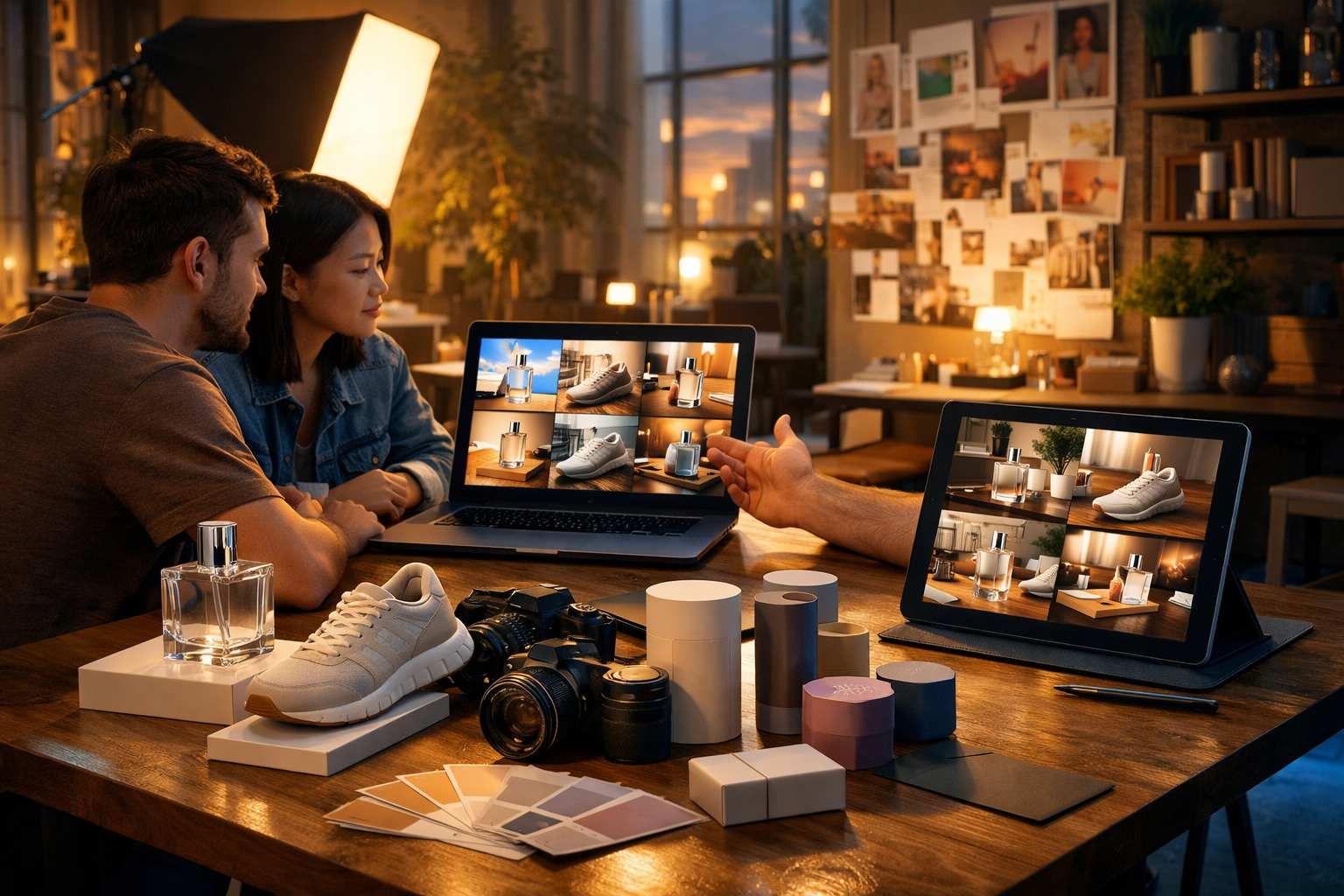
Product marketing lives and dies by visual speed and relevance: the faster you can generate on-brand images for ads, product pages and social posts, the faster you can test what converts. This guide breaks down the best ai image generation tools for product marketing, what they’re best at (and where they fall short), plus practical workflows and prompt templates you can use today.
What “best” means for AI image tools in product marketing
Not all image generators are built for commercial product work. A tool that’s amazing for concept art may struggle with packaging accuracy, consistent brand colours, or creating multiple variations for A/B tests. For product marketing, “best” usually means a combination of:
- High photorealism and clean lighting (especially for lifestyle scenes).
- Strong prompt adherence (so your product doesn’t morph between variations).
- Controls: aspect ratios, styles, composition, and ideally reference images.
- Fast iteration and batch creation for campaigns.
- Commercial-friendly licensing and reliable content safeguards.
- Integration with the rest of your marketing workflow (copy, video, audio).
The tools below are widely used for marketing visuals; the right choice depends on whether you need accurate product depiction, high-volume ad creatives, or “good enough” lifestyle imagery at speed.
Quick comparison: which tool fits which product marketing task?
Before the deep dive, here’s a practical way to shortlist:
- Ad creative variations (fast): Midjourney, Ideogram, Gen AI Last image generation.
- Product shots with more control: Adobe Firefly, Stable Diffusion (with a good UI), Gen AI Last (prompt + consistent style workflow).
- Social graphics / banner-ready styles: Canva + AI, Adobe Firefly, Gen AI Last.
- On-brand campaign worlds: Midjourney, Stable Diffusion, Gen AI Last (paired with text + video generation).
- Team-safe, brand-safe environments: Adobe Firefly, Canva, Gen AI Last.
1) Gen AI Last (all-in-one for product marketing assets)
Gen AI Last is designed for marketers who don’t want to stitch together five different subscriptions. Alongside image generation for ads, lifestyle scenes, banners and social graphics, you also get AI text, video and audio generation in the same platform—useful when your “image task” is actually part of a full campaign.
Where it shines for product marketing
- Campaign consistency: generate a visual concept, then create matching product copy, email campaigns, and social captions without switching tools.
- Speed for small teams: quickly explore multiple creative directions (backgrounds, lighting, props, seasonal themes).
- Budget-friendly: all features from $10/month, which matters when you’re a startup testing paid ads.
- Repurposing: turn your best-performing image concept into short promo videos and voice-over variants.
Typical use cases
- Lifestyle hero images for product pages (e.g., “serum bottle on a marble vanity at sunrise”).
- Social ad creative sets (same product, 10 backgrounds, 3 lighting styles).
- Seasonal promotions (Black Friday, summer launch, Valentine’s bundles).
You can explore our AI content tools to keep image, copy and video aligned, then view pricing from $10/month if you want a single plan for the full stack.
2) Midjourney (high-quality lifestyle scenes and creative direction)
Midjourney is famous for visually striking outputs, which makes it a popular option for product marketing moodboards, concept campaigns, and lifestyle scenes that feel “premium”. It’s especially good when you want evocative lighting, cinematic composition, and creative art direction.
Pros
- Very strong aesthetics: lighting, colour grading, and composition.
- Great for rapid ideation and “world-building” around a product category.
- Often produces ad-worthy imagery with minimal editing.
Cons
- Can be less reliable for exact product fidelity (logos/labels/pack shapes may drift).
- May require more prompt iteration to keep the product consistent across variants.
Best for: lifestyle creatives, brand campaigns, premium “feel” visuals, idea exploration before a shoot.
3) Adobe Firefly (brand-safe creation for teams already in Adobe)
Adobe Firefly fits neatly into existing Creative Cloud workflows, which is ideal if your team already relies on Photoshop/Illustrator. It’s often chosen for commercial contexts because of Adobe’s focus on enterprise-friendly licensing, content credentials, and editing workflows.
Pros
- Strong integration with Photoshop for realistic finishing and brand assets.
- Useful for marketing graphics, backgrounds, and compositing.
- Good choice where compliance and provenance matter.
Cons
- Creative range can feel more conservative than some specialist generators.
- Best results often come when paired with strong Photoshop skills.
Best for: teams needing controlled brand outputs, production workflows, and reliable editing pipelines.
4) Stable Diffusion (maximum control and customisation)
Stable Diffusion is an ecosystem rather than a single product. Used via various interfaces, it’s popular because it offers deep control—useful if you want to build a repeatable system for a brand or product line. With the right setup, you can push consistency, specific styles, and controlled variations.
Pros
- Highly configurable: styles, workflows, model choices, and fine-tuning options.
- Great for building an internal “creative factory” for a product catalogue.
- Strong community knowledge and tooling options.
Cons
- Higher learning curve than most SaaS tools.
- Governance, licensing, and model choice need careful attention for commercial use.
Best for: advanced teams that want consistency at scale and are willing to invest in setup and QA.
5) Canva (fast social and banner assets with built-in layouts)
Canva isn’t just an image generator—it’s a marketing design workflow. For product marketers, the value is speed: generate a background or visual concept, then immediately drop it into ready-made ad and social layouts with correct sizes.
Pros
- Excellent for resizing and repurposing across platforms.
- Templates and brand kits make consistency easier.
- Great for non-designers producing high volume.
Cons
- AI realism varies; some outputs look “stock-like”.
- Less suited to accurate product depictions without careful compositing.
Best for: social posts, banners, promos, and quick ad iterations.
6) Ideogram (useful when you need graphic-style creatives)
Ideogram has been popular for generating poster-like, graphic visuals. For product marketing, it can be handy for bold creative concepts, especially when you want a designed look rather than strict photorealism.
Pros
- Strong for stylised marketing visuals and graphic compositions.
- Good for concept explorations and themed drops (seasonal, limited edition).
Cons
- Not always the best for true-to-life product photography.
- You’ll still want a design tool for final layouts.
Best for: bold social creatives, campaign concepts, stylised backgrounds.
How to choose the right tool (a practical checklist)
Use this checklist to avoid wasting time on the wrong generator:
- Define your output: PDP hero image, ad creative, email banner, or organic social?
- Decide what must be “accurate”: exact pack shape, colour, ingredients, textures, or just the vibe?
- Set your brand rules: colour palette, lighting style (clean studio vs warm lifestyle), and do/don’t props.
- Assess your team: do you have a designer who can composite and retouch, or do you need “ready-to-post” results?
- Check usage rights and compliance: especially for regulated categories (health, beauty claims) and recognisable people.
- Plan for scale: can you produce 30 variations per product per month without the process collapsing?
If you want the simplest path for small teams, an all-in-one platform can remove friction—images, copy, and video are usually produced together, not separately. That’s where our AI content tools can save hours each week.
High-converting workflows for product marketing images
Here are three reliable workflows that work across most AI image generators.
Workflow A: “One concept, ten variations” for paid ads
Start with one strong creative direction, then generate controlled variations to test.
- Keep constant: product type, camera angle, crop, lighting family.
- Change one variable at a time: background, props, time of day, colour accent.
- Ship as a set: 1:1, 4:5, 9:16 and 16:9 versions for platform fit.
Then generate matching ad copy and headlines so you can launch tests quickly. With Gen AI Last you can create the visuals and immediately produce the supporting text assets (primary text, headlines, descriptions) in the same session.
Workflow B: AI background + real product cut-out (best for accuracy)
If your product packaging must be exact (logos, ingredient lists, regulatory labels), consider compositing: use AI for the scene and your real product photo for the foreground. This typically yields the most “brand-safe” result.
- Shoot the product once on a simple background (even a phone photo can work if lighting is decent).
- Generate multiple lifestyle backgrounds with consistent lighting direction.
- Composite the product into the scene and add a realistic shadow/reflection.
This workflow is ideal for e-commerce brands that need “infinite settings” without reshooting packaging every time.
Workflow C: Image → video ad → voice-over (full funnel assets)
Once you have a winning image direction, expand it into motion. A simple path:
- Generate 3–5 images: hero, close-up detail, usage context, benefit visual, pack shot.
- Turn them into a 10–15 second product demo or reel using AI video generation.
- Add a voice-over and background music for polish.
Gen AI Last supports image, video and audio generation, so you can build a cohesive set without tool-hopping. If you want to try this workflow quickly, start creating for free.
Prompt templates that work for product marketing
Good prompts reduce “randomness” and make your output more usable. Below are templates you can copy and adapt. Replace the brackets with your details.
Template 1: Photorealistic lifestyle hero image
Prompt: “Photorealistic lifestyle product photo of [PRODUCT TYPE] in [SETTING]. The product is placed on [SURFACE] with [2–3 PROPS] that support the benefit of [BENEFIT]. Soft natural light from [LIGHT DIRECTION], shallow depth of field, realistic reflections and shadows, premium commercial photography style, 16:9 wide, high detail, clean background, no text, no logos, no watermark.”
Example: “Photorealistic lifestyle product photo of a vitamin C serum bottle in a bright bathroom setting. The bottle is placed on white marble with a sliced orange, a folded linen towel and a small glass dish. Soft natural light from the left, shallow depth of field, premium skincare commercial photography, 16:9 wide, high detail, no text.”
Template 2: Clean studio pack shot (e-commerce)
Prompt: “High-end studio product photography of [PRODUCT] on a seamless [COLOUR] backdrop. Even softbox lighting, crisp edges, minimal shadows, product centred, 3/4 angle, ultra-realistic materials, 16:9 wide, no text, no watermark.”
Tip: if label accuracy matters, use the compositing workflow (AI background, real product cut-out).
Template 3: Ad variation pack (A/B testing)
Prompt: “Create 8 variations of a lifestyle marketing image featuring [PRODUCT] in [SETTING STYLE]. Keep the product size and camera angle consistent. Generate backgrounds with: [LIST 6–8 BACKGROUND IDEAS]. Lighting: [LIGHT STYLE]. Colour accents: [PALETTE]. 16:9 wide, photorealistic, no text.”
Use the same template for 1:1 and 9:16 crops so your social placements match visually.
Common mistakes (and how to fix them)
AI images can fail in predictable ways. Here’s what to watch for in product marketing.
- Inconsistent product appearance: lock the camera angle, describe the materials, and avoid conflicting descriptors. Consider compositing the real product.
- Overly “AI glossy” look: request realistic imperfections (subtle dust, gentle texture, natural shadows) and specify commercial photography.
- Busy backgrounds: explicitly ask for clean negative space for headlines and UI overlays.
- Wrong audience cues: specify demographic context carefully (hands only, environment, lifestyle props) and avoid sensitive inferences.
- Compliance issues: don’t generate medical claims visually; keep benefit cues subtle and supported by approved copy.
Using AI images ethically and safely in marketing
For E-E-A-T and long-term brand trust, treat AI images like any other marketing asset: document your process and keep your claims honest.
- Be truthful about the product: don’t depict features or accessories that aren’t included.
- Avoid misleading “before/after” visuals: especially in skincare, wellness, finance and health-related categories.
- Check for unintended brand confusion: make sure outputs don’t resemble competitors’ packaging or trademarks.
- Keep a review step: a human QA pass for every live creative is non-negotiable.
A practical approach is to generate concepts with AI, then finalise with brand-approved assets and copy. With Gen AI Last, you can also generate supporting product descriptions and ad variations to ensure the message matches the visual.
A simple “launch kit” you can generate in one afternoon
If you’re launching a new product or running a seasonal push, aim to create a full set of assets rather than one perfect image:
- 5 image creatives: PDP hero, detail close-up, usage scene, bundle shot, promo banner background.
- 12 ad variations: 4 angles × 3 backgrounds (or 3 angles × 4 backgrounds).
- 1 short video: 10–15 seconds for Reels/TikTok/Shorts.
- 1 voice-over: benefit-led script for the same video.
- Copy set: PDP description, 5 headlines, 5 primary texts, 3 email variants.
This is where an all-in-one platform is most efficient. Instead of generating an image in one tool, writing copy in another, and producing a reel elsewhere, you can keep everything together with Gen AI Last—then view pricing from $10/month when you’re ready to scale.
Final recommendation: the “best” tool depends on your marketing reality
If you want striking lifestyle concepts and you can tolerate a bit of iteration, Midjourney is a strong choice. If you need enterprise-friendly workflows and deep editing integration, Adobe Firefly is compelling. If you want maximum customisation and you have the technical appetite, Stable Diffusion can become a serious production system.
For most startups and small teams, the biggest win is speed across the whole campaign—not just the image. Gen AI Last combines image generation with text, video, and audio creation in one place, making it easier to generate, test, and ship complete product marketing assets quickly. If you want to put these workflows into practice today, start creating for free.
Ready to Create with Generative AI?
Join thousands of creators using Gen AI Last to generate text, images, audio, and video — all from one platform. Start your 7-day free trial today.
Start Free — Try 7 DaysQuick Links
Create AI content from $10/month
View Plans