Best AI Image Generation Tools for Product Marketing (2026)
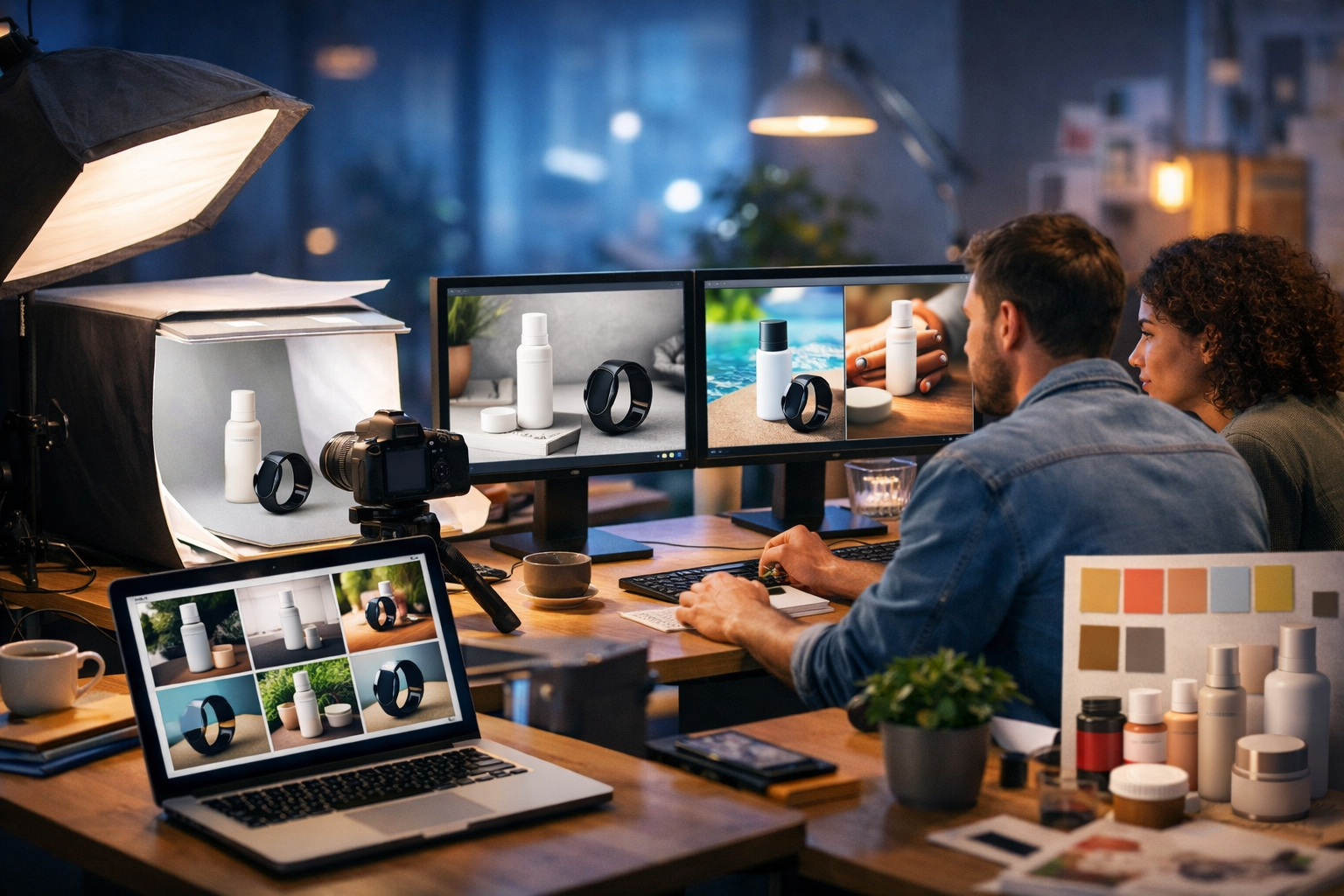
Product marketing lives and dies by visuals: your hero image, listing gallery, social ad creatives and lifestyle shots decide whether people stop scrolling and buy. The best AI image generation tools for product marketing can help you create high-quality, on-brand visuals faster and at lower cost—if you choose the right tool and follow a repeatable workflow.
What “best” means for AI image generation in product marketing
Not all image generators are equally useful for marketing. A tool can create impressive art and still be poor for e-commerce because it struggles with accurate product details, consistent branding, or editable outputs. For product marketing, “best” typically means it performs well across five practical requirements:
- Brand consistency: repeatable styles, colours, lighting and composition across a campaign.
- Product fidelity: the product looks believable and correct (shape, materials, features).
- Speed to variants: quick generation of multiple formats, backgrounds and seasonal themes.
- Commercial usability: outputs suitable for ads, listings, landing pages and social.
- Workflow fit: easy exporting, iteration, and integration with copy, video and audio.
If you’re a startup or small team, cost matters too. Paying separate subscriptions for text, images, video and voice-over quickly becomes expensive—especially when a single campaign needs all of them.
Quick comparison: categories of AI image tools used in product marketing
When people search for the best AI image generation tools for product marketing, they’re usually deciding between these categories (often combined):
- Text-to-image generators for lifestyle scenes, campaign concepts and ad creatives.
- Image-to-image tools to preserve a product photo while changing the background, lighting or style.
- Background removal/replace and generative fill for fast variations.
- Upscalers and enhancers to reach ad platform and e-commerce resolution requirements.
- Template-based design platforms that combine AI with layouts for banners and social posts.
In practice, product marketers need a tool that can reliably create: (1) listing-ready images, (2) lifestyle creatives for paid social, and (3) campaign assets that match brand guidelines.
The best AI image generation tools for product marketing (with pros, cons and best use cases)
Below are widely used tools and platforms that marketers choose for product imagery. The “best” option depends on whether you prioritise photorealism, controllability, speed, or an all-in-one workflow.
1) Gen AI Last (all-in-one: images + text + video + audio)
If your goal is to launch product campaigns quickly—without juggling multiple tools—Gen AI Last is designed for end-to-end creation. You can generate product marketing visuals (hero images, lifestyle scenes, banners and social graphics) and then immediately produce the supporting assets: product descriptions, ad copy, email campaigns, voice-overs, and even short promo videos.
- Best for: small teams and startups needing a complete campaign workflow.
- Strengths: one platform for image, text, video and audio; rapid iteration; consistent messaging across channels.
- Considerations: as with any AI imaging, you’ll get the best results by feeding clear product constraints and using a structured prompt.
You can explore our AI content tools and build an entire product launch kit—from a hero image and Instagram carousel to a landing page and voice-over—without leaving the platform.
2) Midjourney (high-quality creative direction and cinematic styles)
Midjourney is popular for striking, high-end visuals—great for concepting product campaigns, bold lifestyle scenes, and premium brand aesthetics. It’s often used early in creative development to explore moods and compositions quickly.
- Best for: high-impact lifestyle imagery, campaign concepts, brand mood boards.
- Strengths: strong aesthetics; fast ideation; wide range of styles.
- Considerations: keeping an exact product look consistent across many images can take more iteration.
3) DALL·E (prompt-friendly, versatile marketing assets)
DALL·E is widely used for creating marketing visuals from text prompts and for quick edits. It’s often chosen by marketers who want straightforward prompting and dependable results for general creative needs.
- Best for: fast creative variations, simple product lifestyle visuals, concept mock-ups.
- Strengths: easy to use; good at following prompts; useful for rapid iteration.
- Considerations: may require careful prompting to keep fine product details consistent.
4) Adobe Firefly (brand-safe workflows and design integration)
Adobe Firefly is attractive for teams already living in Photoshop/Illustrator. It supports generative fill and background changes within familiar design workflows—helpful when you have real product photos and want marketing-ready variants.
- Best for: editing product photos, resizing and extending backgrounds, creative fill for ads.
- Strengths: strong editing workflows; good for practical production work.
- Considerations: may involve multiple steps and additional Adobe subscriptions for full workflow.
5) Stable Diffusion (maximum control, custom models and consistency)
Stable Diffusion is often the choice for teams that need deep control—particularly for consistent product representation, specific styles, or custom fine-tuning. It can be powerful for brands with strict guidelines and repeated campaigns.
- Best for: advanced users needing control, repeatability and potentially custom training.
- Strengths: flexible; can be tuned; strong ecosystem of tools.
- Considerations: steeper learning curve; more time to set up a reliable workflow.
6) Canva (AI-assisted design for social and ads)
Canva is less about pure generation and more about turning ideas into finished designs with templates. Marketers often use it to assemble AI-generated images into social posts, banners, and display ads at speed.
- Best for: quick social creative production, ad sizes, simple brand kits.
- Strengths: easy layout tools; fast exports; team collaboration.
- Considerations: image generation quality and control may not match specialist generators.
How to choose the right tool (a practical scoring checklist)
Use this lightweight checklist to score tools for your product marketing needs. Rate each category from 1–5 and total it. The tool with the highest score is usually the best fit for your workflow.
- Fidelity: Can it generate believable materials (glass, metal, fabric) and correct proportions?
- Consistency: Can you keep the same product look across 10–30 variants?
- Control: Can you specify camera angle, lens look, lighting, background and composition reliably?
- Editability: Can you easily adjust backgrounds, extend canvases, and iterate without starting from scratch?
- Commercial workflow: Can you pair visuals with copy, video and voice-over without tool-hopping?
- Cost: Does pricing make sense for ongoing campaigns and A/B testing?
If you’re running regular launches, bundles, seasonal promotions or paid social, your biggest hidden cost is usually time—switching between tools, reformatting assets, and rewriting copy to match visuals. An all-in-one platform can reduce that overhead significantly.
A repeatable workflow: from product idea to campaign visuals in under an hour
Here’s a practical workflow used by lean marketing teams to create conversion-focused images quickly.
Step 1: Define the job of the image (not just the style)
Before you write prompts, decide what the image must achieve:
- Product listing: clarity, accurate colour, clean background, multiple angles.
- Paid social ad: instantly communicates benefit, use case, and brand vibe.
- Landing page hero: premium feel, space for headline/CTA, strong lighting and composition.
Step 2: Lock brand constraints
Write a short “brand constraint block” you can reuse in prompts:
- Colour palette (e.g., warm neutrals + a single accent colour)
- Lighting (e.g., soft natural window light, minimal harsh shadows)
- Composition (e.g., centred product, negative space on the right)
- Texture (e.g., premium matte surfaces, minimal props)
This is how you stop visuals drifting across channels.
Step 3: Generate 12–24 variants on purpose
Instead of generating “one perfect image”, generate a small set of purposeful variants for A/B testing. For example:
- 3 backgrounds (studio seamless, lifestyle kitchen/bathroom, outdoor)
- 2 lighting looks (bright natural, moody premium)
- 2 compositions (close-up detail, wider scene with context)
- 2 aspect ratios (1:1 feed, 9:16 story/reel cover)
Step 4: Build a full campaign pack (image + copy + video + audio)
This is where an all-in-one platform saves the most time. After producing your best-performing visuals, generate matching assets: product descriptions, ad variants, email copy, short promo video scripts, voice-overs and background music. With Gen AI Last, you can do this in one place via our AI content tools, then keep everything aligned with the same positioning and tone.
Prompt framework: the template product marketers should use
Most inconsistent results come from prompts that are either too vague (“make it premium”) or too long without structure. Use this simple prompt framework:
- Product: what it is, materials, colour, key features.
- Use case: where it’s used and by whom (lifestyle context).
- Camera: angle, focal length feel, depth of field.
- Lighting: soft natural, studio, golden hour, neon accents, etc.
- Brand constraints: palette, props, negative space, mood.
- Quality: photorealistic, high detail, clean, sharp.
- Negatives: what to avoid (warped labels, extra fingers, distorted packaging).
Example prompt: skincare product lifestyle ad
Prompt: “Photorealistic lifestyle product photo of a matte frosted glass skincare serum bottle with a white pump and subtle metallic cap, placed on a light stone bathroom vanity with a soft linen towel and a green plant in the background. Shot at a 45-degree angle, medium close-up, shallow depth of field, premium clean aesthetic. Soft natural window light from the left, gentle shadows, warm neutral palette with a single sage-green accent, minimal props, plenty of negative space on the right for ad copy. Ultra sharp product edges, realistic reflections. Avoid warped labels, distorted pump, extra objects, unrealistic text.”
Example prompt: smartwatch product hero with tech vibe
Prompt: “Photorealistic hero image of a sleek black smartwatch with a silicone strap on a dark charcoal surface, subtle condensation and a hint of motion blur from a light wrist turn. 85mm lens look, high contrast, crisp highlights on the glass, cool blue tech lighting with neon accents in the background bokeh. Minimalist premium composition, centred product, negative space at the top for headline. Realistic materials (glass, metal, silicone). Avoid distorted screen, incorrect strap shape, warped reflections, unwanted text.”
Best practices to keep product images accurate (and avoid “AI-looking” results)
Product marketing demands trust. If your images look synthetic, conversion rates suffer. Use these tactics to improve realism and accuracy:
- Anchor with a real reference: when possible, start from an actual product photo and use image-to-image for background and lighting variations.
- Describe materials precisely: “brushed aluminium”, “matte polycarbonate”, “frosted glass”, “woven cotton”.
- Specify camera language: “studio packshot”, “softbox lighting”, “shallow depth of field” is more actionable than “professional”.
- Limit props: too many objects increase the chance of odd artefacts and distract from the product.
- Use negatives: explicitly exclude distorted packaging, unreadable labels, extra limbs, incorrect geometry.
- Generate in sets: run the same prompt with small controlled changes (background/lighting) so the campaign stays coherent.
Where AI image generation fits in your product marketing funnel
AI visuals aren’t just for “pretty pictures”. They map neatly to funnel stages:
- Awareness: scroll-stopping lifestyle scenes, bold concepts, seasonal hooks.
- Consideration: comparison visuals, benefit-led creatives, feature callouts (leave space for text overlays).
- Conversion: clean product shots, bundle images, guarantee/offer creatives, trust-building visuals.
- Retention: how-to visuals, accessory pairings, community-style imagery.
To move faster through these stages, pair your visuals with channel-specific copy. For example, after you generate imagery in Gen AI Last, you can immediately produce product descriptions, ad headlines, and email sequences that match the exact positioning of each creative variation.
A simple “campaign in a box” example using Gen AI Last
Let’s say you’re launching a new reusable water bottle. Here’s a fast, practical output list:
- Images: 1 clean packshot, 3 lifestyle scenes (gym, office desk, hiking), 6 colour variants, 2 seasonal promos.
- Text: product page description, Amazon-style bullets, 10 ad headlines, 10 primary texts, 3 email flows.
- Video: 15-second product demo reel storyboard + generated short video for social.
- Audio: friendly voice-over for the reel, plus subtle background music.
Because all of this can be created within one platform, you reduce handoffs and keep the message consistent. If you want to keep costs predictable, you can view pricing from $10/month (with full access to text, image, audio and video generation across plans).
Common mistakes when using AI image tools for product marketing
- Over-stylising at the expense of clarity: your product becomes a prop instead of the hero.
- Ignoring aspect ratios: generate assets in the sizes you actually need (1:1, 4:5, 9:16, 16:9).
- No negative space: ads and landing pages need room for headlines and CTAs.
- Inconsistent lighting across a set: the campaign looks stitched together from different brands.
- Skipping compliance checks: ensure claims and imagery align with your product’s real capabilities and regulations.
FAQ: best AI image generation tools for product marketing
Can AI-generated images replace product photography?
For many brands, AI can replace some lifestyle and concept imagery, and it can dramatically speed up variant creation. For high-stakes packshots where exact details matter (colour accuracy, label compliance), a real product photo is still valuable—often combined with AI for backgrounds and creative iterations.
How do I keep my product consistent across multiple AI images?
Use a reference image when possible, keep a reusable “brand constraint block”, and generate variants by changing only one variable at a time (background, lighting, or props). Save your best prompt and treat it as a campaign template.
What’s the fastest way to produce a full set of marketing assets?
Use an all-in-one workflow: generate visuals, then generate matching copy, video and voice-over in the same platform. Gen AI Last is built for this approach, helping small teams ship complete campaigns quickly.
Final thoughts: choosing the best tool for your team
The best AI image generation tools for product marketing are the ones that reliably produce on-brand, usable assets at the pace your campaigns demand. If you mainly need premium concept visuals, you may lean towards specialist generators; if you need consistent production assets, editing control matters; and if you want to ship end-to-end campaigns without stacking subscriptions, an all-in-one platform is often the most practical choice.
If you’d like to build product visuals, ad copy, landing-page text, promo videos and voice-overs in one place, you can start creating for free and scale when you’re ready.
Ready to Create with Generative AI?
Join thousands of creators using Gen AI Last to generate text, images, audio, and video — all from one platform. Start your 7-day free trial today.
Start Free — Try 7 DaysQuick Links
Create AI content from $10/month
View Plans