Best AI Image Generator for Marketing Materials 2026
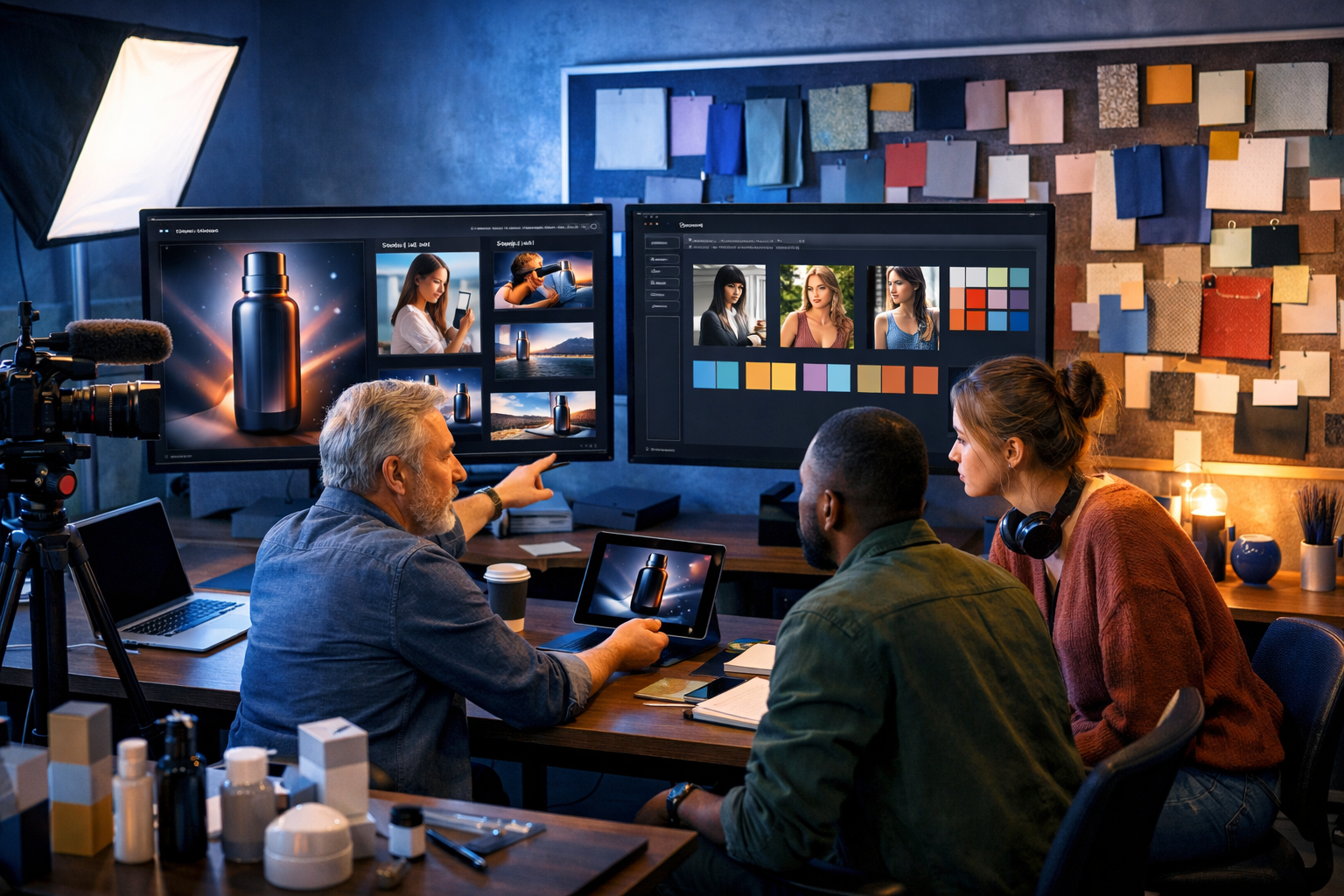
Choosing the best ai image generator for marketing materials 2026 is no longer about making “nice pictures”. Marketers need fast, brand-consistent, ad-ready visuals that fit multiple channels, pass internal approvals, and still look like real photography or premium design. This guide explains what to look for, how to evaluate tools, and how to build a repeatable workflow using Gen AI Last to generate images (and supporting copy, video and audio) from a single brief.
What “best” means for marketing image generation in 2026
In 2026, marketing teams expect an image generator to behave like a production assistant: it should translate a campaign brief into multiple usable variants without breaking brand rules. The “best” tool depends on your channels and constraints, but strong options share the same core capabilities: reliable prompt adherence, consistent style, flexible aspect ratios, and predictable results at speed.
For most startups and small teams, the real differentiator is not a single “perfect” image—it’s the ability to create repeatable sets of assets: a hero image, social crops, retargeting variants, email header, and landing-page visuals that all look like the same campaign.
Marketing-ready output checklist
- Brand consistency across a series (style, lighting, product colour, composition).
- Channel-friendly formats (social, banners, email headers, thumbnails).
- High perceived realism when you need it (product, lifestyle, people).
- Clear rights and safe usage for commercial marketing.
- Fast iteration: generate, pick, refine, export—without a steep learning curve.
Key features to look for in the best AI image generator for marketing materials 2026
Use the criteria below when comparing tools. You can also use them as an internal evaluation scorecard if your team is deciding on a platform.
1) Consistency controls (the biggest marketing pain point)
Random variation is fun for art, but expensive for marketing. The best tools help you keep a consistent “campaign look” across multiple images—especially when you need a stable product appearance, the same model, or the same environment.
- Ability to iterate from a chosen concept rather than starting from scratch each time.
- Reliable control over composition and styling (e.g., studio vs lifestyle).
- Predictable colour and lighting (crucial for brand palettes and product accuracy).
2) Prompt adherence and “brief translation”
Marketing prompts are closer to production briefs than creative writing. You’ll often specify: product type, material, camera angle, props, background, mood, and usage. The best generators follow those constraints without drifting into unrelated elements.
Practical test: Ask for “a matte black reusable water bottle on a white seamless background, soft shadow, 85mm lens look, high-end studio lighting” and check whether you get a clean e-commerce-style hero image rather than a cluttered scene.
3) Channel-first outputs and cropping strategy
In 2026, most campaigns need the same concept across multiple placements. Your generator should let you create images that survive cropping (e.g., keep the product centred and leave negative space for UI elements or CTA overlays).
- Wide format for website hero sections and YouTube thumbnails.
- Square and vertical compositions for social and marketplace listings.
- Banners that keep the subject away from edges and safe areas.
4) Commercial suitability and brand safety
Marketing use implies reputational risk. Avoid visuals that accidentally resemble real people, contain trademark-like elements, or include “fake” UI/text that could mislead. The best tools make it easy to create clean assets designed for paid ads and brand communications.
5) Workflow integration: images + copy + video + audio
A single campaign rarely needs just images. You need headlines, captions, email copy, landing-page sections, product descriptions, explainer videos and voice-overs. Using one platform to generate the whole kit saves time and keeps messaging consistent.
Gen AI Last is designed for this: it combines AI text, image, video and audio generation in one place—useful when a small team has to ship full campaigns quickly. Explore our AI content tools to see how you can go from brief to multichannel assets without juggling multiple subscriptions.
When Gen AI Last is the best choice for marketing teams in 2026
If you’re a startup, agency, creator brand, or small in-house team, the “best” tool is often the one that reduces total production effort, not just image quality. Gen AI Last is a strong fit when you want:
- Affordable access to image generation plus supporting formats (text, video, audio) from $10/month.
- Faster campaign turnaround by generating multiple asset types from the same prompt structure.
- Consistent messaging because your visuals and copy are produced side-by-side.
- Less tool sprawl (fewer exports/imports across unrelated platforms).
If budget predictability matters, you can view pricing from $10/month and compare it to stacking separate tools for copywriting, image generation, video creation, and voice-over.
A practical 2026 workflow: from campaign brief to image set
Below is a repeatable workflow you can use for almost any campaign. The goal is to produce a cohesive set of marketing materials rather than one-off images.
Step 1: Define a “visual brief” in 8 lines
Before generating anything, write a compact brief. Keep it consistent across prompts so your campaign looks unified.
- Product/offer: what is it and what’s the key benefit?
- Audience: who is the image for?
- Setting: studio, home, outdoors, office, café, gym.
- Lighting: soft natural, golden hour, moody, cool tech, high-key studio.
- Composition: close-up, hero shot, flat lay, over-the-shoulder.
- Props: only what supports the message.
- Brand cues: colours, materials, mood (without adding logos/text).
- Usage: where it will appear (banner, social ad, email header).
Step 2: Generate 6–12 “concept directions” first
In 2026, speed wins. Instead of perfecting a single prompt, generate multiple directions quickly, then pick two that feel on-brand. You’ll get better results by refining a chosen direction than endlessly tweaking from scratch.
Step 3: Build a variant pack for each winning concept
Once you’ve selected a direction, generate an asset pack:
- 1 wide hero (website/landing page)
- 2–3 social ad options (square + vertical)
- 1 clean product/e-commerce style image (if relevant)
- 1 “lifestyle proof” scene (product in use)
This approach also makes A/B testing easier because each variant stays within the same visual language.
Step 4: Create the supporting copy in the same session
After you’ve locked the visual direction, generate headlines, primary text, captions and email subject lines to match the imagery. With Gen AI Last you can produce blog posts, product descriptions, email campaigns, and social copy alongside the visuals, keeping tone consistent across channels.
Step 5: Turn the best image into motion (optional, but powerful)
Static images still work, but short motion often improves engagement for social. Use AI video generation to create product demos, explainer clips, or social reels that reuse the same campaign styling. If you need narration, add AI audio voice-overs and background music to match the brand mood.
Prompt templates for marketing materials (copy-and-adapt)
These templates are designed for marketing output: clean composition, clear subject, and brand-safe elements. Replace the bracketed sections with your details.
Template 1: E-commerce product hero (studio)
Prompt: “Photorealistic studio product hero shot of a [PRODUCT] in [COLOUR/MATERIAL], centred on a seamless [BACKGROUND COLOUR] backdrop, soft shadow under the product, high-end commercial lighting, crisp details, 85mm lens look, minimal scene, no text, no logos, no watermark, 16:9 wide composition with negative space on the right for ad layout.”
Use for: landing-page hero sections, marketplace listings, retargeting banners.
Template 2: Lifestyle product-in-use (authentic, not “stocky”)
Prompt: “Photorealistic lifestyle scene in a [SETTING: home office / gym / café / co-working space]. A [PERSON DESCRIPTION] using [PRODUCT] naturally, candid moment, realistic skin texture, shallow depth of field, warm soft natural light, subtle brand palette accents in props (no logos), clean background, no text, 16:9.”
Use for: social ads, testimonials, blog headers.
Template 3: SaaS/tech abstract banner (modern, brand-safe)
Prompt: “High-end abstract tech banner representing [BENEFIT], smooth 3D gradient shapes in [BRAND COLOURS], soft reflections, minimal composition, modern UI-inspired geometry (no readable text), cool blue lighting with neon accents, lots of negative space for headline placement, 16:9 photorealistic render style.”
Use for: homepage banners, webinar covers, LinkedIn ads.
Template 4: Event/webinar promo visual (without text)
Prompt: “Photorealistic scene of a professional webinar setup: laptop on desk, microphone, softbox light, notebook, coffee mug, clean modern background, subtle brand colour accents, cinematic lighting, shallow depth of field, composition with empty space for overlay text (do not generate any text), 16:9.”
Use for: event pages, email headers, social announcements.
How to evaluate image quality for marketing (beyond “looks good”)
A marketing image succeeds when it supports conversion and brand trust. Use these practical checks before shipping assets:
- Clarity at small sizes: does it still read in a 1:1 social thumbnail?
- Negative space: is there room for CTA buttons or ad UI elements?
- Product accuracy: colours, proportions, materials—especially for e-commerce.
- Avoid visual “tells”: odd hands, warped packaging edges, impossible shadows.
- Brand alignment: does it feel like your brand, or generic stock?
Common mistakes marketers make with AI image generators (and how to fix them)
Mistake 1: Prompting for everything at once
Overloaded prompts reduce reliability. Separate “must-haves” (product, setting, lighting, composition) from “nice-to-haves” (extra props, secondary details). Generate a clean base first, then iterate.
Mistake 2: Forgetting the placement
If the image will be used in paid ads, design for ad layouts: keep the subject central, leave negative space, and avoid fine details that disappear on mobile.
Mistake 3: Inconsistent campaign sets
A campaign is a system. Keep a “campaign recipe” (your brief lines, lighting style, colour palette cues, composition rules). Reuse it across variants so everything feels cohesive.
Mistake 4: Using AI visuals without matching copy
The fastest way to weaken performance is mismatched messaging. If the image signals “premium minimal”, but the copy reads “hard-sell discount”, conversion can drop. Generate the copy and imagery together, using the same brief.
Example: building a mini campaign in Gen AI Last
Scenario: you’re launching a new subscription coffee brand and need assets for a landing page, Instagram ads, and an email announcement.
1) Visual direction
- Setting: morning kitchen counter with soft window light
- Mood: calm, premium, minimal
- Props: ceramic mug, coffee beans, simple packaging (no logos)
- Composition: wide hero with negative space for headline
2) Image set
- Landing-page hero: wide kitchen scene with the product as the focal point.
- Social variants: tighter crop focusing on the mug pour and packaging.
- Detail shot: beans texture + packaging material for “premium cues”.
3) Supporting content generated alongside
- Email subject lines and preview text that match the “calm morning ritual” mood.
- Instagram captions with a consistent tone and clear CTA.
- Optional: a short reel storyboard and a voice-over script for a 10–15 second clip.
That’s the advantage of an all-in-one platform: you can keep the story coherent while producing every asset your campaign needs. If you want to try this workflow, start creating for free and generate your first set of concepts from a single campaign brief.
FAQ: best ai image generator for marketing materials 2026
Can AI-generated images be used in paid advertising?
In many cases, yes, but you should follow platform policies and your internal brand guidelines. Avoid misleading visuals, trademark-like elements, and unrealistic claims. Keep assets clean and clearly representative of the offer.
How do I keep a consistent look across multiple images?
Use a fixed “campaign recipe”: repeat the same setting, lighting style, composition rules, and palette cues across prompts. Generate multiple variations from the same direction rather than switching styles each time.
What’s the quickest way to produce a full set of marketing materials?
Start with two visual directions, select one, then generate an asset pack (hero, social variants, product shot, lifestyle shot). Create matching copy immediately after, then optionally convert the best-performing image into a short video with voice-over.
Final takeaway: what to choose in 2026
The best ai image generator for marketing materials 2026 is the one that consistently produces on-brand, channel-ready assets fast—and fits your team’s workflow and budget. For startups and small teams that need images plus copy, video and audio in one place, Gen AI Last offers a practical, cost-effective route to shipping complete campaigns without tool overload. You can explore our AI content tools and scale up only when you’re ready.
Ready to Create with Generative AI?
Join thousands of creators using Gen AI Last to generate text, images, audio, and video — all from one platform. Start your 7-day free trial today.
Start Free — Try 7 DaysQuick Links
Create AI content from $10/month
View Plans