Best AI Image Generator for Marketing Materials 2026
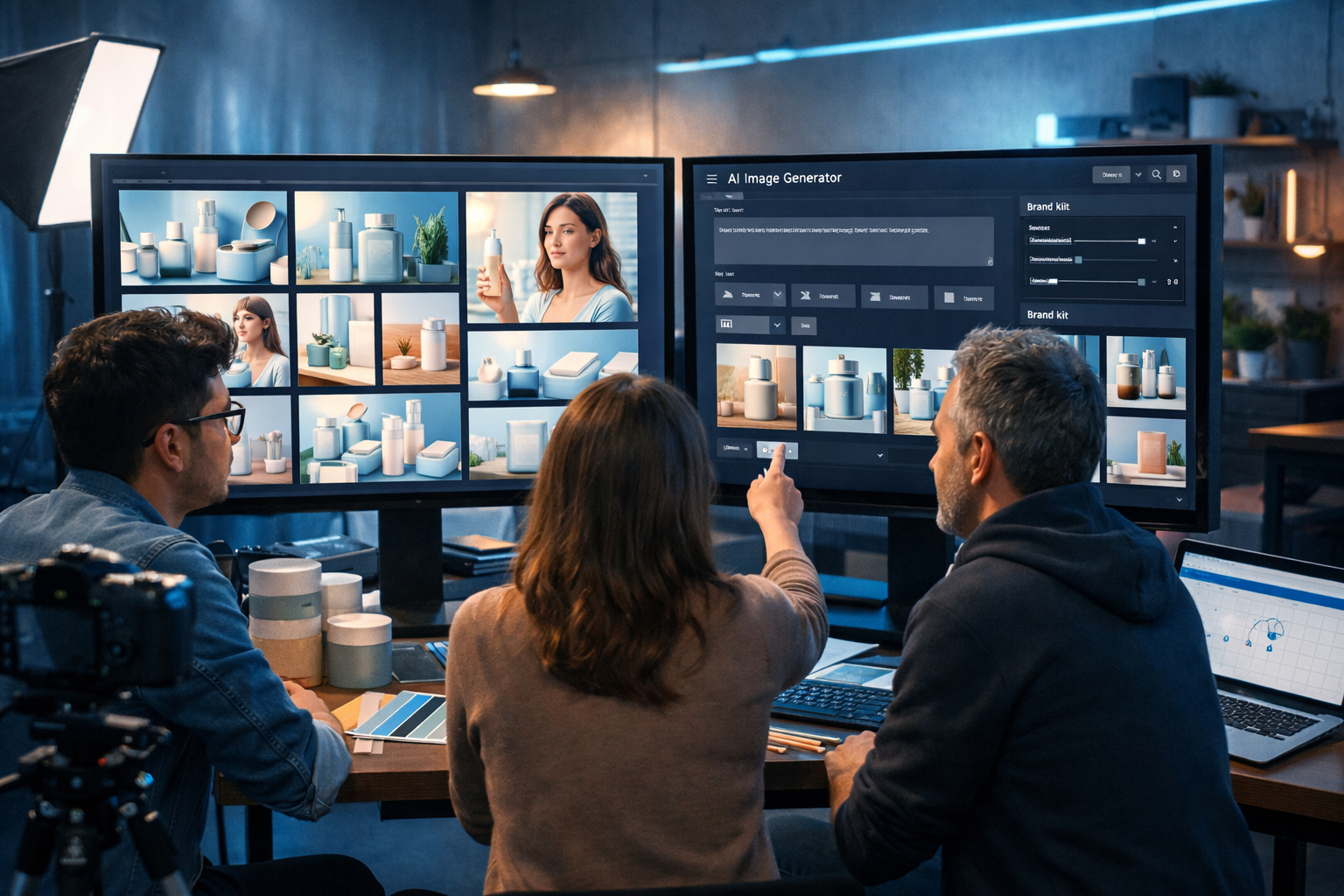
Marketing teams in 2026 are expected to ship more creatives, faster, across more channels—without ballooning budgets. That’s why choosing the best AI image generator for marketing materials 2026 is no longer about “pretty pictures”; it’s about brand consistency, rights-aware outputs, production speed, and a workflow that connects images with copy, video and audio for end-to-end campaigns.
What “best” means for AI marketing visuals in 2026
AI image generation has matured, but marketing requirements have also become stricter. The best tool is the one that reliably produces on-brand assets (not just one-off hits), at the right sizes, with predictable edits and a clear usage story for commercial campaigns.
- Brand consistency at scale: stable colours, lighting, composition, and subject style across dozens of variants.
- Marketing-first formats: 1:1, 4:5, 9:16, 16:9 outputs for ads, social, email headers, landing hero sections and banners.
- High conversion utility: lifestyle scenes, product-in-use shots, “clean” negative space for copy overlays, and clear visual hierarchy.
- Iterative editing: quick refinements (background, colour temperature, composition) without restarting from scratch.
- Commercial safety: avoid lookalike logos, trademarked elements, and uncanny faces; keep an audit trail of prompts and versions.
- Workflow integration: images that pair with ad copy, email sequences, landing page text, voice-over scripts and short-form videos.
The real-world marketing materials you should be generating
If you’re evaluating image generators, test them on the assets you actually publish. In 2026, most teams need a repeating set of creatives that map to funnel stages and channels.
Top asset types to benchmark
- Paid social ad creatives: 9:16 Stories/Reels, 4:5 feeds, and 1:1 retargeting variants.
- Display banners: clean compositions with negative space for headlines and CTAs.
- Product hero images: consistent angles, shadows, and reflections for e-commerce and landing pages.
- Lifestyle photography: believable usage scenes matched to your target persona and market.
- Blog and newsletter headers: category-specific visuals that look cohesive across your content library.
- Event/webinar graphics: branded themes that remain consistent month after month.
Gen AI Last is built for exactly this kind of marketing workload: you can generate the visuals, then immediately produce matching copy, scripts, voice-overs and even short videos using our AI content tools—without stitching together multiple subscriptions.
The 2026 feature checklist: how to compare tools
Use the checklist below when you trial platforms. Don’t just generate a single “wow” image—run a mini production sprint and see how many publish-ready assets you can create in 60 minutes.
1) Prompt control that matches marketing needs
Look for prompt guidance that supports marketing constraints: camera angle, lens feel, lighting, background simplicity, and explicit space for copy overlays. A good generator should also handle negative prompts (e.g., “no logos, no text, no extra fingers, no distorted packaging”).
2) Reliable style consistency (the “brand look” problem)
Inconsistent visuals kill performance because audiences stop recognising your brand. The best AI image generator for marketing materials 2026 should help you repeat a look across multiple scenes—think: the same lighting mood, colour palette, and product prominence across 20 variants.
3) Speed and iteration (because campaigns don’t wait)
You’re rarely done after the first render. You’ll need “one more” version for a different audience segment, a holiday angle, or a new hook. Prioritise tools that make it quick to iterate on composition, background, and formatting.
4) Output formats that match channel requirements
If you run multi-channel campaigns, you need the same concept in multiple aspect ratios. Build your tests around real placements: 1080×1920 for vertical, 1080×1350 for feed, and 1920×1080 for web hero and YouTube thumbnails.
5) Rights, governance, and “brand safety” discipline
Marketing teams should build a simple process: prompt templates, version naming, and a review step to spot accidental trademark-like shapes, hidden text, or sensitive elements. Keep a record of what you generated and why—especially for regulated industries.
Why Gen AI Last is a strong choice for marketing teams in 2026
Gen AI Last is designed for marketers and small teams who need campaign-ready assets, not just experiments. You can generate image concepts for ads, product scenes, social graphics and banners, then immediately produce the supporting copy and media that make the campaign cohesive.
- AI Image Generation for marketing visuals: create product-style images, lifestyle scenes, social assets and banner concepts from a prompt.
- AI Text Generation: generate ad headlines, landing page sections, product descriptions, email campaigns and social captions that match the visual angle.
- AI Video Generation: turn a winning image concept into short-form marketing videos, product demos, reels or explainer visuals.
- AI Audio Generation: add voice-overs, narration or background audio for ads and social content.
- All-in-one pricing: full access from $10/month—ideal for startups and lean in-house teams who can’t justify multiple tool subscriptions.
If you’re comparing costs, it’s worth looking at the total stack. Instead of paying separately for copy, visuals, audio and video tooling, you can view pricing from $10/month and plan your creative production in one platform.
A practical workflow: generate a full marketing set in under an hour
Here’s a repeatable workflow used by small teams: one concept, many variants, then tie it together with copy and motion. The goal is to end with a ready-to-test creative set, not a folder of random images.
Step 1: Define the campaign “creative brief” (10 minutes)
Write a brief with five lines:
- Audience: who is this for?
- Offer: what is the hook (discount, free trial, bundle, lead magnet)?
- Setting: where does the product/service belong (home office, gym, warehouse, café)?
- Brand look: colours, mood, lighting (clean studio, warm lifestyle, cool tech).
- Channel formats: pick 2–3 (e.g., 9:16 + 4:5 + 16:9).
Step 2: Create 3 “hero” image directions (15 minutes)
Generate three distinct directions rather than 30 tiny tweaks. For example: studio product shot, lifestyle in use, and abstract background with negative space. Select one winner that best matches the offer and channel.
Step 3: Produce channel variants (15 minutes)
Take the winning direction and generate the required aspect ratios. Keep the core composition consistent so that anyone seeing the ad in different placements recognises it as the same campaign.
Step 4: Generate matching copy and CTA angles (10 minutes)
In Gen AI Last, switch to text generation to produce 5–10 headline options and short primary text variations that fit the visual. Keep the copy “native” to the channel (shorter for paid social, slightly longer for email).
Step 5: Turn the best concept into motion (10 minutes)
A strong 2026 workflow doesn’t stop at static creatives. Use the same visual direction to create a short reel or product demo, then add a voice-over. The result: one concept powers multiple formats and testing becomes cheaper.
You can run all five steps inside our AI content tools and keep your campaign assets aligned across formats.
Prompt templates for marketing materials (with examples)
The fastest way to get professional outputs is to use a prompt structure you can reuse. In 2026, the most effective prompts read like a mini production brief: subject, setting, lighting, composition, camera feel, and constraints.
Prompt structure you can reuse
- Subject: what is the focal point?
- Setting: where is it, and what props support the story?
- Lighting: soft natural, studio, golden hour, cool tech.
- Composition: minimal background, negative space for copy, rule of thirds.
- Output: aspect ratio and realism level.
- Constraints: no text, no logos, no watermarks, no distorted hands, no extra objects.
Example 1: Paid social lifestyle ad (9:16)
Prompt: “Photorealistic vertical 9:16 lifestyle scene of a small business owner working at a tidy home office desk, using a laptop and reviewing marketing creatives on screen (no readable text). Warm morning light through a window, neutral background, brand colour accents in stationery, clean negative space at top for headline overlay, shallow depth of field, realistic skin tones, natural hands, modern minimalist decor, high-end commercial photography look. No logos, no text, no watermarks, no distorted fingers.”
Example 2: Product hero shot for landing page (16:9)
Prompt: “Photorealistic 16:9 studio product hero image of a sleek subscription box on a matte surface with soft shadow and subtle reflection, controlled studio lighting, clean gradient background, premium e-commerce aesthetic, centred composition with generous negative space on the right for copy overlay, crisp edges, realistic materials. No text, no logos, no watermarks, no extra objects.”
Example 3: Banner background set for retargeting (multiple ratios)
Prompt: “Abstract photorealistic marketing background with smooth shapes and soft bokeh, colour palette of deep navy, slate grey and a single accent colour, gentle vignette, minimal clutter, designed as a clean canvas for ad copy overlays, high resolution, consistent lighting. No text, no logos, no watermarks.”
After you generate the visuals, use Gen AI Last’s text tools to produce cohesive headlines and body copy that match the image’s angle (for example: speed, simplicity, premium quality, or limited-time offer). Then build a small A/B test: two images × two headlines × two CTAs.
How to keep AI-generated marketing visuals on-brand
Most teams fail at consistency because they rely on random prompts. Instead, create a “visual recipe” and reuse it across campaigns.
Build a simple brand visual recipe
- Colour cues: specify 1–2 dominant tones and one accent.
- Lighting cue: pick a repeatable mood (soft natural, cool tech, warm lifestyle).
- Composition rule: “negative space on left” or “product centred” across variants.
- Prop set: repeat a small set of props (not too many) that signal your category.
- Quality bar: photorealistic commercial style; avoid overly stylised outputs unless that is your brand.
Use “constraint prompts” to avoid common issues
For marketing materials, the most frequent problems are unwanted text, fake logos, messy backgrounds, and awkward hands. Add constraints to every prompt:
- No text, no logos, no watermarks
- No extra fingers, no distorted hands, no warped packaging
- Minimal background clutter, clean surfaces, realistic shadows
- No celebrity likeness, no trademarked characters
When you should use AI images (and when you shouldn’t)
AI image generators are exceptional for speed and variation. But not every marketing scenario is a fit.
Best uses in 2026
- Creative testing: generate multiple angles quickly before investing in a photoshoot.
- Concepting and storyboards: visualise campaign directions for stakeholder alignment.
- Generic lifestyle scenes: when you need a believable context without a model contract.
- Backgrounds and design elements: banner canvases, hero backdrops, seasonal themes.
Consider alternatives when
- You must show your exact product with legally precise packaging, labels, or compliance text.
- You need a specific person (founder, influencer, staff) where authenticity is central.
- You operate in regulated markets and require strict review and sign-off for every visual claim.
A practical compromise is to use AI for concepts and variants, then combine it with a small set of real product photos. Gen AI Last helps here because you can generate the supporting copy, video scripts, and narration around whichever visuals you choose.
A quick scoring framework to pick the best AI image generator for marketing materials 2026
If you’re making a decision this quarter, score each tool from 1–5 on the criteria below and do a one-hour sprint test.
- Consistency: can you produce 10 images that look like the same brand?
- Iteration speed: how quickly can you adjust composition and background?
- Channel readiness: are the outputs usable for 9:16/4:5/16:9 without heavy editing?
- Prompt repeatability: can non-designers get reliable results with templates?
- Stack efficiency: does it connect to copy, video, and audio production for campaigns?
For many startups and small teams, the “stack efficiency” score is the deciding factor. With Gen AI Last, you can go from image to ad copy to a short video with voice-over inside one workflow—and the same plan covers it all. If you want to test this approach, start creating for free and build a mini campaign pack in your first session.
FAQ: best AI image generator for marketing materials 2026
What should I generate first: images or copy?
Start with one strong visual direction, then generate copy that matches the angle. If you start with copy, you may end up forcing visuals to fit. In practice, teams test both: image-led hooks and copy-led hooks.
How do I avoid AI images that look “fake”?
Use photorealistic commercial photography cues: simple backgrounds, realistic shadows, controlled lighting, and minimal props. Add constraints like “natural hands” and “realistic skin texture”, and avoid overly complex scenes.
Can AI replace product photography in 2026?
AI can replace some categories of visuals (concepts, lifestyle, backgrounds), but exact product representation can still require real photography—especially for regulated labels, intricate textures, or compliance requirements.
How can a small team produce full campaigns with limited budget?
Use an all-in-one platform so you don’t pay for separate image, copy, audio and video tools. Gen AI Last includes text, image, audio and video generation from $10/month, helping small teams produce multi-format campaigns without a large stack.
Next steps: build your 2026 marketing creative engine
The best AI image generator for marketing materials 2026 is the one that consistently produces publishable assets, supports rapid iteration, and fits into a complete campaign workflow. If your goal is to move faster without sacrificing brand quality, create three image directions, generate channel variants, and pair them with matching copy and short-form video. Gen AI Last makes that end-to-end process straightforward—so you can spend less time juggling tools and more time improving performance.
View pricing from $10/month or start creating for free to build your first set of 2026-ready marketing visuals.
Ready to Create with Generative AI?
Join thousands of creators using Gen AI Last to generate text, images, audio, and video — all from one platform. Start your 7-day free trial today.
Start Free — Try 7 DaysQuick Links
Create AI content from $10/month
View Plans