Best AI Image Generator for Social Media Campaigns (2026)
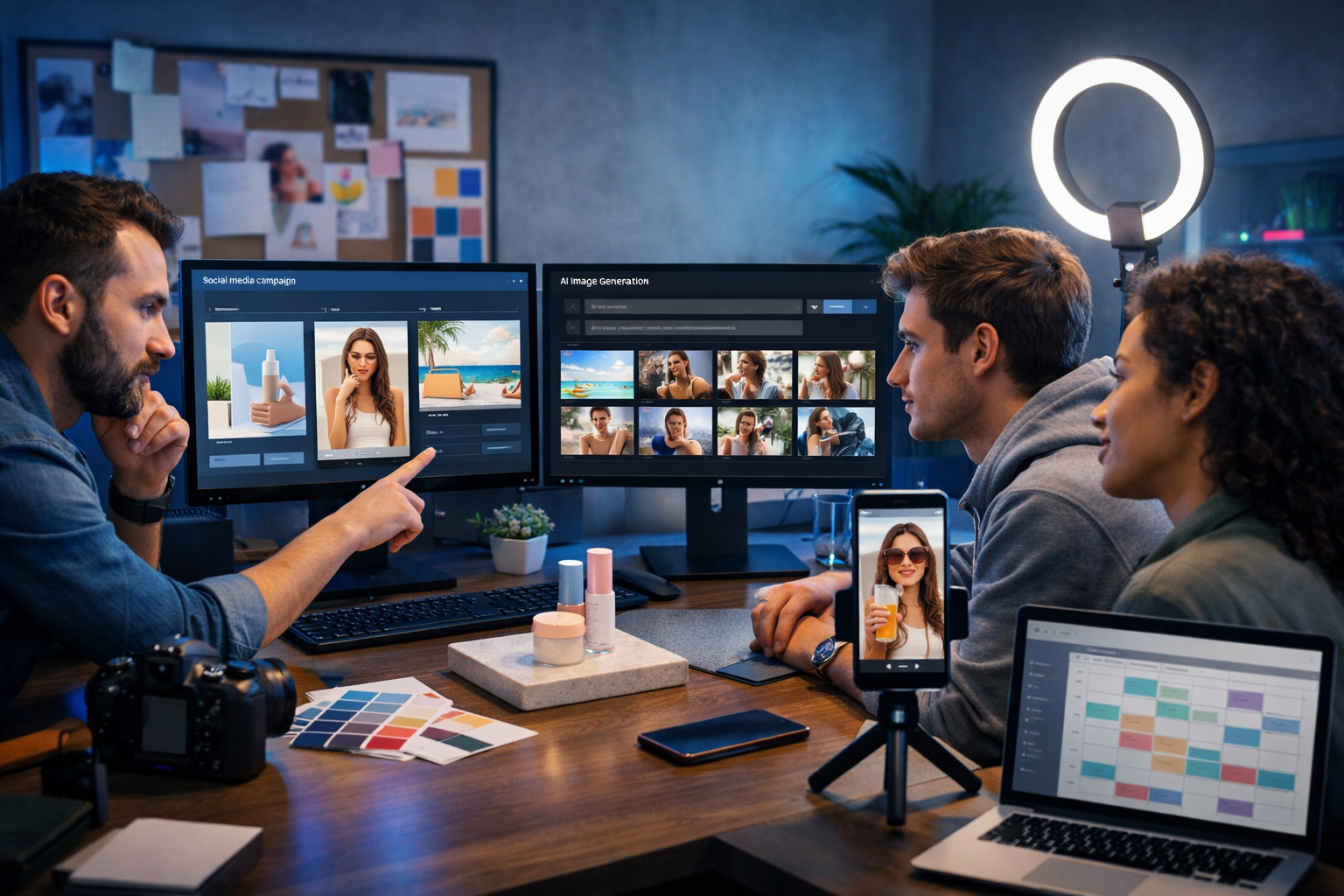
The best AI image generator for social media campaigns isn’t the one that produces the prettiest single image—it’s the one that helps you ship consistent, on-brand creative at speed, in the exact formats each platform needs, without blowing your budget. In this guide, you’ll learn what to look for, how to test tools properly, and a practical workflow for generating campaign-ready visuals with Gen AI Last.
What “best” really means for social media campaigns
Social campaigns are repetitive by design: multiple posts, variants, and sizes, all tied to a single offer and brand identity. So the “best AI image generator” should support repeatable production—rather than one-off experimentation.
When evaluating tools, judge them on campaign outcomes: faster creative turnaround, better visual consistency, lower cost per asset, and fewer revisions. A tool that wins in these areas will outperform a tool that only looks impressive in a demo.
The 8 criteria that matter most
- Consistency across a series: can you generate 10–30 images that feel like one campaign?
- Control: prompt adherence, style control, aspect ratios, background/scene control.
- Realistic product rendering: hands, packaging, materials, reflections, and brand colours.
- Speed of iteration: can you create variants quickly for A/B tests?
- Platform readiness: outputs that work for Instagram, TikTok, Facebook, LinkedIn, Pinterest, YouTube thumbnails.
- Editing workflow: easy to regenerate parts, swap scenes, and maintain a template-like feel.
- Rights and safe usage: commercial use suitability and fewer brand-risk outputs.
- Cost: predictable pricing that’s viable for startups and small teams.
Why social media campaigns need a different image workflow
If you’re creating visuals for a website hero, you might spend hours perfecting a single image. Social is different: you need volume, variety, and speed—while staying on brand.
A strong campaign typically includes: hooks (attention-grabbing visuals), product/feature frames (clarity), social proof frames (trust), and offer frames (conversion). AI image generation shines because you can produce each “frame” in multiple scenes and compositions, then pick winners based on performance.
What to generate for each platform (quick spec guide)
- Instagram feed: 1:1 and 4:5 for maximum on-screen real estate.
- Stories/Reels covers: 9:16 vertical, clear subject in centre, room for UI overlays.
- LinkedIn: clean, less “stocky”, more professional lighting and context.
- Pinterest: tall vertical (2:3), lifestyle scenes and step-by-step visuals.
- YouTube thumbnails: 16:9, high contrast, strong focal point.
Even if your generator outputs one size, you’ll want it to handle multiple aspect ratios reliably—otherwise you’ll waste time reworking compositions that crop badly.
Gen AI Last: an all-in-one option built for campaign production
Gen AI Last is designed for teams who need more than images. Social campaigns aren’t just visuals; they need captions, hooks, offers, voice-overs, and sometimes short videos. With Gen AI Last you can generate text, images, audio, and video in one place—starting from $10/month—so you can go from idea to published campaign without juggling tools.
To explore the platform capabilities, see our AI content tools. If you’re budget-conscious (most social teams are), you can view pricing from $10/month and plan around predictable monthly costs.
When Gen AI Last is a “best AI image generator” fit
- You want to build campaigns end-to-end (images + captions + video + voice).
- You need rapid creative iteration for multiple ad sets and audiences.
- You’re a startup, agency, or small team that values speed and affordability.
- You want one workflow for product shots, lifestyle scenes, banners, and social graphics.
A simple framework to choose the best AI image generator for social media campaigns
Use this 20-minute test before committing to any tool. The goal is to simulate real campaign production, not a one-off “wow” image.
Step 1: Define one campaign concept (offer + audience + vibe)
Pick a real campaign you could run this week. Example: “30% off annual plan for freelancers who manage multiple clients.” Define a visual vibe (e.g., modern co-working, clean tech blue, warm daylight).
Step 2: Create 3 creative directions (lifestyle, product, abstract)
- Lifestyle: person using the product in a realistic environment.
- Product: clean product “hero” shot or packshot style visual.
- Abstract: conceptual imagery that communicates benefit quickly.
The best generator for campaigns should handle all three, because high-performing social accounts rotate formats to prevent creative fatigue.
Step 3: Produce a set of 12 assets across sizes
Generate: 4 feed images (1:1), 4 vertical story assets (9:16), and 4 wide images (16:9) for banners or thumbnails. If a tool struggles to keep the same character/product feel across sizes, it’s not campaign-ready.
Step 4: Score the outputs with a campaign checklist
- Is the subject clear at thumbnail size?
- Do the images share a consistent look (lighting, colour palette, composition)?
- Are hands, faces, and objects natural (if present)?
- Is there clean space for text overlays (even if you add text later in a design tool)?
- Did you need fewer than 3 regenerations per usable asset?
Campaign-ready prompt formulas (copy/paste and adapt)
Great social visuals come from prompts that define: subject, setting, lighting, composition, mood, and output constraints. Below are practical prompt formulas you can adapt inside Gen AI Last.
1) Lifestyle UGC-style prompt (high-performing for ads)
Template: “Photorealistic lifestyle scene of [person] in [setting] using [product], shot on [lens/look], [lighting], [mood], shallow depth of field, natural imperfections, candid moment, space on [left/right/top] for overlay, aspect ratio [X]. No text, no logos.”
Example: “Photorealistic lifestyle scene of a freelance designer in a bright co-working space using an AI content platform on a laptop, coffee cup and notebook on desk, soft natural window light, candid UGC vibe, shallow depth of field, space at top for overlay, 9:16 vertical. No text, no logos.”
2) Product hero prompt (clean, brand-safe)
Template: “Studio product hero shot of [product/object] on [surface/background], [lighting style], crisp reflections, premium materials, minimal composition, high contrast, centred subject, aspect ratio [X]. No text, no watermark.”
Example: “Studio product hero shot of a smartphone on a matte charcoal surface showing a generic social media grid (no readable text), cool blue rim lighting with soft key light, crisp reflections, minimal composition, centred subject, 1:1 square. No text, no watermark.”
3) Conceptual benefit prompt (fast scroll-stopper)
Template: “Conceptual photorealistic scene representing [benefit], featuring [metaphor objects], [colour palette], dramatic lighting, clean background, strong focal point, aspect ratio [X]. No text, no logos.”
Example: “Conceptual photorealistic scene representing ‘content creation at speed’, featuring a desk with multiple floating photo prints and video frames around a laptop, neon accents with cool blue tech lighting, clean background, strong focal point, 16:9. No text, no logos.”
A complete social campaign workflow using Gen AI Last
Here’s a practical workflow you can run weekly. The aim is to create a mini-campaign (12–20 assets) quickly, then reuse winners.
1) Start with the message (AI text generation)
Before generating images, decide what each visual must communicate. Use Gen AI Last’s AI text generation to create: 10 hooks, 5 benefits, 5 objections with rebuttals, and 3 calls-to-action. This gives your visuals purpose, not just aesthetics.
Once you have hooks, pick 3 that are visually easy to represent (e.g., “Create a month of content in a day”, “Launch-ready visuals without a designer”, “Consistent brand look across platforms”).
2) Build a mini brand style kit (for prompt consistency)
- Colours: 2 primaries + 1 accent (describe them in words: “deep navy”, “soft cream”, “neon teal”).
- Lighting: choose 1–2 signature lighting styles (e.g., “soft natural light” and “cool blue tech glow”).
- Composition: consistent framing (e.g., “subject centred with negative space on top”).
- Environments: repeat 2–3 settings (home office, co-working space, modern agency).
Add these elements to every prompt so your assets look like a coherent campaign.
3) Generate image sets by “scene”, not by post
Instead of generating one image per post, generate 6–10 variations of one scene. Pick the best 2–3, then move on. This reduces time lost to prompt switching and helps you produce consistent series content.
4) Turn winning images into short-form video (optional, high impact)
When an image works, repurpose it into a short reel: zooms, pans, quick cuts, and a simple offer frame. Gen AI Last includes AI video generation, so you can build social reels and explainer snippets without needing a separate tool.
5) Add voice-over or background audio (optional)
For reels and product demos, use AI audio generation for a clean voice-over or subtle background music. This is especially useful if your team doesn’t have recording gear or a quiet studio.
Best practices to get brand-consistent AI visuals (without endless regenerations)
Most “AI-generated” looks come from inconsistency: changing lighting, random camera angles, or over-stylised effects. The following practices make your output look like a planned campaign.
Use a fixed prompt structure
- Line 1: subject + action (what is happening?)
- Line 2: environment + props (where is it happening?)
- Line 3: lighting + mood (how should it feel?)
- Line 4: camera/composition (how is it framed?)
- Line 5: constraints (aspect ratio, “no text”, “no logos”)
Design for overlays even if you don’t generate text in-image
Many platforms add UI elements (profile icons, captions, buttons). Ask for “negative space” in the composition so you can add headlines in your design tool later. This also makes the visual easier to read while scrolling.
Make variants with one change at a time
If you change the setting, lighting, subject, and colour palette all at once, you won’t know what improved performance. Generate controlled variants: same scene, different lighting; same lighting, different background; same composition, different prop. This supports real A/B testing.
Common pitfalls (and how to avoid them)
AI image generation can save hours—unless you fall into these traps.
Pitfall 1: Prioritising “art” over clarity
If your product or benefit isn’t obvious in one second, it won’t perform. Fix by specifying a single focal point and a simple composition (one subject, clean background, strong lighting).
Pitfall 2: Inconsistent campaign identity
Random styles confuse audiences and weaken brand recall. Fix by reusing the same settings, lighting, and palette across the whole set (your mini style kit).
Pitfall 3: Generating images that can’t be used commercially
Avoid prompts that request specific brand logos, celebrity likeness, or copyrighted characters. Keep visuals original and brand-safe. If you need a “platform feel”, describe interface elements generically (e.g., “social feed layout”) without copying recognisable trademarks.
Mini case examples: campaign concepts you can generate today
Use these as starting points, then tailor them to your offer.
Example A: SaaS startup launch week (7-day burst)
- Day 1–2: lifestyle scenes of a small team shipping content in a co-working space
- Day 3–4: product-like UI mockups on devices (generic, no text)
- Day 5: conceptual “speed” visual (floating frames, motion blur)
- Day 6–7: testimonial-style visuals with clean negative space for quotes
Example B: E-commerce promotion (seasonal offer)
- Studio product hero shots in 1:1 for catalogue consistency
- Lifestyle “in use” scenes in 9:16 for stories and ads
- Bundle visuals: multiple products on a clean surface, consistent lighting
How to get started quickly (and keep it affordable)
If you want the best AI image generator for social media campaigns, you also want a workflow that doesn’t balloon into multiple subscriptions. Gen AI Last keeps it simple: one platform for campaign text, images, video, and audio—starting from $10/month.
- Generate your hooks and captions with AI text generation.
- Create 12–20 on-brand visuals with AI image generation across key sizes.
- Turn winners into reels with AI video generation.
- Add voice-over or music with AI audio generation.
To begin, start creating for free. When you’re ready to scale output for ongoing campaigns, you can view pricing from $10/month and choose the plan that fits your posting cadence.
Quick checklist: best AI image generator for social media campaigns
- Produces consistent series visuals (not just single “hero” images)
- Handles 1:1, 4:5, 9:16, and 16:9 reliably
- Supports fast iteration and controlled variants for A/B testing
- Makes images that stay clear at thumbnail size
- Fits your team’s workflow and budget (ideally all-in-one)
If your goal is to produce campaign creative quickly—with images that match your messaging and can be repurposed into reels and ads—Gen AI Last gives you the end-to-end toolkit to do it in one place. Explore our AI content tools and build your next campaign with a workflow designed for social.
Ready to Create with Generative AI?
Join thousands of creators using Gen AI Last to generate text, images, audio, and video — all from one platform. Start your 7-day free trial today.
Start Free — Try 7 DaysQuick Links
Create AI content from $10/month
View Plans