Best AI Image Generator for Social Media Campaigns (2026)
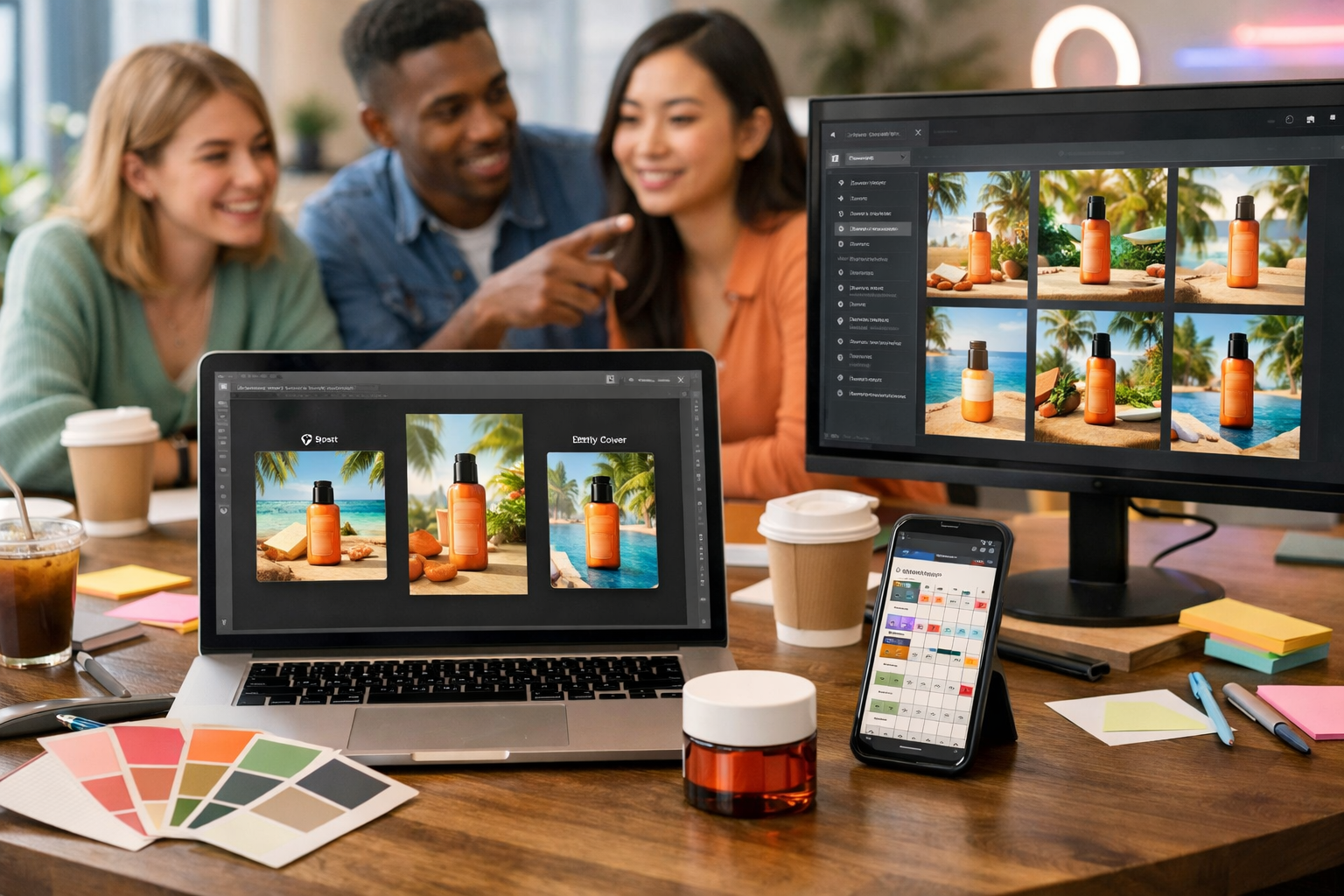
If you’re searching for the best AI image generator for social media campaigns, you’re probably juggling the same pressures as every modern marketer: you need high-performing visuals quickly, you need them to look on-brand across multiple platforms, and you need to produce enough variants to test what actually converts—without blowing the budget. This guide breaks down what “best” really means for social campaigns, how to evaluate tools, and how to build a repeatable workflow using Gen AI Last.
What makes an AI image generator “best” for social media campaigns?
The best AI image generator for social media campaigns isn’t simply the one that creates the prettiest picture. Social creatives are judged by performance in context: fast scroll environments, strict aspect ratios, brand guidelines, and a need for constant iteration. “Best” usually means the tool helps you produce consistent, campaign-ready assets quickly—without requiring a specialist designer for every post.
Use the criteria below to evaluate any platform (including Gen AI Last) against your real campaign requirements.
1) Output quality that holds up on every platform
Social platforms compress images. Fine textures, noisy gradients, and small details can break down. A strong generator creates images with clear subject separation, good lighting, and stable composition—so they remain readable as a thumbnail and still look premium when opened.
2) Brand consistency across a full campaign
Campaigns need cohesion: a recurring colour palette, consistent style (photorealistic vs illustrative), and recognisable visual language. The “best” tool supports repeatable results through prompt templates, references, and reliable variation generation—so your Week 1 post doesn’t look like it came from a different brand than Week 4.
3) Speed and iteration (because one creative is never enough)
High-performing campaigns are built on testing. You may need 10–30 variants: different hooks, backgrounds, compositions, and product angles. The best AI image generator helps you iterate quickly—ideally paired with AI copy, so you can test message + visual together.
4) Multi-format assets: feed posts, stories, covers and banners
A campaign rarely lives in one size. You’ll need square (1:1), portrait (4:5), story (9:16), and sometimes wide (16:9) for headers, YouTube thumbnails, or landing pages. Even if a platform outputs a single format, the best workflow makes resizing and re-creating variants painless.
5) Practicality for small teams (budget + learning curve)
Startups and lean teams don’t want to pay separately for text, image, video, and voice tools. If your social workflow involves more than static images—and it usually does—the best choice is an integrated platform that reduces tool sprawl and keeps production costs predictable.
Why Gen AI Last is built for social media campaigns
Gen AI Last is an all-in-one AI content creation platform designed for marketers who need assets that ship. Alongside AI image generation for social graphics, you get:
- AI Text Generation for captions, hooks, CTAs, hashtags, ad copy, product descriptions and email promos
- AI Video Generation for reels, explainer videos, product demos and short ads
- AI Audio Generation for voice-overs, narration, podcast snippets and background music
- Simple pricing: full access from $10/month for startups and small teams
In practice, this means you can generate a full campaign kit—visuals, variations, captions, and even reel-friendly video and voice—without stitching together multiple subscriptions.
Explore our AI content tools to see how the text, image, video and audio features fit into one workflow.
A marketer’s checklist: how to choose the best AI image generator
Before you commit, run a short evaluation using a real campaign scenario. Pick one product or offer and generate a small set of deliverables you’d genuinely publish. Score each tool on these essentials:
- Creative variety: Can you get distinct concepts without drifting off-brief?
- On-brand repeatability: Can you recreate the same “look” tomorrow?
- Subject clarity: Does the main subject read instantly on mobile?
- Lighting and realism control: Can you request studio light, natural light, neon accents, etc.?
- Platform practicality: Can you generate enough assets fast for weekly posting?
- Workflow integration: Can you create captions, ad copy, and video from the same campaign idea?
- Cost per campaign: Is it affordable when you scale output?
If your tool scores high on visuals but forces you into separate subscriptions for copy, reels, and voice, it may not be “best” for actual campaigns—just best for one-off image generation.
Prompting for social: the difference between “nice images” and campaign creatives
Most disappointing AI outputs come from vague prompts. Social media campaigns require clarity: who the audience is, what the product is, what emotion you want, and what composition makes sense for a feed thumbnail.
Use this social-campaign prompt structure
- Subject: the product/person/scene
- Context: where it is, how it’s used, what problem it solves
- Composition: close-up, negative space for copy, centre framing, rule of thirds
- Style: photorealistic, editorial, minimal, 3D, illustration
- Lighting: soft natural light, studio, golden hour, cool blue tech
- Colour palette: 2–4 brand colours to anchor consistency
- Output intent: “Instagram feed post”, “story background”, “LinkedIn banner”
This framework makes it far easier to produce a cohesive set of assets that look like a campaign—rather than random images that happen to be attractive.
Example prompts you can adapt (no brand names required)
Example 1: Product-led Instagram carousel cover
“Photorealistic studio shot of a matte black reusable water bottle on a light concrete surface, minimal modern styling, clean negative space on the right for overlay copy, softbox lighting, high contrast, crisp edges, muted palette of charcoal, off-white and a small accent of teal, marketing photography, social media campaign asset.”
Example 2: Lifestyle UGC-style visual for stories
“Handheld lifestyle photo in a home kitchen, person pouring coffee into a travel mug, warm morning light through a window, candid authentic feel, shallow depth of field, subtle grain, cosy neutral tones with a warm amber highlight, designed as a vertical story background with clear space at top for sticker elements.”
Example 3: B2B LinkedIn campaign visual
“Modern office scene with a small team reviewing analytics on a large monitor, clean tech aesthetic, cool blue lighting, minimal clutter, professional wardrobe, depth and clarity, corporate editorial photography style, composition with space for headline area, designed for a LinkedIn sponsored post.”
A complete campaign workflow using Gen AI Last (images + copy + video)
The fastest way to get results is to build a system. Here’s a practical workflow you can repeat weekly.
Step 1: Define your campaign kit before generating anything
Write a 60-second brief:
- Offer: what you’re promoting and why now
- Audience: one primary persona
- Angle: benefit-led, proof-led, urgency-led, or founder-led
- Deliverables: e.g. 6 feed posts, 10 stories, 3 reel covers, 1 banner
Step 2: Generate 10–20 image concepts, then narrow to 3 “winners”
Use Gen AI Last’s AI image generation to explore distinct directions: product hero, lifestyle, abstract brand pattern, testimonial-inspired editorial, before/after concept, and so on. Don’t aim for perfection yet—aim for choice.
Step 3: Create consistent variations for testing
Once you have a direction, generate variations that keep the style stable while changing one variable at a time (background, angle, prop, lighting). This gives you true A/B creative testing rather than random changes that are impossible to analyse.
Step 4: Generate the captions, hooks and CTAs to match each visual
This is where an all-in-one platform matters. In Gen AI Last, use AI Text Generation to create:
- Short hook-driven captions for Instagram and TikTok
- Professional, insight-led copy for LinkedIn
- Multiple CTA styles (soft, direct, urgency, curiosity)
- Hashtag sets (broad + niche) and alt text drafts for accessibility
Pairing captions to specific visuals is how you keep messaging consistent across a campaign.
Step 5: Repurpose top visuals into short-form video
Static images often become high-performing reel covers, cutaways, or slideshow-style videos. With Gen AI Last AI Video Generation, you can turn your campaign concept into:
- A 10–20 second product teaser
- A simple explainer video for retargeting
- A story-friendly promo reel with a consistent look
Step 6: Add voice-over or music for retention
If you’re running reels, audio matters. Use Gen AI Last AI Audio Generation to create narration, voice-over, or background music that suits your brand tone—particularly useful when you want consistent delivery without booking studio time.
Common use cases: social campaigns where AI images shine
AI image generation is most valuable when you need volume, variety, and speed. Here are practical campaign types where it tends to outperform traditional workflows (or at least massively accelerates them).
1) Product launches (fast asset production)
Launches need: teasers, feature highlights, lifestyle imagery, and countdown stories. AI helps you create a cohesive set quickly, then refine based on early engagement.
2) Seasonal promotions (fresh visuals without a full shoot)
Seasonal creative often demands new backgrounds, props, and lighting. AI can produce “seasonal cues” (warm winter interiors, summer outdoor lifestyle, back-to-school desk scenes) while maintaining your brand look.
3) Always-on content (consistent weekly posting)
Always-on content is where teams burn out. A structured workflow—prompt templates + variation strategy + AI copy—keeps output consistent without constant brainstorming.
4) Paid social testing (creative iteration at scale)
Paid social wins come from testing. AI-generated variations make it realistic to test multiple creative angles (problem/solution, social proof, feature-led, founder story) without weeks of production time.
Brand safety and quality control: what to check before publishing
Even the best AI image generator for social media campaigns needs human review. Build a lightweight QA checklist so you don’t ship avoidable mistakes.
- Hands, faces, and small details: check for visual artefacts that reduce trust
- Product accuracy: ensure the image doesn’t misrepresent key features
- Inclusivity: avoid stereotypes; represent your audience appropriately
- Consistency: confirm colours and style match the rest of the campaign
- Platform readiness: ensure the subject remains clear after cropping/resizing
A useful rule: if a viewer might question whether the brand is “real” because the visual looks uncanny or inconsistent, regenerate or simplify the concept.
How to keep your AI campaign visuals consistent (even across months)
Consistency is the hidden differentiator in social. Here’s a practical way to maintain it.
Create a mini “visual prompt library”
Save 3–5 prompt templates that represent your brand’s core looks. For example:
- Studio product hero: minimal background, strong lighting, lots of negative space
- Warm lifestyle: home setting, natural light, candid composition
- Modern tech editorial: cool tones, clean lines, subtle neon accents
- Abstract brand pattern: simple shapes and textures in brand palette
Then swap only the campaign-specific variables (product, season, setting, prop) while keeping the brand anchors (style, lighting, palette, composition) stable.
Match the visual to the message
If your caption is proof-led (“5,000+ customers”), your image should feel credible (editorial, clean, realistic). If your caption is playful, your image can be bolder. Gen AI Last makes this easier because you generate both the copy and visuals from the same campaign brief.
Cost matters: why “all-in-one” often wins for small teams
Many teams start with one tool for images, then add another for captions, another for video, and another for voice. Subscriptions stack quickly—and workflows slow down when assets live across multiple platforms.
Gen AI Last includes text, image, video, and audio generation in every plan, starting from $10/month. If you’re producing social content weekly, predictable pricing can be the difference between consistent output and “we’ll post when we have time”.
You can view pricing from $10/month and choose the plan that fits your content volume.
Quick-start: build a 7-day social campaign with AI images
Use this simple plan if you want momentum fast.
- Day 1: Write a campaign brief (offer, audience, angle, deliverables).
- Day 2: Generate 15–20 image concepts; shortlist 3 styles.
- Day 3: Create 5–10 variations per style for testing.
- Day 4: Generate captions and hooks for each variation; pair the strongest copy to the clearest visuals.
- Day 5: Turn the top concept into a reel (video) and add voice-over or music (audio).
- Day 6: QA everything (accuracy, artefacts, brand cohesion) and schedule your posts.
- Day 7: Review results; regenerate new variants based on what performed.
If you want to run this workflow end-to-end without juggling tools, start creating for free and build your first campaign kit inside Gen AI Last.
FAQs: best AI image generator for social media campaigns
Is AI-generated imagery acceptable for brands on social?
Yes—when used responsibly. The key is maintaining quality and accuracy, avoiding misleading depictions of the product, and applying a consistent brand style. Treat AI as a production accelerator, not a substitute for campaign strategy.
How many image variations should I generate for a campaign?
For organic social, 5–10 variations per core concept is usually enough. For paid social, teams often test 15–30 variants, then double down on the best-performing direction.
What if my brand needs images plus captions, reels and voice?
That’s exactly where an all-in-one platform helps. Gen AI Last combines AI image generation with text, video, and audio creation so you can build a complete campaign without multiple subscriptions or disjointed workflows.
Final take: the “best” tool is the one that ships campaigns
The best AI image generator for social media campaigns is the one that reliably produces on-brand visuals at the speed your content calendar demands—while supporting the real work of marketing: iteration, testing, and multi-format distribution. Gen AI Last is designed for that reality, giving small teams an affordable way to generate campaign visuals, captions, videos, and audio from one place.
To build your next campaign faster, explore our AI content tools and create a full set of social assets in a single workflow.
Ready to Create with Generative AI?
Join thousands of creators using Gen AI Last to generate text, images, audio, and video — all from one platform. Start your 7-day free trial today.
Start Free — Try 7 DaysQuick Links
Create AI content from $10/month
View Plans