Best AI Marketing Video Generator: Top Pick for 2026
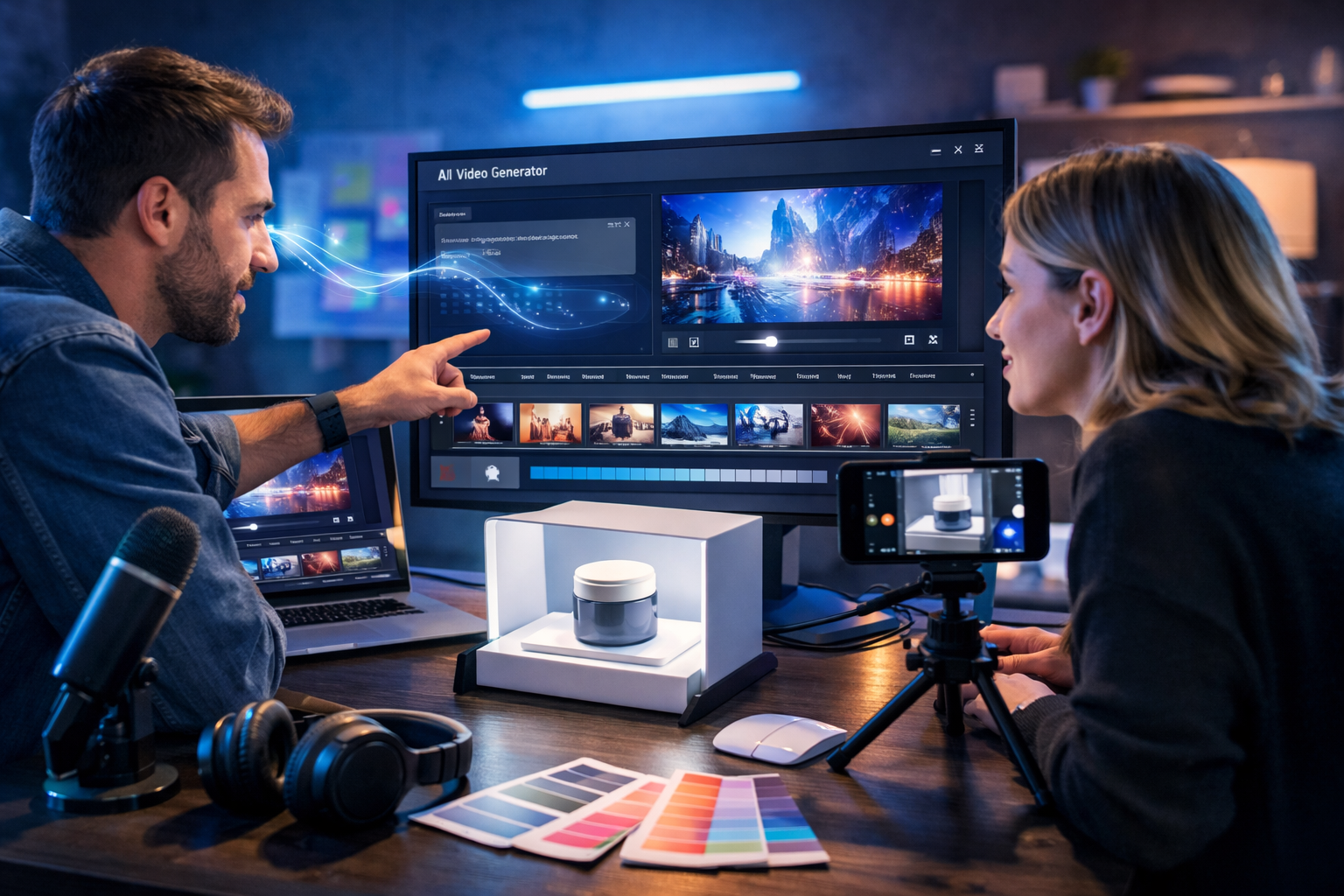
If you’re searching for the best AI marketing video generator, you’re probably trying to do two things at once: speed up production and improve results. The challenge is that many “AI video” tools only solve one part of the workflow (scripts, visuals, editing, or voice) and you still end up stitching everything together. This guide explains what actually matters for marketing performance, how to compare tools, and how to build conversion-focused videos quickly using an all-in-one platform.
What “best” means for an AI marketing video generator
Marketing video isn’t judged by cinematic quality alone. The best AI marketing video generator is the one that reliably produces clear messaging, brand-consistent visuals, and platform-ready formats—with minimal manual editing. In practice, “best” usually means it helps you:
- Create multiple variations (hooks, offers, CTAs) fast, so you can test what works.
- Maintain consistent brand style across videos, images, and copy.
- Produce videos that feel natural: smooth pacing, readable on mobile, and aligned voice-over.
- Reduce costs: fewer tools, fewer freelancers, less time per asset.
That’s why all-in-one creation matters. With Gen AI Last you can generate the script, storyboard visuals, voice-over, and the final marketing video in one place using our AI content tools, starting from simple prompts.
Key features to look for (and what to ignore)
When comparing options, don’t get distracted by novelty features. Focus on capabilities that impact real-world marketing output.
1) Script-to-video workflow (not just “text to video”)
A true marketing workflow starts with positioning: who it’s for, what problem it solves, and why act now. The best tools help you go from structured script → scenes → timing → final export. If a generator only turns a paragraph into generic footage, you’ll still need to rewrite and re-edit.
Gen AI Last includes AI text generation for hooks, value propositions, and calls-to-action—useful when you need 10 variations for the same offer.
2) Brand consistency across visuals
Marketing performance improves when people recognise you quickly. Look for AI image generation that can produce consistent visual themes for thumbnails, product shots, and background scenes. If your images and video scenes look like they came from different brands, your ads feel less trustworthy.
With Gen AI Last, you can generate supporting marketing visuals—social graphics, banners, product-style images—then align your video scenes to match the same look and feel.
3) Voice-over and audio that matches the message
Voice makes or breaks credibility. The best AI marketing video generator should support clean AI audio generation for voice-overs, narration, and background music. Without audio tools, you end up exporting video and searching elsewhere for voice, music, and mixing.
Gen AI Last supports AI audio generation for voice-over and narration, which is ideal for explainers, product walkthroughs, and UGC-style ad reads.
4) Formats built for performance (Reels, Shorts, ads, landing pages)
The platform you post on determines the creative rules: fast hook, big captions, tight pacing, and a clear CTA. Prioritise tools that help you create multiple versions for different placements. Even the “best” video looks average if it’s the wrong aspect ratio or pace.
5) Speed, iteration, and cost
Marketing teams win by iterating. A tool is only “best” if you can afford to run it continuously and produce enough variations to learn what works. Gen AI Last is designed for startups and small teams: all text, image, audio, and video generation is included from view pricing from $10/month.
How Gen AI Last fits the “best AI marketing video generator” criteria
Gen AI Last is an all-in-one AI content creation platform that helps you generate professional text, images, audio, and video from simple prompts. For marketing teams, the advantage is the unified workflow: you can ideate, draft, produce, and export assets without juggling multiple subscriptions.
- AI Text Generation: blog posts, product descriptions, email campaigns, social media copy (ideal for hooks, scripts, and CTAs).
- AI Image Generation: marketing visuals, product photos, social graphics, banners (useful for thumbnails and scene assets).
- AI Video Generation: marketing videos, product demos, social reels, explainer videos (your core outputs).
- AI Audio Generation: voice-overs, podcast audio, background music, narration (finishes your videos professionally).
If your goal is to consistently publish ads and social video, the “best” choice is the one that removes friction at every stage—especially scripting and voice, where most bottlenecks occur.
A practical framework: choosing the best AI marketing video generator for your use case
Use this quick decision framework to avoid buying the wrong tool.
Step 1: Define the job your video must do
Different marketing videos have different success criteria. Clarify your primary goal first:
- Direct-response ad: clear offer, fast hook, proof, CTA.
- Explainer video: simplifies a complex product, builds trust, reduces churn.
- Product demo: shows how it works in under 60–90 seconds, removes doubts.
- Social reel: high retention, trend-aware, snackable, consistent posting.
Once the job is defined, you can create the right script structure and scene plan.
Step 2: Test script quality before you test video output
Many teams judge tools by visuals first, but the script drives conversions. Use AI text generation to create three angles, then pick the best:
- Pain-led: “Still spending hours editing ads?”
- Outcome-led: “Publish 10 variations this week without hiring.”
- Proof-led: “Here’s the before/after creative in 30 seconds.”
With Gen AI Last, you can generate multiple hooks, voice-over scripts, and CTA options quickly, then feed the winner into video creation.
Step 3: Ensure the tool supports your content engine
The best AI marketing video generator should plug into your weekly output plan, for example:
- 3–5 short videos per week for organic social
- 2–4 ad variations per offer (hook and CTA changes)
- 1 explainer per month for landing pages or onboarding
If your tool pricing or workflow punishes iteration, it won’t be “best” for marketing—even if the output looks good.
How to create a high-converting marketing video using Gen AI Last (step-by-step)
Here’s a repeatable process you can use for ads, reels, and product demos.
1) Write a one-sentence brief
Start with: Audience + problem + promise + proof + CTA.
Example brief: “For solo ecommerce founders who need more sales from paid social, create a 30-second video showing how our product photos and short demos increase conversion, include a limited-time offer and a clear ‘Try it today’ CTA.”
2) Generate the script (3 variants)
Use AI text generation to produce three scripts with different hooks and structures. Keep the best parts and combine them.
- Hook (0–2s): a bold claim or common frustration
- Value (2–15s): what it does and who it’s for
- Proof (15–25s): stats, testimonials, demo steps, or before/after
- CTA (25–30s): one action, one destination
3) Build scene ideas and supporting visuals
Turn each script beat into a scene. Then generate matching visuals (thumbnails, product-style shots, backgrounds) with AI image generation. This is especially useful if you don’t have a full content library yet.
Example scenes for a SaaS tool: problem montage → dashboard close-up → “before/after” metrics card → testimonial quote screen → CTA end card (no clutter).
4) Create the voice-over and background audio
Generate a voice-over that matches your brand tone (friendly, premium, energetic, calm). Keep sentences short for mobile listening. Add light background music only if it supports clarity; avoid overpowering speech.
With Gen AI Last, AI audio generation helps you produce narration and supporting audio without leaving the platform.
5) Generate the marketing video and export variants
Use AI video generation to assemble the final cut, then export multiple variants:
- Variant A: strongest pain-led hook
- Variant B: outcome-led hook
- Variant C: proof-led hook
This is where AI wins: you’re not betting on one creative—you’re running a structured experiment.
Example prompts you can copy (ads, demos, reels)
The quality of your prompt affects speed and output consistency. Here are practical templates you can adapt.
Prompt for a 30-second direct-response ad
Prompt: “Create a 30-second marketing video for [product] targeting [audience]. Tone: [energetic/confident]. Structure: 2-second hook, 10-second value, 10-second proof, 8-second CTA. Include 5 scenes with fast pacing, mobile-first framing, and clear visual focus. Voice-over script included. End with a strong CTA to [action].”
Prompt for a product demo (45–60 seconds)
Prompt: “Generate a 60-second product demo video showing how to achieve [outcome] using [product]. Include step-by-step scenes: setup, core feature, result, and next step. Use a calm, helpful voice-over. Emphasise one key benefit per scene.”
Prompt for a social reel (15 seconds)
Prompt: “Create a 15-second social reel for [offer] with a punchy hook, quick cuts, and an on-screen CTA. Style: modern, minimal, high contrast. Prioritise retention and clarity. Deliver 3 hook options and 2 CTA options.”
Quality checklist: how to judge AI-generated marketing videos
Use this checklist before you publish. It will raise conversion rates more than chasing fancy effects.
- Hook clarity: Can a viewer understand the topic in 2 seconds with sound off?
- One message per scene: No cramming. Each scene should earn its place.
- Proof: Demo, numbers, testimonial, or comparison—something tangible.
- CTA: One action (not three), with urgency or a clear next step.
- Brand feel: Consistent colours, tone, and visual style across variants.
- Mobile-first: Large focal point, readable pacing, minimal clutter.
Common mistakes when using an AI marketing video generator
AI speeds up production, but it doesn’t replace marketing fundamentals. Avoid these frequent pitfalls:
- Starting with visuals instead of the offer: If the offer isn’t compelling, the video won’t save it.
- Trying to say everything: One promise per video; create follow-ups for the rest.
- Ignoring iteration: Publish multiple variants and let performance data guide you.
- Overusing effects: Clarity beats complexity; keep edits purposeful.
- Tool sprawl: Switching between separate script, image, voice, and video tools wastes time and breaks consistency.
A simple weekly workflow for small teams (repeatable)
If you’re a startup or small team, consistency is your advantage. Here’s a lightweight plan you can run every week:
- Monday: generate 10 hooks + 3 scripts for your main offer.
- Tuesday: create 5–8 visuals (thumbnails, backgrounds, product-style shots).
- Wednesday: generate voice-overs and assemble 3–5 video variants.
- Thursday: publish 2–3 organic videos; launch 1–2 ad tests.
- Friday: review retention and click-through; iterate on the best hook and first 3 seconds.
Gen AI Last supports this end-to-end workflow inside one platform, which is especially valuable when you’re resource-constrained but need steady output.
Pricing: what you should expect to pay
Some video tools charge separately for scripts, voice, and exports. For marketing, that can turn “testing” into a budgeting problem. Gen AI Last keeps it straightforward: all plans include full access to text, image, audio, and video generation, starting from $10/month (with discounted 6-month and annual options). You can view pricing from $10/month and scale usage as your content engine grows.
FAQ: best AI marketing video generator
What is the best AI marketing video generator for small businesses?
For small businesses, “best” usually means fast iteration + all-in-one creation (script, visuals, voice, and video) at a price that supports frequent testing. Gen AI Last is built for that, with full access from $10/month.
Can AI-generated videos actually convert?
Yes—if the offer is clear and the first seconds grab attention. Focus on hook clarity, proof, and a single CTA. Use AI to produce multiple variants quickly, then keep what performs best.
Do I need separate tools for scripts, thumbnails, and voice-over?
You can, but it slows production and causes brand inconsistencies. An all-in-one platform like Gen AI Last reduces tool switching and helps keep the messaging and visuals aligned across campaigns.
Create your next campaign in one place
The best AI marketing video generator is the one you’ll actually use every week—because it’s fast, consistent, and affordable enough to support testing. Gen AI Last combines AI text, image, audio, and video generation so you can go from idea to publish-ready creative without friction. Explore our AI content tools, or start creating for free and generate your first set of marketing video variants today.
Ready to Create with Generative AI?
Join thousands of creators using Gen AI Last to generate text, images, audio, and video — all from one platform. Start your 7-day free trial today.
Start Free — Try 7 DaysQuick Links
Create AI content from $10/month
View Plans