Best AI Marketing Video Generator: Gen AI Last Guide
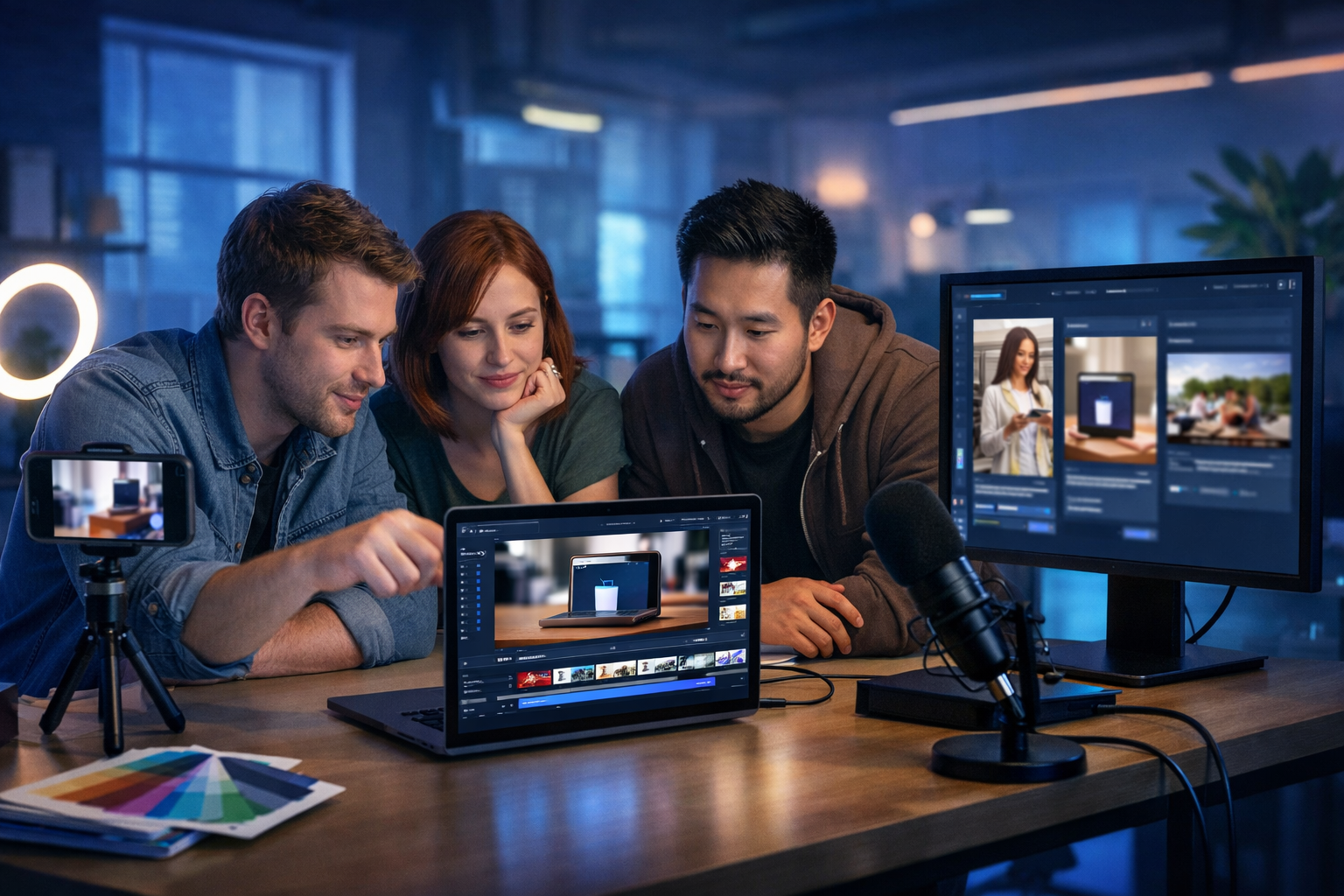
The best ai marketing video generator isn’t the one with the most gimmicks—it’s the one that helps you ship more high-performing videos, faster, with consistent branding and a workflow your team can repeat. Whether you’re creating product demos, social reels, explainer videos, or paid ads, this guide shows what to look for, what to avoid, and how to build a reliable end-to-end pipeline using Gen AI Last.
What “best” really means for an AI marketing video generator
Marketing teams don’t need “a video”. You need a video that fits a channel, a goal, and a measurable outcome—while matching your brand and landing on time. The best ai marketing video generator is the one that reliably supports these outcomes:
- Creates multiple variants quickly (hooks, CTAs, lengths, formats) for testing.
- Keeps brand consistency (visual style, tone, voice-over pacing, messaging).
- Outputs the right aspect ratios (16:9, 1:1, 9:16) for each platform.
- Pairs video with strong copy (scripts, captions, ad text) and supporting assets (images, audio).
- Cuts production cost without sacrificing credibility (especially for small teams).
Gen AI Last is designed around that reality: it’s an all-in-one platform for AI text, image, video, and audio generation—so you can go from idea to published campaign assets in one place. You can explore our AI content tools and build a full pipeline rather than juggling multiple subscriptions.
Quick checklist: features to look for before you choose
Use this checklist to compare any tool claiming to be the best ai marketing video generator. If it fails on the fundamentals, the “wow” features won’t save you when you need reliable output every week.
1) Script-to-video workflow (not just “video effects”)
Marketing videos live or die by structure: hook, problem, solution, proof, CTA. A strong generator supports script-first creation, making it easy to iterate messaging and keep videos aligned to your funnel stage.
- Can it generate a short script for a 15–30 second ad and a longer explainer?
- Can you produce multiple hooks and CTAs without starting from scratch?
2) Multi-format outputs for real channel needs
A “finished” video in the wrong aspect ratio isn’t finished. The best tools support common publishing targets: TikTok/Reels/Shorts (9:16), feed ads (1:1), YouTube and landing pages (16:9).
3) Voice-over, audio, and pacing controls
Even simple videos feel professional when pacing matches the script and the voice-over is clean. Tools that include audio generation (voice-overs and background music) simplify production and reduce vendor costs.
Gen AI Last includes AI audio generation alongside video, so your explainer can ship with narration and music without leaving the platform.
4) On-brand visuals and supporting images
Marketing videos need more than “a moving background”. You’ll often require product shots, lifestyle imagery, icons, or scene-specific visuals. A generator that also handles image creation makes it far easier to produce consistent campaign assets.
5) Speed, repeatability, and collaboration
One-off outputs are not a marketing system. Look for a workflow you can repeat weekly: generate, edit, variant-test, publish. This is where all-in-one tools shine—fewer handoffs, fewer exports, fewer “where did that file go?” problems.
Common use cases (and what your generator must do well)
Different video types require different strengths. Here’s how to map your use case to the features that matter most.
Paid social ads (15–30 seconds)
- Fast hook generation: 5–10 opening lines to test.
- High-contrast, clear framing for mobile viewing.
- Short captions and on-screen pacing that matches scrollers.
Tip: produce at least 3 variants per concept—same offer, different hook and CTA. AI helps you do this without tripling production time.
Product demos (30–90 seconds)
- Clear narrative sequence: problem → feature → result.
- Ability to incorporate product visuals (images or clips) consistently.
- Voice-over or narration that sounds confident and well paced.
Explainer videos (60–120 seconds)
- Script quality and structure is everything.
- Scene transitions that feel intentional, not random.
- Consistent visual style across scenes.
Organic social reels (6–20 seconds)
- Trend-aware formats: quick cuts, direct statements, punchy captions.
- Easy repurposing across platforms.
- Batch creation: produce 10–20 a week from a content plan.
A practical “best ai marketing video generator” workflow (end-to-end)
The fastest way to improve results is to stop treating each video as a bespoke project. Use a repeatable system. Here’s a proven workflow you can run inside Gen AI Last using text, image, video, and audio generation together.
Step 1: Define the campaign goal and audience in one paragraph
Before prompting any tool, write a single paragraph that answers:
- Who is the viewer?
- What problem do they want solved today?
- What is the offer and the proof?
- What action should they take next?
This keeps your outputs consistent across script, visuals, and voice-over.
Step 2: Generate 10 hooks and choose 3 winners
Use AI text generation to produce multiple hook styles: curiosity, pain-point, bold claim, “before/after”, and objection-handling.
Example hook prompts you can use:
- “Write 10 scroll-stopping hooks for a 15-second ad targeting [audience] for [product]. Keep each under 12 words.”
- “Rewrite these 3 hooks in a more direct, confident tone with plain English.”
Then pick 3 hooks to test. This is where most campaigns win: not by making one perfect video, but by quickly finding the message that lands.
Step 3: Turn each hook into a short script (with timestamps)
For each chosen hook, generate a script with simple timing. Keep it tight: 0–3s hook, 3–10s value, 10–15s proof, 15–18s CTA (or adjust for your length).
Example mini-script (15 seconds):
- 0–3s: “Still editing ads at midnight?”
- 3–9s: “Generate on-brand marketing videos from a simple prompt—scripts, visuals, and voice-over.”
- 9–13s: “Make three variants in minutes and test what converts.”
- 13–15s: “Start now and ship your next campaign today.”
Because Gen AI Last includes AI text generation, you can iterate scripts quickly before you render video—saving the most time where it matters.
Step 4: Generate supporting visuals (campaign-consistent)
Next, produce a small set of reusable images that match your brand and theme: one hero scene, one product close-up, one lifestyle use case, and one “proof” visual (for example, dashboard-style imagery or a satisfied customer scenario).
With AI image generation, you can maintain consistent style across the set—so your video scenes look like a single campaign, not a random collage.
Step 5: Create the marketing video (then output variants)
Use your script as the backbone and assemble a video designed for your channel. The “best ai marketing video generator” should make variant output painless:
- Variant A: curiosity hook + proof-based CTA
- Variant B: pain-point hook + urgency CTA
- Variant C: bold claim hook + value-first CTA
Produce in 9:16 for reels/shorts, and a 1:1 cut for feed placements. If you’re driving to a landing page, keep a 16:9 version for your website and YouTube.
Step 6: Add narration and music that matches your brand
Audio is where “AI-made” often becomes “professional”. Choose a steady pace, clean enunciation, and a background track that supports the message rather than overpowering it. Gen AI Last’s AI audio generation makes it easy to add voice-overs and supporting audio without another tool.
Step 7: Generate the supporting copy (captions, headlines, descriptions)
Don’t ship a great video with weak copy. Use AI text generation to output:
- 3 caption options per variant (short, medium, long)
- 5 headline options for ads
- A pinned comment or first-reply CTA
This is one of the biggest advantages of an all-in-one platform: your script, captions, images, video, and audio can be created with one consistent creative brief.
How to evaluate video quality (without being a video expert)
If you’re a founder or marketer (not a video editor), you can still judge output quickly. Use these practical criteria:
- Clarity in the first 2 seconds: Can a viewer understand what it’s about instantly?
- One idea per scene: Overstuffed scenes reduce retention.
- Natural pacing: Does the narration/captions match the visuals?
- Brand consistency: Do colours and style look like the same company?
- Mobile-first legibility: Nothing should require squinting.
- Strong CTA: Is the next step obvious and easy?
Mistakes people make when choosing the “best ai marketing video generator”
Most disappointments come from picking a tool based on a demo clip rather than daily marketing reality. Avoid these common mistakes:
- Choosing a video-only tool and then paying extra for copy, images, and voice-over elsewhere.
- Optimising for novelty instead of speed, repeatability, and output formats.
- Ignoring testing needs: if you can’t generate variants quickly, you’ll test less and learn slower.
- Skipping a creative brief: vague prompts create inconsistent assets and wasted renders.
Why Gen AI Last is a strong choice for marketing teams
If your goal is to create marketing videos that actually ship—and ship consistently—Gen AI Last is built for an end-to-end workflow:
- AI Text Generation for scripts, ad copy, captions, emails, product descriptions, and social posts.
- AI Image Generation for marketing visuals, social graphics, banners, and product-style images.
- AI Video Generation for marketing videos, product demos, social reels, and explainer videos.
- AI Audio Generation for voice-overs, narration, podcast-style audio, and background music.
Most importantly for startups and small teams: every plan includes full access to text, image, audio, and video generation—starting at an affordable price. You can view pricing from $10/month and avoid stacking multiple tool subscriptions just to complete one campaign.
Example: create a week of videos in one batch session
Here’s a realistic batching plan you can complete in a single working session using Gen AI Last.
- Pick one offer (for example: “book a demo”, “start a trial”, “limited-time discount”).
- Generate 15 hooks and select 5.
- Create 5 scripts (each 15–20 seconds) with slightly different angles.
- Generate a consistent image set (hero, product, lifestyle, proof) and reuse across videos.
- Render 5 videos in 9:16 for reels/shorts.
- Clone into 1:1 versions for feed placements.
- Add voice-over and a subtle background track.
- Generate captions (3 per video) and schedule them.
This approach turns “video creation” into a repeatable marketing habit rather than a stressful, last-minute scramble.
Frequently asked questions
What is the best ai marketing video generator for small businesses?
For small businesses, the best option is usually an all-in-one platform that covers scripts, visuals, voice-over, and video—so you’re not paying for multiple tools or managing a complex workflow. Gen AI Last is designed for exactly that: create text, images, audio, and video in one place with pricing that starts at $10/month.
Can AI-generated marketing videos work for paid ads?
Yes—if you focus on message clarity, strong hooks, mobile-first formatting, and testing multiple variants. AI helps you produce more iterations, which is often the difference between an average campaign and a profitable one.
How do I keep AI videos on-brand?
Use a consistent creative brief (tone, audience, value proposition), reuse a small set of campaign visuals, and keep the structure consistent across variants. When your text, images, voice-over, and video are created in the same platform, it’s easier to maintain coherence across assets.
Get started: build your first video campaign today
If you’re looking for the best ai marketing video generator, prioritise a workflow that helps you consistently produce high-quality variants: script, visuals, voice-over, and multi-format exports. Gen AI Last brings those pieces together in one affordable toolkit—ideal for startups, creators, and small marketing teams.
When you’re ready, explore our AI content tools or start creating for free and turn your next campaign into a repeatable system.
Ready to Create with Generative AI?
Join thousands of creators using Gen AI Last to generate text, images, audio, and video — all from one platform. Start your 7-day free trial today.
Start Free — Try 7 DaysQuick Links
Create AI content from $10/month
View Plans