Best AI Marketing Video Generator: Pick the Right Tool
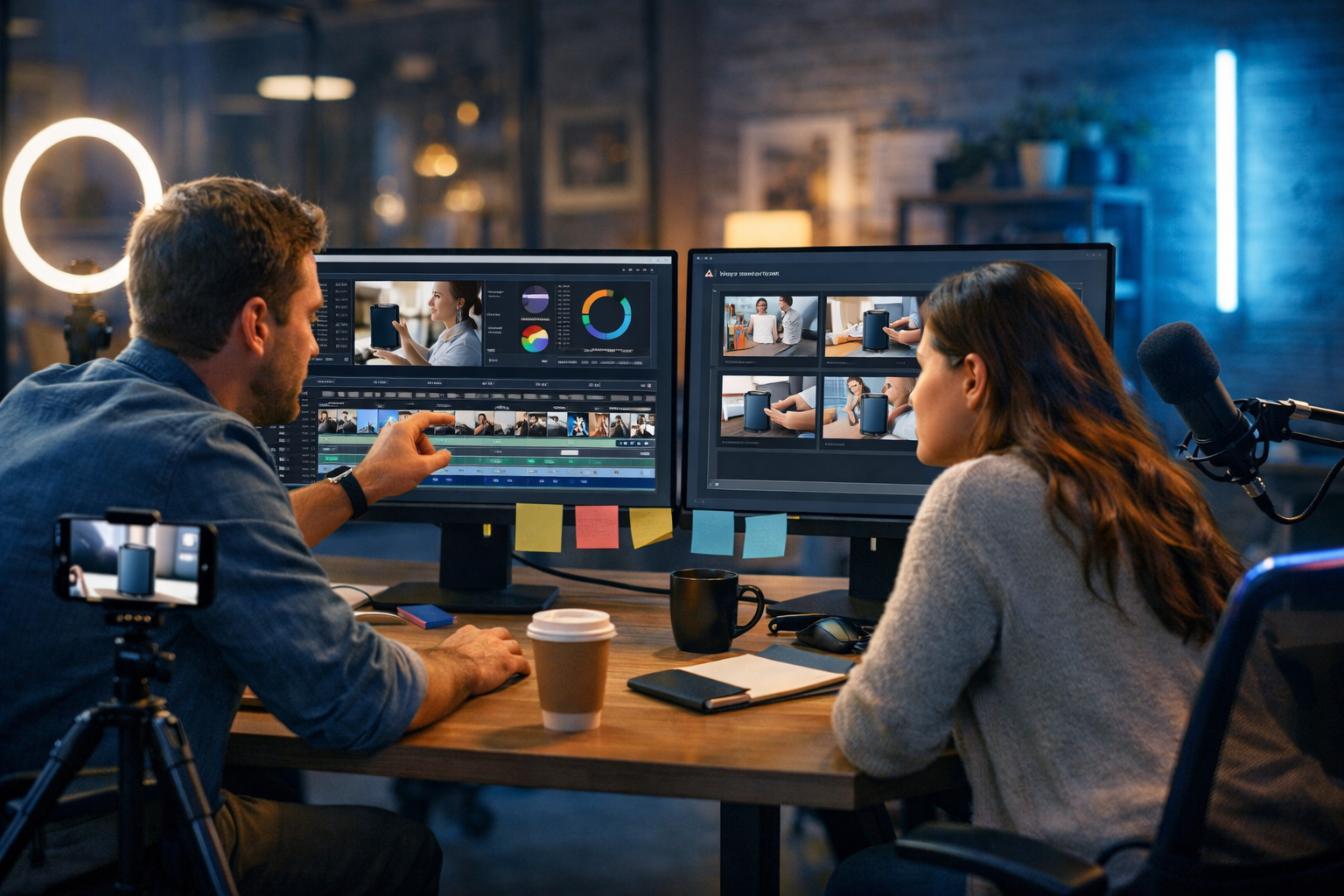
If you’re searching for the best ai marketing video generator, you likely want the same thing most teams want: scroll-stopping videos made quickly, without needing a full production crew. The right tool doesn’t just “make a video” — it helps you plan the message, generate visuals, add a voice-over, and produce multiple variations for different platforms and audiences.
What “best” really means for an AI marketing video generator
There isn’t one universal best tool for every business. The “best” AI marketing video generator is the one that fits your goals, workflow, brand guidelines, and budget — while consistently producing videos that improve clicks, watch time, and conversions.
Before comparing platforms, define what success looks like for you:
- Awareness: short vertical reels, high volume testing, strong hooks in the first 2 seconds.
- Consideration: product demos, explainer videos, benefit-led storytelling, clear proof points.
- Conversion: direct response ads with clear CTA, testimonials, offers, urgency and retargeting variants.
- Retention: onboarding clips, feature updates, help-centre micro-videos.
Key features to look for (and why they matter)
Many tools promise “AI video generation”, but marketing outcomes depend on specific capabilities. Use this checklist to assess any contender for the best ai marketing video generator.
1) Prompt-to-video that matches a marketing goal
The best tools guide you towards a usable ad structure: hook → problem → solution → proof → CTA. If the platform outputs pretty scenes but no persuasive flow, you’ll spend more time rewriting than saving.
2) Multi-format outputs for every channel
A single campaign often needs multiple aspect ratios and lengths:
- 9:16 (TikTok, Reels, Shorts)
- 1:1 or 4:5 (social feeds)
- 16:9 (YouTube, landing pages, presentations)
- 6–15 seconds (ads) and 30–90 seconds (explainers)
A strong generator helps you adapt one core message into multiple versions rather than rebuilding from scratch.
3) Brand consistency: style, visuals and tone
Marketing videos fall apart when the brand voice changes every time. Look for tools that help you keep a consistent visual look (colours, mood, imagery style) and consistent copy tone (playful, premium, technical, etc.).
4) Built-in voice-over and audio options
Voice can make or break performance. A good AI marketing video generator should support voice-overs, narration and background music so you can ship a complete asset. This is where an all-in-one platform can reduce friction: script → voice → visuals → final video.
5) Fast iteration for testing
The “best” tool is often the one that helps you test the most creative angles per week. You want rapid variations of:
- Hooks (question, bold claim, quick demo, surprising statistic)
- Audiences (beginners vs power users; industries; job roles)
- Offers and CTAs (trial, demo, discount, bundle, free guide)
- Visual treatments (UGC-style, studio, minimalist product shots)
6) Cost that fits a startup or small team
Many platforms charge separately for video, image credits, voice, and exports. If your budget is tight, it’s worth prioritising a tool that includes the full workflow. Gen AI Last offers text, image, video, and audio generation from $10/month — designed for teams who need output, not complexity. You can explore view pricing from $10/month.
Why an all-in-one platform often wins for marketing teams
Marketing video creation isn’t just “rendering”. The work is typically split into five steps:
- Concept (angle, audience, offer)
- Script (hook, benefits, proof, CTA)
- Visuals (product shots, lifestyle scenes, graphics)
- Audio (voice-over, music)
- Video (assembly, pacing, versions)
When these steps happen in different tools, you lose time exporting, reformatting, and aligning assets. Gen AI Last is built to keep the workflow connected: generate the script, create supporting images, produce voice-over audio, then generate marketing-ready video variations — all inside one platform. You can explore our AI content tools to see what’s included.
A practical workflow: create a high-converting marketing video in under an hour
Below is a repeatable process you can use whether you’re selling a SaaS product, an e-commerce item, or a local service. The example assumes you’ll build with Gen AI Last, but the structure applies to any serious contender for the best ai marketing video generator.
Step 1: Choose one campaign objective and one audience
Avoid “this video is for everyone”. Pick a single segment and outcome.
- Objective: book a demo
- Audience: small e-commerce owners struggling with product listings
Step 2: Generate 10 hooks (and keep the best 3)
In Gen AI Last, use AI Text Generation to create hook options optimised for short-form video. Ask for different styles: curiosity, pain point, benefit, contrarian, rapid demo.
Example hook prompts you can use:
- “Write 10 punchy hooks for a 15-second video ad promoting [product]. Audience: [audience]. Tone: confident, friendly.”
- “Rewrite these hooks to be more direct-response with a clear outcome and urgency.”
Step 3: Turn the hook into a tight script (15–30 seconds)
A common mistake is overexplaining. For a 15–30 second marketing video, keep it lean:
- 0–2s: hook
- 2–10s: show the problem and the “after”
- 10–20s: 2–3 benefit bullets or proof
- 20–30s: CTA
Example 20-second script (template): “Still spending hours writing product descriptions? With [tool], you generate SEO-ready listings in minutes. Choose a style, add key features, and publish faster. Try it today — create your first batch in under 10 minutes.”
Step 4: Generate supporting visuals that match the script
If you’re not using real product footage, you still need consistent imagery. With AI Image Generation in Gen AI Last, create a coherent set: hero image, lifestyle shot, interface-style scene, or abstract concept visuals that suit your brand.
Tip: Keep lighting and style consistent across scenes (e.g., “soft natural light, modern desk setup, neutral palette”) so the final edit feels like one campaign.
Step 5: Create a voice-over (or captions-first alternative)
Use AI Audio Generation for narration. For performance marketing, clarity beats theatrics. Aim for a confident, friendly tone with slightly faster pacing than normal speech.
Tip: Generate two voice styles: one neutral and one more energetic. Test both — voice can significantly change watch time and conversion rate.
Step 6: Generate the video and export multiple versions
Now use AI Video Generation to assemble the story into a final asset. Export at least three variations:
- Version A: Hook = pain point question
- Version B: Hook = quick “before/after”
- Version C: Hook = bold claim + proof
This is how you actually “win” with an AI marketing video generator: not one perfect video, but fast, structured testing.
How to compare tools: a simple scorecard
When evaluating the best ai marketing video generator, use a scorecard so you don’t get distracted by flashy demos. Rate each tool 1–5 on:
- Output quality: does it look credible for your brand and industry?
- Speed: how long from idea to export?
- Ease of iteration: how fast can you create 10 variants?
- All-in-one workflow: script + visuals + voice + video in one place?
- Total cost: credits, exports, and add-ons included?
- Marketing fit: templates/structures that encourage hooks, CTAs and proof?
If you’re a startup or small team, “all-in-one workflow” and “total cost” often matter as much as pure visual quality — because consistency and volume are what drive learning and results.
Common mistakes that make AI marketing videos underperform
Even the best tool can’t fix a weak strategy. Avoid these frequent issues:
Mistake 1: Starting with features, not outcomes
“We have X feature” is rarely the best opener. Start with what the customer gets: time saved, revenue gained, stress removed, risk reduced.
Mistake 2: No proof
Add at least one credibility element: a mini demo, a specific result, a testimonial snippet, or a clear “how it works” step.
Mistake 3: Too many messages in one video
One video, one core promise. If you have three promises, make three videos and test them.
Mistake 4: No platform-native adaptation
A YouTube explainer and a TikTok ad are different species. The best ai marketing video generator helps you produce platform-specific variants quickly — but you still need to choose the right structure for each channel.
Example: 3 high-performing video angles you can generate today
Use these as starting points inside Gen AI Last. Swap in your product and audience details.
Angle 1: “Stop doing it the hard way” (pain-to-relief)
Best for: productivity tools, SaaS, services.
- Hook: “If you’re still [manual process], you’re wasting hours every week.”
- Body: show quick before/after workflow.
- CTA: “Try it today and ship your next [output] in minutes.”
Angle 2: “3 reasons people switch” (comparison-style)
Best for: competitive markets where buyers are comparing tools.
- Hook: “Thinking of switching from [old way]?”
- Body: 3 crisp benefits with visual reinforcement.
- CTA: “See it in action — start now.”
Angle 3: “Micro-demo” (show, don’t tell)
Best for: products with a clear transformation (design, content, editing, analytics).
- Hook: “Watch this go from blank to done in 15 seconds.”
- Body: fast screen-style sequence: prompt → result → publish.
- CTA: “Create yours today.”
Why Gen AI Last is a strong choice for marketing video generation
If your definition of “best ai marketing video generator” includes the entire content pipeline, Gen AI Last is designed for exactly that. Instead of paying for separate tools (copywriting, image creation, voice, and video), you can create complete campaigns in one place:
- AI Text Generation for scripts, hooks, ad copy, emails and landing page sections.
- AI Image Generation for marketing visuals, product-style images, social graphics and banners.
- AI Video Generation for marketing videos, product demos, social reels and explainers.
- AI Audio Generation for voice-overs, narration, podcast audio and background music.
Most importantly for startups: all features are available from $10/month, making it practical to run continuous creative testing rather than producing one-off videos. If you want to see what you can build, start creating for free.
FAQ: best ai marketing video generator
What type of marketing videos can AI generate?
Common outputs include short-form social ads, product demos, explainer videos, UGC-style reels, onboarding clips, and promotional videos for landing pages. The best results come from clear prompts and a tight script structure.
Do I still need a script if I’m using AI video?
Yes. Even if the tool can generate scenes automatically, a strong script is what drives conversions. Using Gen AI Last, you can generate multiple scripts (and hooks) quickly, then produce several video variants to test.
Is an all-in-one tool better than using separate apps?
For many small teams, yes. When text, images, audio, and video are generated in one platform, you reduce export headaches and speed up iteration. That usually leads to more testing and better campaign performance.
How do I know if my AI video ads are working?
Track hook rate (3-second views), average watch time, click-through rate, and conversion rate. Run A/B tests on hooks and CTAs before changing everything at once.
Next steps: build your first campaign the smart way
The best ai marketing video generator isn’t just about visuals — it’s about reliably producing conversion-focused variants at a pace your competitors can’t match. Start with one product, one audience, and three angles, then iterate weekly based on performance.
To create scripts, visuals, voice-overs and marketing videos in one place, explore our AI content tools, check view pricing from $10/month, or start creating for free.
Ready to Create with Generative AI?
Join thousands of creators using Gen AI Last to generate text, images, audio, and video — all from one platform. Start your 7-day free trial today.
Start Free — Try 7 DaysQuick Links
Create AI content from $10/month
View Plans